 ProMapRanker
Best Local SEO Tools for Woodworking Shops in 2026

Listing management for one shop or a small service area · Pricing starts at: See website
Direct answer
Advice Local is my top pick for woodworking shops because it puts your name, address, phone, hours and service area in one dashboard and pushes corrections to the directories that matter for a shop that serves a town or region. Pricing is quote-based, so check its pricing page. For review requests after a custom build, look at GatherUp; for local rank tracking around your service area, SE Ranking is a sensible second option.
I compared these tools from vendor documentation and public sources, not from hands-on testing. I looked at what each tool actually does for a small local business, how the workflow fits a shop that books jobs by phone and email, and where the limits sit. The order reflects fit for a woodworking shop first, then breadth of features.
Key takeaways
- A woodworking shop usually competes in a small radius, so consistent listings and a complete Google Business Profile matter more than a large content program.
- Listing management tools save time when your address, hours or service area changes, because you fix data once and it syncs outward.
- Review request tools help you collect feedback after a finished install or furniture delivery, which is when customers are most willing to write.
- Local rank tracking shows whether you appear for terms like "custom cabinets" or "woodworking shop near me" in the towns you actually serve.
- Call tracking helps you see which listings and pages bring phone calls, which is how many woodworking jobs start.
Quick comparison
| Pick | Great for | Pricing starts at | Free tier | |
|---|---|---|---|---|
| Advice Local | Listing management for one shop or a small service area | See website | Not stated | Visit |
 GatherUp | Collecting reviews after finished jobs | See website | Not stated | Visit |
 SE Ranking | Tracking local rankings across nearby towns | See website | Free trial | Visit |
 Localo | Managing a Google Business Profile day to day | See website | Free trial | Visit |
 Uberall | Listing control for shops with more than one location | See website | Not stated | Visit |
 CallTrackingMetrics | Seeing which listings and pages generate phone calls | See website | Free trial | Visit |
 Trustpilot | A public review profile customers can check | See website | Free plan | Visit |
The best local SEO tools for woodworking shops compared
Advice Local
Great for: Listing management for one shop or a small service area
Advice Local is a listing management platform. You enter your business name, address, phone, hours, categories and service area once, and the tool distributes and monitors that data across directories and data aggregators. For a woodworking shop that serves several nearby towns, that is useful because your service area description has to stay consistent everywhere.
The workflow fits a shop owner well. You set your core data, connect your Google Business Profile, and then review the listings the tool finds. When you move to a bigger workshop or add a second phone line, you update the record once instead of chasing a dozen directory forms. The dashboard also flags listings that disagree with your master record.
The limit is pricing. Advice Local does not publish a simple price list, so you have to ask for a quote. If you run a one-person shop and only want to fix a handful of listings, a cheaper single-purpose tool may be enough. Skip it if you want a fully self-serve checkout.
- Central listing dashboard
- handles data sync across many directories
- built around local business data
- Quote-based pricing
- no public self-serve price list
GatherUp is a customer feedback and review request tool. You import customers, send a request after a job, and route happy customers toward a public review while catching unhappy feedback privately first. That last part matters for a shop that does custom work, where a small misunderstanding about a finish or a delivery date can turn into a public complaint.
For woodworking, the timing is the useful part. A request sent the day a dining table is delivered or a cabinet run is installed tends to get a response, because the customer is looking at the finished piece. You can set up a template that mentions the specific job, which reads better than a generic ask.
The limit is volume. If you finish two or three jobs a month, a manual ask may be simpler. GatherUp earns its place when you have enough completed jobs to justify a repeatable request process. Pricing is quote-based, so confirm the plan level before you commit.
- Review request campaigns by email and SMS
- feedback inbox in one place
- supports multiple review sites
- Needs a steady flow of finished jobs
- pricing is quote-based
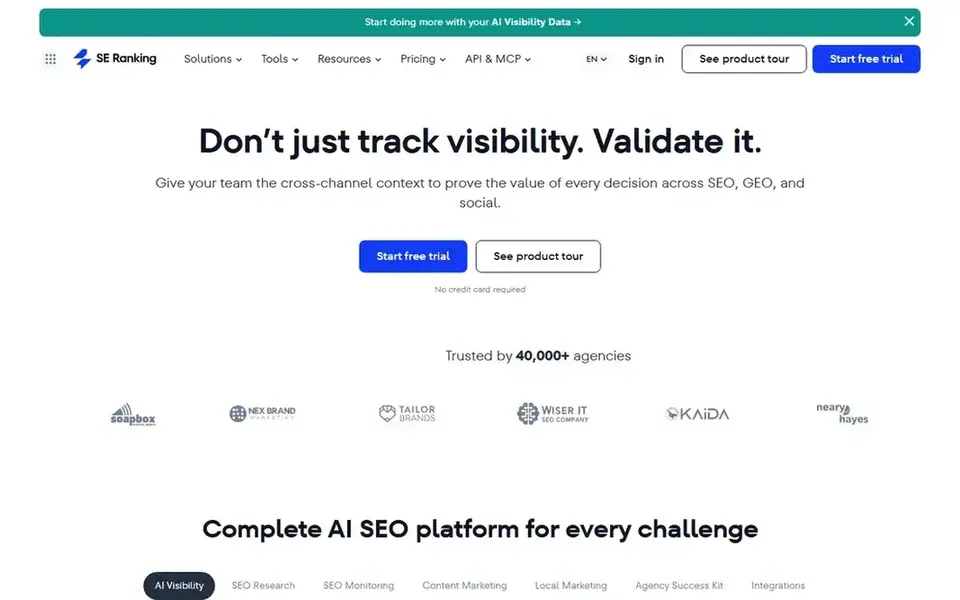
SE Ranking is an SEO platform with rank tracking, site audits and competitor analysis. The reason it belongs here is location targeting: you can track where you rank for terms like "custom cabinets" or "woodworking shop" in specific towns rather than a single national position. For a shop whose customers come from a defined radius, that is the number that matters.
The practical use is checking whether your Google Business Profile and site pages show up in the towns you serve. If you rank in your own town but not the next one over, that tells you where to add a service-area page or where to ask for more local reviews. You can also watch a competitor's positions.
The limit is scope. A woodworking shop rarely needs deep technical SEO reporting, and the local features are not all in the cheapest plan. Skip it if you only want to check your Google Maps position once a month, since a free manual check may cover that.
- Rank tracking with location targeting
- competitor tracking
- site audit tools included
- Local-specific features sit in higher tiers
- more than a small shop needs at entry level
Localo is built around Google Business Profile management. You connect your profile, then use the tool to plan posts, add photos, track local rankings and review profile completeness. For a woodworking shop, that means you can keep the profile active with photos of finished pieces without logging into Google every time.
The photo workflow is the part I would use most. A shop has a natural stream of project photos, and posting them regularly gives the profile fresh content. Localo lets you queue those and check whether the profile has gaps, like missing service categories or an incomplete description.
The limit is that it is a focused tool. It will not manage citations across directories or handle review requests in depth. If you want one dashboard for everything, this is not it. It fits a shop owner who wants the Google profile handled well and nothing more.
- GBP-focused dashboard
- post and photo scheduling
- simple rank tracking for local terms
- Narrower than a full SEO suite
- fewer integrations than larger platforms
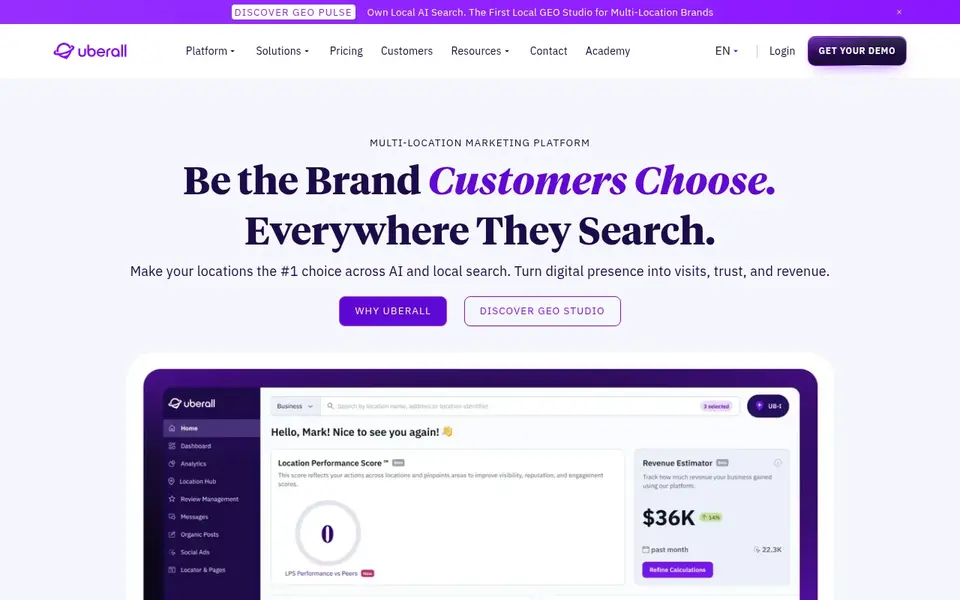
Uberall is a location marketing platform that covers listings, review management and local landing pages. It is designed for businesses with several locations or a franchise setup, and it handles directory sync at scale. A woodworking shop with one workshop and a showroom, or a small chain of shops, would be the target user.
The value is consistency. If you have a shop address and a separate showroom, each with its own hours, Uberall keeps both records correct across directories. It also gives you a single place to see reviews across locations, which helps when different staff handle different sites.
The limit is size. A single-location shop will likely find Uberall heavier and more expensive than needed. Pricing is quote-based, so ask directly. If you have one address and a service area, Advice Local is a better fit.
- Listings, reviews and local pages in one platform
- strong directory coverage
- good for multi-location
- Built for larger businesses
- quote-based pricing
- may be more than a single shop needs
CallTrackingMetrics
Great for: Seeing which listings and pages generate phone calls
CallTrackingMetrics is a call tracking platform. You assign tracking numbers to pages, listings or campaigns, and the tool records which source produced each call. For a woodworking shop, where most jobs start with a phone call about a quote, that answers a question listings alone cannot: which directory or page actually brings calls.
The setup needs thought. If you use a tracking number on your Google Business Profile, make sure it matches the number Google expects or use the tool's guidance for local listings. The tool supports routing and recording, which helps if you want to review how quote calls are handled.
The limit is complexity. A small shop may not want to manage extra numbers and call flows. Skip it if you already ask every caller how they found you and track that in a notebook. It earns its place when you spend on listings or ads and want to know what works.
- Call tracking with source attribution
- call recording and routing
- works with ads and organic listings
- Setup takes time
- call tracking numbers can complicate listings if not planned
Trustpilot is a review platform with a public business profile. Customers can leave reviews there, and you can display them on your site. For a woodworking shop, it works as a secondary review source alongside Google, useful when a customer wants to check you beyond Maps.
The practical use is a review invite after a completed job, pointing customers to your Trustpilot profile. The free plan lets you claim a profile and respond to reviews, while paid plans add invitation tools and display options. Keep the invites honest and never filter who gets asked.
The limit is relevance. Local searches mostly surface Google reviews, so Trustpilot should sit behind your Google review effort, not replace it. Skip it if your customers are all local and already review you on Google. It fits shops that sell furniture or kits beyond their own town.
- Recognized review profile
- free plan to start
- review invites on paid plans
- Not a local listings tool
- review volume depends on customer flow
How I chose
I started from vendor documentation and public sources for each tool, then checked what the product actually does for a small local business. I did not run hands-on tests, so I am not claiming performance results. Instead I read feature pages, help docs and public descriptions, and I matched each tool to a job a woodworking shop actually does: keeping listings correct, asking for reviews after a build, tracking local rankings, managing a Google profile, and seeing which calls come from where.
The second filter was fit and limits. A tool built for franchises can be wrong for a one-person workshop even if it is well made, and a cheap single-purpose tool can beat a suite when you only have one problem to solve. I noted where pricing is quote-based and where a free plan or trial exists, based on what the vendor states publicly. Where I was not sure, I said so rather than guess. The order reflects usefulness for a typical shop, not a ranking of overall quality.
What to check before you buy
- Confirm the tool syncs the directories that matter in your area, not just the biggest national ones.
- Check whether your service-area setup (towns you cover, not just your workshop address) is supported.
- Ask how the tool handles a Google Business Profile with a separate showroom address and different hours.
- Confirm review request features follow Google's rules: no review gating, no incentives for positive reviews.
- Check whether call tracking numbers will conflict with the phone number on your Google profile.
- Ask for the real monthly cost at your volume, since several of these tools are quote-based.
Frequently asked questions
Do I need a listing management tool if I only have one workshop?
Not always. If your name, address, phone and hours are stable and you have claimed the main directories, manual checks may be enough. A listing tool earns its place when data changes, when you serve several towns, or when you find listings that disagree with each other and want one place to fix them.
How should a woodworking shop ask for reviews?
Ask after the job is finished and the customer has seen the work, by email or text, with a direct link to your Google review form. Do not offer discounts for reviews, do not ask only happy customers, and do not write reviews yourself. A short personal message that mentions the specific piece reads better than a generic template.
Is local rank tracking worth it for a small shop?
It can be, if you serve more than one town. Tracking your position for terms like "custom cabinets" in each town shows where you are visible and where you are not. If all your customers come from one town and you already rank well there, a monthly manual check may be enough.
Can I use call tracking on my Google Business Profile number?
Yes, but plan it. Google expects the primary number on your profile to reach your business directly. Some call tracking tools provide guidance for local listings, and some shops use the tracking number only on their website and ads. Check the tool's documentation before you swap the number on your profile.
Do these tools replace a Google Business Profile?
No. Your Google Business Profile is the source of truth for how you appear on Maps and in local results. Listing tools push your data to other directories and help you stay consistent, and review tools help you collect feedback. You still need to claim, verify and maintain the profile itself.
Sources
See where you really rank - block by block
ProMapRanker scans Google Maps across a grid of your service area. Simple monthly plans from $19, white-label on every plan.
Start freeBrowse all guides
← Best Local SEO Tools for Video Production Companies in 2026Best Reputation Management Software for Cell Phone Stores in 2026 →
 best local seo tools for surf shops
Best Local SEO Tools for Surf Shops in 2026
A practical guide to the best local SEO tools for surf shops in 2026, covering listings, reviews, rank tracking and Google Business Profile management.
Read → best local seo tools for shed builders
Best Local SEO Tools for Shed Builders in 2026
A practical guide to the best local SEO tools for shed builders in 2026, covering listing management, reviews, rank tracking and call tracking.
Read → best local seo tools for plant nurseries
Best Local SEO Tools for Plant Nurseries in 2026
A practical guide to the best local SEO tools for plant nurseries in 2026, covering listings, reviews, rank tracking and call tracking.
Read → google business profile audit
Google Business Profile Audit: A Free 30-Point Self-Audit
Run a free 30-point Google Business Profile audit to spot the gaps holding your rankings back, no signup required.
Read → what is solv local seo
What Is SoLV in Local SEO? Share of Local Voice Explained
SoLV (Share of Local Voice) measures how visible you are across a grid. Learn what it is and how to improve it.
Read → local seo for security system installers
Local SEO for Security System Installers
A local SEO guide for security system installers: Google Business Profile setup, reviews, and trust-building local SEO for security companies.
Read →More in Local SEO & Google Maps · All guides A to Z by date · Latest guides