 ProMapRanker
Best Local Rank Tracking Tools for Countertop Installers in 2026

Grid-based local rank tracking · Pricing starts at: See website
Direct answer
Local Dominator is my first pick for countertop installers because its grid-based rank tracking shows how you place across a whole service area, not just at one pin. Pricing is quote-based, so check its pricing page. If you also need listings cleanup, Moz Local fits; if review requests matter more, Broadly fits. Countertop work is won by suburb, so map-grid visibility is the core need.
I compared these tools from vendor documentation and public sources, not from hands-on tests. I looked at what each one tracks, how it handles map grids, and whether the extra features fit a countertop installer who sells in several towns. The notes below are about fit, not lab results.
Key takeaways
- Countertop installers compete suburb by suburb, so a grid view of rankings matters more than a single city-wide number.
- Google Business Profile signals drive most local map visibility, so pick a tool that tracks profile changes alongside rank.
- Review volume and recency affect map pack placement, so review tools belong in the same stack as rank tracking.
- Service-area businesses should track the towns they actually install in, not just the city where the shop sits.
- Check whether a tool tracks Google Maps grid points, since a single keyword position hides weak suburbs.
Quick comparison
| Pick | Great for | Pricing starts at | Free tier | |
|---|---|---|---|---|
| Local Dominator | Grid-based local rank tracking | See website | Not stated | Visit |
 Moz Local | Listings management with local visibility | See website | No free plan | Visit |
 Broadly | Review requests and reputation | See website | Not stated | Visit |
 Synup | Multi-location local marketing | See website | Not stated | Visit |
 Whitespark | Citation building and local rank checks | See website | Not stated | Visit |
 BrightLocal | Local SEO reporting and audits | See website | Free trial | Visit |
 CallRail | Call tracking from map listings | See website | Free trial | Visit |
The best local rank tracking tools compared
Local Dominator is built around local rank grids. Instead of one position for "countertop installer," it shows rankings across a spread of map points, which suits an installer whose jobs come from several neighbouring towns. You can see where you are strong and where a competitor outranks you a few miles away.
For countertop work, that matters because a homeowner in one suburb may see a different map pack than a homeowner two towns over. You can set the grid around your showroom and the towns you install in, then watch how profile changes, new reviews and listing edits move those points over time.
The limits are practical: pricing is quote-based, so you need to ask, and the tool assumes you already understand local SEO basics. If you only want a single keyword position and nothing else, a simpler checker may be enough.
- Map-grid rank views
- tracks Google Business Profile signals
- useful for service-area targeting
- Pricing is quote-based
- interface takes some learning
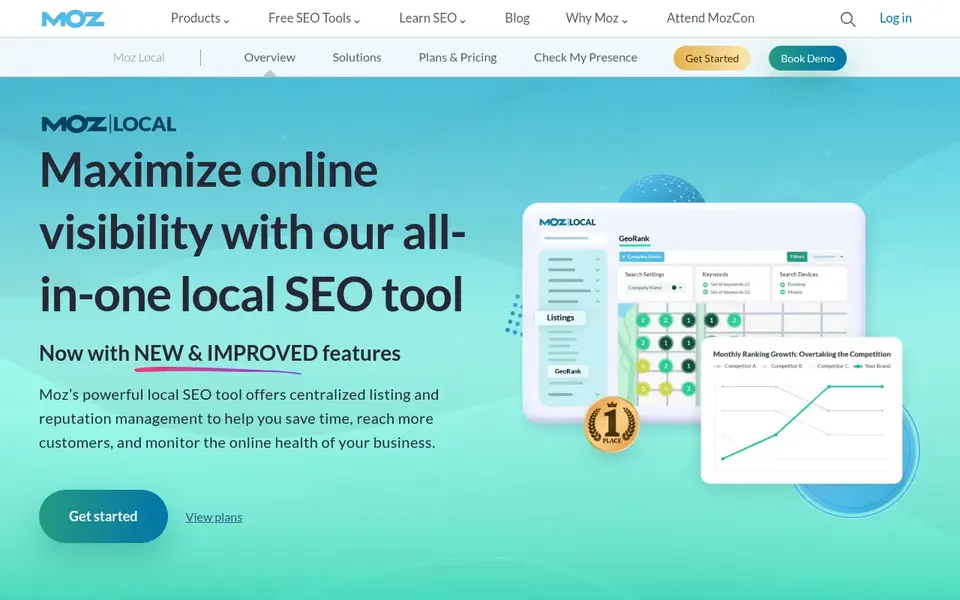
Moz Local focuses on getting your business data consistent across directories and showing a local visibility picture. For a countertop installer, consistent name, address and phone data across listings supports the Google Business Profile, which in turn affects map rankings.
It fits best when your listings are messy or duplicated, which is common for installers who have moved yards or changed phone numbers. Clean data plus a visibility score gives you a baseline, and you can pair it with a grid tracker for the day-to-day rank view.
Skip it if you mainly want suburb-level rank grids; Moz Local is a listings and visibility tool first, and it has no free plan.
- Listing distribution across major directories
- local visibility score
- ties into Moz's wider toolset
- Not a deep map-grid rank tracker
- paid only
Broadly is a reputation and customer communication tool. It sends review requests after a job and collects replies in one inbox. For countertop installers, a review request timed after the install and template send is a natural fit, because the customer has just seen the finished work.
Reviews feed map pack placement, so a steady flow of honest requests supports the rankings you track elsewhere. The tool also handles web chat and messages, which helps capture quote enquiries from your site.
It is not a rank tracker, so treat it as the review half of your stack. If you want one tool that does everything, it will not cover grid tracking.
- Automated review requests
- inbox for customer messages
- web chat for lead capture
- Rank tracking is not the core focus
- pricing needs a quote
Synup bundles listings management, review monitoring and local landing pages with location-level reporting. A countertop installer with one showroom and a service area may find it heavier than needed, but it suits a business with several branches or a franchise model.
The reporting angle is useful if you want to show how each town or branch performs. You can keep local pages for the towns you serve and monitor reviews in the same dashboard.
The main limit is scale: setup and cost suit multi-location operations, and a one-van installer will likely pay for features they never use.
- Listings, reviews and local pages in one place
- location-level reporting
- built for multi-location brands
- More than a single shop needs
- pricing is quote-based
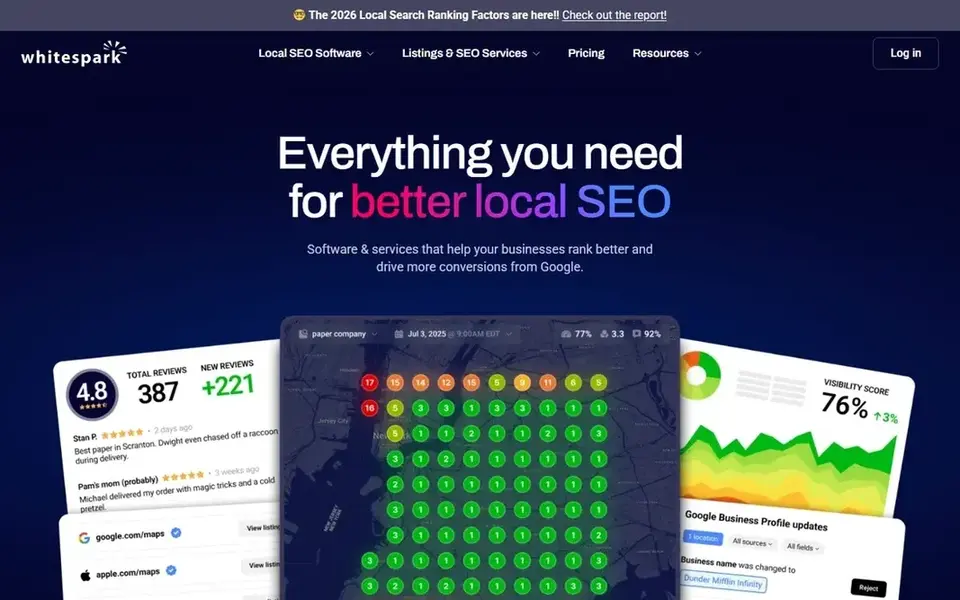
Whitespark is a local SEO toolkit with citation building and a local rank grid checker. For a countertop installer, the citation side helps you get listed in the right local directories, and the rank checker shows map positions across a grid.
It suits an installer or agency that wants to handle citations properly rather than blast listings everywhere. The tools are focused on local search rather than broad marketing automation.
The limit is that features are split across products, so you may pay for several pieces. If you want one dashboard for everything, look elsewhere.
- Citation finder and building
- local rank grid checker
- strong local SEO focus
- Some features are separate products
- not a full marketing suite
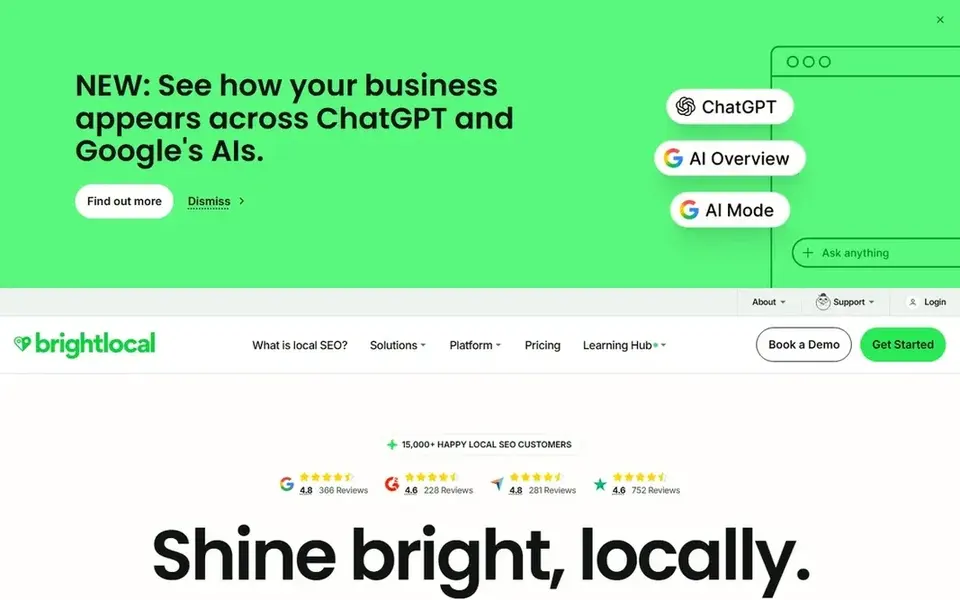
BrightLocal is a well-known local SEO platform covering rank tracking, citations, reviews and reporting. For a countertop installer who wants one place to check rankings and reviews, it covers a lot of ground, and the reporting helps if you hand results to a marketing helper.
You can track keywords by town and review citation gaps in the same account. The free trial lets you see whether the workflow fits before committing.
The limit is that grid-style rank tracking is not in every plan, so check what your tier includes. The feature set is broad, which means time to learn.
- Local rank tracking with grid options
- citation and review tools
- reporting for clients
- Grid tracking sits in higher plans
- broad feature set takes time to learn
CallRail tracks phone calls and shows which source produced them, including calls from your Google Business Profile and website. For countertop installers, most enquiries start as a call or a form, so knowing which listing or page generated the call closes the loop between ranking and revenue.
It pairs well with a rank tracker: you see where you rank, and CallRail shows whether those positions produce calls. Call routing and recording help you handle quote enquiries.
It is not a rank tracker, so it belongs alongside one. If you do not take many calls, the value is lower.
- Tracks calls from Google Business Profile and site
- call recording and routing
- ties calls to marketing source
- Not a rank tracker
- per-number costs can add up
How I chose
I picked these tools by reading vendor documentation and public sources, then judging fit for a countertop installer who sells across several towns. I did not run hands-on tests, and I have not measured results for any installer. What I looked at was the core job: showing map visibility across a service area, plus the supporting pieces like listings, reviews and call tracking that affect local rankings.
I also weighed limits. A tool that only shows one keyword position is weaker for a service-area business than one with a grid view. A listings tool is useful but not a rank tracker. A review tool supports rankings without measuring them. I kept the list to real, currently operating products with public homepages, and I left out anything I could not confirm. Pricing changes, so I point you to each vendor's page rather than quoting figures.
What to check before you buy
- Confirm the tool tracks Google Maps grid points, not just a single city position, so you can see weak suburbs.
- Check whether you can set the grid around the towns you actually install in, not only your showroom.
- Ask whether Google Business Profile signals, such as review count and profile edits, appear in the same dashboard.
- Check if citation and listing cleanup is included or sold separately, since clean data supports map rankings.
- Confirm how many locations and keywords the plan covers, because a service-area business may need several towns.
- Look for call or form tracking so you can connect ranking changes to real enquiries.
Frequently asked questions
What is local rank tracking for a countertop installer?
It is the practice of checking where your business appears in Google Maps and local search results for the towns you serve. Instead of one position for a keyword, a good tool shows positions across map points, so you can see which suburbs you rank in and which need work.
Do I need a grid-based rank tracker if I install across several towns?
Yes, a grid view helps. A single position for "countertop installer" hides the fact that you may rank well near your showroom and poorly two towns away. Grid tracking shows that spread, so you can target the towns where you are close to the map pack.
How do reviews affect my local rankings?
Reviews are one of the signals Google uses for local results, and recency and volume both matter. A steady flow of honest review requests after each install supports your profile. Never offer incentives for reviews or filter out unhappy customers; ask every customer the same way and let them write what they think.
Can I track rankings without paying for a tool?
You can check manually by searching from different locations, but that is slow and hard to compare over time. Some tools offer a free trial, which lets you test the workflow before paying. For a service-area business, a paid grid tracker usually saves time.
Is rank tracking enough on its own?
No. Rankings depend on your Google Business Profile, listings consistency, reviews and the pages on your site. Rank tracking tells you what is happening; listings, review and call tools help you improve it. Treat rank tracking as the measurement layer, not the whole strategy.
Sources
See where you really rank - block by block
ProMapRanker scans Google Maps across a grid of your service area. Simple monthly plans from $19, white-label on every plan.
Start freeBrowse all guides
← Best Local Rank Tracking Tools for Boat Dealers in 2026Best Local Rank Tracking Tools for Courier Services in 2026 →
 best local rank tracking tools for architects
Best Local Rank Tracking Tools for Architects in 2026
A practical guide to the best local rank tracking tools for architects, covering grid tracking, GBP monitoring and review signals for studio visibility.
Read → best listing management software for waterproofing companies
Best Listing Management Software for Waterproofing Companies (2026)
A practical guide to listing management software for waterproofing companies in 2026, with tools compared on listings, reviews and local search fit.
Read → best listing management software for security companies
Best Listing Management Software for Security Companies in 2026
A guide to the best listing management software for security companies in 2026, covering accuracy, service areas, multi-location control and review tools.
Read → local seo for event planners
Local SEO for Event Planners
A local SEO guide for event planners: Google Business Profile setup, reviews, and portfolio-driven local SEO for event planners.
Read → local seo for auto glass repair shops
Local SEO for Auto Glass Repair Shops
A local SEO guide for auto glass repair shops: Google Business Profile setup, reviews, and mobile-service and insurance-claim local SEO.
Read → best free local seo tools
Best Free Local SEO Tools That Are Actually Useful
The best free local SEO tools worth using, including a truly free geo-grid scan.
Read →More in Local SEO & Google Maps · All guides A to Z by date · Latest guides