 ProMapRanker
Best Load Testing Tools in 2026

Key takeaways
- Apache JMeter is a strong starting point for many teams, while the other options cover different budgets and work styles.
- Grafana k6 suits readers who already use its wider ecosystem or need its particular strengths.
- Free plans are useful for a trial, but paid plans usually add the limits, controls, and support that larger groups need.
- Check pricing on the vendor site before you commit, since plans and limits change during the year.
Quick comparison
| Pick | Great for | Pricing starts at | Free tier | |
|---|---|---|---|---|
 Apache JMeter | Broad protocol load testing | Free | Yes | Visit |
 Grafana k6 | Developer-friendly load tests as code | See website | Yes | Visit |
 Locust | Python load testing with a web UI | Free | Yes | Visit |
 Gatling | High-performance scripted tests | See website | Yes | Visit |
 Artillery | API and browser load testing | See website | Yes | Visit |
 BlazeMeter | Managed cloud load testing | $149 per month | Free trial | Visit |
 NeoLoad | Enterprise performance testing | See website | Free trial | Visit |
 LoadRunner | Enterprise protocol and scale testing | See website | Free trial | Visit |
 LoadFocus | Cloud load tests without code | $119 per month | Free trial | Visit |
The best load testing tools
We compared official feature pages, pricing pages, and app store listings for this list. The options below cover different budgets, team sizes, and work styles, so start with the fit for your group rather than the longest feature list.
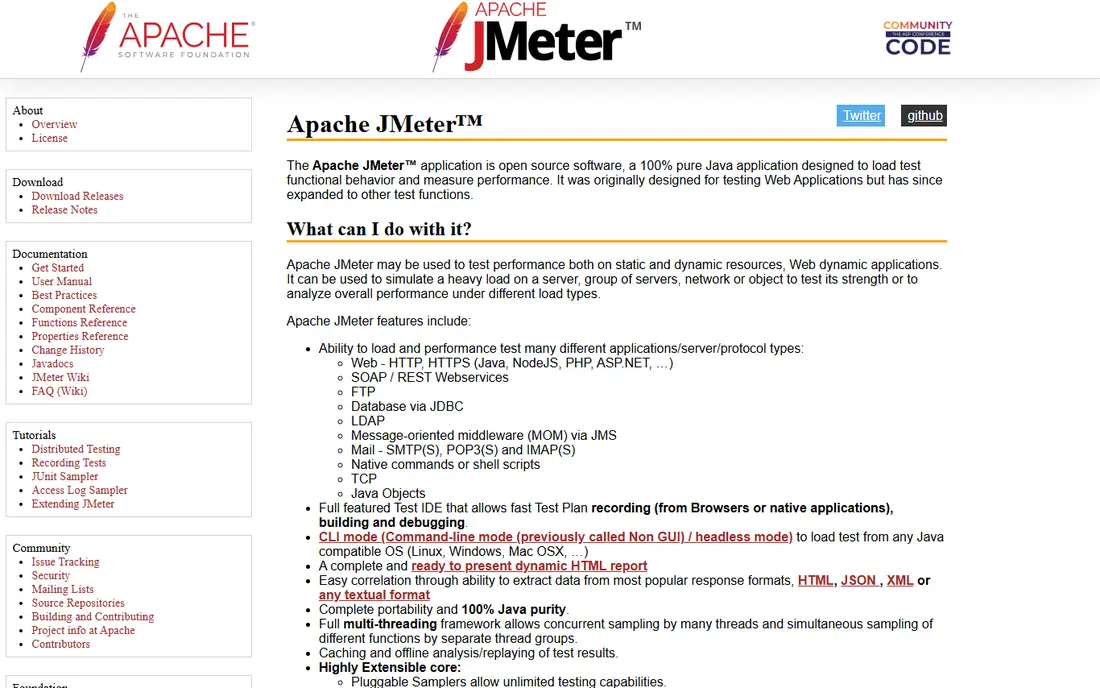
Apache JMeter has served enterprise teams for many years, and it still covers a wide range of protocols, from HTTP and SOAP to JDBC and JMS. Its graphical interface lets testers build a plan without writing code first, and plugins extend it for many special cases.
The cost is resource use and upkeep, since JMeter runs on Java and its XML test plans are awkward to diff and store in version control. For teams with legacy protocols or an existing JMeter suite, it remains a solid choice. For a new code-first project, a lighter tool may fit better.
- Free and open source
- Many protocols
- Large plugin set
- Java-based and resource heavy
- Test plans are hard to version control
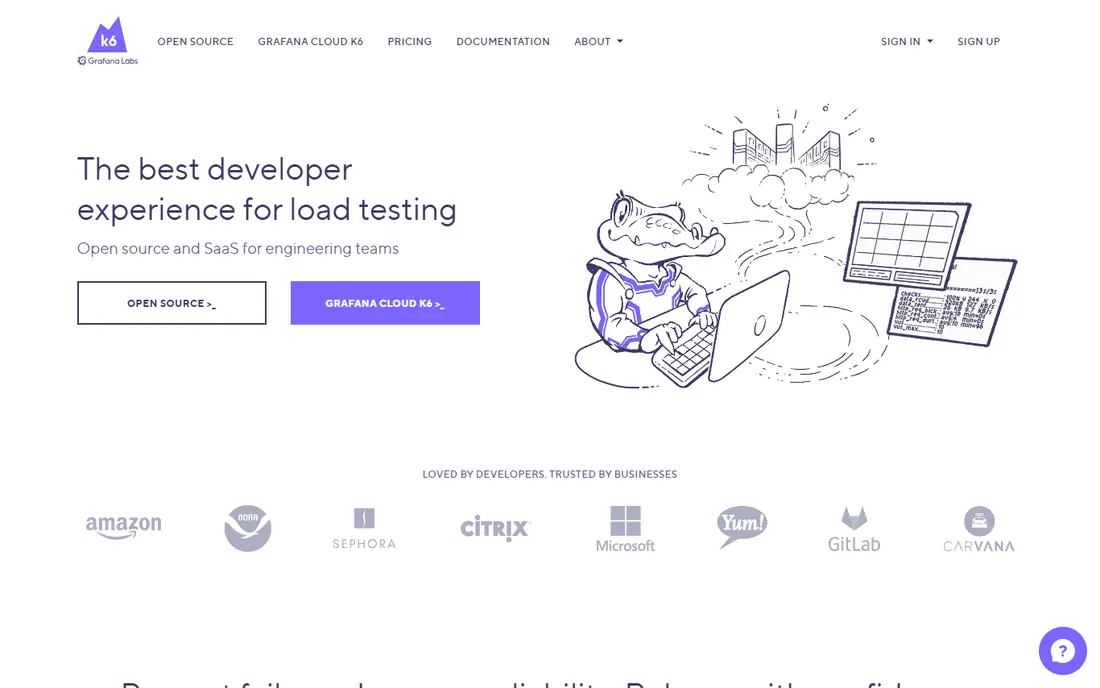
Grafana k6 treats load tests as code, written in JavaScript, which suits teams that already store tests beside their app code. Tests run in CI, results are clear, and the cloud option adds scale when a local machine cannot generate enough load.
The main limit is audience, since non-technical testers may prefer a visual builder. Cloud costs also depend on usage, so a team should estimate virtual user hours before a large run. For developer teams, k6 is often the most natural pick.
- Tests written in JavaScript
- Strong CI support
- Cloud option for scale
- Cloud pricing is usage-based
- Scripting suits developers more than non-technical testers
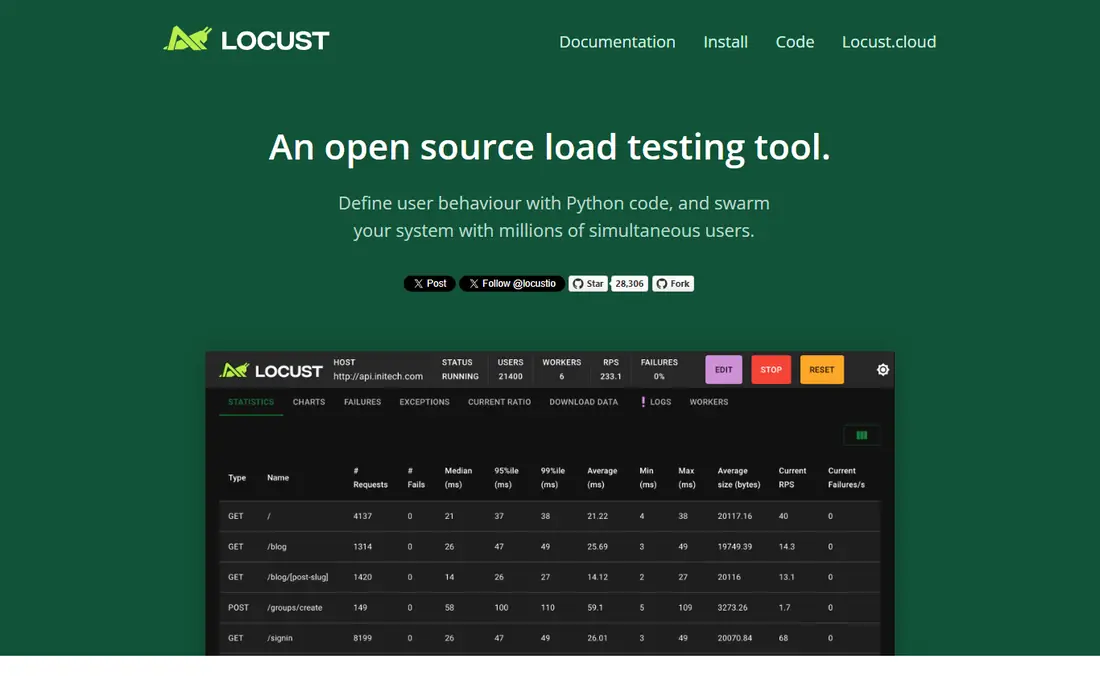
Locust lets Python teams write load tests in plain Python, which makes complex flows, such as login, token reuse, and seeded data, easier to express. A built-in web UI shows live results during a run, and distributed mode spreads load across machines.
At very high concurrency, Locust can be slower than k6 or Gatling, and its built-in reporting is lighter than JMeter. For API tests where Python skills are already in the team, those limits rarely block a useful result.
- Pure Python tests
- Built-in web UI
- Distributed testing
- Slower at very high concurrency
- Reporting is lighter than some rivals
Gatling is built for high throughput, with scripted scenarios and reports that make it easy to spot slow endpoints. Teams that need to push a large number of virtual users from limited hardware often look at Gatling early in a shortlist.
The learning curve can be steep for testers who have not written scripted tests before, and some enterprise features sit behind a paid plan. For performance-focused teams with coding skills, Gatling gives strong value for the effort.
- High throughput
- Code-based scenarios
- Clear reports
- Learning curve for new users
- Enterprise features need a paid plan
Artillery starts with simple YAML test definitions, which makes a first load test fast to write and easy to read. It also covers browser-based flows, so a team can test more than raw API calls when a user journey matters.
Advanced reporting and some scale features need paid tiers, and very large tests still need planning for load generation. For teams that want a quick, readable start, Artillery is a friendly entry point.
- Simple YAML tests
- Browser testing option
- CI friendly
- Advanced reporting needs paid tiers
- Very large scale needs care
BlazeMeter gives teams managed cloud execution, so they do not need to run their own load generators. It can run JMeter scripts and other test types, and it adds team reporting and scheduling for regular runs.
The trade is cost and control, since cloud pricing rises with scale and a team gives up some of the tuning available in a self-hosted setup. For teams that need fast scale without ops work, that trade is often worth it.
- Managed cloud scale
- Runs JMeter and other scripts
- Team reporting
- Costs rise with scale
- Less control than self-hosted tools
NeoLoad, from Tricentis, targets enterprise teams that need protocol coverage, strong reporting, and controls for large test programs. It suits organizations with many apps, formal release gates, and a need for detailed result analysis.
Small teams may find the setup and pricing heavy for a simple API test, and a lighter open source tool may serve them better. For a large enterprise program, NeoLoad brings structure that a loose set of scripts may lack.
- Enterprise features
- Protocol coverage
- Strong reporting
- Enterprise pricing
- Setup takes time for small teams
LoadRunner, from OpenText, has a long track record in enterprise performance testing, with broad protocol support and scale for complex systems. It fits teams that test older enterprise apps alongside modern APIs and need one vendor for both.
The cost and weight are real, since LoadRunner is built for enterprise programs rather than a quick API check. A small team should start with an open source tool and move to LoadRunner only when its protocol or scale needs demand it.
- Very broad protocol support
- Enterprise scale
- Long track record
- Enterprise cost
- Heavyweight for small projects
LoadFocus suits teams that want cloud load testing without writing scripts, with a visual setup and multiple cloud locations. That approach helps QA teams and small product teams run a realistic test without a dedicated performance engineer.
Script control is lighter than a code-first tool, so teams with complex flows may hit limits. Costs also rise with virtual users, so estimate the load you need before choosing a tier.
- No-code test setup
- Cloud locations
- Clear pricing tiers
- Less script control than code tools
- Costs rise with virtual users
How we picked these
We started with products that exist and work in October 2026 and that fit the topic directly, not products that only touch it in passing. We checked each vendor site for current plans and free tiers, and we left a price as See website where we could not confirm it from the vendor page during this review. We favored a mix of widely used leaders and smaller options with a clear purpose, and we noted an honest drawback for each pick.
We did not claim hands-on testing that did not happen. Our comparison rests on official feature pages, pricing pages, app store listings, and public documentation. That approach keeps the focus on facts a reader can check again before buying, rather than on claims about a private trial.
How to choose a load testing tool
Start by naming the system under test, whether it is an API, a website, or an older enterprise app, since protocol needs will narrow the list fast. Then pick a tool your team can actually run, because a powerful tool that no one maintains will sit unused. A code-first tool suits developers, while a visual or no-code tool suits QA teams.
Next, run a small test on a staging system that mirrors production as closely as possible. Check response times, errors, and server resources together, since a fast response with high errors is not a pass. Finally, repeat the same test after each major release, and keep the results so trends are visible over time rather than judged from one run.
Frequently asked questions
What is the best load testing software for beginners?
Start with Locust if you know Python, or Artillery if you prefer simple YAML definitions. Both let a team run a first test quickly. Move to JMeter only if you need its broad protocol coverage, and move to a cloud tool when local load generation is not enough.
How many virtual users do we need?
Base the number on real traffic peaks, not on a round number. Check analytics for peak concurrent users, then test above that peak to find the breaking point. A test that never reaches real peak load will not reveal the limits that matter.
Are free load testing tools good enough?
Yes, for many teams, since JMeter, k6, Locust, and Gatling are proven in production use. The paid value usually comes from managed cloud scale, team reporting, and support, not from the basic ability to generate load.
What should we measure in a load test?
Track response time at the 95th and 99th percentiles, error rate, throughput, and resource use on the server side. Averages alone hide slow requests, so percentile data gives a clearer picture of what real users will feel.
Should we load test in production?
Only with care, a clear window, and a rollback plan, since a load test can slow real users. Most teams test in a staging environment that mirrors production, then run a small, controlled test in production only when they must check real-world limits.
Sources
See where you really rank - block by block
ProMapRanker scans Google Maps across a grid of your service area. Simple monthly plans from $19, white-label on every plan.
Start freeKeep reading
 zoro.to alternatives
Best Zoro.to Alternatives in 2026
We compare the best zoro.to alternatives in 2026, listing only legal licensed anime streaming services, from Crunchyroll to free options for fans today.
Read → zip alternatives
Best Zip Alternatives in 2026
We compare the best zip alternatives for buy now, pay later in 2026, covering pay-in-4 plans, fees, spending limits, and credit reporting options today.
Read → yesware alternatives
Best Yesware Alternatives in 2026
Compare the best yesware alternatives for sales email tracking, templates, and sequences, with current pricing and honest tradeoffs for small sales teams.
Read →