 ProMapRanker
Best Load Balancing Software in 2026

Key takeaways
- Load balancing spreads traffic across servers so one failure or spike does not take a whole app down.
- NGINX, HAProxy, Traefik, and Envoy suit teams that want free open source control and can run the balancer themselves.
- AWS, Google Cloud, and Azure balancers suit teams already hosted on that cloud, since they integrate with its networking and scaling.
- Cloudflare Load Balancing suits global websites that want traffic steering plus CDN and security in one service.
- DigitalOcean suits small teams that want a simple managed balancer at a flat monthly price.
Quick comparison
| Pick | Great for | Pricing starts at | Free tier | |
|---|---|---|---|---|
 NGINX | Web and API traffic with open source control | Free | Yes | Visit |
 HAProxy | High-performance TCP and HTTP balancing | Free | Yes | Visit |
 Traefik | Docker and Kubernetes-first stacks | Free | Yes | Visit |
 Envoy | Cloud-native service mesh traffic | Free | Yes | Visit |
 AWS Elastic Load Balancing | AWS-hosted apps and services | See website | No | Visit |
 Google Cloud Load Balancing | Google Cloud apps with global reach | See website | No | Visit |
 Azure Load Balancer | Azure-hosted apps and virtual machines | See website | No | Visit |
 Cloudflare Load Balancing | Global websites with traffic steering | $5 per month | No | Visit |
 DigitalOcean Load Balancers | Small teams wanting simple managed balancing | See website | No | Visit |
The best load balancing software
A load balancer is only as good as its health checks, routing rules, and failure handling. The tools below differ in where they run, how much they manage for you, and how they handle global traffic versus traffic inside one cloud region.
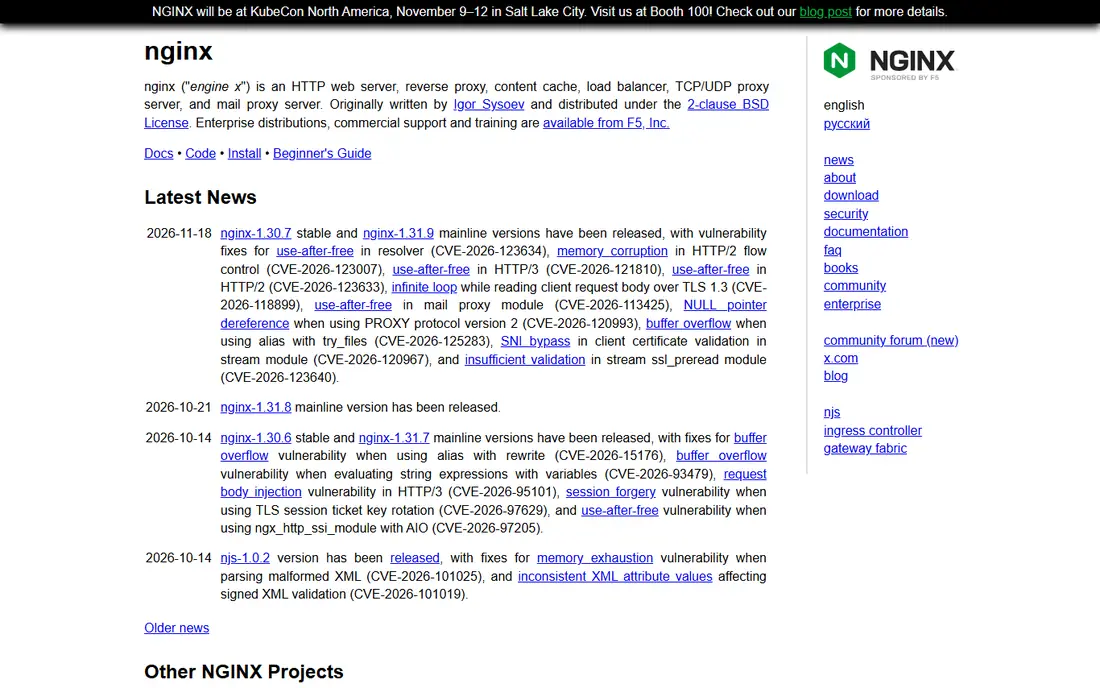
NGINX is the default choice for many web teams because it does several jobs at once: web server, reverse proxy, cache, and load balancer. The open source version supports common balancing methods, health checks, and SSL termination, and it runs on modest hardware. That versatility explains why it appears in front of so many APIs and websites, from small sites to large platforms.
The honest limit is the split between open source and paid. Features such as active health checks, session persistence extras, and live activity monitoring are stronger in NGINX Plus, which is a paid product. Teams that need those features should price Plus, while teams with simpler needs will find the open source version enough.
- Free open source version
- Widely used for web serving, reverse proxy, and balancing
- Large documentation and community
- Advanced balancing and monitoring features sit in the paid NGINX Plus product
- Configuration is file-based
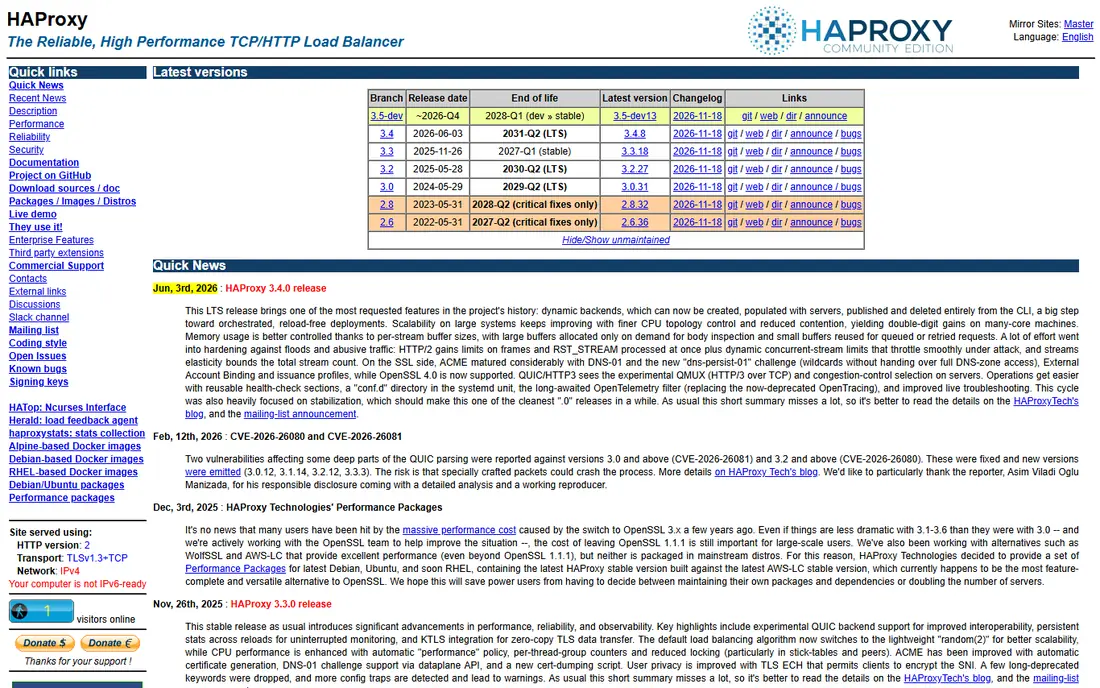
HAProxy is known for speed and reliability under heavy load. It handles TCP and HTTP traffic, supports detailed routing rules, sticky sessions, and health checks, and it is used by many large sites to front web and API servers. For a team that needs precise control over how traffic is split, HAProxy offers more knobs than most managed balancers, without a licence fee for the community version.
The trade-off is operational skill. HAProxy expects a team comfortable with configuration files, monitoring, and high-availability setup, including a second balancer so the balancer itself is not a single point of failure. Enterprise support and extra features are available in HAProxy Enterprise for teams that want vendor help.
- Free open source version
- Very high performance for TCP and HTTP
- Fine-grained routing and health checks
- Configuration learning curve
- No built-in global traffic steering
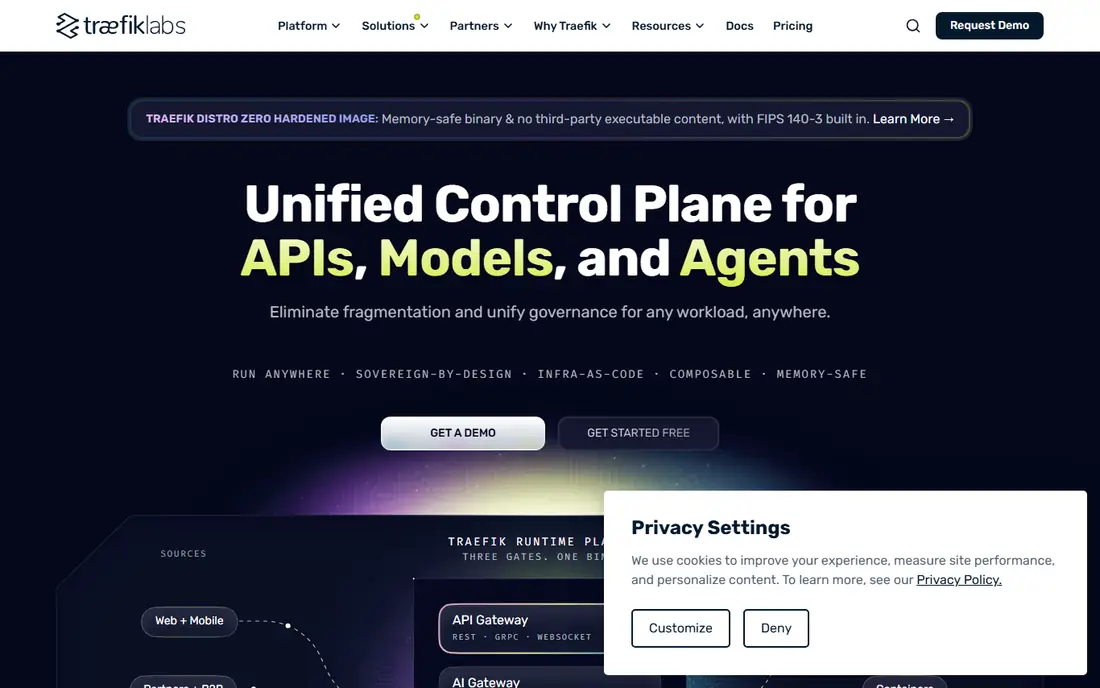
Traefik is built for container platforms. It discovers services automatically as containers start and stop, updates routing without manual config edits, and handles HTTP, TCP, and UDP traffic with TLS support. That auto-discovery is a major time saver in Kubernetes or Docker Swarm, where service addresses change often. A dashboard and metrics help teams see routing and errors in one place.
The limit is fit. Traefik shines in container-first stacks and is less natural for traditional servers that rarely change. Teams that need enterprise support, advanced access control, or distributed rate limiting should check the paid Traefik offerings, while smaller container teams will do well on the open source version.
- Free open source version
- Automatic service discovery for Docker and Kubernetes
- Built-in dashboard and metrics
- Less suited to bare-metal or non-container setups
- Enterprise features need a paid plan
Envoy is a modern proxy built for microservices. It handles traffic between services, supports HTTP, gRPC, and TCP, and provides detailed metrics, tracing, and filtering that help teams debug distributed systems. It is the data plane behind popular service meshes, so teams already using a mesh often get Envoy without choosing it separately. Its design suits high-scale, cloud-native apps where traffic rules change often.
The honest weakness is complexity. Envoy is powerful but harder to configure than NGINX or HAProxy for a simple website, and most teams run it through a control plane rather than by hand. Choose it when service-to-service traffic and observability matter most, not for a basic two-server website.
- Free and open source
- Designed for service-to-service traffic
- Strong observability and filtering
- Steep learning curve
- Usually run as part of a mesh, not as a simple standalone balancer
AWS Elastic Load Balancing covers several managed balancer types for different needs. Application Load Balancers suit HTTP and HTTPS apps with path and host routing, Network Load Balancers suit high-throughput TCP and UDP traffic, and Gateway Load Balancers suit third-party network appliances. Because the service is managed, AWS handles availability and scaling, and it integrates with Auto Scaling, certificates, and container services.
The catch is cost clarity. Pricing is usage-based, with hourly charges plus capacity units that vary with traffic, so a small app and a busy app can differ a lot. Teams outside AWS get little value from it, so choose it when your app already lives on AWS and you want balancing that scales with the rest of your stack.
- Managed Application, Network, and Gateway balancers
- Deep AWS integration
- Automatic scaling with traffic
- Usage-based pricing varies with traffic
- Tied to AWS
- Configuration spans several balancer types
Google Cloud Load Balancing is a global service, so a single balancer can route users to the nearest healthy region. That global design helps apps with users in several countries, since traffic enters Google network close to the user and is routed to healthy backends. It supports external and internal balancing, works with Compute Engine and Kubernetes Engine, and handles TLS termination and health checks.
The drawback is learning curve. Google pricing uses forwarding rules, capacity, and data processing charges that can be hard to forecast for a new team, and the range of balancer types needs careful reading. Teams already on Google Cloud will get the most value, especially for global apps that need low-latency routing.
- Global anycast balancing
- Supports HTTP, TCP, and UDP
- Integrates with Google Kubernetes Engine and Compute Engine
- Usage-based pricing
- Concepts and pricing rules take time to learn
Azure Load Balancer handles Layer 4 traffic for virtual machines and services inside Azure. It distributes TCP and UDP traffic, supports health probes, and the Standard tier adds availability zone redundancy and better diagnostics. For internal services or VM-based apps that do not need HTTP routing, it is a straightforward managed choice inside Azure networking.
The honest limit is layer. Azure Load Balancer does not terminate TLS or route by URL path on its own, so web apps that need those features should use Azure Application Gateway or Azure Front Door instead, or in addition. Price is pay-as-you-go by rule and data processed, so model it with your expected rule count and traffic.
- Managed Layer 4 balancing for Azure VMs
- Standard tier with availability zone support
- Integrates with Azure networking
- No TLS termination on its own
- Layer 7 needs Application Gateway or Front Door
Cloudflare Load Balancing steers visitors to healthy server pools around the world, using health checks to remove failing origins from rotation. It fits websites that already use Cloudflare for DNS, CDN, and security, since balancing then sits in the same dashboard and benefits from the same global network. Setup is simpler than running your own global balancer, and steering rules can favour geography, latency, or weighted pools.
The catch is plan structure. Load balancing is priced as an add-on, starting from about 5 dollars per month for basic use, with higher tiers for advanced steering and more monitors. Teams that do not use Cloudflare for DNS may find less value, since the balancer works best as part of that wider setup.
- Global traffic steering with health checks
- Works with Cloudflare CDN and security
- Simple pool and monitor setup
- Load balancing is an add-on to a Cloudflare plan
- Full features need higher tiers
DigitalOcean Load Balancers
Great for: Small teams wanting simple managed balancing
DigitalOcean Load Balancers suit small teams that want managed balancing without hyperscale complexity. You point a balancer at Droplets or a Kubernetes cluster, set health checks and forwarding rules, and let DigitalOcean handle availability. SSL termination is supported, and pricing is presented as a flat monthly rate per balancer in many listings, which makes budgeting easier than usage-based cloud pricing. Check the current vendor page for the exact rate, since published figures have varied.
The limit is scope. DigitalOcean does not offer the same global steering, service mesh depth, or enterprise feature range as larger clouds, and it only balances DigitalOcean resources. For a small app hosted on DigitalOcean, that simplicity is a strength. For a multi-cloud or global enterprise app, a larger cloud balancer or an open source proxy will fit better.
- Simple managed setup
- Health checks and SSL termination
- Fits DigitalOcean Droplets and Kubernetes
- Smaller feature set than hyperscale clouds
- Tied to DigitalOcean infrastructure
How we picked these
We compared official documentation and pricing pages, plus public reviews, for balancers that exist and work today across open source, managed cloud, and global CDN models. We favoured tools with clear health-check, routing, and TLS support, and we marked pricing as See website where charges are usage-based or where published figures differed across sources. We did not claim hands-on testing or benchmark results, since performance depends on backend health, region, and traffic mix.
How to choose a balancer without overbuilding
Start with where your app lives. If it lives on one cloud, that cloud managed balancer is usually the fastest path, since it integrates with scaling, certificates, and monitoring. If it lives on your own servers or across clouds, an open source proxy such as NGINX or HAProxy gives you control without tying you to one provider. Global websites with users in many countries should weigh a global balancer such as Cloudflare or Google Cloud against a single-region setup.
Next, test failure, not only success. Turn off a backend, watch health checks remove it, and confirm users still reach a healthy server without errors. Check sticky session needs, TLS handling, and how the balancer behaves during a deploy, since a balancer that drops sessions or holds bad backends will cause complaints even when average latency looks good.
Finally, plan for the balancer itself. A single balancer is a single point of failure, so production setups need redundancy, monitoring, and alerts for backend health and error rates. Budget for that second balancer, for monitoring, and for the time to review routing rules after each major release.
Frequently asked questions
Do I need a load balancer for a small website?
Not always. A single well-sized server can serve a small site fine. Add a balancer when you need redundancy, when traffic spikes overwhelm one server, or when you want zero-downtime deploys across two or more servers.
What is the difference between Layer 4 and Layer 7 balancing?
Layer 4 balancing routes by network information such as IP and port, without reading HTTP content. Layer 7 balancing reads HTTP requests, so it can route by host, path, header, or cookie, and terminate TLS. Choose Layer 4 for raw TCP or UDP traffic, and Layer 7 for web apps that need content-based routing.
Is open source load balancing free?
The software itself is free for community versions of NGINX, HAProxy, Traefik, and Envoy, but you still pay for servers, monitoring, and the time to run it. Managed balancers charge a fee but remove much of that operational work, so compare total cost, not only licence cost.
How do health checks work?
Health checks are regular probes to each backend, such as an HTTP request to a health endpoint. If a backend stops responding or returns errors, the balancer stops sending it traffic until it recovers. Good health endpoints check app readiness, not only that a server responds to ping.
Can one balancer serve traffic worldwide?
Yes, with a global balancer. Cloudflare and Google Cloud offer global steering that routes users to nearby healthy regions, while single-region balancers need extra setup for global failover. Choose global balancing when users are spread across continents and latency matters.
Sources
See where you really rank - block by block
ProMapRanker scans Google Maps across a grid of your service area. Simple monthly plans from $19, white-label on every plan.
Start freeKeep reading
 what’s the best risk software for enterprises
What Is the Best Risk Software for Enterprises in 2026
We compared what’s the best risk software for enterprises on risk registers, controls, third-party risk, and reporting, with pricing notes for large teams.
Read → what's the best pam software for enterprises
What is the Best PAM Software for Enterprises in 2026
Find what's the best pam software for enterprises, with vaulting, session recording, just in time access and pricing compared for large enterprise IT teams.
Read → what’s the best grc software
What Is the Best GRC Software in 2026
We compared what’s the best grc software on risk, compliance, audit and vendor risk, so teams can pick a platform that fits their frameworks and budget.
Read →