 ProMapRanker
Best LMS for Large Companies in 2026


Global talent and learning together · Pricing starts at: See website
Key takeaways
- Large companies need compliance tracking, audit trails, and HR integrations more than a simple course library.
- Cornerstone and Docebo lead for deep LMS features, while SAP SuccessFactors and Workday suit companies already running those HR suites.
- Absorb and LearnUpon handle internal and external audiences well, including customers and partners.
- Enterprise pricing is usually quoted by learner count and features, so public prices are rare and demos matter.
- Pilot with real compliance courses, real managers, and real reporting needs before signing a multi-year deal.
Quick comparison
| Pick | Great for | Pricing starts at | Free tier | |
|---|---|---|---|---|
| Cornerstone OnDemand | Global talent and learning together | See website | No | Visit |
 Docebo | Employees, customers, and partners | See website | No | Visit |
 SAP SuccessFactors Learning | Companies running SAP | See website | No | Visit |
 Workday Learning | Companies running Workday | See website | No | Visit |
 Absorb LMS | Internal and external training at scale | See website | No | Visit |
 SAP Litmos | Fast compliance deployment | See website | No | Visit |
 360Learning | Collaborative, expert-led learning | See website | No | Visit |
 Adobe Learning Manager | Structured corporate training | See website | No | Visit |
 LearnUpon | Customer and partner training | See website | No | Visit |
The best LMS for large companies
A learning management system for a large company must assign the right training to thousands of people, track completions that auditors accept, and connect with HR data. We compared platforms on scale, compliance tools, integrations, reporting, and support for external audiences.
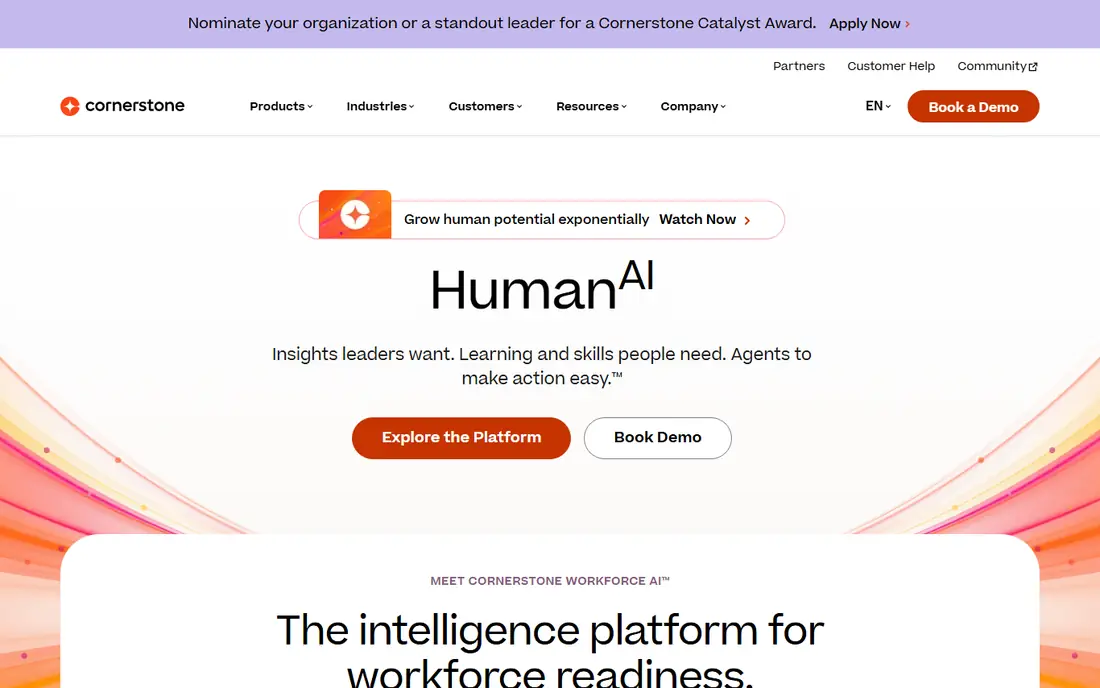
Cornerstone suits large, global employers that want learning tied to performance, skills, and succession in one suite. Its compliance tools handle certifications, renewals, and audit-ready records, and its content options include curated libraries and custom courses. Multi-language and multi-site support help companies with staff across countries.
The trade-off is complexity. Implementation and administration need dedicated staff, and smaller teams may find the suite larger than they need. For a large company that already plans to manage talent in one place, that depth is the point.
- Deep compliance and certification tracking
- Talent suite links
- Broad content options
- Implementation can be long
- Pricing is quote-based and can be high
Docebo handles a mix that many LMS platforms struggle with: employees, customers, and partners on separate branded portals under one system. Automation assigns courses by role, location, or job change, and AI recommendations surface relevant content without manual curation for every group.
Pricing is quoted by use case and audience size, so budget planning needs a sales conversation. Companies with only internal training may pay for external-audience features they do not use, while companies with channel partners will get full value from them.
- Multiple audiences on one platform
- AI recommendations
- Automation and integrations
- Quote-based pricing
- Advanced setup needs skilled admins
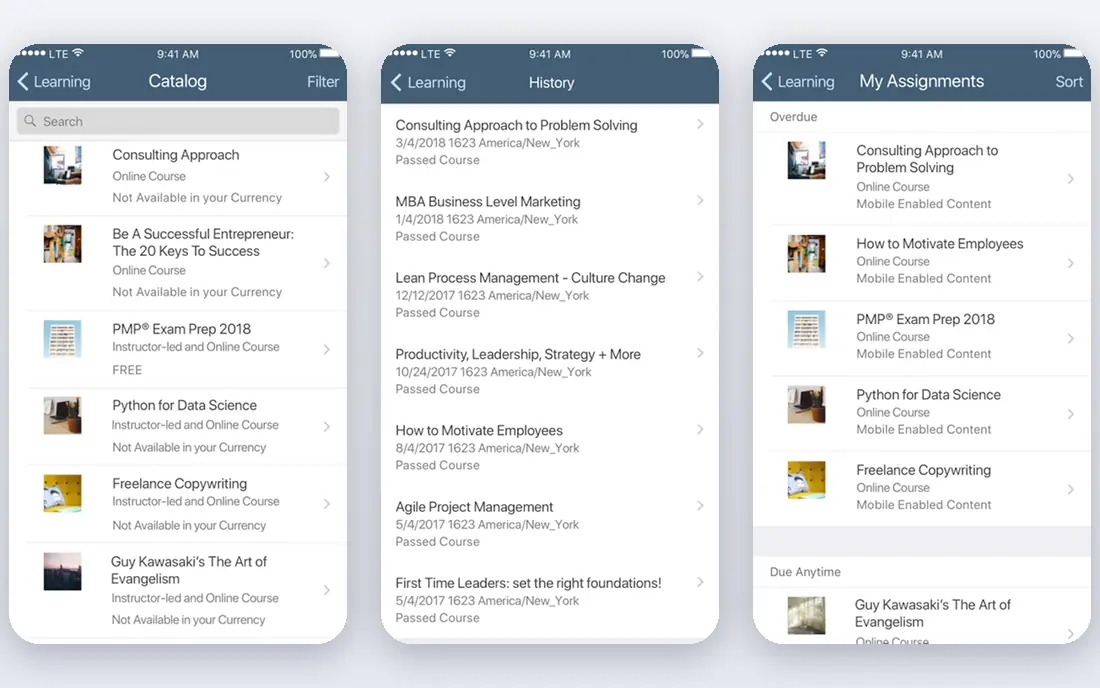
SAP SuccessFactors Learning makes most sense for companies already running SAP SuccessFactors for HR. Employee data, job roles, and learning records flow within the suite, which cuts manual sync work and keeps compliance assignments tied to current roles. It also supports skills tracking and manager approvals.
Outside the SAP suite, the case weakens. The interface has a learning curve, and integration work grows when HR data lives elsewhere. SAP shops should shortlist it first, while non-SAP companies should compare Docebo or Cornerstone.
- Native SAP HR integration
- Strong compliance features
- Skills and talent links
- Interface can feel complex
- Best value only inside the SAP suite
Workday Learning follows the same logic as SAP. Companies already on Workday get learning tied directly to worker profiles, roles, and skills, with mobile access and manager tools built in. That native link reduces data errors and helps learning show up in talent decisions.
The limit is that Workday Learning is not usually bought alone. Companies outside Workday will find standalone platforms simpler and often cheaper. For Workday customers, though, adding a separate LMS can create duplicate data work.
- Native Workday HR integration
- Skills focus
- Mobile learning
- Sold as part of Workday
- Less flexible as a standalone LMS
Absorb balances ease of use with enterprise scale. Learners get a clean interface, admins get strong reporting and automation, and companies that train customers or partners can sell courses through ecommerce tools. That mix suits companies that need both employee compliance and revenue-generating external training.
Absorb is not a full talent suite, so companies that want performance and succession tools in the same system may need another product. For learning-focused teams, that narrower scope keeps the platform easier to run.
- Clean learner interface
- Strong reporting
- Ecommerce for external training
- Quote-based pricing
- Some advanced talent features need add-ons
Litmos, part of SAP, suits companies that need compliance training live quickly. Setup is faster than a full suite implementation, and the platform covers course assignments, certifications, and mobile learning for deskless staff. Gamification and built-in content help with engagement on mandatory courses.
Larger companies with complex talent needs may outgrow Litmos, since it focuses on learning delivery rather than a full talent suite. For compliance-first teams with tight timelines, that focus is an advantage.
- Quick setup
- Compliance and certification tracking
- Mobile learning
- Less depth than full enterprise suites
- Content library varies by plan
360Learning takes a different approach. Instead of a central team creating every course, internal experts build short courses with coaching and feedback tools, which speeds up training on fast-changing topics. Skills paths and AI help connect that peer content to roles and goals.
The model needs willing internal experts and review time. Companies that only need mandatory compliance tracking, with little peer content, may prefer Cornerstone or Litmos. Companies with strong internal knowledge to share will get more from 360Learning.
- Peer course creation
- Coaching and feedback tools
- Skills-based paths
- Less suited to strict compliance-only programs
- Needs internal experts to shine
Adobe Learning Manager, formerly Adobe Captivate Prime, suits companies that run structured programs with set paths, certifications, and virtual sessions. It supports course creation tools in the Adobe family, manager approvals, and reporting for compliance and skills programs.
Admin setup for complex programs takes time, and pricing is quoted. Companies already using Adobe tools for content may find the fit natural, while others should weigh it against Docebo and Absorb on interface and support.
- Structured learning programs
- Certification tracking
- Content and virtual classroom tools
- Quote-based pricing
- Admin learning curve for complex programs
LearnUpon excels at external training. Companies can run separate portals for customers, partners, and staff, each with its own branding and course catalog, while admins manage them from one system. SCORM and xAPI support helps with content from many authoring tools.
It is not a talent management suite, so performance and succession planning need other tools. For companies whose main growth goal is training customers and partners at scale, LearnUpon is a strong, focused pick.
- Separate portals for audiences
- SCORM and xAPI support
- Clear reporting
- Less talent-suite depth
- Enterprise pricing is quoted
How we picked these
We compared official product pages, documentation, integration lists, and public reviews for enterprise LMS platforms. We favored platforms with proven large-company deployments, compliance and certification tracking, HR integrations, and reporting that auditors and managers can use. We did not claim hands-on testing. Enterprise pricing is usually quoted, so we list starting prices as See website and recommend a pilot with real courses.
What to check before you buy
Start with the audiences. List employees, contractors, customers, and partners separately, since each group may need its own portal, branding, and data rules. A platform that handles one audience well may struggle with all four.
Next, map the integrations. HR data, single sign-on, content libraries, and reporting tools must connect cleanly, or admins will spend hours on manual imports. Ask for a live demo using your HR fields, not a generic sample.
Compliance and reporting
For regulated industries, ask how the platform handles certification expiry, retraining, audit trails, and manager sign-off. Run a test: assign a course, complete it, expire the certification, and pull the audit report. That test reveals more than a feature list.
Pilot plan
Pilot with one business unit, one compliance course, and one external audience if relevant. Measure completion rates, admin time per course, support tickets, and report accuracy. A pilot that only tests the learner view will miss the admin work that decides long-term success.
Frequently asked questions
What is the difference between an LMS and a learning experience platform?
An LMS manages course assignments, completions, and compliance records. A learning experience platform focuses on discovery, recommendations, and skills. Many large companies use both, or pick a platform that blends the two.
How much does an enterprise LMS cost?
Most enterprise pricing is quoted by learner count, audiences, and features, so public prices are rare. Expect a sales quote after a scoping call, and budget for implementation, integrations, and admin training on top of the license.
Do we need an LMS if we already use Workday or SAP?
Not always. Workday Learning and SAP SuccessFactors Learning cover many needs inside those suites. A standalone LMS makes sense when you need external audiences, ecommerce, or features the suite does not cover well.
Can one LMS train employees and customers?
Yes, on platforms such as Docebo, Absorb, and LearnUpon, which support separate portals. Check data separation, branding, and pricing per audience before you commit.
How long does implementation take?
It varies from weeks for a focused compliance rollout to several months for a global suite with HR integrations and migrated content. Ask for a timeline tied to your data, courses, and approval steps, not a generic estimate.
What content standards should we check?
SCORM and xAPI cover most corporate courses, while newer tools may use cmi5 or LTI. Confirm which standards your existing courses use, and test a sample course in the pilot before migration.
Sources
See where you really rank - block by block
ProMapRanker scans Google Maps across a grid of your service area. Simple monthly plans from $19, white-label on every plan.
Start freeKeep reading
 zoro.to alternatives
Best Zoro.to Alternatives in 2026
We compare the best zoro.to alternatives in 2026, listing only legal licensed anime streaming services, from Crunchyroll to free options for fans today.
Read → zip alternatives
Best Zip Alternatives in 2026
We compare the best zip alternatives for buy now, pay later in 2026, covering pay-in-4 plans, fees, spending limits, and credit reporting options today.
Read → yesware alternatives
Best Yesware Alternatives in 2026
Compare the best yesware alternatives for sales email tracking, templates, and sequences, with current pricing and honest tradeoffs for small sales teams.
Read →