 ProMapRanker
8 Best Live Streaming Apps for 2026

Key takeaways
- YouTube Live and Twitch offer the largest live audiences, with YouTube suiting broad creators and Twitch suiting gaming and community streams.
- OBS Studio is the free standard for encoding, while Streamlabs and StreamYard suit beginners who want alerts, overlays, or a browser studio.
- Restream suits creators who want to broadcast to several platforms at once, and Facebook Live suits reaching an existing follower base.
- Vimeo suits businesses that need branded, ad free live video, while TikTok Live suits short form creators with an established following.
Quick comparison
| Pick | Great for | Pricing starts at | Free tier | |
|---|---|---|---|---|
 YouTube Live YouTube Live | Largest broad live audience | Free | Yes | Visit |
 Twitch Twitch | Gaming and community streams | Free | Yes | Visit |
 OBS Studio OBS Studio | Free encoding and production | Free | Yes | Visit |
 Streamlabs Streamlabs | Beginner alerts and overlays | Free | Yes | Visit |
 StreamYard StreamYard | Browser interview studio | See website | Yes | Visit |
 Restream Restream | Multistreaming to many platforms | See website | Yes | Visit |
 Facebook Live Facebook Live | Existing followers and groups | Free | Yes | Visit |
 Vimeo Vimeo | Branded business live video | See website | Yes | Visit |
The best live streaming apps
We compared live platforms, encoding software, and browser studios that creators and businesses actually use to go live. The best choice depends on whether you need an audience, production control, multistreaming, or a private branded event.
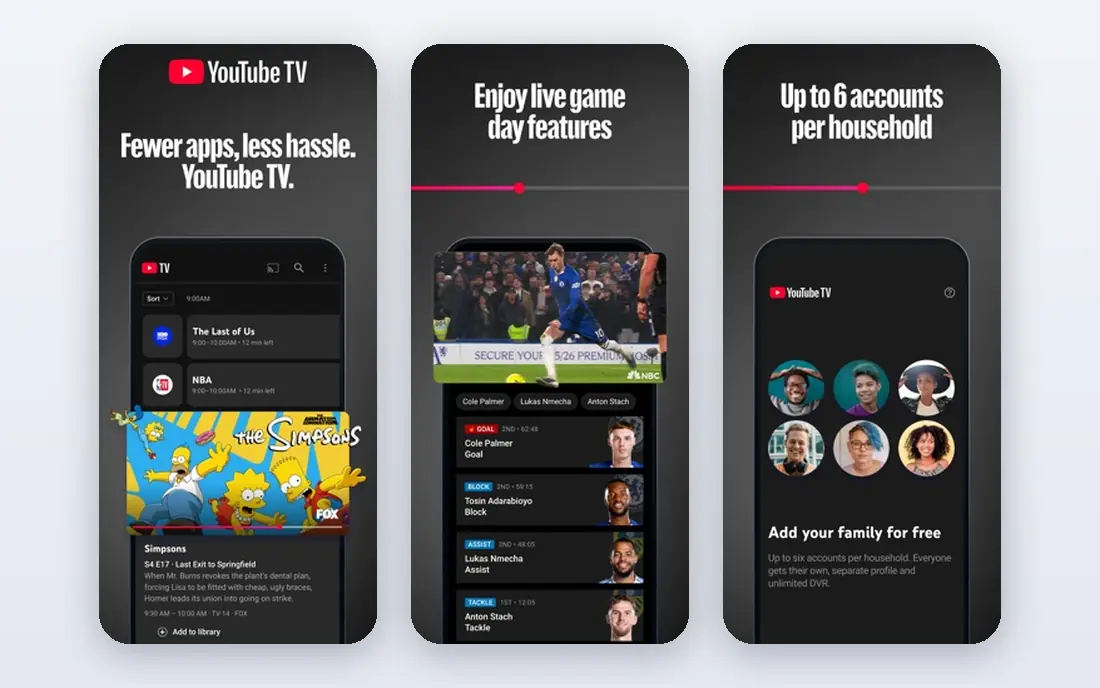
YouTube Live is the default choice for creators, educators, and businesses that want the largest possible live audience without paying for a platform. Streaming is free, broadcasts can live on as regular videos after the event, and viewers can find replays through search. Desktop streaming through OBS or similar software is straightforward, while mobile streaming has channel standing requirements. The challenge is discovery. New channels can stream to very few viewers, since the system favours channels with existing momentum, and automated content checks can sometimes flag a stream incorrectly. Pairing YouTube Live with multistreaming or promotion outside YouTube helps new creators. For established channels, it remains hard to beat on reach and cost.
- Huge built in audience
- Streams become searchable videos
- No time limit for most streams
- Discovery favours established channels
- Content rules are strict
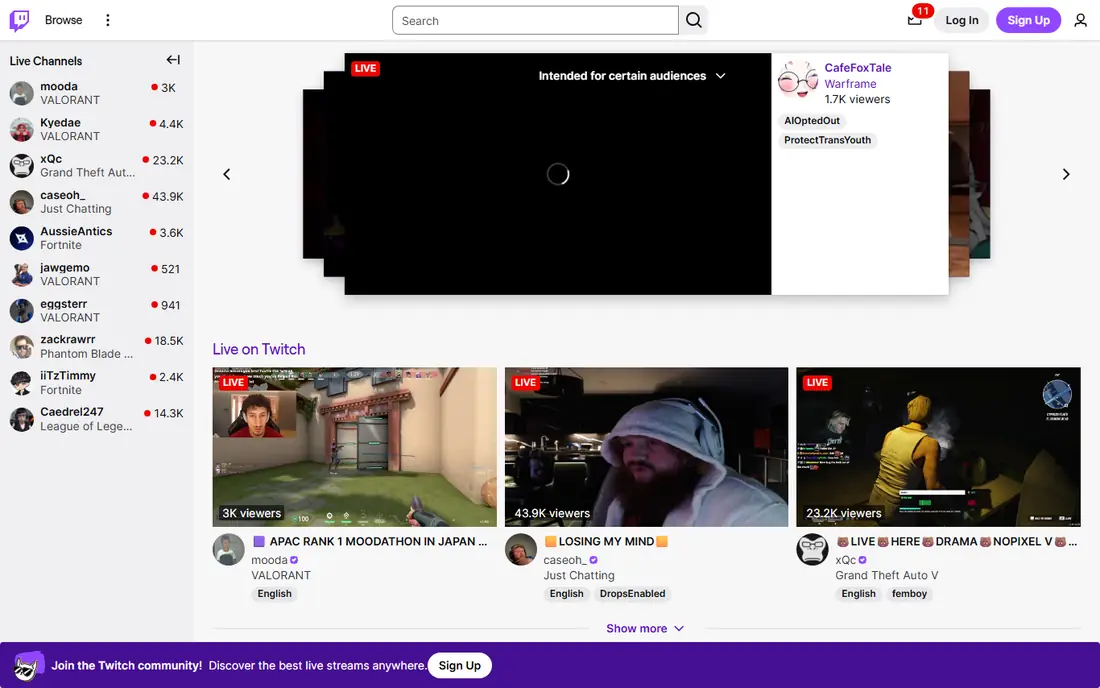
Twitch is built around live community, especially gaming, music, and talk streams where chat is part of the show. Creators can build regular schedules, use subscriptions and bits for support, and grow through raids, clips, and category browsing. That live culture makes Twitch feel more interactive than a platform where live is a secondary feature. Non gaming creators can still succeed, but discovery and audience expectations are shaped by gaming habits. Streamers also depend on Twitch rules and monetization terms, which change over time. For gamers and community driven creators who stream often and value live chat, Twitch offers a focused audience that is hard to find elsewhere.
- Strong live community culture
- Subscriptions and bits
- Gaming discovery
- Audience is gaming centred
- Growth for non gaming streams can be slower
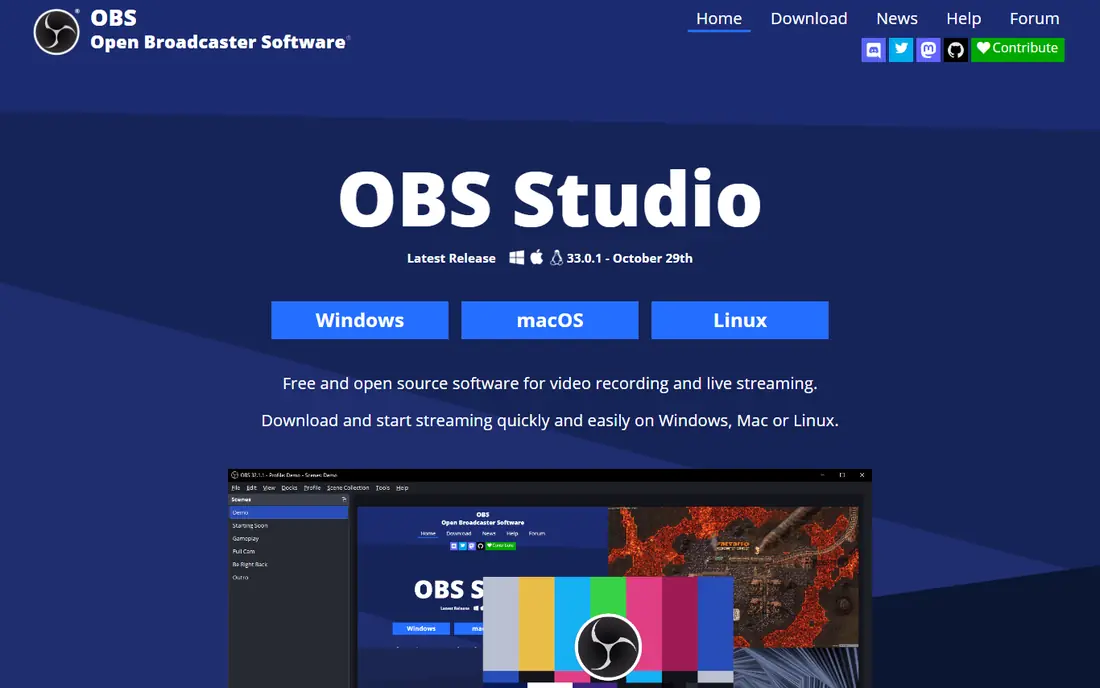
OBS Studio is the free, open source encoder that powers a large share of professional and hobby streams. It captures cameras, screens, games, and audio, mixes scenes, and sends the stream to YouTube, Twitch, Facebook, or a custom server. Plugins add effects, captions, and remote control, and the software runs on Windows, Mac, and Linux. OBS does not provide an audience, so you still need a platform such as YouTube or Twitch to host viewers. Setup also takes time, since audio, scenes, and bitrate settings must be configured correctly. For creators who want full control without a subscription, OBS Studio remains the standard starting point for serious streaming.
- Free and open source
- Works on Windows, Mac, and Linux
- Huge plugin range
- Setup needs learning
- No built in audience or hosting
Streamlabs Desktop builds on OBS with integrated alerts, overlays, themes, and tipping tools in one app. Beginners can add follower alerts, chat boxes, and donation goals without hunting for separate plugins, which speeds up the first streams. The free version covers core streaming, while Ultra adds premium themes, multistreaming, and extra apps. The trade off is resource use and cost. Streamlabs can feel heavier than OBS Studio on modest computers, and some features that look built in require a paid plan. For gamers and new creators who want a polished stream quickly, Streamlabs offers a friendly path, provided you test performance on your own machine first.
- Built in alerts and themes
- Tipping and widgets
- Easier start than plain OBS
- Paid Ultra adds many extras
- Performance can be heavier than OBS Studio
StreamYard runs in a browser and is designed for interview shows, podcasts, and panels where guests join by link. Hosts can bring guests on screen, show comments, add banners, and stream to YouTube, Facebook, LinkedIn, and other platforms. Because guests need no software install, it suits business shows and community events with non technical guests. Free plans have branding and time limits, and full branding, recording, and multistreaming features sit on paid tiers. Internet quality also affects the final stream, since processing happens in the cloud. For interview led creators who value ease over deep production control, StreamYard is one of the simplest studio options.
- No download for guests
- Easy interview layout
- Multistreaming options
- Paid plans needed for branding and longer streams
- Video quality depends on internet
Restream lets one stream reach YouTube, Twitch, Facebook, LinkedIn, and other platforms at the same time, with chat from several sources shown in one view. That multistreaming approach helps creators who do not want to bet all growth on one algorithm, and it suits businesses that must reach audiences in different places at once. The free plan includes Restream branding, and higher tiers add more destinations, recording, and studio features. Chat rules and monetization still differ by platform, so a multistream does not remove the need to follow each platform policy. For creators and brands with audiences spread across platforms, Restream offers a practical way to be present everywhere at once.
- Broadcast to many platforms at once
- Chat aggregation
- Browser studio option
- Free plan has branding
- Paid tiers needed for full features
Facebook Live suits businesses, churches, schools, and creators who already have followers or group members on Facebook. A live video can appear in feeds, groups, and events, and viewers can comment and react without leaving the app they already use. That built in audience makes it useful for announcements, Q and A sessions, and community events. Organic reach has declined over time, so a live stream may still need promotion to reach all followers. Facebook Live also lacks the gaming discovery culture of Twitch and the search replay strength of YouTube. For organizations with a loyal Facebook following, it remains a simple and free way to go live where the audience already gathers.
- Reach to existing followers
- Groups and events integration
- Free to use
- Organic reach varies
- Live discovery is weaker than YouTube or Twitch for new creators
Vimeo is aimed at businesses that want live video to look professional and stay under their own brand. Streams can use a custom player, privacy controls, and embeds on a company site, without the ads and suggested videos that appear on public platforms. That control suits product launches, training, town halls, and paid events. Vimeo is not a discovery platform, so viewers must be invited or directed to the stream, and full live features require a paid plan. Pricing should be checked on the vendor site, since tiers vary by features and storage. For firms that value brand control and a clean viewing experience over public reach, Vimeo is a strong business choice.
- Ad free branded player
- Privacy and embed controls
- Professional event tools
- Paid plans needed for full live features
- Audience discovery is limited
How we picked these
We compared official feature pages, pricing pages, app store listings, privacy policies, and public reviews for live streaming apps and platforms active in October 2026. We covered audience platforms, encoding software, and browser studios, since most creators use one from each group. We did not claim hands on testing, and we used See website where pricing varies by tier or is not published as a single starting figure.
Choosing a live streaming setup
Start with audience, then production, then distribution. If you already have followers on YouTube, Twitch, or Facebook, go live there first and learn what your viewers want. If you need interviews or panels, add a browser studio, and if your audience is spread out, add multistreaming. Keep the setup simple for the first streams, then add overlays and scenes as you learn.
Check internet, audio, and backups
A stable upload connection matters more than a fancy camera for most streams. Test audio with headphones, since viewers leave faster for bad sound than for modest video. Record a backup where possible, and have a simple plan if the internet drops, such as a short holding screen or a rescheduled time posted in chat.
Grow without depending on one platform
Save replays, clips, and email lists outside the live platform, so an algorithm change does not erase your audience. Promote streams in advance, keep a regular schedule, and review which topics and formats hold viewers longest. A small loyal audience that returns each week is more valuable than a one off spike from a trending topic.
Frequently asked questions
What is the best live streaming app for beginners?
Streamlabs and StreamYard are good beginner options, since alerts, themes, and guest links are built in. OBS Studio is free and powerful, but it needs more setup time. Beginners should start with one platform and one simple setup, then add production features after a few successful streams.
What is the best live streaming platform for gaming?
Twitch is the strongest gaming focused platform, thanks to its live community, categories, and monetization tools for streamers. YouTube Live also works well for gaming, especially for creators who already publish videos there. Many gamers multistream to both with Restream to test which audience responds better.
Can I stream to multiple platforms at once?
Yes, Restream and StreamYard support multistreaming to several platforms, and OBS can also send to a multistream service. Check each platform rules for exclusivity, since some partner programs limit simulcasting. Start with two platforms, compare chat and viewer response, and expand only if the extra reach is worth the added work.
Is OBS Studio really free?
Yes, OBS Studio is free and open source, with no subscription required for core encoding and scene production. You still need a platform such as YouTube or Twitch to host viewers, and plugins are optional. That free model is why OBS remains the standard encoder for many professional and hobby streamers.
What is the best live streaming software for interviews?
StreamYard is a strong interview choice because guests join by browser link and hosts can control layout and comments easily. Restream Studio also offers a browser studio with multistreaming. For high end production with multiple cameras, OBS Studio or vMix may suit better, but they need more setup and local hardware.
Sources
See where you really rank - block by block
ProMapRanker scans Google Maps across a grid of your service area. Simple monthly plans from $19, white-label on every plan.
Start freeKeep reading
 zendesk alternatives
Best Zendesk Alternatives in 2026
Compare the best Zendesk alternatives in 2026, from budget help desks to AI-first support tools, with current pricing, free plans, and honest trade-offs.
Read → wordpress alternatives
Best WordPress Alternatives in 2026
Looking for the best WordPress alternatives? We compare 8 free and paid options for blogs, business sites, stores, and developer-led projects in 2026.
Read → which real estate company has the best training
Best Real Estate Company Training in 2026
Compare which real estate company has the best training, from Keller Williams and eXp to Compass and Coldwell Banker, by program, mentor, and fit in 2026.
Read →