 ProMapRanker
Best Listing Management Software for Vintage Stores in 2026
Direct answer
Advice Local is my top pick for vintage stores because it handles bulk listing cleanup and ongoing accuracy across the directories shoppers actually check, and it fits a single shop or a small cluster of stores. Pricing is quote-based, so check its pricing page for a current quote. If review requests matter more to you, look at GatherUp, and if you sell across many countries, Uberall is the other name to weigh.
I put this comparison together from vendor documentation and public sources rather than hands-on tests. I run a small SEO agency and work mostly with local businesses, so I read each vendor's feature pages, help docs and public material, then judged them against how a vintage store actually gets found: someone searches "vintage clothing near me", checks the hours, looks at photos, and reads the last few reviews before walking in.
Key takeaways
- Vintage stores live on "near me" and "open now" searches, so accurate hours, address and category data matter more than clever copy.
- A listing tool should let you fix one record and push it everywhere, because a single wrong phone number sends pickers to a closed shop.
- Review requests belong in the same workflow as listings, since vintage buyers often decide from photos and recent reviews.
- Multi-location vintage sellers and market-stall operators need bulk editing, not one-by-one submissions.
- Every tool here follows Google's guidelines, so none of them promise review gating or keyword-stuffed business names.
Quick comparison
| Pick | Great for | Pricing starts at | Free tier | |
|---|---|---|---|---|
 Advice Local | Listing cleanup and accuracy | See website | Not stated | Visit |
 Uberall | Multi-country and multi-store sellers | See website | Not stated | Visit |
 GatherUp | Review requests and feedback | See website | Not stated | Visit |
 Signpost | Small shops wanting reviews plus listings | See website | Not stated | Visit |
 SE Ranking | Local rank tracking alongside listings | See website | Free trial | Visit |
 BrightLocal | Citation building and audits | See website | Free trial | Visit |
 Yext | Large brands with many locations | See website | Not stated | Visit |
The best listing management software for vintage stores compared
Advice Local is a listing management platform built around getting your business data correct and keeping it that way. For a vintage store, that means your shop name, address, phone, hours and category stay consistent on Google, Apple Maps, Bing and the smaller directories that still feed map results. It suits an owner with one storefront who is tired of finding old addresses and dead phone numbers on random sites.
The workflow is straightforward. You claim your business records, correct them in one place, and the tool pushes the changes out and monitors for drift. That matters for vintage shops because you may change seasonal hours, add a second entrance, or move from a market stall to a permanent shop. Each of those changes creates a trail of stale listings, and a cleanup pass fixes them in one go.
The limit is that Advice Local is a listing tool first. If you want deep review marketing or a full local SEO suite, you will pair it with something else. Skip it if you only have a Google Business Profile and no plans to grow beyond one location.
- Bulk listing cleanup across many directories
- simple dashboard for owners who are not marketers
- handles duplicate suppression
- Pricing is quote-based
- you need to ask for a demo to see the full picture
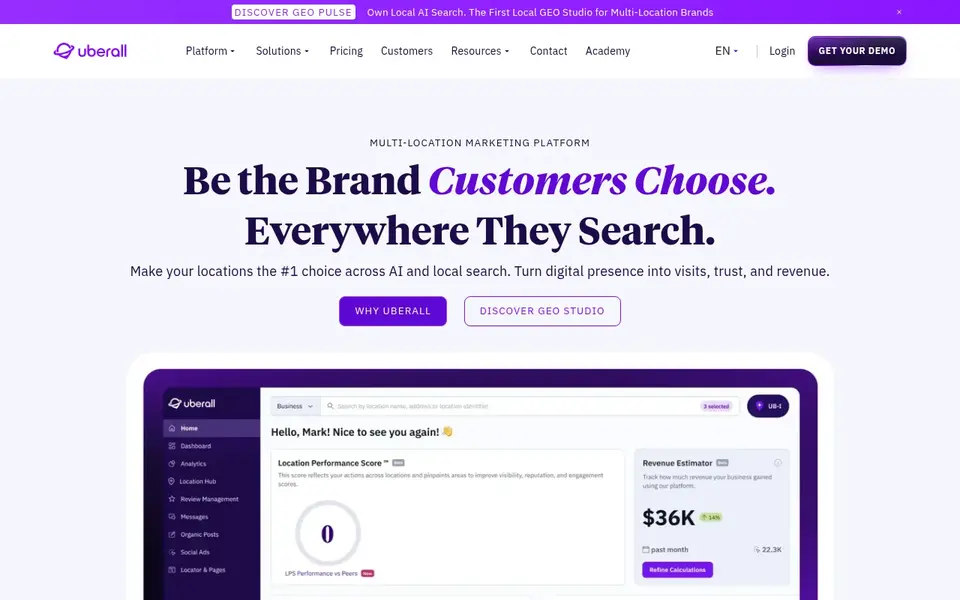
Uberall is a location management platform used by brands with many stores across countries. A vintage seller with a flagship shop, a warehouse outlet and a stall in a different city can keep all of them consistent from one dashboard. It also covers the map and directory ecosystem beyond Google, which matters if you ship internationally and customers search in other languages.
For vintage stores, the useful part is location-level control. You can give each shop its own hours, photos and description while keeping the core business data the same. That helps when one branch is open only on weekends or has a different phone line. You can also manage review responses per location.
The downside is weight. A single vintage shop with one address will find the setup and the quote harder to justify than a simpler tool. Skip it unless you have several locations or sell across borders.
- Strong coverage across international directories
- good for stores with several locations
- handles location pages and data consistency
- Setup is heavier than a single shop needs
- pricing is quote-based
GatherUp focuses on getting reviews and managing customer feedback. Vintage stores benefit because buyers often check recent reviews and photos before making a trip, and a steady flow of honest reviews about stock, staff and atmosphere helps. The tool sends requests after a purchase or visit and collects responses in one place.
The workflow fits a shop counter. You capture a customer's email or phone at checkout, the tool sends a request, and you reply to reviews from a single inbox. It also routes negative feedback to you privately first, which is allowed as long as you do not gate or filter reviews. You still respond publicly to the ones that go live.
Its limits are clear: it is not a listing sync engine. If your main problem is wrong hours on directories, GatherUp will not fix that. Skip it if listings, not reviews, are your priority.
- Simple review request flows by email and SMS
- feedback inbox that catches unhappy customers before they post
- reporting on review trends
- Listing management is not its core strength
- pricing is quote-based
Signpost is a small-business marketing tool that handles review requests and listing updates together. For a vintage shop owner who does not want three separate subscriptions, that combination is practical. It sends review requests after a sale and keeps your core business details in sync across the main directories.
The vintage-store angle is the counter workflow. You already collect contact details for receipts and holds, so adding a review request is a small step. Signpost automates the follow-up so you are not chasing customers by hand. It also helps keep hours and contact details current when you change them for a season.
The limit is that it is built for small businesses generally, not listing specialists. If you need deep directory coverage or bulk fixes across dozens of records, a dedicated listing tool does more. Skip it if you already have review software you like.
- Combines review requests with listing updates
- automated follow-ups
- aimed at small local businesses
- Automation depth varies by plan
- pricing is quote-based
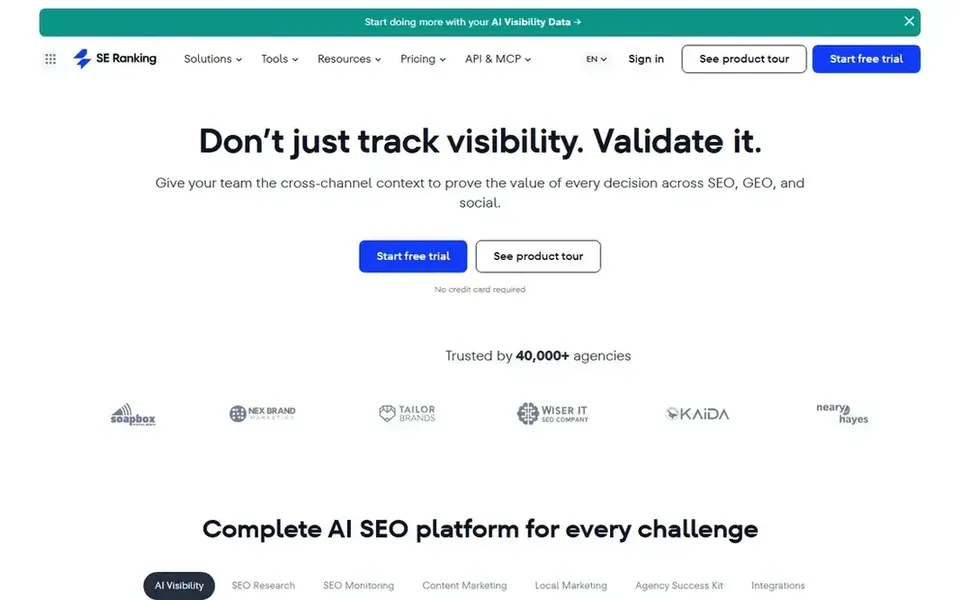
SE Ranking is an SEO platform with a local pack that includes rank tracking and listing management. A vintage store can see where it appears for searches like "vintage denim near me" and check whether the listing data behind those results is correct. That link between rankings and listing accuracy is useful.
For a shop, the practical use is checking which neighborhoods you show up in and whether a competitor's stall or store outranks you for the same terms. You can then fix the listing data and watch the effect over time. The listing module handles the core directories.
The limit is scope. You are buying a larger SEO suite to get listing management, which may be more than a one-person shop needs. Skip it if you only want listings and nothing else.
- Local rank tracking by grid or location
- listing management in the same platform
- clear reporting
- Listings are one module in a larger suite
- the full suite may be more than a small shop needs
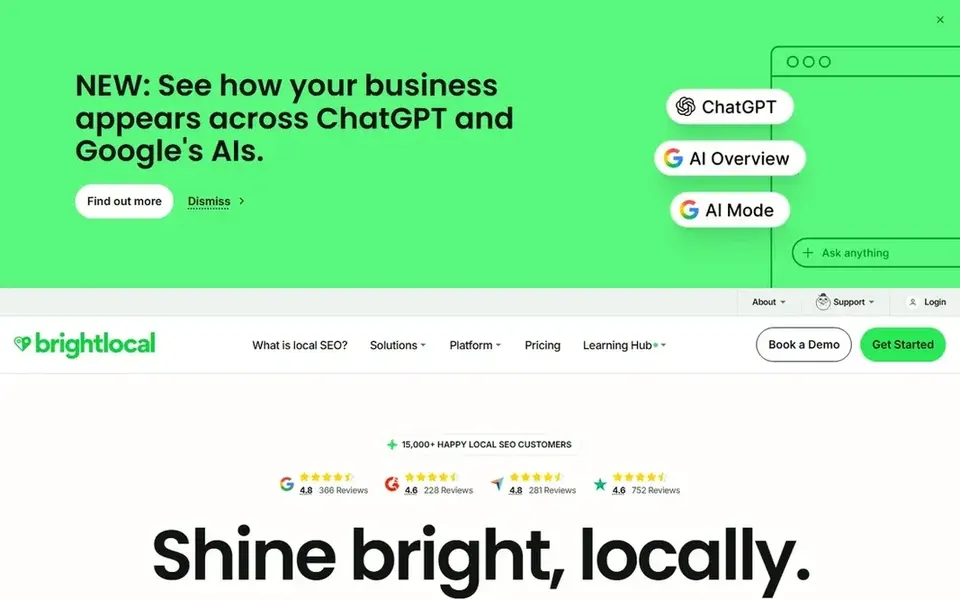
BrightLocal is a local SEO platform known for citation building, audits and rank tracking. For a vintage store, the citation audit is the useful part: it finds where your name, address and phone appear and flags inconsistencies. You can then build or fix citations to match your Google Business Profile.
The workflow suits a shop that has moved or rebranded. You run an audit, see the old address or former shop name on directories, and work through the list. BrightLocal also tracks local rankings so you can see whether the cleanup helped. Review management is included for gathering feedback.
The limit is that it is not a live sync engine pushing changes everywhere at once. It is closer to an audit and build tool. Skip it if you want set-and-forget listing updates across many directories.
- Citation audit and building tools
- local rank tracking
- review management in one place
- Not a continuous listing sync engine
- some features are report-focused

Yext is an enterprise listing and location data platform. It suits a vintage retailer with many stores or a franchise-style setup where every location needs identical data standards. The network covers a large set of directories, maps and apps, and you control the data from one place.
For vintage stores, the fit is scale. If you run a chain of vintage shops or a consignment brand with many outlets, Yext keeps each location's hours, photos and categories consistent. It also supports location pages that can rank for neighborhood searches.
The limit is cost and complexity. A single vintage store will find Yext hard to justify against simpler tools. Skip it unless you have many locations and a team to manage them.
- Wide network of directories and map apps
- strong data control for many locations
- pages and listings in one system
- Expensive for small shops
- contract terms need reading
How I chose
I chose these tools by reading vendor documentation and public sources, not by running hands-on tests. I started with the job a vintage store needs done: keep name, address, phone, hours and category correct across the directories that feed map results, then layer on review requests and rank tracking where they help. I checked each vendor's feature pages and help docs to confirm what the product actually does, then dropped anything I could not verify.
The second pass was about fit. A one-room vintage shop and a five-location consignment brand need different things, so I noted where each tool is too heavy or too narrow. I also checked that every tool follows Google's guidelines, meaning no review gating, no buying reviews and no keyword-stuffed business names. Where pricing was quote-based, I say so rather than guessing a figure.
What to check before you buy
- Confirm the tool covers the directories your customers actually use, including Google, Apple Maps and Bing, not just a long list of minor sites.
- Check whether it does continuous sync or one-off audits, because a shop that changes seasonal hours needs the former.
- Ask how it handles duplicate listings, since vintage stores that moved from a market stall often have several stale records.
- Confirm review requests are sent to all customers without filtering, so you stay within Google's review guidelines.
- Check bulk editing for multiple locations if you run more than one shop or a warehouse outlet.
- Read the contract length and cancellation terms, especially for quote-based enterprise tools.
Frequently asked questions
What is the best listing management software for a single vintage store?
Advice Local is the strongest fit for one shop because it focuses on cleaning up and maintaining your core business data across directories. GatherUp is the better choice if reviews are your main concern, and SE Ranking works if you also want to track local rankings. All three are quote-based or trial-based, so check each pricing page.
Do vintage stores need listing management software at all?
If you have one address, stable hours and no plans to move, a well-maintained Google Business Profile may be enough. Listing software earns its place when you change hours by season, move locations, run more than one shop, or find old addresses and phone numbers on directories. It saves manual correction work.
How does listing management help vintage stores get found locally?
Map results rely on consistent business data. When your name, address, category and hours match across directories, Google and other maps are more likely to show the correct information to nearby shoppers. That reduces wrong-direction visits and missed sales, especially for stores that depend on walk-in trade from "near me" searches.
Can listing software help with review requests?
Some can. GatherUp and Signpost are built around review requests, and BrightLocal and SE Ranking include review features. The important rule is to ask every customer, not just happy ones, and never offer incentives for positive reviews. That keeps you within Google's guidelines and gives shoppers honest information.
Is it worth paying for a multi-location tool if I have two shops?
Only if managing both by hand is costing you time or causing errors. Uberall and Yext are built for multiple locations, but a two-shop vintage seller may do fine with Advice Local or a similar mid-range tool. Compare the quote against the hours you spend fixing listings manually each month.
Sources
See where you really rank - block by block
ProMapRanker scans Google Maps across a grid of your service area. Simple monthly plans from $19, white-label on every plan.
Start freeBrowse all guides
← Best Listing Management Software for Skate Shops in 2026Best Local Rank Tracking Tools for Batting Cages in 2026 →
 best listing management software for office furniture stores
Best Listing Management Software for Office Furniture Stores (2026)
A practical guide to the best listing management software for office furniture stores in 2026, covering accuracy, reviews, and local map visibility.
Read → best listing management software for ice rinks
Best Listing Management Software for Ice Rinks (2026)
A practical guide to the best listing management software for ice rinks in 2026, covering multi-location listings, reviews, hours and seasonal schedules.
Read → best listing management software for excavation contractors
Best Listing Management Software for Excavation Contractors (2026)
A practical guide to the best listing management software for excavation contractors in 2026, comparing directory sync, GBP tools and review options.
Read → local seo for tree service
Local SEO for Tree Service Companies
How tree service companies can rank higher for emergency and seasonal local searches.
Read → review velocity local seo
Review Velocity: Why a Steady Flow of Reviews Wins
Why review velocity matters more than a one-time burst, and how to keep reviews flowing.
Read → google maps algorithm
How the Google Maps Algorithm Works in 2026
How the Google Maps algorithm works in 2026 and what it means for your local rankings.
Read →More in Local SEO & Google Maps · All guides A to Z by date · Latest guides