 ProMapRanker
Top 6 Legal Analytics Software, Compared on Price (2026)

Firm insights and automatic time capture · Pricing starts at: Quote only
Direct answer
This list puts Smokeball first for firm insights and automatic time capture. Listed starting prices: Clio Manage from $49 per user/month, Docket Alarm from $99 a month and MyCase from $50 per user/month. Clio Manage is better for practice management reporting, and Docket Alarm is better for Docket tracking and case alerts. Details, prices and limits for the rest of the 6 tools are below.
ProMapRanker put together this guide to legal analytics software for readers who want a clear shortlist without reading every vendor page. It compares 6 tools on starting price, free plans, who each one suits and where each one falls short.
Key takeaways
- Number one here is Smokeball, a fit for firm insights and automatic time capture.
- Docket Alarm stands alone as the one tool in this list with a free plan.
- Clio Manage is the lowest-priced starter here at $49 per user/month.
- For Firmwide analytics on Salesforce, Litify is worth a look.
- One limit worth knowing about Lex Machina: no published pricing, so budgeting needs a sales quote.
Quick comparison
| Pick | Great for | Pricing starts at | Free tier | |
|---|---|---|---|---|
| Smokeball | Firm insights and automatic time capture | Quote only | Free trial | Visit |
 Clio Manage | Practice management reporting | $49 per user/month (billed yearly) | Free trial (7 days) | Visit |
 Docket Alarm | Docket tracking and case alerts | $99 a month | Yes | Visit |
 Lex Machina | Litigation analytics and judge research | Quote only | No | Visit |
 MyCase | Matter and billing reports | $50 per user/month (billed annually) | Free trial (10 days) | Visit |
 Litify | Firmwide analytics on Salesforce | Quote only | No | Visit |
6 options for legal analytics software in detail
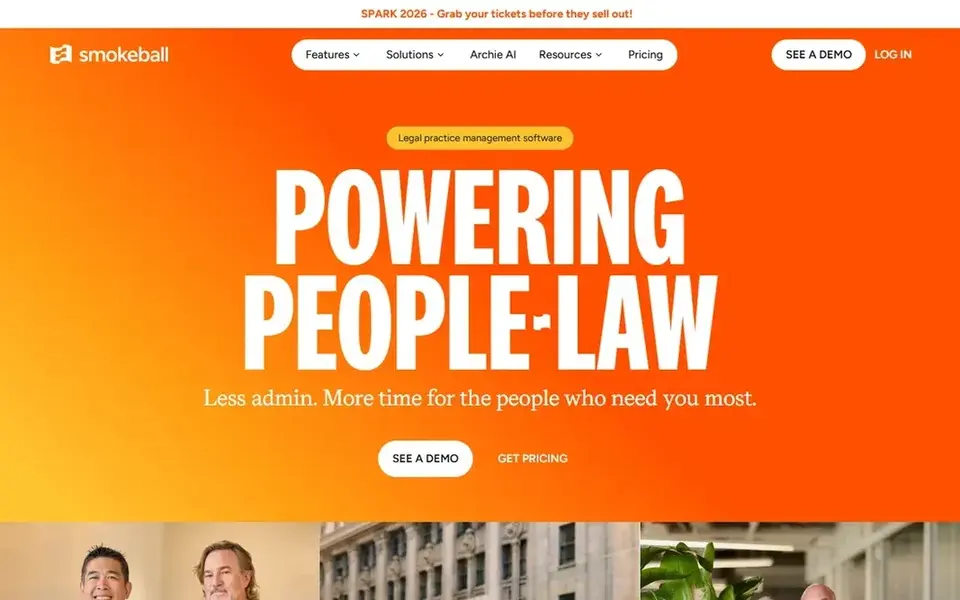
Think of Smokeball for firm insights and automatic time capture. The United States pricing page lists the four plan names and no dollar figures, and states that pricing relies on the number of users, the selected plan, the contract term, and optional products, with a personalised quote on request.
There is no list price for Smokeball, so a quote is the way in. Free access: Free trial.
Downsides: desktop app is restricted to Grow and above.
- AutoTime records billable activity automatically
- Prosper+ includes profitability reporting
- No published prices on the United States pricing page

Where Clio Manage fits: practice management reporting. Higher levels add custom fields, matter stages, custom roles, and AI built reports on profitability and productivity. More specifically, starter also caps electronic signatures at 3 a month.
Downsides: AI features are included only from Core up.
More specifically, a firm that only needs entry-level reports will be fine on Starter. But a firm buying Clio for analytics should price the level that holds the reports it wants. AI drafting, AI built reports, and client portal messaging arrive from Core upward, and Clio publishes no price for Core, Signature, or Elite, so businesses must request a quote to compare the full cost. Clio Manage starts at: $49 per user/month. On free options: Free trial (7 days).
- Time data in one system
- Matter, billing
- Higher levels present no published price
In short, Docket Alarm is for Docket tracking and case alerts. Docket Alarm, now part of Clio, searches millions of lawsuits and tracks cases across federal and state courts. In daily use, the flat-fee membership costs $99 a month per legal professional and bundles docket tracking, case alerts, and document access, whereas a pay-as-you-go choice costs $39.99 a month.
Watch-outs: PACER fees are passed through at $0.10 per page.
In daily use, PACER fees are also passed through without markup, at $0.10 per page with a $3.00 cap per document except transcripts. The analytics side is where the limits display. Beyond that, businesses should treat Docket Alarm as a docket research and tracking tool with handy analytics, and confirm which extras their work needs. The starting price for Docket Alarm: $99 per month. You can start on Docket Alarm without paying.
- Flat-fee membership with unlimited docket searches
- Solid federal and state court coverage
- Analytics extras cost additional
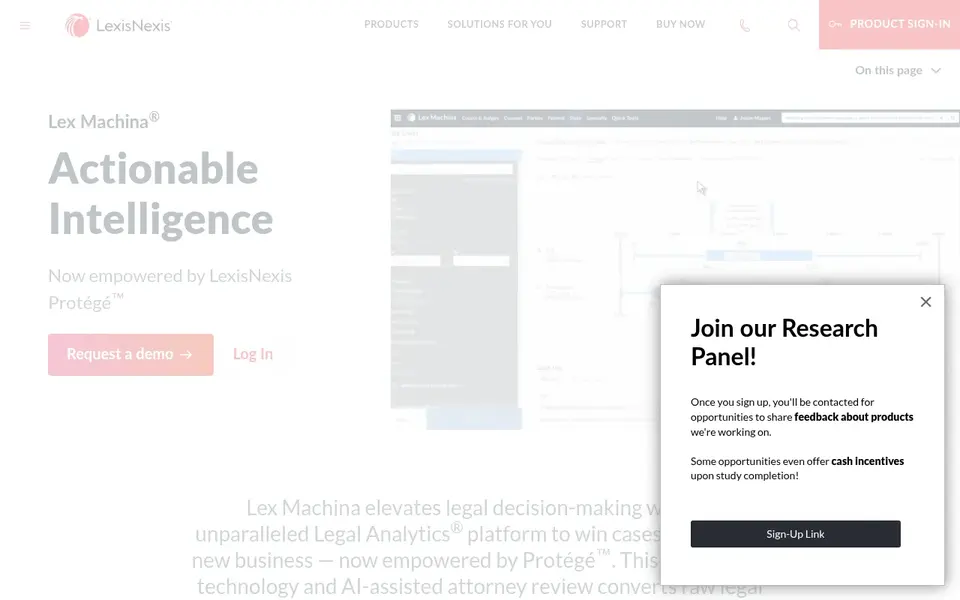
For litigation analytics and judge research, Lex Machina is a natural candidate. The trade off is cost and scope. In practice, Lex Machina, a LexisNexis product, is aimed at litigators who want to ground strategy in court data instead of instinct.
Honest limits: No published pricing, so budgeting needs a sales quote.
It mines federal and state court records to display how judges have ruled, how opposing counsel has performed, and how similar cases have ended. That depth makes it the most solid choice here for businesses that litigate commonly and have to price risk and set client expectations with evidence behind them. There is no list price for Lex Machina, so a quote is the way in. Lex Machina has no permanent free option.
- Outcome analytics for judges, counsel, parties, courts
- Court data refreshed every 24 hours
- State court coverage varies by jurisdiction
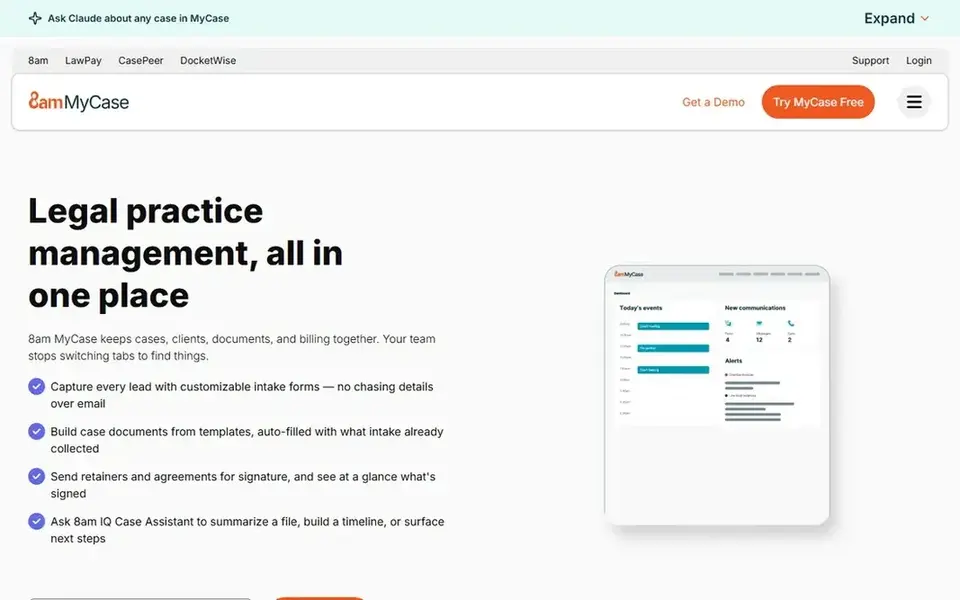
MyCase is aimed squarely at matter and billing reports. Every level comes with case management, time entry, invoicing, trust accounting, online payments, and unlimited document storage. Entry-level costs $50 per user a month billed yearly, or $60 billed monthly, with Pro at $100 and Advanced at $130 on annual billing.
More specifically, MyCase provides small and mid-sized businesses a clear view of caseload, billing, and payments from one dashboard. As for the details, reports include billing, payments, matters, and staff activity. A firm that wants straightforward, honest reporting at a known price will find Basic enough. But a firm with integration plans should read the level table with care. MyCase cost at the entry level: $50 per user/month. Free plan details: Free trial (10 days).
Watch-outs: Open API is available only on Advanced.
- Built-in trust accounting and online payments
- Clear published pricing across three levels
- AI assistants start at Pro
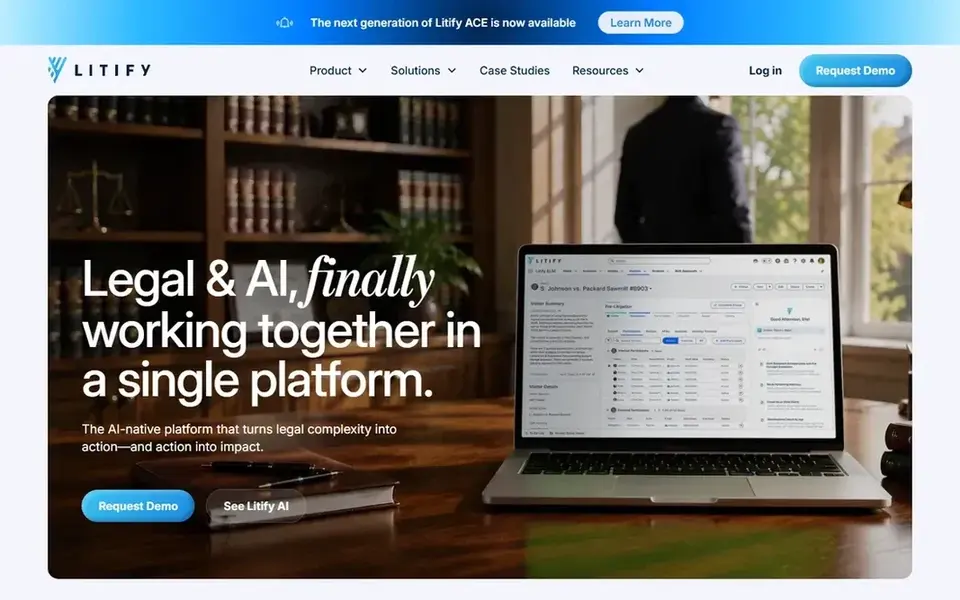
Think of Litify for Firmwide analytics on Salesforce. Worth adding: the underlying Salesforce system brings its own licensing cost on top.
Also, Litify suits businesses with a minimum of 20 users and a budget for a product project, whereas smaller firms will find the minimum seat count and the quote only pricing hard to justify. In practice, Litify states that pricing uses a per-license model with volume discounts, requires a minimum of 20 licenses plus setup fees, and provides no published dollar figure, so every price is a quote. There is no fixed entry price for Litify; pricing comes through a quote. There is no free plan with Litify.
Limits to weigh: Salesforce licensing is an additional cost.
- Deep workflow customisation
- Reporting data in one Salesforce based system
- Minimum of 20 licenses plus setup fees
Selection criteria
Selection started from tools commonly considered for legal analytics software, then narrowed to 6 that have clear pricing information or a clear quote process. Prices and plan limits come from vendor pages and can change, so confirm them on the vendor site before you buy. Order on the page follows fit for the typical buyer first, then price transparency and free access. Your own requirements should decide the final pick.
Pre-purchase checklist
- Ask Smokeball, Lex Machina and Litify for a written quote, since no starting price is shown.
- Test the free plan from Docket Alarm against your real workload before relying on it.
- Take the trial from Smokeball, Clio Manage and MyCase and push a live task through it before you pay.
- Before choosing Smokeball, weigh its main limit: no published prices on the United States pricing page.
- Before rolling out Docket Alarm, verify the integrations your workflow depends on.
- Pick one real project and run it in Lex Machina first; a small pilot shows fit faster than a checklist.
Frequently asked questions
Can I try these options before paying?
Often, yes. Docket Alarm has a free plan and Smokeball, Clio Manage and MyCase offer a free trial. Use your own data and a real task during the test, and check what the free tier or trial limits before you rely on it.
Is Smokeball the right pick for everyone comparing legal analytics software?
No single tool suits every team. Smokeball comes first because it fits firm insights and automatic time capture, while Clio Manage suits practice management reporting and Docket Alarm suits Docket tracking and case alerts. Match the tool to your own size, budget and workflow before deciding.
Which options for legal analytics software have a free plan?
Docket Alarm is the only tool in this list with a free plan. Free plans usually cap users, projects or features, so check the limits on the vendor page. Several others offer a trial instead.
Is Lex Machina worth the cost for a litigation practice?
Lex Machina is worth the cost when litigation is a core part of the practice and the team uses judge, counsel, and outcome data every week. Its court data helps lawyers price risk, set client expectations, and shape strategy.
Do these tools publish their prices?
Not all of them. Smokeball, Lex Machina and Litify publish no starting price, so expect a quote request for those. The rest, Clio Manage included, show a starting price, though seats and billing terms still change the final cost.
Sources
See where you really rank - block by block
ProMapRanker scans Google Maps across a grid of your service area. Simple monthly plans from $19, white-label on every plan.
Start freeBrowse all guides
← IFTA Reporting Software for Mixed Fleets: Best Picks of 2026Best Legal Matter Tracking Software for Mid Size Law Firms (2026) →
 best gps fleet tracking for food trucks
Best Gps Fleet Tracking for Food Trucks in 2026
Weighing the best gps fleet tracking for food trucks? We lined up 6 products by cost, free access and fit. Each tool is judged on the same checks. Facts only.
Read → best fleet tracking software for small business
Best Fleet Tracking Software for Small Business in 2026
6 tools for the best fleet tracking software for small business, compared on pricing, free plans and best-fit use. Real limits included. Choose faster.
Read → best warehouse receiving software for manufacturing plants
Best Warehouse Receiving Software for Manufacturing Plants (2026)
Best warehouse receiving software for manufacturing plants in 2026: 8 contenders with entry costs and free tiers. Prices and drawbacks included. Clear verdicts.
Read → best account based data software
6 Best Account Based Data Software for 2026
Searching for the best account based data software? Here are 6 options with prices and free plans. Each profile ends with a plain caveat. Narrow your shortlist.
Read → best ai powered data integration tools
6 Best AI Powered Data Integration Tools for 2026
6 best AI powered data integration tools, compared on pricing, free plans and best-fit use. Fit and flaws are laid out for each entry. Full profiles inside.
Read → best etf app
Best ETF App in 2026: 9 Apps Compared
Compare the best ETF app options for 2026, with fees, fractional shares, research tools and account types, so you can pick the best ETF platform for your plan.
Read →More in Data & Analytics · All guides A to Z by date · Latest guides