 ProMapRanker
Best Leave Management Software in 2026


Time off inside a complete HR system · Pricing starts at: $10 per employee per month
Key takeaways
- Dedicated leave tools cost far less than full HR suites, and several start under $2 per user per month.
- LeaveBoard and Vacation Tracker both offer a free plan, which makes them a good first step for very small teams.
- Full HR platforms make sense when you also need employee records, onboarding, and payroll in the same place.
- Check monthly minimums and billing units before you buy, since a low per-person price can still mean a higher monthly bill.
- Shared calendars and clear approval rules prevent most leave clashes, even without a large feature set.
Quick comparison
| Pick | Great for | Pricing starts at | Free tier | |
|---|---|---|---|---|
| BambooHR | Time off inside a complete HR system | $10 per employee per month | Free trial | Visit |
 Rippling | HR, payroll, and IT in one platform | $8 per user per month | No | Visit |
 Zoho People | Budget HR with leave and attendance | See website | Yes | Visit |
 Gusto | US small teams that need payroll too | $49 per month plus $6 per person | No | Visit |
 Timetastic | Simple shared leave calendars | $1.50 per user per month | Free trial | Visit |
 LeaveBoard | Free leave tracking for tiny teams | $1.35 per employee per month | Yes | Visit |
 Calamari | Multi-country leave policies | See website | Free trial | Visit |
 Vacation Tracker | Leave requests inside Slack or Teams | $2 per user per month | Yes | Visit |
 Factorial | Growing firms that want all-in-one HR | See website | No | Visit |
The best leave management software
We compared dedicated leave trackers with full HR platforms, so you can pick the smallest tool that still covers approvals, balances, and calendars.
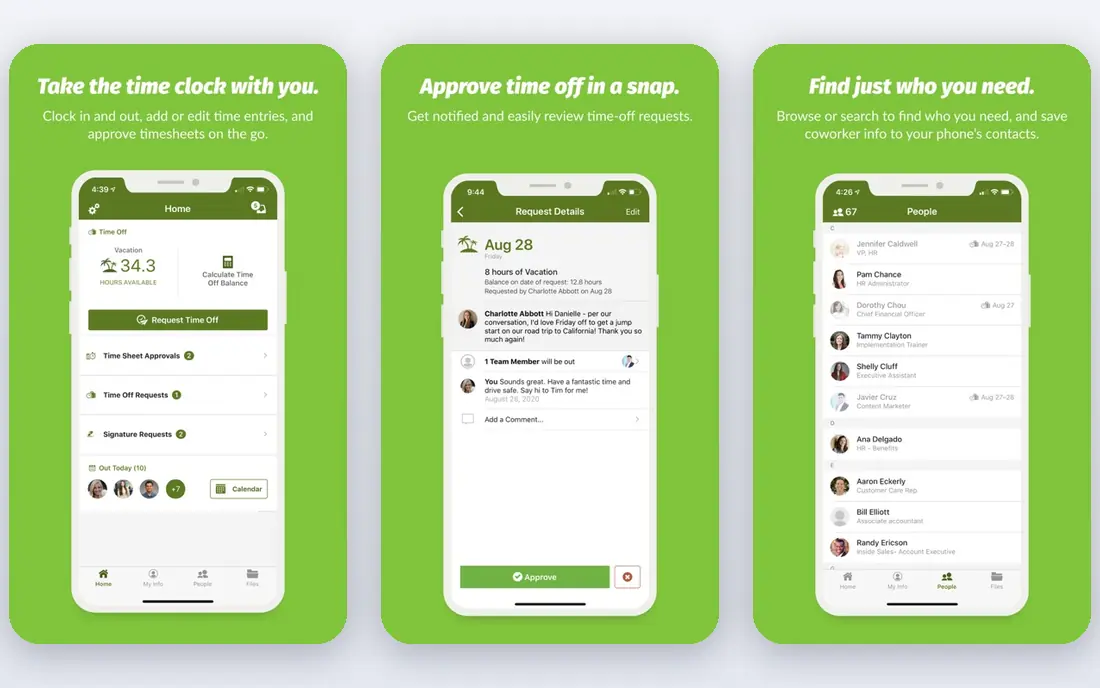
BambooHR suits a growing team that wants leave handled as part of a wider HR system rather than as a separate spreadsheet or calendar. Staff can request time off, see their balances, and check who else is away, while managers approve requests and keep a single employee record in one place. The interface is plain and easy to follow, which helps when non-HR managers need to approve leave quickly.
The trade-off is price. A team that only needs leave tracking will pay for hiring, onboarding, and performance tools it may not use yet. BambooHR still fits well when those wider HR needs are close, since moving leave data later is one less migration to plan. Ask for a quote at your real headcount, and confirm which time-off features sit in the plan you choose.
- Clear employee records
- Strong time-off tracking
- Easy self-service for staff
- Higher cost than dedicated leave tools
- Payroll is a paid add-on in many cases
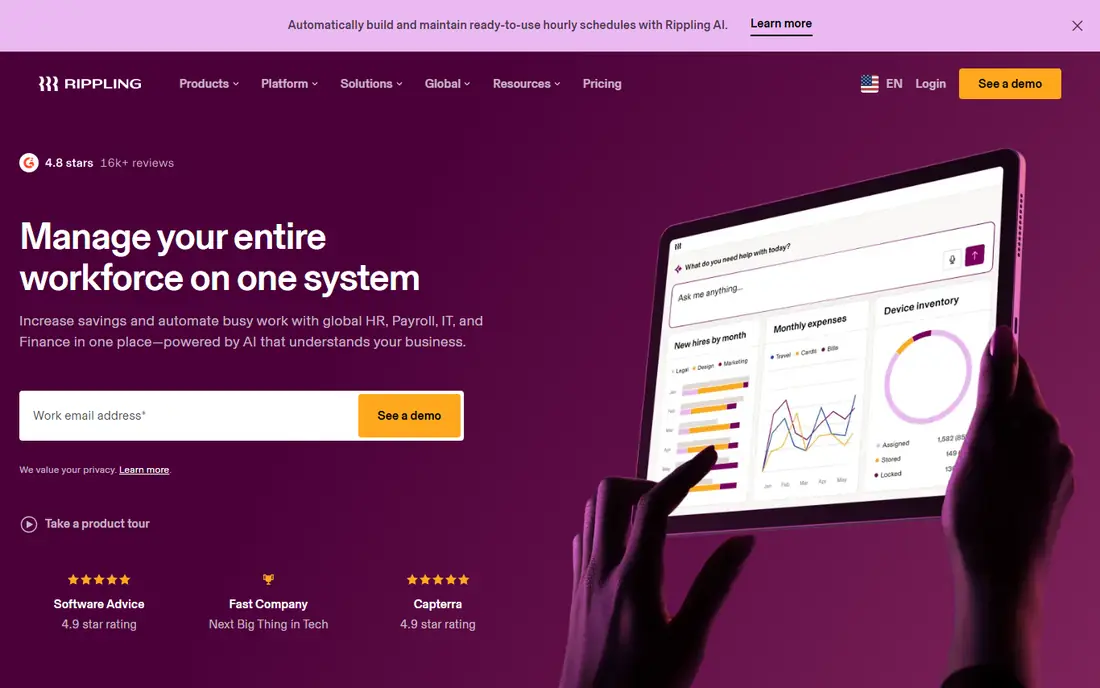
Rippling fits companies that want leave, payroll, and device management tied to the same employee record. When someone joins, changes role, or leaves, the related access and payroll steps can follow from that one record, which cuts down on duplicate data entry. Leave approvals, balances, and time policies sit inside that wider system, so HR does not need to reconcile a separate leave tool at month end.
That breadth is also the catch. Small teams with a simple leave policy may find the setup heavier than a dedicated tracker, and the headline price is only the starting point once payroll or IT modules are added. Rippling earns its place here for teams that already plan to centralise HR, payroll, and IT, and want leave to fit that plan from day one.
- One employee record across HR and payroll
- Strong automation
- Wide integration options
- Setup can take real planning
- Add-on modules raise the total cost
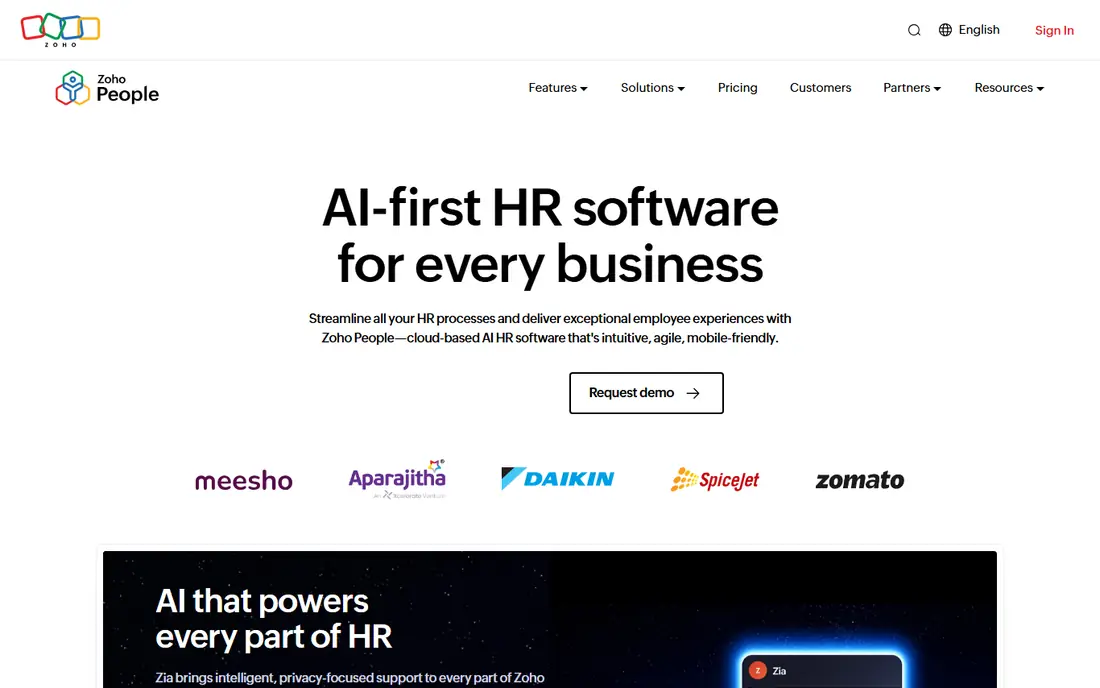
Zoho People is a sensible pick for a small team that wants more than a leave calendar but cannot justify a premium HR suite. It covers employee records, leave requests, attendance, and basic workflows, and it connects well with other Zoho products when a team already uses them. Managers can set approval chains, and staff can check balances without asking HR for a manual update.
The interface is less polished than some rivals, and complex approval rules may need a careful setup pass. That is a fair trade for the price, and the free option for very small teams makes it easy to test with real requests before committing. Check the current plan page, since Zoho has changed its tier prices over time and the leave features you need may sit above the entry tier.
- Low entry cost
- Leave, attendance, and workflows in one place
- Fits other Zoho apps
- Settings can take time to learn
- US payroll needs a paid add-on
Gusto works best for a US small business that wants leave requests to flow into payroll without a separate reconciliation step. Staff request time off, managers approve it, and the payroll side reflects the approved time, which removes a common source of pay errors. The pricing is published up front, with a monthly base fee plus a per-person fee, so a small team can budget with fewer surprises.
Gusto is not the right fit for a team that mainly needs global leave policies or a deep HR suite. Its strength is payroll-first simplicity, not complex multi-country rules. If your team is US based, has straightforward leave policies, and wants one vendor for pay and time off, Gusto is a strong, low-friction choice.
- Clear published pricing
- US payroll built in
- Simple time-off tracking
- Less suited to teams outside the US
- Advanced HR features cost more
Timetastic does one job well, which is showing who is off and when. Staff book leave in a few clicks, managers approve it, and the whole team can see a shared calendar that prevents double bookings during busy periods. There is little to learn, so a small team can move off spreadsheets in an afternoon and keep the same approval habits it already uses.
The limit is scope. Timetastic will not run onboarding, performance reviews, or payroll, and very complex accrual rules may stretch it. That is fine when leave is the only problem you need to solve. For a team that wants a calm, visible calendar at a low price, and nothing else, it is one of the easiest tools on this list to adopt.
- Very easy to use
- Clear shared calendar
- Low monthly cost
- No wider HR features
- Limited depth for complex policies
LeaveBoard is the best starting point for a tiny team that wants proper leave records without paying from day one. The free plan covers up to 9 employees, with balances, approvals, and reports that go beyond a shared spreadsheet. Each employee can see their own leave history, and managers can set different approvers, which keeps small teams organised without extra admin.
As the team grows past the free limit, the paid plan stays low cost, but LeaveBoard remains a leave-first tool rather than a full HR suite. That focus is a strength for a small business, since there is less to configure and less to go wrong. If you need payroll or hiring later, you can add those tools separately and keep LeaveBoard for leave.
- Free plan for up to 9 employees
- Clear balances and reports
- Simple approvals
- Limited wider HR tools
- Paid plan needed as the team grows
Calamari fits teams that operate across more than one country and need different leave rules, holidays, and accrual methods in the same system. It offers leave management alongside time tracking and attendance, and it connects with common calendars and workplace tools, so approved leave shows up where the team already plans its week. That combination helps HR keep local rules straight without running a separate tracker per office.
The modular pricing means you should price the exact modules you need, not just the leave module, and allow time for policy setup. Some users find complex accrual caps fiddly at first. Once the rules are set, though, Calamari handles the day-to-day work well, and it is a solid pick for a distributed team that has outgrown a single-country leave calendar.
- Leave, time, and attendance modules
- Multi-country policy support
- Calendar integrations
- Policy setup can feel unintuitive
- Pricing is modular, so totals vary
Vacation Tracker is built for teams that already live in Slack or Microsoft Teams and do not want another app to check. Staff request leave from chat, managers approve it there, and the team calendar stays visible without switching tools. That small change in habit matters, since leave requests are less likely to sit unread in an inbox when they arrive in the channel people already watch.
The catch is the monthly minimum on paid plans, which can make the tool cost more than the per-user price suggests for a very small team. It also stays focused on leave, so HR records and payroll need a separate home. For a chat-first team with a straightforward leave policy, the convenience is worth that trade.
- Requests inside Slack or Microsoft Teams
- Free plan available
- Clear team calendar
- Monthly minimums apply on paid plans
- No wider HR features
Factorial suits a growing firm that wants leave, time tracking, expenses, and employee records in one system, and expects to add more HR processes over the next year. Staff manage leave from a self-service hub, managers approve and review balances, and HR keeps one employee list instead of syncing several tools. That single record becomes more valuable as headcount rises and manual checks start to fail.
Pricing is quote based, so you will need a sales conversation to get a firm figure at your headcount. Setup also takes more care than a leave-only tracker. Factorial earns its place for teams that want to buy once for several HR jobs, rather than adding a new tool each time a process outgrows a spreadsheet.
- Leave inside a broad HR platform
- Time tracking and expenses included
- Scalable tiers
- Pricing needs a quote
- More setup than a dedicated leave tool
How we picked these
We compared vendor pricing pages, feature pages, and public reviews, and we kept only tools that are live in October 2026 and clearly handle leave requests, balances, and approvals. We mixed dedicated leave trackers with full HR platforms, because the right tool depends on how much else you need from the same system. Where a price varied across sources or was not published by the vendor, we wrote See website rather than guessing.
What to check before you buy leave software
Start with your leave rules, not the feature list. Write down your leave types, accrual method, carryover rule, and who approves each request, then check that the tool handles each one without a workaround. A tool that looks simple in a demo can become awkward when half days, public holidays in two countries, or a blackout period are added.
Next, price the tool at your real headcount, including monthly minimums, and confirm how balances reach payroll. Ask for a trial on the plan you will actually buy, and run a full cycle: request, approval, calendar update, and a balance report. If that cycle feels easy for managers and staff, the tool will survive busy holiday periods. If it feels heavy in the trial, it will feel heavier when twenty people request leave in the same week.
Questions to ask on a demo
Ask how the tool handles part-time staff, new joiners mid-year, and leavers with unused leave. Ask what happens when a manager is away, and whether approvals can be delegated without HR stepping in. Ask which calendars and payroll tools it connects with, and whether the connection is two-way or a one-way export. The answers tell you more about daily life with the tool than a long feature list.
Frequently asked questions
What is the best leave management software for a small team?
For a very small team, LeaveBoard or Vacation Tracker are good starting points because both offer a free plan and keep approvals simple. Timetastic is another low-cost option when a shared calendar is the main need. A team that also needs payroll should look at Gusto or Rippling instead, since leave alone will not cover that job.
What is the best leave management system software for a growing company?
BambooHR, Rippling, and Factorial fit growing companies because leave sits inside a wider HR record, which reduces duplicate data as headcount rises. Zoho People is a lower-cost middle step for teams that want HR features without a premium price. Pick the suite whose other modules you will actually use within a year, not the one with the longest feature list.
Is there a best leave management app for teams using Slack or Teams?
Vacation Tracker is built for Slack and Microsoft Teams, so requests and approvals happen inside chat. Calamari and BambooHR also connect with common calendars and workplace tools, but they are not chat-first in the same way. If your team rarely opens email but lives in chat, a chat-native tool will get faster approvals.
How much does leave management software cost?
Dedicated leave tools on this list start around $1.35 to $2 per user per month, while full HR platforms start higher and often need a quote. Monthly minimums, payroll add-ons, and extra modules can change the total, so price the tool at your exact headcount. Free plans help small teams start, but check what happens when you pass the free limit.
Can leave software handle different policies in different countries?
Calamari and the larger HR suites handle multi-country policies best, with separate holiday calendars and accrual rules per location. Dedicated trackers can work for one or two locations, but complex local rules may need a workaround. List every location and leave type before a trial, and test each one rather than assuming it works.
Sources
See where you really rank - block by block
ProMapRanker scans Google Maps across a grid of your service area. Simple monthly plans from $19, white-label on every plan.
Start freeKeep reading
 zoho inventory alternatives
6 Alternatives to Zoho Inventory, Compared on Price and Fit
Zoho Inventory alternatives: 6 tools compared on price, free plans and fit. Katana leads the list for manufacturers. Fit and flaws are laid out for each entry.
Read → zoho crm alternatives
Best Zoho CRM Alternatives (2026)
Need Zoho CRM alternatives? We compare 7 tools on cost, free access and who each suits. Every pick gets a straight assessment. Built for quick decisions.
Read → zelle alternatives
Best Zelle Alternatives in 2026
Compare the best Zelle alternatives for sending money to friends, paying sellers and moving funds abroad, with honest notes on fees, speed and safety in 2026.
Read →