 ProMapRanker
Best Lead Management Software in 2026

Key takeaways
- HubSpot is our pick for most small teams because its free CRM covers capture, pipelines and basic follow-up before any payment is needed.
- Salesforce suits larger sales operations that need deep customisation, territory controls and a wide integration catalogue.
- Zoho CRM and Freshsales give small businesses strong lead scoring and automation at a lower per-user price than the enterprise leaders.
- Pipedrive works best for teams that live in a visual pipeline and want activity reminders rather than a long setup project.
- Check where automation, scoring and reporting sit in each plan, because those features often move to a higher tier than the headline price suggests.
Quick comparison
| Pick | Great for | Pricing starts at | Free tier | |
|---|---|---|---|---|
 HubSpot | Small teams starting free | Free | Yes | Visit |
 Salesforce Sales Cloud | Large and complex sales teams | $25 per user per month | Free trial | Visit |
 Zoho CRM | Value for money | Free | Yes | Visit |
 Pipedrive | Visual pipeline selling | $14 per user per month | Free trial | Visit |
 Freshsales | Built-in phone and email | $9 per user per month | Yes | Visit |
 monday CRM | Custom workflows | $12 per user per month | Free trial | Visit |
 Close | High-volume outbound calling | See website | Free trial | Visit |
 LeadSquared | High-volume lead distribution | See website | Free trial | Visit |
The best lead management software
We compared official feature pages, pricing pages, app listings and public reviews for the tools below, and we focused on capture, scoring, routing, follow-up and reporting. These are the best lead management tools we found for teams that want fewer leads slipping through the cracks.
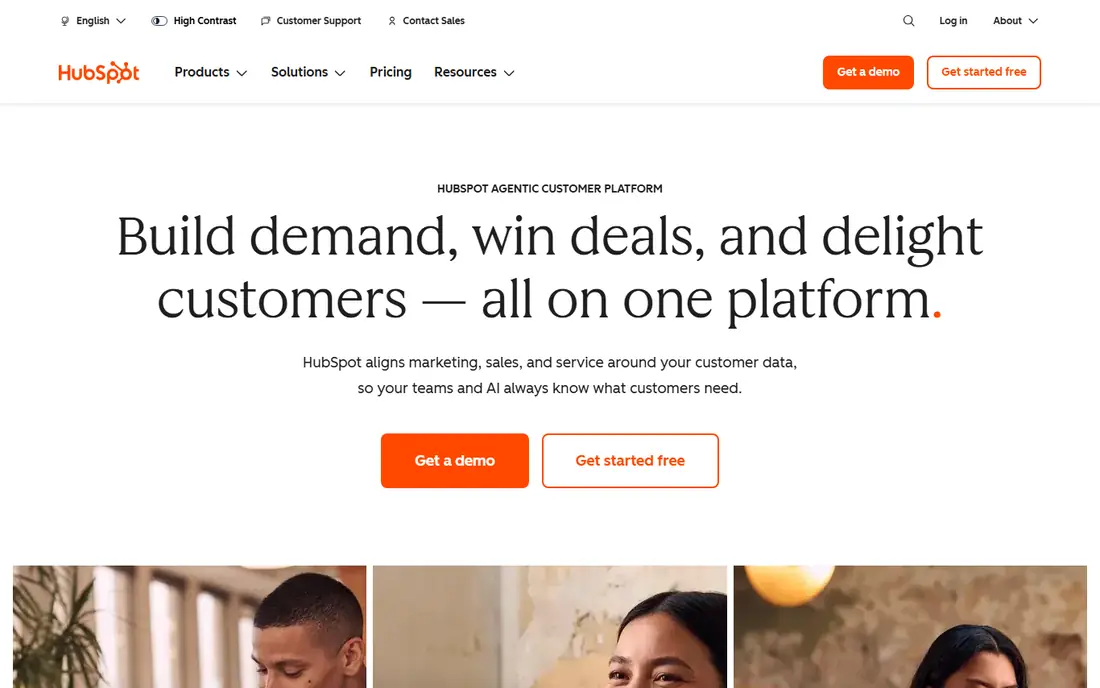
HubSpot earns the top spot here because a small team can run a real lead process without paying first. Contacts, deal pipelines, forms, live chat and email tracking come with the free CRM, so a new business can capture enquiries from its website and follow them in one place. That low starting point also makes it a strong choice when you are searching for the best lead management software for small business use.
The honest catch is the step up to paid automation. Lead scoring, sequences and richer workflow tools sit in higher Sales Hub tiers, and the price jump can surprise a team that built its process around free features. If you plan to use scoring and automated routing from the start, check the tier that includes them before you commit. For most small teams, though, the free base plus a modest Starter plan is a sensible place to begin.
- Generous free CRM
- Forms, chat and email tracking built in
- Marketing and sales share one contact record
- Advanced automation and scoring sit in higher tiers
- Costs can rise sharply as a team grows
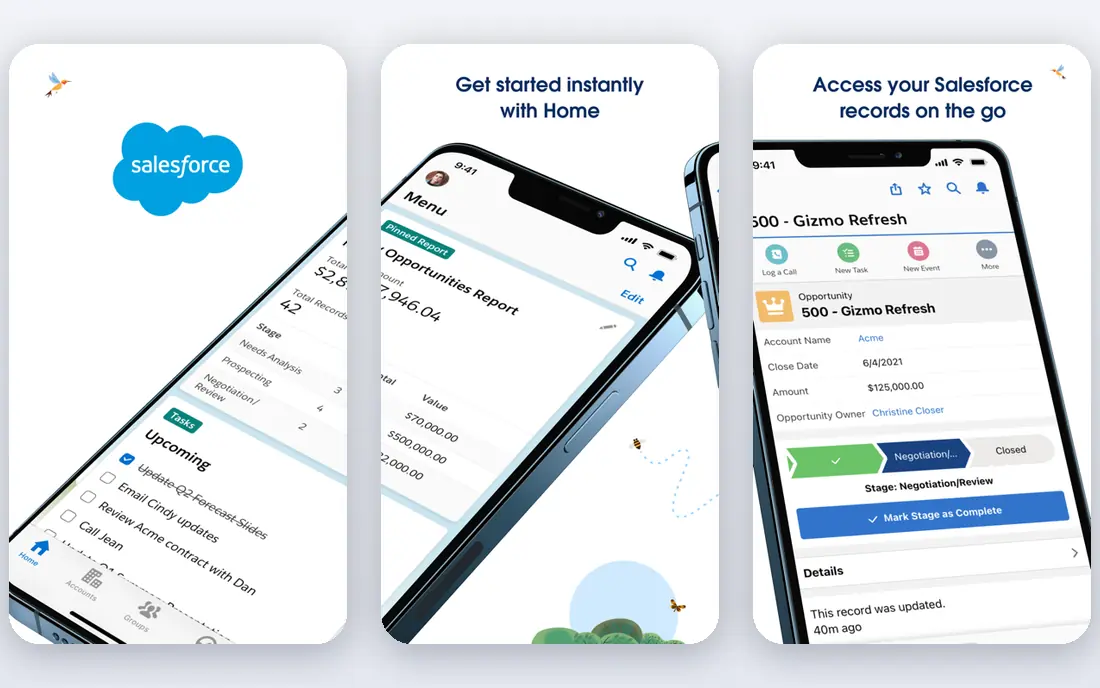
Salesforce is the pick when a sales operation has outgrown simple pipelines. Lead assignment rules, territory management, custom objects and detailed reporting let a larger team shape the system around its own process rather than fitting into a fixed template. It is one of the top lead management software options for companies that run several teams, regions or product lines at once.
That depth comes with a learning curve. A small team with a short sales cycle may find the setup heavier than it needs, and some useful features sit in higher editions. We would only choose Salesforce here if you have someone to own the setup, or a partner to help, and a clear reason to need its scale. For that kind of team, few tools match its range.
- Deep customisation and reporting
- Strong territory and routing controls
- Very large integration catalogue
- Setup takes time and skill
- Higher tiers and add-ons add cost quickly
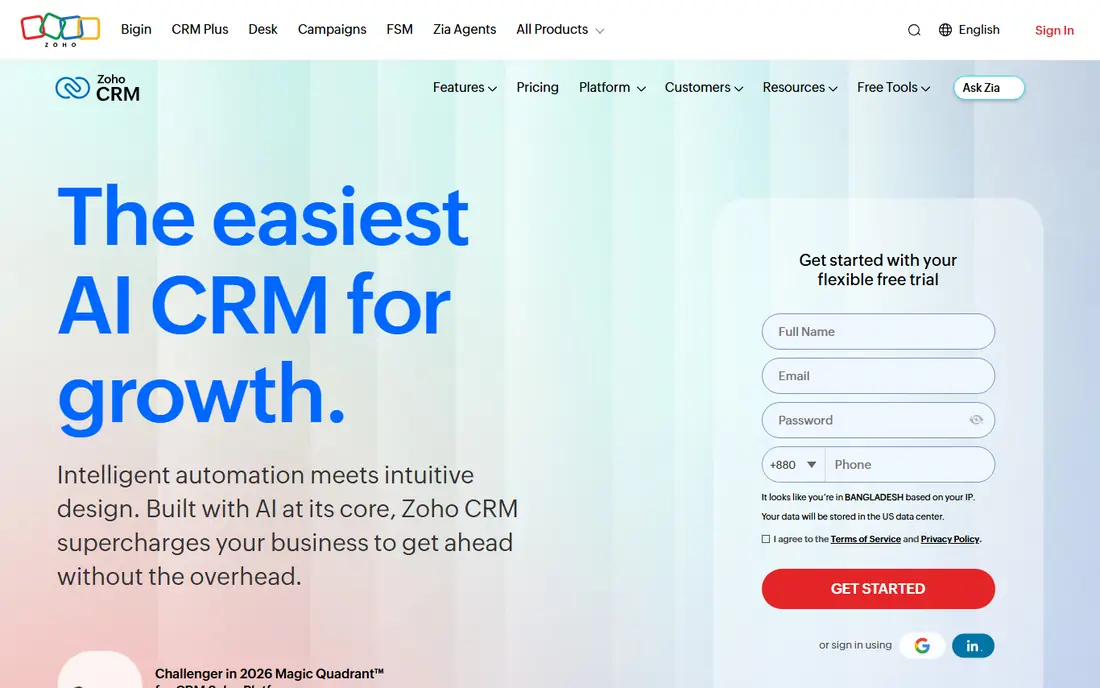
Zoho CRM gives a small or mid-sized team a lot of lead management for the money. The free plan covers up to three users, and paid tiers add scoring, workflow rules, email integration and multichannel contact in a way that feels closer to enterprise tools than the price suggests. Teams already using Zoho apps for email, books or support get extra value from the shared data.
The trade-off is polish. Some screens pack in many options, and new users may need a few days to settle into the layout. Reporting and AI-assisted scoring also improve as you move up the tiers, so check which tier holds the features you need. On balance, Zoho CRM is hard to beat for teams that want depth without an enterprise bill.
- Low-cost paid tiers
- Lead scoring and workflow automation
- Wide Zoho suite integrations
- Interface can feel busy
- Some advanced AI features sit in higher tiers
Pipedrive suits salespeople who think in deals and next steps. The pipeline view is clear, moving a deal is a drag, and activity reminders push reps to call, email or meet at the right time. Lead capture from web forms and email sync keeps new enquiries close to the pipeline, rather than lost in an inbox.
It is less of a marketing platform than HubSpot or Zoho CRM, so teams that need heavy campaign tools may need another app beside it. Lead scoring and deeper automation also sit above the entry tier. If your main problem is follow-up discipline and a clear view of open deals, Pipedrive is one of the best sales lead management software choices in this list.
- Clear drag-and-drop pipeline
- Activity reminders keep follow-up on track
- Quick to learn
- No free plan
- Automation and lead scoring need higher tiers
Freshsales, from Freshworks, is built for teams that want calling and email inside the CRM. Reps can call, log notes and send mail without switching apps, and the timeline view shows each lead's history in one thread. That matters for small teams where speed matters more than a long list of settings.
Lead scoring, territory rules and richer automation appear as you move up the plans, so a growing team should map its needs before choosing a tier. The free plan is useful for trying the basics, but most active sales teams will land on a paid tier. For the price, Freshsales offers a clean balance of ease and sales features, and it is a strong candidate among the best leads management tools for small teams.
- Low entry price
- Built-in telephony and email
- AI-assisted scoring on paid plans
- Customisation is lighter than Salesforce or Zoho CRM
- Some features need higher tiers
monday CRM starts from boards, not from a fixed sales template, and that freedom suits teams with an unusual process. You can build a lead board, add status columns, set automations for follow-up, and track a deal from first enquiry to close in a view your team actually reads. It also works well when sales hands work to delivery or support on the same platform.
The catch is that it is a work platform first and a CRM second. Native lead scoring and some sales reports are thinner than in Zoho CRM or Salesforce, and seat minimums can raise the bill for a very small team. If your lead process is tied to projects, tasks and handoffs, monday CRM is a flexible pick. If you need deep sales automation alone, a dedicated CRM may fit better.
- Highly customisable boards and automations
- Clear visual status tracking
- Good for mixed sales and project work
- Minimum seat rules on some plans
- Sales-specific depth is lighter than dedicated CRMs
Close is designed for teams that live on the phone. Built-in calling, SMS and email, plus power dialling and lead lists, let an outbound team work through prospects without juggling separate tools. Statuses, smart views and activity reports help managers see who was contacted, when, and what happened next.
It is not the cheapest option here, and it is less suited to inbound marketing teams that need landing pages and campaign tools. Close also asks teams to work its way, with a strong focus on speed and volume. For outbound sales, that focus is the point. For a small inbound team, HubSpot or Zoho CRM will likely give more value for less money.
- Calling, SMS and email built for outbound teams
- Fast lead import and dialling
- Clear activity reporting
- No free plan
- Pricing is higher than entry-level CRMs
- Weaker for marketing-led teams
LeadSquared fits businesses that receive leads from many sources and must route them fast. Web forms, calls, chats and ads can feed one queue, and rules can assign leads by region, product or rep availability. That distribution strength makes it popular with education, finance, healthcare and other high-volume sectors.
Smaller teams may find the platform more than they need, and pricing is not as plain as a single published entry tier. You should ask for a demo with your own lead sources and routing rules before signing. When volume and speed of assignment are the main problems, LeadSquared is one of the top 10 lead management software options worth shortlisting, even if it is not the simplest pick here.
- Strong lead capture and auto-distribution
- Good for field and inside sales
- Detailed lead activity tracking
- Pricing needs a quote or sales check
- Setup can take longer for complex routing rules
How we picked these
We compared official feature pages, pricing pages and public reviews for each tool, and we checked that each one is live and actively sold in October 2026. We favoured tools that cover the full lead path, from capture and scoring to routing, follow-up and reporting, and we mixed well-known leaders with strong smaller options. Prices shown are starting prices from vendor or review sources checked during research, and where a price could not be pinned down we wrote See website rather than guessing.
What to check before you buy lead software
Start with your lead sources. List every place enquiries arrive, from website forms and ads to calls, email and events, and make sure the tool you choose can capture each one without manual copying. A tool that misses one source will leave a gap, and gaps are where leads go cold.
Next, test scoring and routing with real examples. Give the vendor or trial a set of past leads, some good and some poor, and see whether scoring ranks them in a sensible order. Check how fast a hot lead reaches the right rep, and what happens after hours or on weekends. These two checks tell you more than a feature list.
Finally, count the total cost, not just the seat price. Add the tier that holds scoring, automation and the reports you need, plus any phone, SMS or integration charges. Ask about limits on contacts, emails and automation runs. A tool that looks cheap at entry level can cost far more once your team uses it properly, so get the full tier price in writing before you commit.
Frequently asked questions
What is the best lead management software for small business?
HubSpot and Zoho CRM are strong starting points because both offer a free plan and cover capture, pipelines and follow-up. Freshsales is also worth a look for its low entry price and built-in calling. The best choice depends on your lead volume, your sales cycle and how much automation you need on day one.
What are the best lead management tools for a team that sells by phone?
Close is built for high-volume outbound calling, with dialling, SMS and email in one place. Freshsales also suits phone-led teams because telephony sits inside the CRM. If your team mixes phone and email outreach, test both with a real call list before choosing.
Is there a best free lead management software option?
HubSpot offers the most useful free CRM in this list, with contacts, pipelines, forms and email tracking at no cost. Zoho CRM also has a free plan for up to three users, and Freshsales has a free tier for basic use. Free plans work well for small teams, but scoring and automation usually need a paid tier.
How does lead scoring work in these tools?
Lead scoring assigns points based on actions and details, such as job title, company size, email opens, page visits and form answers. Higher scores mark leads that look more ready to buy, so reps can work them first. Most tools let you set your own rules, and some use AI to suggest scores, but you should still review results against real outcomes.
What is the difference between lead management software and a CRM?
A CRM stores contacts, deals and history, while lead management focuses on the early part of that journey: capture, scoring, routing and follow-up until a lead becomes a deal. In practice most modern CRMs include lead management features, so the line is blurred. When comparing tools, check the capture, scoring and routing features specifically, not just the CRM label.
Do I need top lead management software if I only get a few leads a week?
You may not need a full platform, but you still need a single place to record every lead and its next step. A free CRM plan can do that well, and it stops leads living in separate inboxes. If volume grows, or leads start arriving from several sources, a paid tier with routing and reminders becomes worth the cost.
Sources
See where you really rank - block by block
ProMapRanker scans Google Maps across a grid of your service area. Simple monthly plans from $19, white-label on every plan.
Start freeKeep reading
 vercel alternatives
Vercel Alternatives in 2026
Compare the best Vercel alternatives for static sites, full-stack apps and backends, with free tiers, current pricing and honest trade-offs for developers.
Read → best veterinary software
Best Veterinary Software in 2026
We compared the best veterinary software for clinics of every size, from cloud practice tools to desktop systems, with detailed pricing and trade-offs.
Read → best truck gps app
Best Truck GPS App in 2026: 8 Apps Compared
Best truck GPS app picks for truckers, with truck routing, low bridge warnings, parking and fuel tools, plus current prices and free options for US drivers.
Read →