 ProMapRanker
Best Law Office Software in 2026


Firms of all sizes that want the largest ecosystem · Pricing starts at: $49 per user per month
Key takeaways
- Clio, MyCase and PracticePanther cover most firms well, with matters, billing, documents and client communication in one system.
- Filevine suits litigation and high volume personal injury work, while Smokeball and LEAP suit document heavy and form heavy practices.
- CosmoLex suits firms where built-in accounting matters most, and Actionstep suits firms that need deep workflow customization.
- This guide is general information only, not legal advice. Confirm trust accounting, data protection and court rules in your jurisdiction before rollout.
Quick comparison
| Pick | Great for | Pricing starts at | Free tier | |
|---|---|---|---|---|
| Clio | Firms of all sizes that want the largest ecosystem | $49 per user per month | Free trial | Visit |
 MyCase | Solo and small firms that want one predictable bill | $50 per user per month | Free trial | Visit |
 PracticePanther | Growing firms that want code-free automation | $49 per user per month | Free trial | Visit |
 Smokeball | Document heavy firms focused on billable time | See website | Free trial | Visit |
 Filevine | Litigation and high volume personal injury work | See website | Free trial | Visit |
 CosmoLex | Firms where accounting and trust are the priority | $49 per user per month | Free trial | Visit |
 Rocket Matter | Firms that want practice management without a steep curve | See website | Free trial | Visit |
 LEAP | Firms that want legal content and forms built in | $129 per user per month | Free trial | Visit |
 Actionstep | Firms that need deep workflow customization | See website | Free trial | Visit |
The best law office software
Law office software, often called practice management software, organizes matters, contacts, calendars, tasks, documents, billing and client communication. The right tool depends on firm size, practice area and how much customization the firm needs. We compared pricing pages, feature pages and public reviews for tools still sold in October 2026.

Clio is the default choice for firms that want a proven, widely supported platform. Matter management, time tracking, billing, payments, documents, calendar and client communication sit in one system, and a large app marketplace adds tools for intake, e-signatures, accounting and document automation. That ecosystem helps firms add features without switching platforms as they grow.
The catch is tier pricing above the entry plan. Higher tiers add client portal depth, automated billing, multi currency billing and advanced reporting, but prices need a quote. Small firms should also check whether they need that breadth, since a simpler tool may be cheaper. For firms that want scale, support and integrations, Clio remains the safest all rounder.
- Largest integration marketplace in this guide
- Matters, billing, documents and client portal together
- Trust and operating reconciliation on entry plans
- Only the entry price is published clearly
- Higher tiers need a sales quote
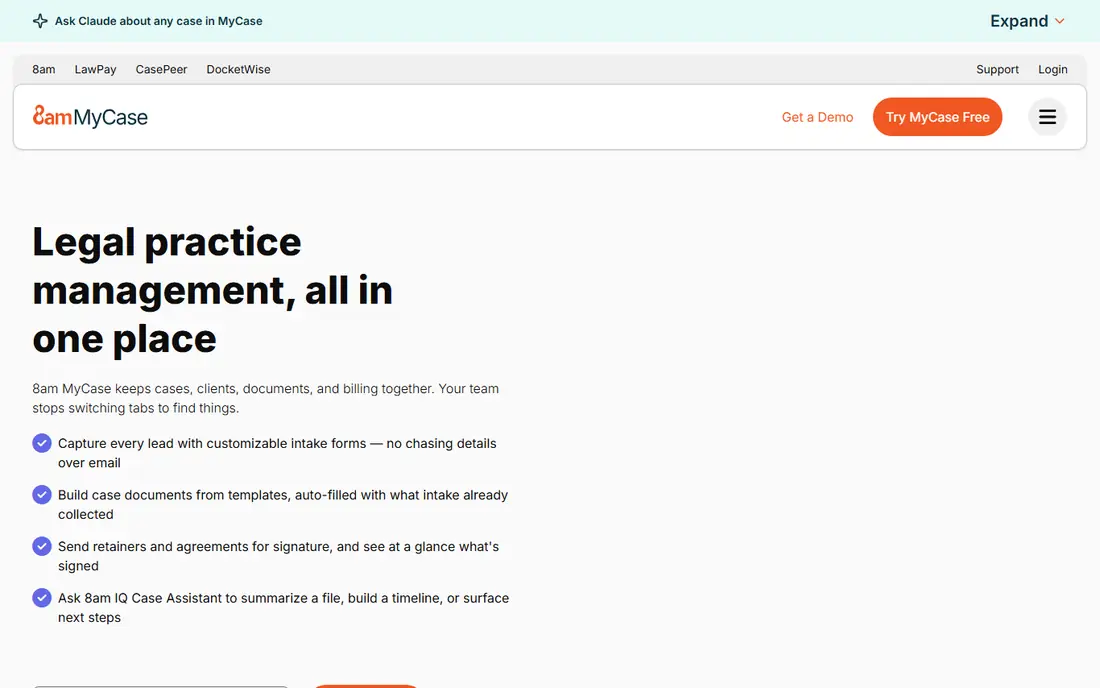
MyCase suits solo lawyers and small firms that want one predictable system without a long setup. Cases, contacts, calendar, tasks, documents, billing, payments and client communication are covered, and client texting and a portal help small firms stay in touch without extra tools. Published tiers make budgeting simple, with Pro and Advanced adding intake, e-signatures and accounting integrations.
The limit is flexibility for larger or more complex firms. Custom workflows, deep reporting and complex matter structures are thinner than in Filevine or Actionstep. For a small firm that values simplicity, clear pricing and good client communication, MyCase is a strong pick, and its trial makes it easy to test with real cases.
- Clear published tier pricing
- Built-in client texting and portal
- Easy to learn for small teams
- Customization is thinner than Filevine or Actionstep
- Advanced features sit on higher tiers
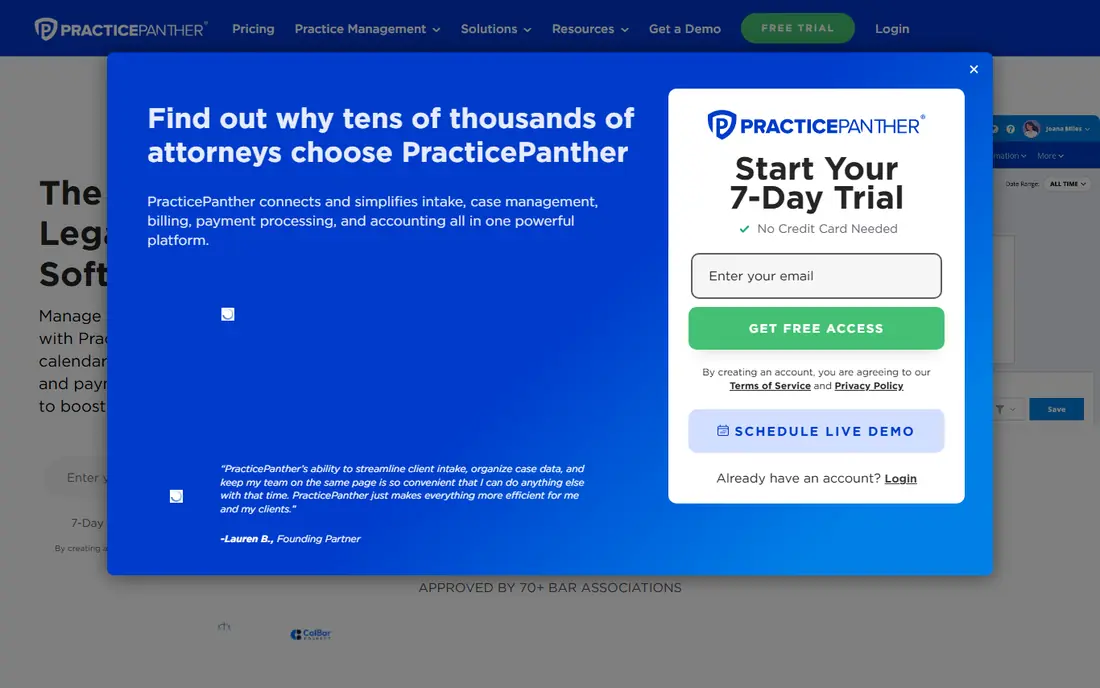
PracticePanther fits growing firms that want automation without hiring a developer. Workflows can create tasks, send reminders, update matter stages and trigger billing steps automatically, which cuts admin as caseload grows. CRM, intake, matter management, time tracking and billing sit in one system, so a new client can move from enquiry to paid invoice without switching tools.
The trade-off is accounting depth on entry plans. Firms that need full accounting should check the higher tier price before committing. PracticePanther still offers a good balance of automation, ease of use and price for firms moving from a simple tool to a more structured platform.
- Code-free workflow automation
- Matters, billing, CRM and intake together
- Published entry price
- Full accounting features sit on higher plans
- Customization is less deep than Actionstep
Smokeball suits firms that live in documents and bill by time. Automatic time capture records work on documents, emails and matters, which helps recover billable hours that manual timers miss. Document automation and access to many federal and local court forms speed drafting, and matter management ties documents, time and billing together.
The weakness is price clarity and scope. Pricing is quoted in our checks, and the platform is broader than a simple case tracker, so very small firms may find it heavy. Document heavy firms that lose time to manual entry should trial Smokeball with real matters, since time capture is its clearest advantage over simpler tools.
- Automatic time capture from document and email work
- Strong document automation and a large form library
- Matter insights and reporting
- Quote based pricing in our checks
- Heavier than a firm with simple needs usually requires
Filevine fits litigation, personal injury and mass tort practices that handle high volumes and complex workflows. Custom matter types, document assembly, deadline tracking, reporting and AI assisted document review help teams manage many cases with consistent stages and data. That depth is why larger litigation teams choose Filevine over simpler tools.
The trade-off is effort. Implementation takes planning, the learning curve is steeper, and pricing is quoted by package and modules. Solo lawyers and small general firms will find Filevine oversized. Litigation teams that need customization, volume handling and reporting will find its depth worth the setup time.
- Deep customization for litigation workflows
- Document assembly and AI assisted review tools
- Strong reporting for high volume caseloads
- Quote based pricing
- Setup and learning curve are steeper than Clio or MyCase
CosmoLex suits firms where accounting and trust compliance drive the choice. Built-in general ledger accounting, trust accounting, three way reconciliation, billing and payments sit inside the practice platform, so a firm can run matters and books in one system. That single system reduces double entry and helps partners see trust and operating balances clearly.
The catch is that firms already committed to QuickBooks may prefer a tool that syncs, such as MyCase Pro or LeanLaw. CosmoLex pricing also rises across tiers, so firms should check which tier covers their accounting needs. For firms that want accounting inside practice management, CosmoLex is a focused and credible pick.
- Built-in accounting and trust compliance
- Matters, billing, documents and payments together
- No QuickBooks needed for core books
- Higher tiers needed for full feature depth
- Firms committed to QuickBooks may prefer a syncing tool
Rocket Matter
Great for: Firms that want practice management without a steep curve
Rocket Matter fits firms that want a clear, visual practice system without a long learning curve. Matters can be tracked on kanban boards, billing and payments are built in, and CRM and intake tools help small firms manage leads and clients in one place. New staff usually learn the core workflows quickly, which helps adoption.
The limit is ecosystem depth and price clarity. Entry pricing varied across sources we checked, so firms should confirm the current price in writing. Firms that need many integrations may prefer Clio. Firms that value visual workflows and a gentle learning curve will find Rocket Matter a pleasant and practical choice.
- Visual workflows and kanban style matter views
- Billing, CRM and intake together
- Easy to learn for new staff
- Pricing needs a check on the vendor site
- Integration set is smaller than Clio in public materials
LEAP suits firms that want legal content inside the practice system, not as a separate library. Forms, precedents and document automation draw on matter data, which speeds drafting for common practice areas and reduces retyping. Cloud access, billing, documents and client tools cover the wider practice job in one platform.
The weakness is price. The entry price in our checks is well above Clio, MyCase and PracticePanther, so firms should test whether the built-in content covers their practice areas and jurisdiction before paying the premium. Firms that draft many standard documents and value integrated content will get the most from LEAP.
- Legal forms, precedents and content built into matters
- Document automation tied to matter data
- Cloud access for firms and staff on the move
- High entry price compared with rivals
- Content depth varies by practice area and jurisdiction
Actionstep fits firms that need to shape the system around their own workflows, rather than fitting workflows to the system. Matter structures, workflows, accounting, billing, documents and reporting can be configured in depth, which suits mid sized firms with varied practice areas or complex processes. That flexibility is its main advantage over simpler platforms.
The trade-off is setup time and price clarity. Configuration takes planning, staff need training to use advanced features well, and pricing is quoted. Small firms with standard needs will get faster value from MyCase or PracticePanther. Firms with complex, firm specific workflows should trial Actionstep with a real matter type before deciding.
- Highly configurable workflows and matter structures
- Accounting, billing and document tools together
- Good fit for mid sized and larger firms
- Quote based pricing
- Steeper learning curve than simpler tools
How we picked these
We compared official pricing and feature pages and public reviews, and we kept only tools still sold in October 2026. We favored tools that cover matters, documents, billing, trust handling and client communication, and we covered different firm sizes and practice needs. We did not claim hands-on testing, and we did not invent feature counts beyond what vendors and public sources state.
What to check before you buy
Start with a real matter type, not a demo. Build one matter from intake to invoice in the trial, including documents, deadlines, time entries, a trust transaction where relevant, and a client message. Check calendar rules, document automation, reporting and mobile access, since those features decide daily usefulness. Ask about data migration, export formats, support hours and contract terms before signing.
Check trust and security with equal care. Confirm three way reconciliation, trust reporting, permissions, audit logs and data storage, and ask how client data can be exported if the firm later switches tools. Have a lawyer in your jurisdiction review trust setup, and confirm that any AI features are used only with human review of documents and advice. This guide is general information only, not legal advice.
Frequently asked questions
What is the best law office software?
For most firms, Clio, MyCase or PracticePanther lead because they cover matters, billing, documents and client communication in one system. Filevine suits litigation volume, Smokeball suits document heavy time billing, CosmoLex suits accounting led firms, and LEAP suits firms that want built-in legal content. Choose by firm size, practice area and workflow needs.
How much does law office software cost?
Entry prices in this guide run from $49 to $50 per user per month where published, with LEAP at $129 per user per month in our checks and several tools priced only on request. Per user pricing means total cost grows with headcount, so compare the tier the firm will actually need, including add-ons and payment fees.
Can law office software handle trust accounting?
Many tools in this guide do, including Clio and CosmoLex with trust reconciliation and reporting, while other tools add trust features on higher tiers or through accounting integrations. Trust rules vary by jurisdiction, so confirm three way reconciliation and reporting, and have a lawyer or accountant review setup before live use.
Is cloud law office software secure enough for client data?
Reputable cloud tools offer encryption, permissions, audit logs and security certifications, but firms must still check storage, access controls, retention and export terms. Review the vendor security page, limit access by role, and confirm data protection duties that apply to your clients and jurisdiction.
Can I migrate from another practice system?
Most vendors offer migration help for matters, contacts, documents and time entries, but email history and custom fields are common pain points. Export everything before cancelling, run both systems in parallel for one billing cycle if possible, and confirm export formats and post cancellation access in writing.
Do solo lawyers need full law office software?
Many solo lawyers benefit from a simple platform such as MyCase or Clio Starter, which covers matters, billing and client communication at a modest entry price. A solo with very low volume may manage with documents and a calendar, but a practice system pays back once matters, deadlines and invoices grow past manual tracking.
Sources
See where you really rank - block by block
ProMapRanker scans Google Maps across a grid of your service area. Simple monthly plans from $19, white-label on every plan.
Start freeKeep reading
 what’s the best risk software for enterprises
What Is the Best Risk Software for Enterprises in 2026
We compared what’s the best risk software for enterprises on risk registers, controls, third-party risk, and reporting, with pricing notes for large teams.
Read → what's the best pam software for enterprises
What is the Best PAM Software for Enterprises in 2026
Find what's the best pam software for enterprises, with vaulting, session recording, just in time access and pricing compared for large enterprise IT teams.
Read → what’s the best grc software
What Is the Best GRC Software in 2026
We compared what’s the best grc software on risk, compliance, audit and vendor risk, so teams can pick a platform that fits their frameworks and budget.
Read →