 ProMapRanker
Best Law Firm Tools in 2026: 9 Tools Compared

Key takeaways
- This article covers law firm software and tools, including practice management, billing, documents, and client portals.
- Clio suits firms of all sizes, MyCase suits solo and small firms, and PracticePanther suits firms that want code-free automation.
- Filevine and Smokeball suit litigation and document-heavy work, while CosmoLex suits firms where trust accounting is the priority.
- Per-user pricing means a small monthly difference becomes a large annual cost as headcount grows, so model total cost for your team.
- Check trust accounting, e-signature, intake, and document automation for your practice area before you choose, because strengths differ.
Quick comparison
| Pick | Great for | Pricing starts at | Free tier | |
|---|---|---|---|---|
 Clio | Firms of all sizes | $39 per user per month | Free trial | Visit |
 MyCase | Solo and small firms | $39 per user per month | Free trial | Visit |
 PracticePanther | Automation-led growing firms | $49 per user per month | Free trial | Visit |
 Smokeball | Document-heavy firms | See website | Free trial | Visit |
 Filevine | Litigation and personal injury | See website | Free trial | Visit |
 CosmoLex | Accounting and trust compliance | $49 per user per month | Free trial | Visit |
 Rocket Matter | Simple practice management | $39 per user per month | Free trial | Visit |
 LEAP | Firms that want built-in legal content | $129 per user per month | Free trial | Visit |
 Zola Suite | Firms that want email inside the platform | $59 per user per month | Free trial | Visit |
The best law firm tools
Law firm software should handle matters, contacts, calendars, documents, time, billing, payments, and client communication in one place. The tools below all do that to some degree, but they differ in automation, accounting, document depth, and practice-area focus. We compared them on those points, plus pricing and trial availability.

Clio is the safest default for most firms, because it covers the core workflow well and connects to many other tools. Its EasyStart tier starts at $39 per user per month in recent comparisons, with higher tiers adding intake, advanced billing, and automation. Its client portal, document management, and payment tools help a firm move from scattered files to one matter record.
The drawback is total cost. Clio is affordable at entry, but a firm that needs intake CRM, advanced reporting, and add-ons will pay more than the headline price. Start with the tier that covers your must-have features, test the client portal with a real matter, and only add tiers when a clear workflow needs them.
- Largest integration ecosystem
- Broad practice management and billing
- Client portal and intake tools
- Costs rise as you add higher tiers and add-ons
- Feature breadth can feel large at first
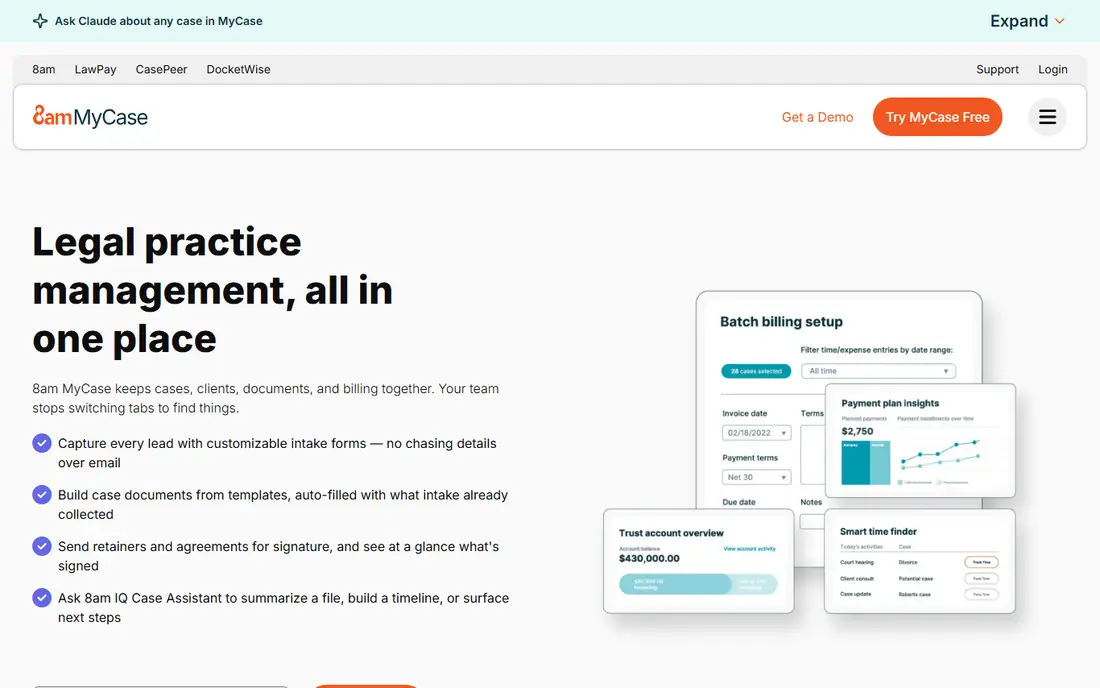
MyCase suits solo attorneys and small firms that want one predictable bill and a client portal clients actually use. Its interface is clear, its built-in texting and portal keep clients informed, and its billing and payment tools cover the basics without a separate accounting product. For a small firm, that simplicity is a real advantage.
MyCase is less strong for firms that need deep customization or complex litigation workflows. Its higher tiers add features, but a large litigation firm may still prefer Filevine. If your firm is small, client-facing, and wants fast setup, MyCase is a strong, low-drama choice.
- Clear interface
- Strong client communication and portal
- Predictable billing and payments
- Customization is lighter than Filevine or Clio
- Advanced features sit on higher tiers
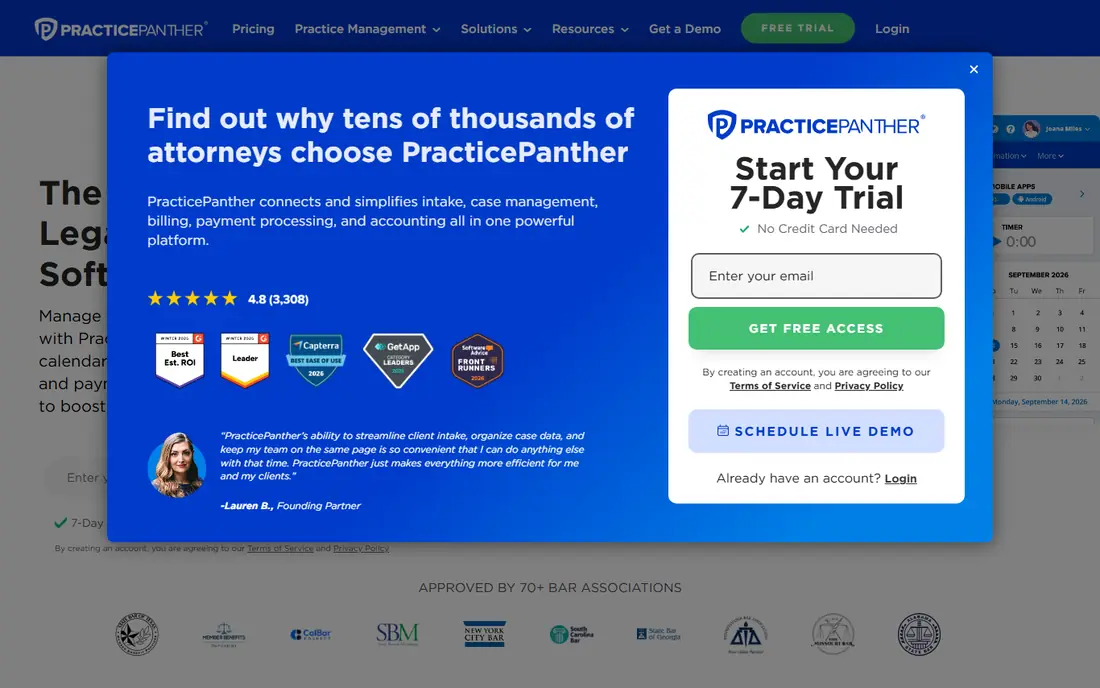
PracticePanther suits growing firms that want automation without hiring a developer. Its Solo tier starts at $49 per user per month in recent comparisons, with Essential, Business, and Business Pro tiers above it. Automated intake forms, two-way texting, and workflow rules can save hours each week on routine tasks.
The cost curve matters. A firm that needs Business features will pay more per user, and that adds up across a team. PracticePanther is at its best when you map two or three workflows first, such as intake, document requests, and billing reminders, and automate those before you expand. For automation-led growth, it is a strong pick.
- Code-free workflow automation
- Strong CRM and intake
- Clear billing and time tracking
- Higher tiers cost more
- Some advanced customization is limited
Smokeball suits firms where documents and email drive billable work. Its automatic time capture records time spent in Word and Outlook, which can recover billable hours that manual timers miss. Its document automation, forms library, and matter tools help firms that produce many similar documents each week.
Pricing is the main question. Recent comparisons describe Smokeball as quote-based across its Bill, Boost, Grow, and Prosper tiers, so request a written quote for your team size and practice area. If your firm is document-heavy and time capture is a pain point, Smokeball can justify a higher price. If your work is simple and low-volume, a cheaper tool may fit better.
- Automatic time capture from Word and Outlook
- Strong document automation
- Matter and billing tools
- Quote-based pricing in recent comparisons
- May be more than a simple firm needs
Filevine suits litigation, personal injury, and mass tort practices that need custom workflows for high-volume cases. Its task automation, document assembly, and outcome tracking help teams manage many matters with consistent steps. For a firm where every case follows a long, structured path, Filevine's depth is a genuine advantage.
Filevine builds custom packages around matters, intake, signatures, and AI tools, rather than publishing one universal rate, so pricing is quoted. Setup also takes longer than a simple tool, because customization is the point. If your firm needs that depth, Filevine is worth the effort. If you need a quick start, MyCase or Clio will launch faster.
- Deep customization for litigation
- Task automation
- Document assembly and demand tools
- Quote-based custom packages
- Setup and training take time
CosmoLex suits firms where accounting and trust compliance are the priority. Its Launch tier starts at $49 per user per month in recent comparisons, with Core and Pro tiers above it. Native trust accounting means you do not need a separate accounting product to stay compliant, which reduces reconciliation work and error risk.
The trade-off is feel. CosmoLex is more accounting-led than MyCase or PracticePanther, and some firms may prefer a more client-facing interface. If trust accounting keeps your managing partner awake, CosmoLex is the right first call. If client communication is your main pain, test MyCase alongside it.
- Native trust and IOLTA accounting
- No separate QuickBooks needed
- Billing and matter tools
- Higher tiers cost more
- Interface is more accounting-led than some rivals
Rocket Matter suits firms that want practice management without a steep learning curve. Its kanban-style workflows make matter progress visible, and its billing and time tools cover the daily needs of a small to mid-sized firm. Starting at $39 per user per month in recent comparisons, it is also one of the more affordable entry points.
Rocket Matter is less strong for firms that need deep litigation customization or built-in legal content. It is a good fit for a general practice that wants clear matters, calendars, billing, and client communication in one simple tool. If your firm values ease over depth, Rocket Matter deserves a trial.
- Clear visual workflows
- Strong billing and time tracking
- Low learning curve
- Depth is lighter than Clio or Filevine for complex litigation
- Add-ons can raise cost
LEAP suits firms that want legal forms, precedents, and content inside the practice management tool, rather than bought separately. Its starting price is higher than rivals, at $129 per user per month in recent comparisons, but that price includes content that other firms pay for elsewhere. Its matter, document, and billing tools cover the core workflow.
The question is whether your practice area matches its content library. If it does, LEAP can save time on drafting and research. If it does not, the higher price is harder to justify against Clio or MyCase. Test LEAP with your most common matter types before you commit, and compare total cost including any content you would otherwise buy.
- Legal forms and content built in
- Matter, document, and billing tools
- Guided setup
- Higher starting price than most rivals
- Value depends on using its content library
Zola Suite suits firms that live in email and want it inside the case file, not in a separate inbox. Its platform brings email, matters, billing, and documents into one workspace, which reduces the time spent searching for messages tied to a case. Starting at $59 per user per month in recent comparisons, it sits in the middle of this list on price.
Zola's ecosystem is smaller than Clio's, so check integrations for your accounting, e-signature, and document tools before you switch. If email is your main source of lost time and missed deadlines, Zola's built-in email is a strong reason to choose it. If integrations matter more, Clio may fit better.
- Email built into matter management
- Billing and document tools
- Single workspace for cases
- Smaller ecosystem than Clio
- Starting price is higher than entry rivals
How we picked these
We compared official vendor pages and public legal software comparisons, and we favored tools with a clear US law firm focus, matter management, billing, and client communication. We did not claim hands-on testing, and we wrote See website where pricing was quote-based or had changed across sources. Where starting prices differed across sources, we used the most recent comparison figure and urged readers to confirm the current tier price.
How to choose law firm software
Start with your practice area and your pain point. A personal injury firm needs Filevine-style workflow depth, a document-heavy firm needs Smokeball-style automation, and a firm worried about trust accounts needs CosmoLex-style accounting. A general practice that wants ease can start with Clio, MyCase, or Rocket Matter.
Model total cost for your whole team, including higher tiers, payment processing, e-signature, intake, and migration. Trial with two real matters, test the client portal, billing, and document workflow, and ask about data export before you sign. A tool that locks your matters in is a long-term risk, even if the monthly price looks low.
Frequently asked questions
What is the best law firm software?
Clio is the best all-round choice for most firms, thanks to its breadth and integrations. MyCase suits solo and small firms, PracticePanther suits automation-led firms, and Filevine suits litigation and personal injury. The best pick depends on practice area, team size, and whether accounting or documents are your main pain.
What is the best law firm platform for a solo attorney?
MyCase and Clio EasyStart suit solo attorneys well, because they cover matters, billing, payments, and client communication at a lower entry price. Rocket Matter is another simple option. Trial each with a real matter and check how quickly you can bill and get paid.
What is the top law firm software for trust accounting?
CosmoLex leads for trust accounting, because it includes native trust and IOLTA accounting without a separate QuickBooks setup. Clio also offers accounting tools and integrations, but firms where trust compliance is the main concern should test CosmoLex first.
How much does law firm software cost?
Entry prices in this list range from $39 to $129 per user per month, with Filevine and Smokeball quoted per firm. Payment processing, e-signature, intake, and AI add-ons can raise total cost. Model the annual cost for your full team, not only the entry seat price.
Can I migrate my matters from another tool?
Most vendors offer migration help, but the scope, cost, and timeline vary. Ask for a written migration plan, a test import with your real matters, and a data export format before you sign. Keep a backup of your old system until the new one is fully live.
Sources
See where you really rank - block by block
ProMapRanker scans Google Maps across a grid of your service area. Simple monthly plans from $19, white-label on every plan.
Start freeKeep reading
 zscaler alternatives
Best Zscaler Alternatives in 2026
Looking for zscaler alternatives? We compare 9 SASE and zero trust platforms on architecture, data protection, pricing, and fit for your network and team.
Read → zapier alternatives free
Best Zapier Alternatives Free in 2026
Nine automation tools for zapier alternatives free in 2026, all with genuinely free tiers, plus free plan limits, starting prices and upgrade paths explained.
Read → which platform is best for online reputation
Which Platform Is Best for Online Reputation in 2026
Wondering which platform is best for online reputation? We compare 8 review, listing, and response tools for small and multi-location businesses and agencies.
Read →