 ProMapRanker
Best Language Translator App in 2026


Everyday translation in many languages · Pricing starts at: Free
Key takeaways
- Google Translate still wins on language count and price, since the consumer app is free and covers more than 240 languages online.
- DeepL is the stronger choice for polished European language text, especially formal documents and business writing.
- Offline packs matter for travel: download them before a trip, because not every app translates without a connection.
- Machine translation can garble legal, medical, and contract text, so use a human translator for high-stakes documents.
Quick comparison
| Pick | Great for | Pricing starts at | Free tier | |
|---|---|---|---|---|
| Google Translate | Everyday translation in many languages | Free | Yes | Visit |
 DeepL | Polished European language translation | Free | Yes | Visit |
 Microsoft Translator | Group conversations and offline packs | Free | Yes | Visit |
 Apple Translate | Private on-device translation on Apple devices | Free | Yes | Visit |
 iTranslate | Quick text, voice, and camera translation | $5.99 per month | Yes | Visit |
 Papago | Korean, Japanese, and Chinese translation | Free | Yes | Visit |
 Yandex Translate | Free translation across many languages | Free | Yes | Visit |
 Reverso | Context examples and grammar help | Free | Yes | Visit |
The best language translator app
We compared official app pages, store listings, and published language counts to find apps that translate English to Spanish well and also handle other pairs. The best app for language translation is the one that matches how you translate: text on screen, a spoken conversation, a sign, or a full document.
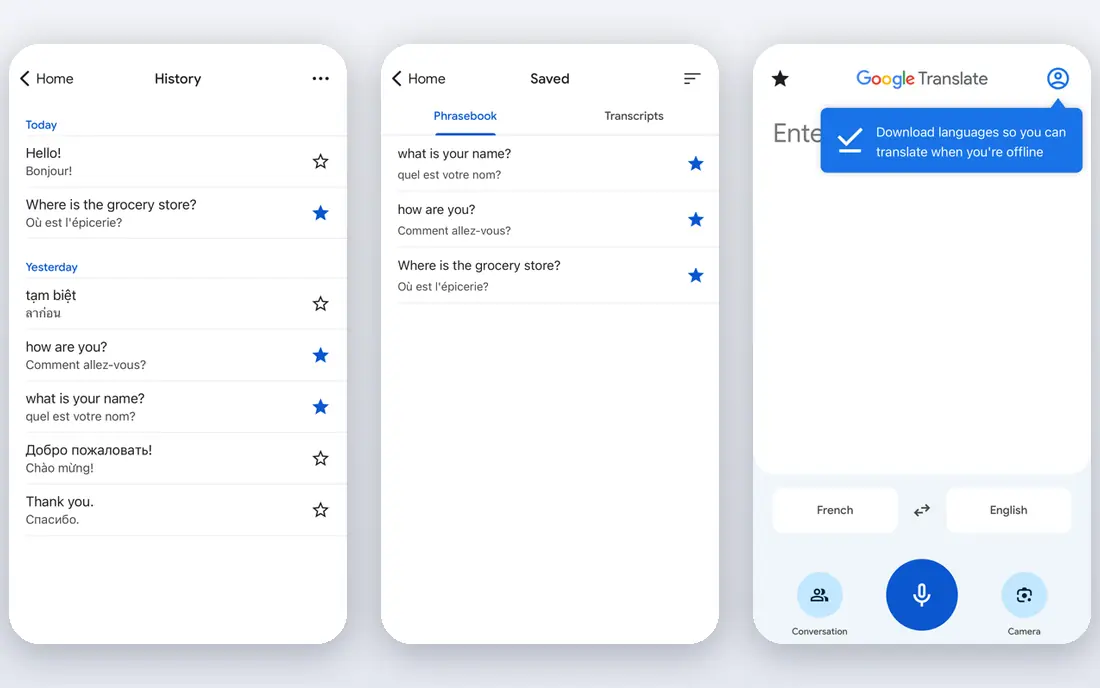
Google Translate is the default for a reason: it is free, fast, and covers languages that smaller apps never reach. Point a camera at a menu, speak into conversation mode, or paste a paragraph, and you get a usable result in seconds. Offline packs let you translate without data, which is a real advantage abroad.
The weakness is polish. A Spanish sentence for a casual chat will usually read fine, while a formal letter or technical passage can come out stiff or vague. Treat it as a comprehension and travel tool first, and check important wording with a native speaker or a second app before you send it.
- More than 240 languages online
- Camera, voice, and conversation modes
- Offline packs for many languages
- Formal text can read clumsily
- Document translation is basic
- Quality varies by language pair
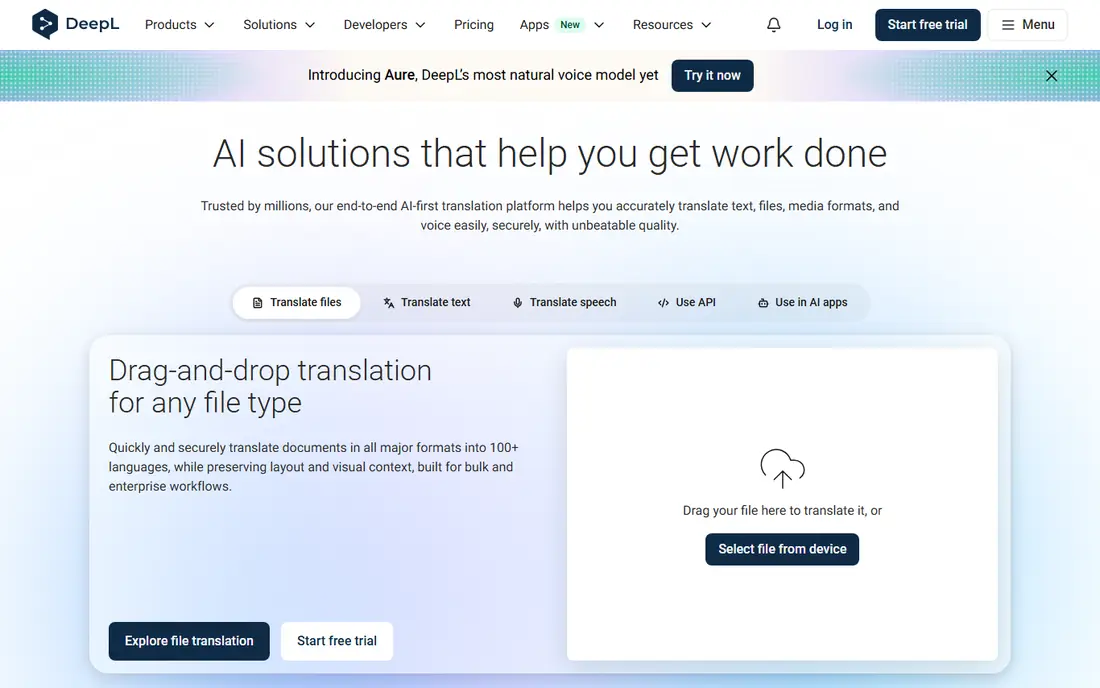
DeepL earns its place on quality, not coverage. For English to Spanish, French, German, and Italian, its output often reads more naturally than Google, with better handling of tone and sentence flow. The free plan covers a limited amount of text each month, while DeepL Pro adds unlimited text, document translation, and glossary control.
The trade-off is scope. DeepL supports far fewer languages than Google, and it needs a connection, so it is a poor pick for a remote trip without data. For desk work, emails, and documents in supported European languages, it is our pick for most people who care about how the result reads.
- Natural wording for European pairs
- Tone control
- Document translation on paid plans
- Fewer languages than Google
- No offline mode in the app
- Paid plan needed for full document use
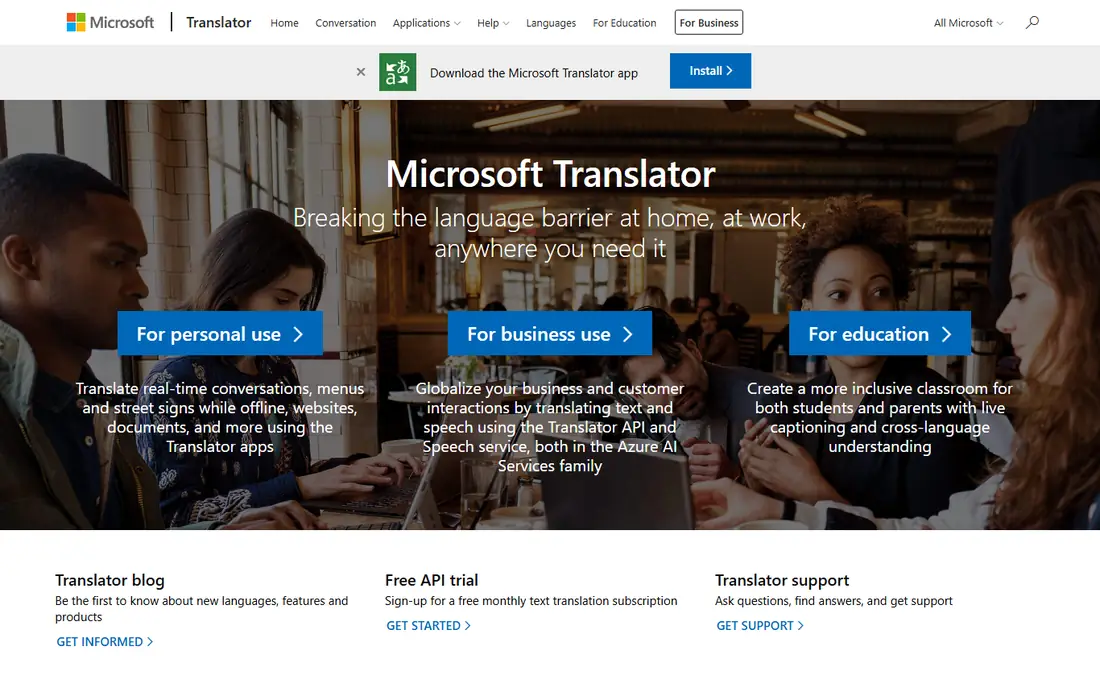
Microsoft Translator is the most underrated free option in this list. Its conversation mode lets up to 100 people join with a shared code, each reading in their own language, which suits tour groups, classrooms, and multilingual families. Offline packs cover dozens of languages for text and photo translation.
For a single English to Spanish chat, it is solid rather than special, and its output for German, French, Italian, and Spanish often reads well. The main drawback is that it lacks DeepL-level polish for documents. As a free, practical travel and group tool, though, it is hard to fault.
- Free
- Multi-device conversation mode
- Offline packs for text and photos
- Quality varies by pair
- Fewer standout document features
- Group mode needs setup
Apple Translate suits iPhone and Mac users who value privacy. Much of the work happens on the device, so text does not need to leave your phone for a basic translation. It handles text, voice, camera, and conversation modes, with offline packs for more than 20 languages including Spanish, French, German, Italian, and Portuguese.
The limit is the ecosystem. Android and Windows users cannot use it, and language coverage stops well short of Google. If you already carry an iPhone, it is the quiet, free option to install first. If you need rare languages, pair it with Google Translate.
- Built into iOS and macOS at no extra cost
- On-device processing
- Offline packs for many languages
- Apple devices only
- Fewer languages than Google
- No standalone web app of the same depth
iTranslate focuses on speed and a clean layout. Text, voice, and camera translation are all a tap away, and the app feels less cluttered than some rivals. Offline translation for dozens of languages, a keyboard extension, and verb conjugations sit in the paid tier, which starts at about $5.99 per month.
The free tier is enough for occasional lookups, but regular travelers will hit its limits quickly. iTranslate is a good pick for someone who wants a simple, good-looking translator and is willing to pay a small monthly fee for offline use. It does not beat DeepL for document polish or Google for coverage.
- Clean interface
- Voice and camera modes
- Offline packs on paid plan
- Best features sit behind a subscription
- Language quality varies
- Free tier is limited
Papago, from Naver, is the specialist pick for East Asian languages. It handles Korean, Japanese, and Chinese with nuance that general apps sometimes miss, including honorifics and context that matter in Korean. Text, voice, image, and handwriting modes are included free.
It is not the best general English to Spanish app, since its language list is small. Keep it as a second app if your travel or work touches Korea, Japan, or China, and use Google or DeepL for European pairs. For its specialist pairs, it is one of the best free options available.
- Free
- Strong for Korean, Japanese, and Chinese
- Image and voice modes
- Only about 14 languages
- English to Spanish is not its strength
- Some features vary by region
Yandex Translate is a free, broad-coverage alternative to Google, with text, camera, and voice translation and offline packs for many languages. It is particularly useful for Russian and other languages from the region, where its output can be strong. The web version is quick for pasting longer passages.
For English to Spanish, it is serviceable rather than outstanding, and it lacks the document and glossary tools that make DeepL attractive for work. As a free backup app, or as a first choice for Russian-language pairs, it earns a place. For polished business Spanish, DeepL remains the better pick.
- Free
- Broad language list
- Text, camera, and voice modes
- Quality varies by pair
- Fewer business features
- Account features vary by region
Reverso is less a pure translator and more a learning aid. Its context search shows how a word or phrase is actually used in real sentences, which helps a learner pick between two plausible Spanish translations. Conjugation tables, a dictionary, and grammar notes sit alongside basic translation.
That learning angle is also its limit: raw translation quality does not match DeepL for long passages, and language coverage is narrower than Google. Use Reverso when you are unsure about a word choice or want to learn from a translation, and use DeepL or Google when you need a fast, full-text result.
- Real context examples
- Conjugation and grammar tools
- Free web and app use
- Fewer languages than Google
- Translation quality is mid-range
- Ads on free use
How we picked these
We compared official app pages, store listings, and published language counts for translator apps available in the US in October 2026. We favored apps that are actively maintained, cover English to Spanish well, and offer at least one mode beyond plain text, such as voice, camera, or offline packs. We left out hardware-only translators and tools that only translate inside another product. We did not claim hands-on testing; our comparison rests on vendor pages, pricing, and public reviews.
How to choose a translator for your trip or work
Match the app to the job, not to a single ranking. For travel, download offline packs, test camera mode on a menu photo, and carry a second app for backup. For work, test the same paragraph in two apps and read the output aloud: stiff wording, wrong verb forms, and dropped negatives are warning signs.
Modes, offline use, and accuracy checks
Check language pairs one by one, since an app can be excellent for Spanish and weak for another language. Confirm offline support before you leave, because some apps only download text packs, not voice packs. For contracts, medical instructions, and legal forms, get a human translator: machine output can miss a condition or a dosage detail, and the cost of an error is far higher than a translation fee.
Frequently asked questions
What is the best app to translate English to Spanish?
Google Translate is the best free all-round pick for English to Spanish, with voice, camera, and offline modes. DeepL gives more polished written Spanish for emails and documents. For learning and word choice, Reverso adds context examples that help you pick the right phrase.
What is the best free English to Spanish translation app?
Google Translate, Microsoft Translator, and Apple Translate are all free and handle English to Spanish well. Google wins on coverage and modes, Microsoft wins for group chats, and Apple wins for on-device privacy. All three are free, so installing two of them costs nothing and gives you a backup.
Can I use a translator offline?
Yes, but only if you download the language pack in advance. Google, Microsoft, Apple, and iTranslate all offer offline packs for major languages, though voice and camera features may be limited offline. Download packs on Wi-Fi before a trip, and test them with airplane mode on.
Are translator apps accurate enough for business?
They are good for drafts, internal notes, and quick comprehension, but not for final contracts or published copy. Machine translation still misses tone, legal terms, and cultural nuance. Use DeepL or Google for a first draft, then have a native speaker or professional translator review anything a customer or regulator will see.
Which translator app is best for documents?
DeepL Pro is the strongest pick in this list for documents in supported European languages, thanks to tone control and glossary features. Google Translate handles document uploads free, but with less polish. For long or regulated documents, a human translator remains the safer choice.
Sources
See where you really rank - block by block
ProMapRanker scans Google Maps across a grid of your service area. Simple monthly plans from $19, white-label on every plan.
Start freeKeep reading
 zoho inventory alternatives
6 Alternatives to Zoho Inventory, Compared on Price and Fit
Zoho Inventory alternatives: 6 tools compared on price, free plans and fit. Katana leads the list for manufacturers. Fit and flaws are laid out for each entry.
Read → zoho crm alternatives
Best Zoho CRM Alternatives (2026)
Need Zoho CRM alternatives? We compare 7 tools on cost, free access and who each suits. Every pick gets a straight assessment. Built for quick decisions.
Read → zelle alternatives
Best Zelle Alternatives in 2026
Compare the best Zelle alternatives for sending money to friends, paying sellers and moving funds abroad, with honest notes on fees, speed and safety in 2026.
Read →