 ProMapRanker
Best Language Learning Apps for Kids in 2026

Key takeaways
- For Spanish specifically, start with apps that offer a clear Spanish path for your child's age, not only a long list of languages.
- Young children do best with short, playful lessons, songs, and spoken practice, while older children need reading, grammar, and longer sentences.
- Free apps such as Duolingo and Droplets can work for daily practice, but check ads, in-app purchases, and chat features before handing over a device.
- Dinolingo and Lingokids suit families who want a closed, kid-focused environment, while Duolingo suits older children who can read and follow a streak.
- A short daily habit with a parent nearby beats a long, unsupervised session, especially for children under eight.
Quick comparison
| Pick | Great for | Pricing starts at | Free tier | |
|---|---|---|---|---|
 Duolingo | Older kids who can read | Free | Yes | Visit |
 Dinolingo | Family Spanish and many languages | $19.99 per month | Free trial | Visit |
 Lingokids | Play-based English and Spanish for young kids | $14.99 per month | Yes | Visit |
 Gus on the Go | Early Spanish vocabulary by topic | $3.99 per language | No | Visit |
 Mondly Kids | Voice practice in many languages | $9.99 per month | Yes | Visit |
 StudyCat | Young learners and accent exposure | See website | No | Visit |
 Little Pim | Very young learners and short videos | $9.99 per month | Free trial | Visit |
 Droplets | Vocabulary building for older kids | Free | Yes | Visit |
The best language learning apps for kids
Parents should check age suitability, privacy settings, and whether an app includes ads or contact with strangers before subscribing. The apps below are kid-focused or widely used by families, but they differ in age range, so match the app to your child, not only to the language list.
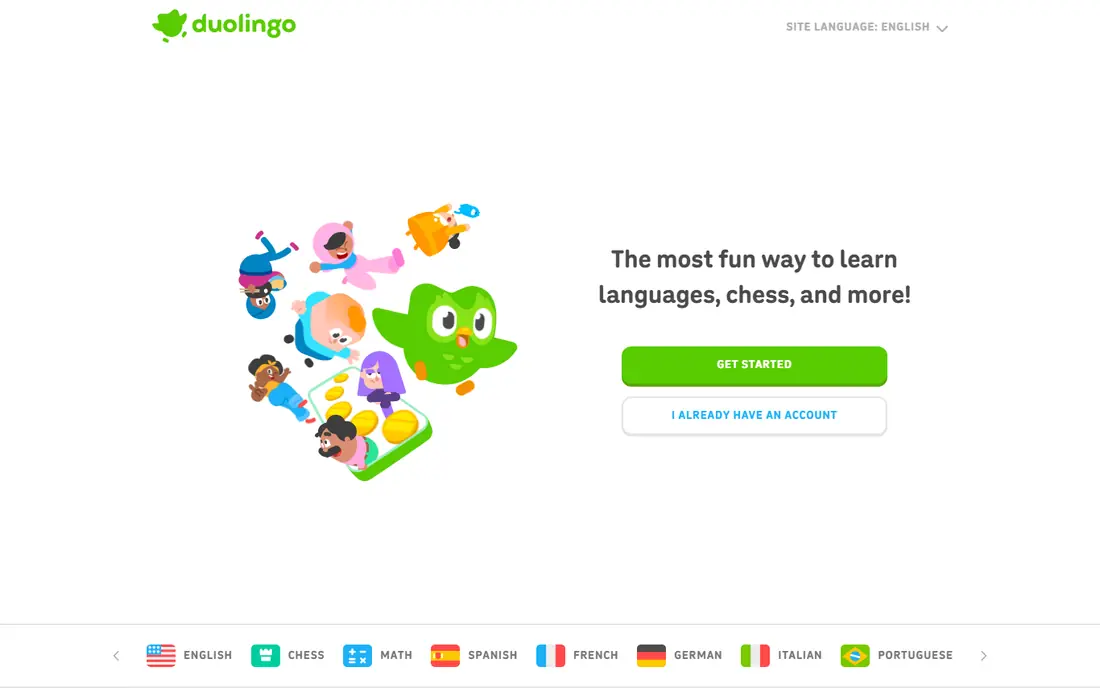
Duolingo is the most widely used language app in this list, with bite-size lessons, streaks, and a large language catalog that includes Spanish. For a child who can read and follow written prompts, it offers a clear daily path from basic words to sentences, with listening and speaking practice along the way. The free tier makes it easy to test whether your child will stick with it before you pay.
The caution is audience. Duolingo is built for general users, not only children, and the free tier includes ads that are removed only on the paid Super plan, often listed around $12.99 per month. Parents should use device controls, turn off social features where possible, and sit nearby for younger users. For a reader aged eight or older who wants Spanish practice, Duolingo is a strong, low-cost start.
- Wide language choice including Spanish
- Gamified streaks
- Free tier
- Designed for a general audience, not only children
- Free tier includes ads
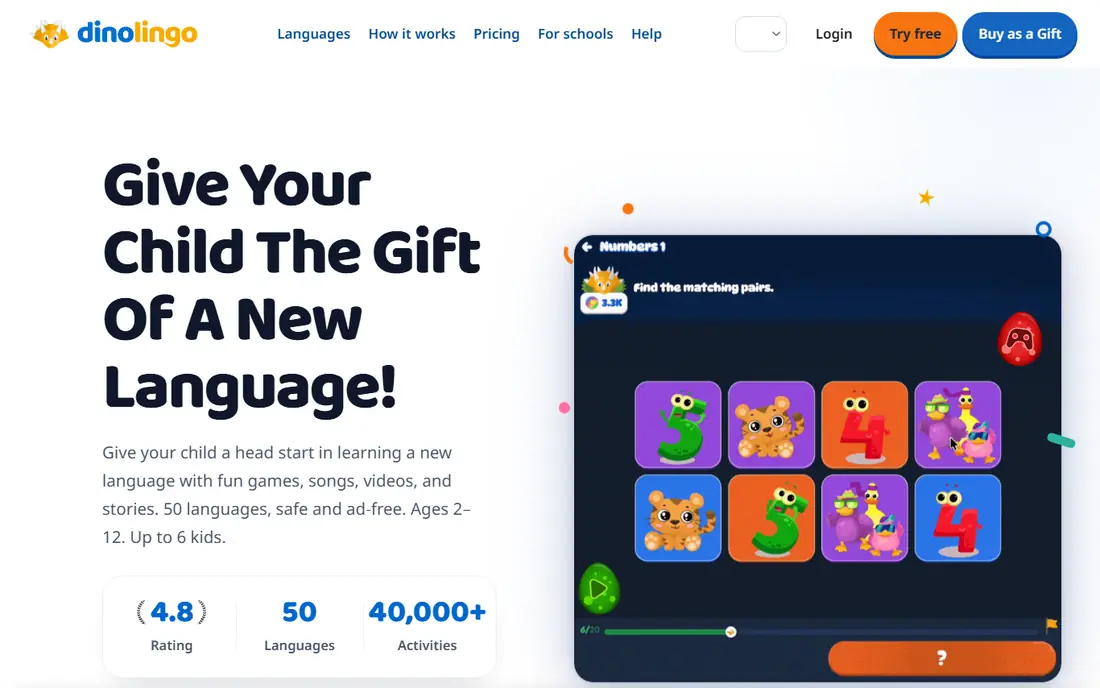
Dinolingo is built for children aged two to fourteen, with videos, games, songs, stories, and printable worksheets across 50 languages, including Spanish. The total immersion approach presents content in the target language, which helps young learners hear natural patterns, while rewards and short activities keep sessions playful. One subscription covers up to six children, which helps larger families.
Pricing is $19.99 per month or $199.99 per year, with a seven-day free trial, and the app states there are no ads, chat rooms, or links to the wider internet. That closed design is a real plus for parents. The catch is that total immersion can feel hard for a child with no prior exposure, so parents may need to join early lessons and repeat key words together.
- 50 languages
- No ads
- Up to six children on one plan
- Videos, games, and worksheets
- Higher monthly price
- Total immersion can challenge absolute beginners
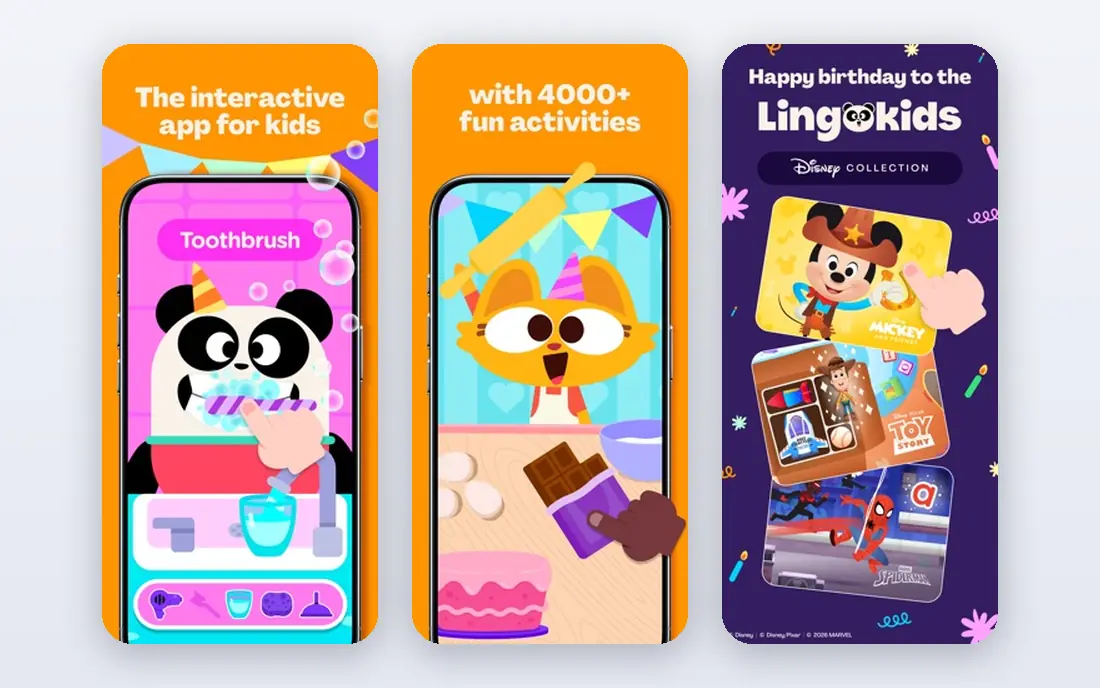
Lingokids uses play-based learning for children aged two to eight, with games, songs, and shows that teach vocabulary and daily routines. Its curriculum is built for young learners, with short activities that fit a child's attention span and an ad-free, kid-safe design in published descriptions. Spanish content is included alongside its English program, which suits families raising bilingual children or adding Spanish early.
Pricing is often listed at $14.99 per month or $89.99 per year for the Unlimited plan, with limited free content. That price is high for a single child, but multiple profiles help families with more than one young learner. Lingokids is best for preschool and early primary children who learn through play, not for older kids who need grammar and reading work.
- Kid-focused design
- Songs, games, and shows
- Multiple child profiles
- Strongest for English, with Spanish as added content
- Premium price
Gus on the Go teaches early vocabulary through animated stories, games, and flashcards, organized by topics such as animals, food, and numbers. It covers more than 30 languages, including Spanish, and it is priced at $3.99 per language as a one-time purchase in published summaries. That low price makes it an easy first app for a young child, with no monthly bill to manage.
The limit is depth. Gus on the Go builds basic words and listening skills, but it does not teach grammar, reading, or conversation in a structured way. It works best as a supplement to songs, books, or a fuller app, rather than as a complete Spanish course. For ages three to seven, it is a gentle and affordable introduction.
- Low one-time price per language
- Topic-based vocabulary
- Simple for ages three to seven
- No grammar or advanced content
- No ongoing subscription updates
Mondly Kids adapts the adult Mondly approach for children, with colorful lessons, voice recognition, and short daily activities across many languages, including Spanish. Children hear native speaker audio, repeat words, and earn rewards, which helps pronunciation early. The app suits children aged five and older who can follow spoken prompts and simple on-screen text.
Pricing starts around $9.99 per month in published summaries, with limited free content to test the style. The free portion is small, so a subscription is needed for regular use. Mondly Kids is strongest for vocabulary and speaking confidence, not for deep grammar or reading, so pair it with books or school work for a fuller Spanish path.
- Speech recognition
- Many languages including Spanish
- Playful lessons
- Limited free content
- Better for vocabulary than full grammar
StudyCat offers language apps for young children, with games, songs, and spoken practice designed for ages three to eight. Its Spanish, French, English, Chinese, and German apps focus on listening and speaking through play, with native speaker audio that helps children hear different accents. The short, game-based format suits a daily habit of ten to fifteen minutes.
The language list is smaller than Dinolingo or Duolingo, so check that your target language is offered before you buy. Pricing varies by app store and language, often listed around $3.99 per language in older summaries, so use the current store page for the exact price. StudyCat is a good supplement for young learners, but older children will need a fuller curriculum.
- Games and songs for young kids
- Accent exposure
- Offline use in some versions
- Limited language count
- Pricing varies by language and store
Little Pim teaches languages through short video episodes with a panda character, songs, and repetition, designed for children aged zero to six. The pace is gentle, which suits toddlers and preschoolers who are not ready for reading or game-based quizzes. Spanish is among its languages, and the video format works well for families who want screen time that is calm and focused.
Pricing starts around $9.99 per month in published summaries, with a seven-day free trial. The limit is interactivity: children watch and repeat more than they play, so older children may lose interest fast. Little Pim is best as an early exposure tool, paired with spoken practice at home, rather than as a standalone course for a school-age child.
- Short video episodes
- Gentle pace for ages zero to six
- Spanish and other languages
- Limited interactivity
- Less suited to school-age children
Droplets, from the Drops team, focuses on vocabulary through fast, visual games, with a free daily allowance of five minutes and paid plans from around $13 per month in published summaries. It covers many languages, including Spanish, and it suits children aged eight and older who can read and want to build word knowledge quickly. Parental controls and a clean design help families manage use.
The free limit is short, so regular learners will need a subscription, and the app teaches words more than grammar or conversation. That makes Droplets a strong supplement to a fuller Spanish course, a tutor, or school lessons, rather than a complete program on its own. For a child who enjoys quick games, it can build a useful Spanish word base.
- Free daily practice
- Many languages
- Strong parental controls in published descriptions
- Vocabulary focus, not full sentences
- Free daily limit is short
How we picked these
We compared official product pages, app store listings, and recent parent guides, and we kept only apps that are live in October 2026 and truly designed for children or widely used by families with children. We favored apps with clear age ranges, ad-free or controlled environments where possible, and a Spanish path, since Spanish is a core keyword for this article. We also noted where an app is general-audience, so parents can set controls accordingly.
How to choose by age and goal
For ages two to five, pick short videos and songs with a parent nearby, such as Little Pim or Dinolingo at a gentle pace. For ages five to eight, pick playful games with spoken practice, such as Lingokids, Gus on the Go, or Mondly Kids, and keep sessions to ten to twenty minutes. For ages eight and older, add reading, sentences, and vocabulary tools such as Duolingo or Droplets, and consider a tutor or school program for speaking practice.
Before you subscribe, test the free tier or trial with your child for a week. Watch whether they can follow the prompts without frustration, whether the Spanish content matches their level, and whether ads or purchase prompts appear. Check the privacy policy for data collection, account creation, and whether the app allows contact with other users, and use your device parental controls to limit purchases and screen time.
Frequently asked questions
What is the best app for kids to learn Spanish?
For young children, Dinolingo and Gus on the Go offer clear Spanish paths in a kid-focused design. For older children who can read, Duolingo offers a free Spanish course with daily lessons and streaks. The best pick depends on age: a preschooler needs songs and vocabulary, while a school-age child needs sentences, reading, and speaking practice.
What is the best language app for kids overall?
Dinolingo is a strong overall pick for families who want many languages, no ads, and up to six children on one plan. Lingokids is a strong pick for ages two to eight who learn through play. Duolingo is a strong pick for older children who can read and want a free, gamified path. Test the trial first, since engagement matters more than language count.
What is the best Spanish learning app for kids?
For a dedicated Spanish start, Gus on the Go gives low-cost vocabulary for young children, while Dinolingo gives a fuller Spanish program with videos and games. Mondly Kids adds voice practice for Spanish words and phrases. For a child who already reads, Duolingo Spanish offers a structured course with listening and speaking exercises.
Are language apps safe for kids?
Safety varies, so check each app before use. Kid-focused apps such as Dinolingo and Lingokids describe closed environments with no ads or chat, while general apps such as Duolingo include ads on the free tier and social features. Read the privacy policy, turn off purchases, use device parental controls, and supervise younger children during use.
How much time should a child spend on a language app?
Short, regular sessions work best: about ten to twenty minutes a day for young children, and twenty to thirty minutes for older children, with breaks and offline practice. A language app should supplement books, songs, conversation, and school work, not replace them. If a child loses interest, switch the app or the language activity rather than forcing longer sessions.
Can a child become fluent from an app alone?
An app alone rarely leads to fluency, since it often lacks real conversation, cultural context, and feedback on natural speech. Apps build vocabulary, listening, and basic sentences, but speaking with a tutor, a family member, or a class helps a child use the language in real situations. Treat the app as a daily habit inside a broader language routine.
Sources
See where you really rank - block by block
ProMapRanker scans Google Maps across a grid of your service area. Simple monthly plans from $19, white-label on every plan.
Start freeKeep reading
 vercel alternatives
Vercel Alternatives in 2026
Compare the best Vercel alternatives for static sites, full-stack apps and backends, with free tiers, current pricing and honest trade-offs for developers.
Read → best veterinary software
Best Veterinary Software in 2026
We compared the best veterinary software for clinics of every size, from cloud practice tools to desktop systems, with detailed pricing and trade-offs.
Read → best truck gps app
Best Truck GPS App in 2026: 8 Apps Compared
Best truck GPS app picks for truckers, with truck routing, low bridge warnings, parking and fuel tools, plus current prices and free options for US drivers.
Read →