 ProMapRanker
Best Language App for Kids in 2026

Key takeaways
- The best app depends on age: pre-readers need pictures and audio, while older kids need reading, writing, and speaking practice.
- Dinolingo covers the widest age and language range in this list, with an ad-free, closed app for families.
- Lingokids and Mondly Kids suit younger children, while Duolingo suits older kids who can read and enjoy streaks.
- Check parental controls, ad policies, chat features, and data practices before handing any app to a child.
- Short, regular sessions work better than long sessions, and parent involvement helps new words stick.
Quick comparison
| Pick | Great for | Pricing starts at | Free tier | |
|---|---|---|---|---|
 Dinolingo | Widest language and age range | $19 per month | Free trial | Visit |
 Lingokids | Play-based learning ages 2 to 8 | See website | Yes | Visit |
 Mondly Kids | Voice practice and many languages | $9.99 per month | Yes | Visit |
 Gus on the Go | Early vocabulary ages 3 to 7 | $3.99 per language | No | Visit |
 Little Pim | Very young learners ages 0 to 6 | $9.99 per month | Free trial | Visit |
 Studycat | Songs and games ages 3 to 8 | $3.99 per language | No | Visit |
 Duolingo | Older kids who can read | Free | Yes | Visit |
 Drops | Quick vocabulary for older kids | Free | Yes | Visit |
The best language app for kids
We compared official app pages, age ranges, language counts, and parent features. Prices vary by store and country, so check the price shown at checkout. For every app below, parents should review settings, screen time, and privacy policies together with their child.
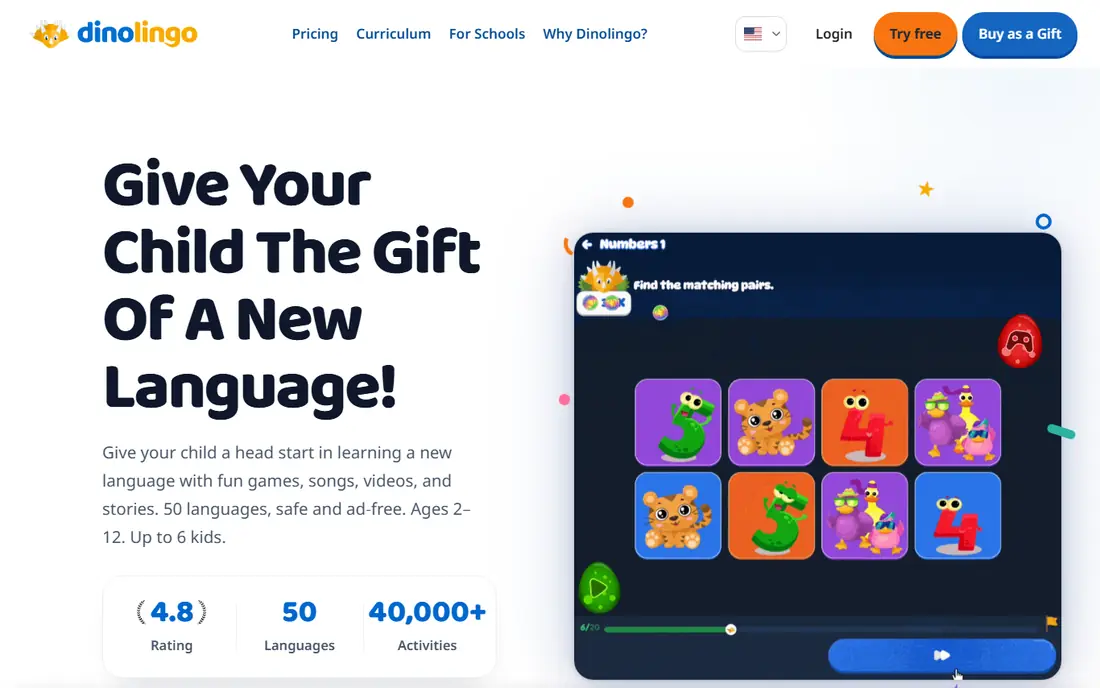
Dinolingo is built for children ages 2 to 14, and its immersion method uses pictures, songs, videos, and games rather than translation. Younger kids start with listening and tapping, while older kids move to reading, writing, and full sentences. One family plan covers 50 languages, and each child can learn a different language, which suits families with more than one child or more than one heritage language.
Safety is a clear strength. Dinolingo describes itself as ad-free, with no chat rooms and no links out to the wider internet, and it offers parent progress reports. The price is $19 per month or $199 per year for the whole family, with a 7-day free trial. The honest limit is cost and age ceiling: a family that only needs one language may find a cheaper single-language app, and teens may want a more adult tool.
- 50 languages in one family plan
- Ad-free closed app
- Up to 6 children
- Monthly price is higher than single-language apps
- Older teens may outgrow it
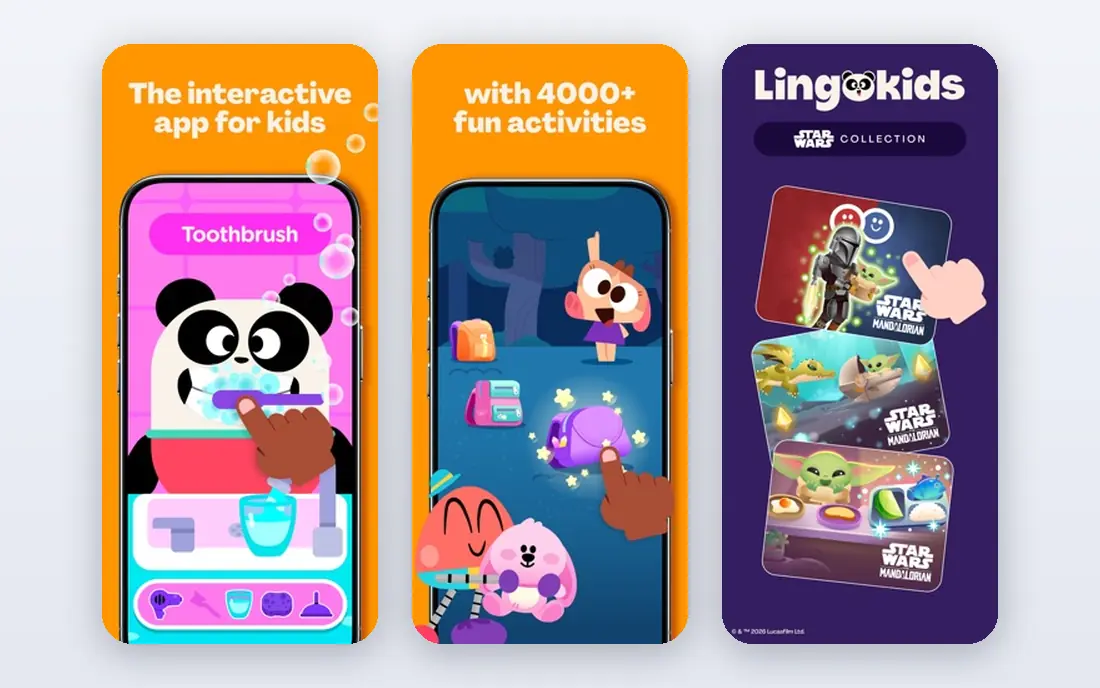
Lingokids suits children ages 2 to 8 who learn best through play. Its app mixes games, songs, videos, and audiobooks, with a parent area for progress tracking and a child-safe layout designed for independent play. A limited free tier allows a few activities per day, while the paid Plus plan opens full content and offline play.
Pricing needs care, because Lingokids prices vary by platform and country, and its own help pages say the checkout price is the one that applies. Parents should also note the language focus: Lingokids is strongest for English learning and general early learning, rather than a wide range of second languages. For a young child learning English, it is a strong, safe first app.
- Play-based games, songs, and videos
- Parent progress area
- Limited free tier
- Price varies by store and country
- Mainly English-focused content
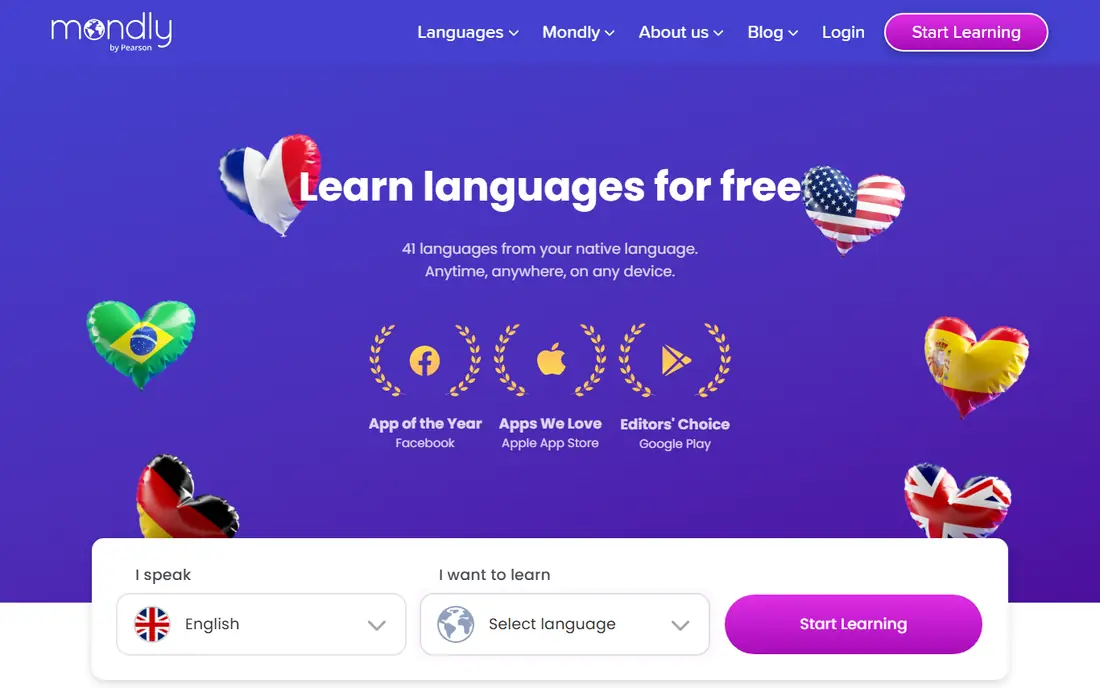
Mondly Kids suits families who want a child to hear, repeat, and practice speaking a new language. Its games use voice recognition, so kids can check pronunciation rather than only tapping pictures. Recent comparisons list it for children aged 5 and up, with many languages and a starting price around $9.99 per month, plus limited free content.
The free tier is limited, so a trial should test whether voice recognition works well for your child and device. Younger kids may also need a parent nearby for setup and for longer words. For a child who already reads a little and enjoys speaking aloud, Mondly Kids adds a speaking layer that picture-only apps miss.
- Many languages
- Voice recognition
- Colorful games for kids
- Limited free content
- Younger kids may need parent help
Gus on the Go suits young children who are building first words in a new language. Its games follow an owl character through countries and regions, teaching vocabulary tied to places, animals, and everyday words. Recent comparisons list it for ages 3 to 7, with a price around $3.99 per language and many languages available.
The one-time price is the appeal, and also the limit. There is no subscription, but each language is bought separately, and the app does not offer a full reading and writing course. For a family that wants a fun first step in one language, or a travel-linked vocabulary game, it is good value. For a child who needs structured progression, pair it with a fuller app.
- Low one-time price per language
- Geography and vocabulary focus
- Simple games
- No free tier
- Narrower scope than full courses
Little Pim suits babies, toddlers, and preschoolers, with short video episodes built around everyday words. Recent comparisons list it for ages 0 to 6, with a starting price around $9.99 per month and a 7-day free trial. The gentle pace and repetition suit children who are not yet reading, and parents can watch episodes together with a young child.
The age ceiling is the main limit. A child aged 7 or older will likely find the format too simple and want games, reading, and speaking practice. Little Pim works best as an early exposure tool, especially for families introducing a heritage language at home. Keep sessions short, and treat video time as part of a wider language routine that includes books and conversation.
- Short video episodes for toddlers
- Gentle pace
- Many languages
- Best for very young kids only
- Older kids will outgrow it fast
Studycat, formerly known as Study Cat, suits children ages 3 to 8 who learn through songs and games. Its lessons use native-speaker audio, which helps kids hear different accents early, and offline use helps on trips and in cars. Recent comparisons list it around $3.99 per language, with a small set of core languages rather than dozens.
The smaller language range is the trade-off. If your target language is Spanish, French, English, German, or Chinese, Studycat is a solid choice, but less common languages may not be covered. There is also no free tier, so check the language list and age fit before buying. For a young child in a core language, its songs make repetition feel like play.
- Songs, games, and accent exposure
- Offline use
- Simple per-language price
- No free tier
- Language range is smaller than Dinolingo
Duolingo suits older children who can read and enjoy short daily lessons. Its free tier covers many languages, with gamified lessons, streaks, and speaking practice, while a paid plan removes ads and adds offline and extra features. Recent comparisons list it for children aged 5 and up who are readers, with a paid plan from around $12.99 per month.
Parents should note two limits. The free tier includes ads, which is a real concern for younger kids, and the app is not designed only for children, so parent supervision and settings matter. For a child aged 8 or older who already reads well, Duolingo is a strong, low-cost way to build a daily habit. For a pre-reader, choose Dinolingo, Lingokids, or Little Pim instead.
- Free tier
- Many languages
- Streaks and gamified lessons
- Ads on free tier
- Reading required
- Not designed only for young kids
Drops, also listed as Droplets for younger users in some comparisons, suits older kids who want fast vocabulary practice. Its visual, swipe-based lessons teach words in short sessions, with a free daily allowance and a paid plan for unlimited time. Recent comparisons cite a free 5-minute daily allowance for the kids version, with many languages available.
The limit is scope. Drops builds vocabulary well, but it does not teach full grammar, conversation, or writing in the way a fuller course does. It works best as a supplement, for example five minutes of Drops after a main lesson in Dinolingo or Duolingo. Parents should also check whether the version installed is the kids version or the main app, since settings and content differ.
- Free daily vocabulary time
- Many languages
- Visual word learning
- Vocabulary focus only
- Daily free limit is short
How we picked these
We compared official app pages, age ranges, language coverage, and parent safety features, keeping apps with active kids language products in 2026. Prices are shown where official pages or recent comparisons support them, and left as See website where prices vary by store. We did not claim hands-on testing with children.
How to choose a language app for your child
Start with age and reading level, not language count. A pre-reader needs audio, pictures, and songs, while a reader can handle text, typing, and grammar. A mismatch here is the most common reason a child loses interest, even when the app itself is good.
Check safety and privacy before the first lesson
Look for ad policies, chat features, external links, and data collection in the privacy policy. Prefer closed, ad-free apps for younger kids, and use a parent profile or parent gate where offered. Keep the device in a shared room for younger children, and review progress together each week.
Match the app to your family language goal
A heritage language goal differs from a school language goal. For heritage exposure, choose an app with native audio and cultural content in that language. For school support, choose an app that matches the school language and level, and ask the teacher what vocabulary the child needs next.
Keep sessions short and regular
Short daily sessions beat long weekend sessions for young learners. Aim for 10 to 20 minutes for younger kids, with breaks and real conversation afterward. Repeat new words in daily life, such as naming foods, colors, and animals in the new language, so app words become real words.
Frequently asked questions
What is the best kids language app?
Dinolingo is the strongest all-round pick for ages 2 to 14, because it covers many languages in one ad-free family plan. For younger kids, Lingokids and Little Pim are strong, while Duolingo suits older kids who can read.
What are the best rated kids language apps?
Dinolingo, Lingokids, Mondly Kids, and Duolingo are among the most widely used kids language apps, but ratings vary by store and age group. Check current store reviews and, more importantly, whether the age range and language fit your child.
What is the best language app for kids who cannot read yet?
Pre-readers do best with Dinolingo, Lingokids, Little Pim, or Gus on the Go, because those apps use pictures, audio, songs, and tapping rather than text. Avoid apps that require reading for core lessons until your child is ready.
Is Duolingo good for kids?
Duolingo can be good for older kids who read well and enjoy streaks, but its free tier includes ads and it is not a kids-only app. Parents should supervise use, check settings, and consider a paid plan to remove ads for younger users.
How much do kids language apps cost?
Costs range from free tiers and one-time prices around $3.99 per language to subscriptions around $9.99 to $19 per month. Family plans, such as Dinolingo, can be better value for several children, while single-language apps suit one child and one language.
Are kids language apps safe and private?
Safety varies by app. Prefer ad-free, closed apps with no chat or external links for younger kids, and read the privacy policy for data collection and account controls. Dinolingo and Lingokids both stress child-safe design, but parents should still review settings and screen time.
Sources
See where you really rank - block by block
ProMapRanker scans Google Maps across a grid of your service area. Simple monthly plans from $19, white-label on every plan.
Start freeKeep reading
 zoho inventory alternatives
6 Alternatives to Zoho Inventory, Compared on Price and Fit
Zoho Inventory alternatives: 6 tools compared on price, free plans and fit. Katana leads the list for manufacturers. Fit and flaws are laid out for each entry.
Read → zoho crm alternatives
Best Zoho CRM Alternatives (2026)
Need Zoho CRM alternatives? We compare 7 tools on cost, free access and who each suits. Every pick gets a straight assessment. Built for quick decisions.
Read → zelle alternatives
Best Zelle Alternatives in 2026
Compare the best Zelle alternatives for sending money to friends, paying sellers and moving funds abroad, with honest notes on fees, speed and safety in 2026.
Read →