 ProMapRanker
Best Landscaping Reporting Apps in 2026

Key takeaways
- Jobber and Housecall Pro give small grounds-care firms the clearest mix of job reports, scheduling, invoicing, and payments.
- Yardbook is the lowest-cost starting point for solo operators who need core job and client records.
- SingleOps and Service Autopilot suit larger firms with complex estimating, recurring routes, and detailed job costing.
- ServiceTitan and FieldEdge fit large multi-crew operations, but both use custom pricing and demo-led sales.
- Check whether reports show profit per job, not just hours worked, since that figure drives pricing decisions.
Quick comparison
| Pick | Great for | Pricing starts at | Free tier | |
|---|---|---|---|---|
 Jobber | Growing grounds-care firms | $29 per month | Free trial | Visit |
 Housecall Pro | Scheduling plus payments | $59 per month | Free trial | Visit |
 Yardbook | Solo operators on a budget | Free | Yes | Visit |
 GorillaDesk | Per-route pricing | $49 per month | Free trial | Visit |
 SingleOps | Complex estimating and job costing | See website | Free trial | Visit |
 Service Autopilot | Automated recurring routes | See website | Free trial | Visit |
 ServiceTitan | Large multi-crew operations | See website | Free trial | Visit |
 FieldEdge | Heavy dispatch operations | See website | Free trial | Visit |
 Arborgold | Tree and grounds-care job tracking | See website | Free trial | Visit |
The best reporting apps for grounds-care businesses
Reporting for a grounds-care business should answer three questions at the end of each week: which jobs made money, which crews finished on time, and which clients still owe payment. We compared official feature pages, pricing pages, and app store listings, and we kept tools that combine job records with reports on revenue, costs, crew time, or client history, rather than tools that only schedule visits.
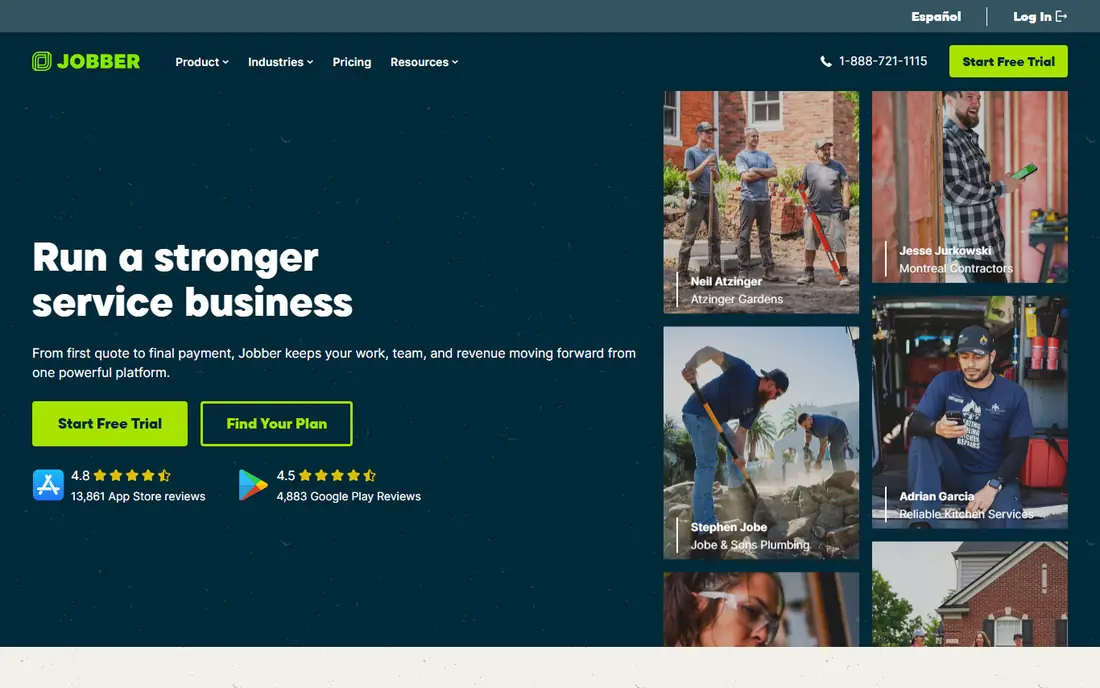
Jobber is a polished all-round choice for growing grounds-care firms. Quotes, scheduling, dispatch, invoicing, and payments sit in one system, and built-in route optimisation can cut drive time for crews running many stops a day. Reports on jobs, clients, and revenue help an owner see which services and neighbourhoods perform best, without exporting data to a spreadsheet each week.
The limit is tiering. Core starts at $29 per month on annual billing, but higher plans are needed for fuller reporting and automation, and extra users add cost. Solo operators may find the entry plan enough, while firms with several crews should price the Connect or Grow plans against their actual user count before committing.
- Clear job, quote, and invoice flow
- Built-in route optimisation
- Reports on jobs and clients
- Advanced features sit on higher tiers
- Per-user add-ons raise costs as teams grow
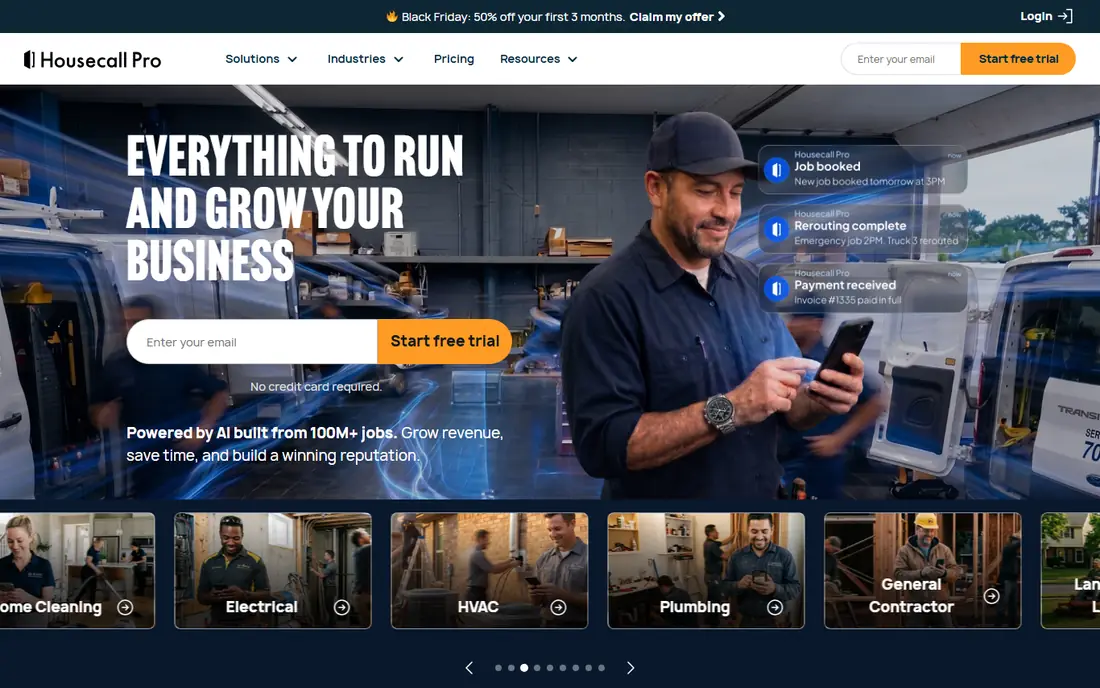
Housecall Pro suits grounds-care firms that want customers to book online and pay without chasing paper invoices. Scheduling, dispatch, invoicing, and payment processing sit together, and reports on jobs and revenue help managers track which crews and services bring in the most work. Consumer financing options are a useful extra for larger one-off projects.
Routing is the weak point, since Housecall Pro needs a third-party integration for route optimisation, while Jobber includes it. Pricing also jumps at set user counts, with Essentials and MAX plans built around five and eight users, so firms with six or seven staff should check the total carefully before signing.
- Online booking and payments
- Dispatch and job tracking
- Consumer financing options
- Routing needs a third-party integration
- Costs rise sharply with bundled user counts

Yardbook is the budget starting point for a solo operator or a very small grounds-care firm. Its free Starter plan covers core scheduling, client records, and invoicing, and paid plans start from $34.99 per month in published comparisons. Because it is built for lawn and grounds work, its job and client records fit the daily routine without the extra layers found in general field service tools.
Reporting is lighter than on Jobber or SingleOps, and automation for recurring billing and follow-up is more limited. That trade-off is fair at the price, especially for an owner-operator who mainly needs clean records and simple job reports, but growing firms will likely outgrow it within a year or two.
- Free Starter plan
- Simple scheduling and invoicing
- Built for lawn and grounds work
- Reporting depth is lighter than paid rivals
- Fewer automation tools
GorillaDesk prices by route rather than by user, starting at $49 per month per route on its Basic plan, with a 14-day free trial and no contracts in published comparisons. That model suits firms that organise work by routes, since adding a helper to an existing route does not automatically raise the bill. Route-based reports help managers see completion, revenue, and gaps by route.
The catch is depth. GorillaDesk does not match SingleOps or ServiceTitan for complex estimating or profit reporting, and its reports are organised around routes first. Firms that price mainly by route and want a simple, contract-free tool will like it, while firms that need detailed job costing should look higher up this list.
- Per-route pricing with no contracts
- Pest, lawn, and pool coverage
- Route-based reports
- Fewer enterprise features
- Reporting is route-led rather than profit-led
SingleOps is built for tree and grounds firms that sell complex, high-value jobs and need estimating to match. Its estimating, job management, and crew scheduling tools support multi-day work and detailed job records, and QuickBooks sync helps move invoices and costs into accounting. Reports on job performance are stronger than on general tools, since the system is designed around the job, not just the visit.
Pricing is opaque, with published comparisons placing it in a broad monthly range and sales handled by demo, so budgeting takes a call. Users also report that the mobile app lags the desktop experience and that QuickBooks sync can need manual fixes at times. It fits mid-size firms with complex jobs, not solo operators who need a quick, cheap start.
- Strong estimating for high-value jobs
- Job management and QuickBooks sync
- Tree and grounds focus
- No published pricing, demo-led sales
- Mobile app lags the desktop experience in reports
Service Autopilot suits grounds-care firms that live on recurring routes. Automation handles repeat scheduling, billing, and follow-up, so a firm with hundreds of weekly clients spends less time on admin and more time on service. Reports on routes, revenue, and client history help owners spot missed visits and overdue accounts before they become problems.
The price is not published, and plans run from Startup through Elite tiers by demo, so small firms cannot budget from the website alone. Setup also takes more effort than Jobber or Yardbook, since automation rules need to be built correctly. Firms with large recurring route books will gain the most, while smaller firms may find simpler tools faster to adopt.
- Automation for recurring routes and billing
- Follow-up tools
- Strong for lawn care routes
- No published pricing
- Setup and learning curve are heavier than simpler tools
ServiceTitan is the enterprise option in this list, built for large home service companies that want one platform for operations, sales, and marketing. Its reporting covers job performance, technician output, sales, and marketing in one place, which helps a large firm compare crews, services, and regions. Dispatch, scheduling, and payment tools are deep, and integrations cover many accounting and marketing systems.
That power comes with cost and complexity. Pricing is custom and sales are demo-led, published comparisons place it far above small-firm tools, and implementation takes real admin time. It fits firms with many crews and dedicated office staff, while a small grounds-care firm will likely find Jobber or Housecall Pro a better value.
- Deep reporting across sales, operations, and marketing
- Strong dispatch
- Broad integrations
- Custom pricing and demo-led sales
- More power than most small firms need
FieldEdge fits contractors running heavy dispatch operations with many trucks and crews. Its scheduling, dispatch, invoicing, and job tracking tools handle high daily job volumes, and reports help managers see job status, crew workload, and outstanding invoices across the operation. For a grounds-care firm that has grown into a multi-crew dispatch business, that depth matters.
Pricing is by custom quote, so small firms cannot compare it directly with published-price tools, and its reporting is general field service reporting rather than grounds-specific job costing. Firms that mainly need grounds estimating should weigh SingleOps first, while firms that mainly need dispatch at scale should trial FieldEdge.
- Strong dispatch for multi-truck operations
- Job and invoice tracking
- Field service depth
- Custom pricing only
- Less grounds-specific reporting than SingleOps
Arborgold is a long-running option for tree and grounds-care firms, with routing, chemical tracking, job records, and client management in one system. Its depth suits firms that track treatments, equipment, and multi-visit jobs, and its reports help managers follow job history and client work over seasons. For firms that need that specialist record-keeping, it remains a credible choice.
The interface feels dated next to Jobber and Housecall Pro, and the learning curve is steep for new staff, with mixed support reports in published comparisons. Pricing is not published on a simple page, so firms should request a full quote, trial the system with a real crew, and check that reporting exports fit their accounting workflow before committing.
- Long-running tree and grounds feature set
- Routing and chemical tracking
- Job records
- Interface feels dated
- Learning curve is steep
- Support reports are mixed
How we picked these
We compared official feature pages, pricing pages, and app store listings, and we kept tools used by grounds-care firms that offer job records plus reports on revenue, costs, crew time, or client history. We favoured tools with published pricing where possible, and we marked custom-priced tools clearly, since hidden pricing changes the buying decision. We did not claim hands-on testing, and we did not include general spreadsheets or tools without job reporting.
What to check in a reporting tool before you buy
Start with the reports you will actually read each week. Ask for a sample profit-per-job report, a crew completion report, and an overdue invoice report, and check whether each one is built in or needs a manual export. A tool that only shows hours worked will not tell you whether a job made money once fuel, materials, and labour are counted, so test costing with one real job from last month.
Check how reports handle recurring work, since grounds-care firms live on repeat visits. Confirm that route completion, missed visits, and client payment history feed the same reports, and that data exports cleanly to your accounting system. Trial the mobile app with a crew for two weeks, compare its job totals with your existing records, and only then move billing and scheduling across, since a reporting tool is only useful if crews enter data correctly in the field.
Frequently asked questions
What reports matter most for a grounds-care business?
Profit per job, crew completion rates, and overdue invoices matter most. Hours alone do not show whether a job covered fuel, materials, and labour, so look for reports that combine revenue with job costs and time on site.
Is Jobber or Housecall Pro better for a small firm?
Jobber is usually the better value at entry level, with lower starting pricing and built-in route optimisation. Housecall Pro fits firms that want online booking, payments, and financing in one place, but its bundled user pricing needs careful checking.
Can I start free?
Yes, Yardbook offers a free Starter plan, and Jobber, Housecall Pro, and GorillaDesk offer free trials. Use the trial to test reports with real jobs, not just demo data, before you pay for a full plan.
Why do some tools hide their pricing?
Larger tools such as ServiceTitan, SingleOps, and FieldEdge price by team size, features, and setup needs, so they sell by demo and quote. Ask for a written quote that lists users, add-ons, and contract length, and compare the total with a published-price tool.
Do these tools handle recurring routes?
Most do, but depth varies. Service Autopilot is strongest for automated recurring routes and billing, while Jobber and Housecall Pro handle recurring jobs well for smaller firms. Test repeat scheduling, billing, and missed-visit handling during your trial.
What should I check before switching tools?
Export your client, job, and invoice history first, and check how the new tool imports it. Run both systems in parallel for two weeks, compare job totals and invoice amounts, and train crews on mobile entry before you close the old system.
Sources
See where you really rank - block by block
ProMapRanker scans Google Maps across a grid of your service area. Simple monthly plans from $19, white-label on every plan.
Start freeKeep reading
 zyte alternatives
Best Zyte Alternatives in 2026
These zyte alternatives cover managed scraping APIs, proxy networks and no code tools for lawful collection from your own or consented sources only in 2026.
Read → zerto alternatives
Best Zerto Alternatives in 2026
Compare the best zerto alternatives for disaster recovery and replication, with recovery targets, cloud options and honest trade-offs for teams in 2026.
Read → zerofox alternatives
Best ZeroFox Alternatives in 2026
We compared 9 zerofox alternatives for brand protection, phishing takedowns, dark web monitoring, and social impersonation, with clear coverage notes.
Read →