 ProMapRanker
Best Landscaping Payroll Apps in 2026


All-round payroll plus HR · Pricing starts at: $49 per month plus $6 per person
Key takeaways
- Gusto and Homebase suit small grounds-care firms that want pay runs, time tracking and scheduling in one place.
- Patriot and OnPay are the clearer budget picks, with simple published prices and full-service tax filing on higher tiers.
- QuickBooks Payroll makes most sense if your books already live in QuickBooks, because it cuts double entry.
- Square Payroll fits firms already taking payments through Square, while ADP RUN and Rippling suit firms planning to grow.
- Seasonal crews need easy rehire, varied pay rates and overtime rules, so test those exact cases before you commit.
Quick comparison
| Pick | Great for | Pricing starts at | Free tier | |
|---|---|---|---|---|
| Gusto | All-round payroll plus HR | $49 per month plus $6 per person | No | Visit |
 Homebase | Hourly crews and scheduling | $49 per month plus $6 per person | Yes | Visit |
 Patriot Software | Lowest published price | $17 per month plus $4 per worker | No | Visit |
 OnPay | Simple flat full-service payroll | $49 per month plus $6 per worker | No | Visit |
 QuickBooks Payroll | QuickBooks accounting users | $50 per month plus $7 per person | No | Visit |
 Square Payroll | Square payment users | $35 per month plus $6 per person | No | Visit |
 ADP RUN | Growing firms that want support | See website | No | Visit |
 Rippling | Payroll plus HR and IT | See website | No | Visit |
 Paychex | Firms that want a payroll specialist | See website | No | Visit |
The best grounds-care payroll apps
This guide angles payroll software plainly for grounds-care businesses, from small mowing and maintenance crews to larger outdoor services firms. We compared official pricing pages, feature pages and public reviews, and we focused on hourly pay, seasonal staff, overtime, job-site time tracking and tax filing.
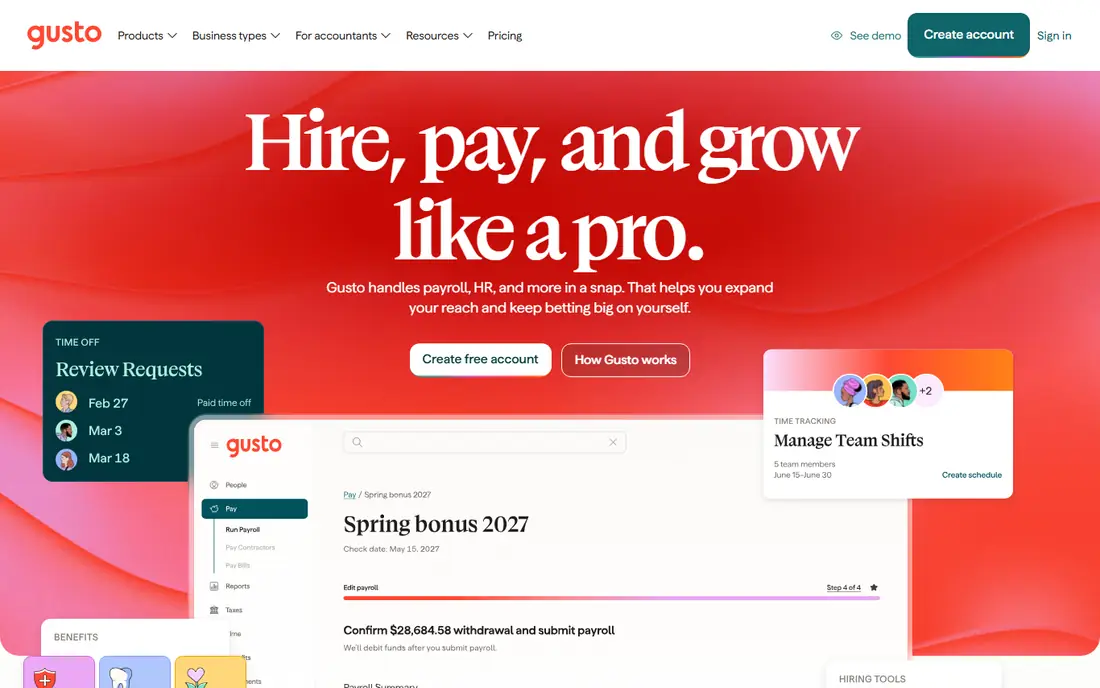
Gusto is our pick for most small grounds-care firms because it covers the full pay run without forcing owners to learn a complex system. Owners can run payroll from a phone, track hours by job site and handle new hires, overtime and contractor payments in the same dashboard. Automatic tax filing removes a common source of stress for owners who are out on jobs all day.
The honest catch is per-person pricing. A crew of ten costs notably more than a crew of three, so price the plan at your peak seasonal headcount, not your winter headcount. Firms that only need a bare pay run may find a cheaper option below, but firms that want HR, onboarding and benefits in one place will get good value here.
- Clear published tiers
- Automatic tax filing
- Mobile time tracking with job-site hours
- Costs rise with each worker
- Benefits setup takes time
- Some advanced HR tools sit on higher tiers
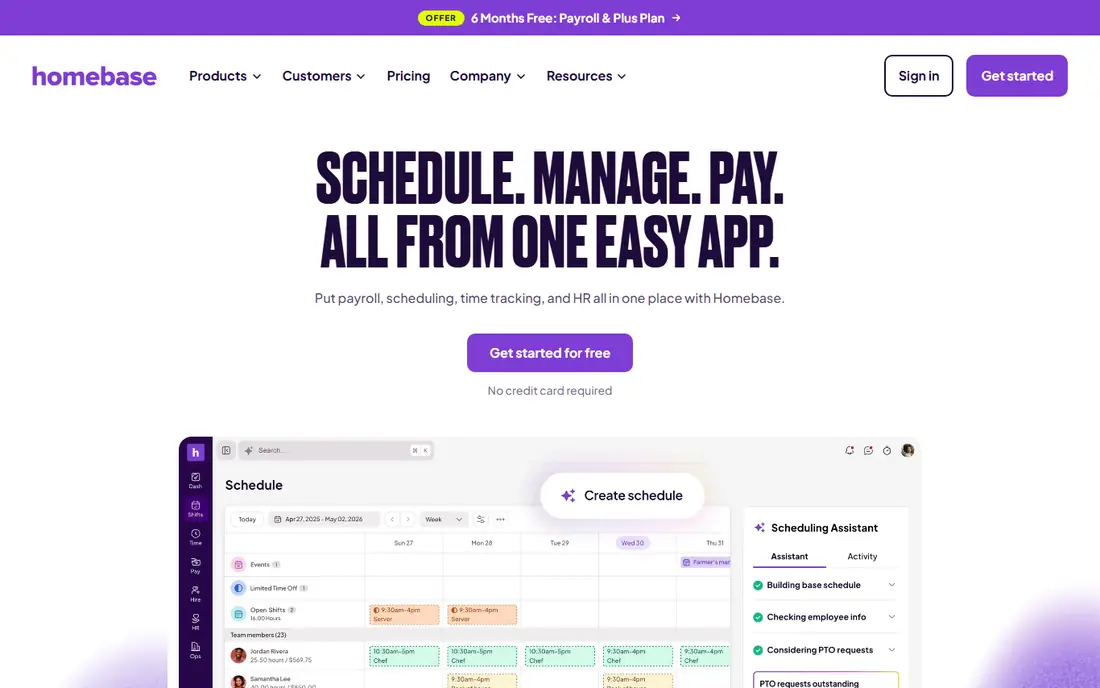
Homebase stands out for grounds-care firms where scheduling is half the payroll problem. Shifts, time clock entries and pay can live in one system, so hours flow into pay runs without retyping timesheets. That matters when crews move between properties all day and managers need to see who is on site and who is late.
The free tier covers basic scheduling for one location, which is useful for a trial. Payroll itself is paid, so compare the full monthly cost at your crew size. Firms with several depots should also check location pricing before committing, because that is where the bill can grow.
- Scheduling, time clock and payroll in one system
- Built for hourly teams
- Free tier for basic scheduling
- Payroll is a paid add-on in some plans
- Costs rise with extra locations
- Setup needs clean shift data
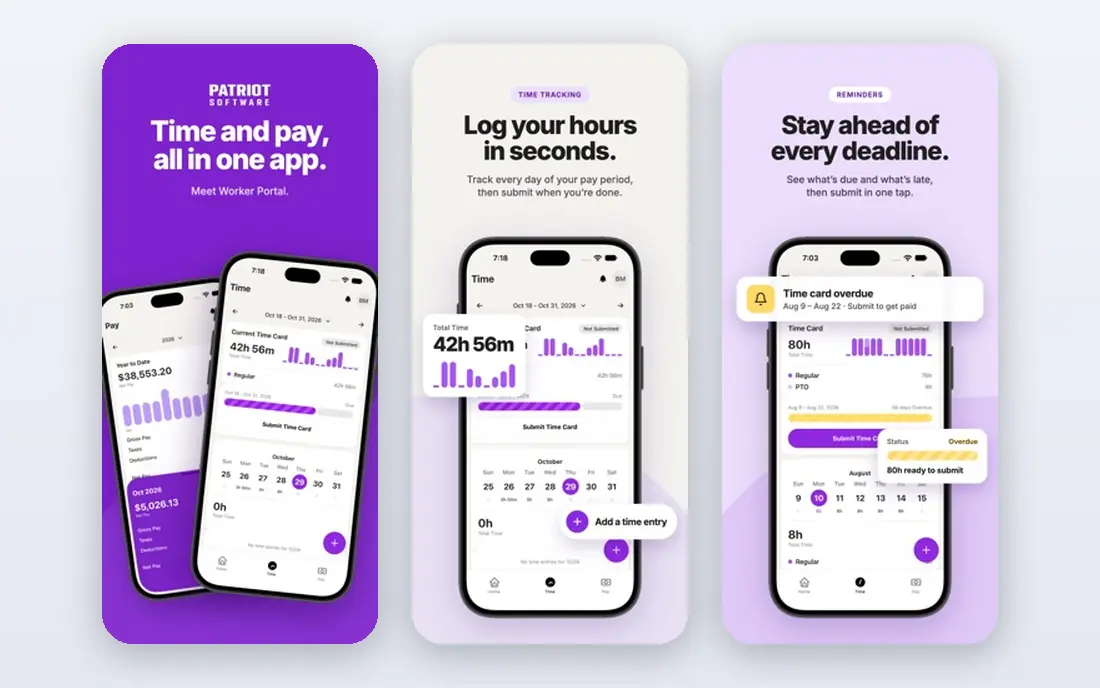
Patriot is the budget pick for a small grounds-care firm that wants a clean pay run at the lowest published price. The basic tier suits owners comfortable handling tax filings themselves, while the full-service tier adds tax filing for a higher monthly fee. Either way, the pricing page is easy to understand, which helps owners budget for seasonal hiring.
The trade-off is depth. Patriot does not try to be a full HR platform, and its time tracking is simpler than tools built for field crews. Pair it with a good clock-in app if your crews work across many properties, and confirm which tier includes the filings your state requires.
- Very low entry price
- Full-service tax filing on the higher tier
- Simple interface for small owners
- Basic tier does not file taxes for you
- Fewer HR extras
- Time tracking is more basic than specialist tools
OnPay suits owners who want one price and one clear service, with no need to compare tiers. Full-service tax filing is included, and the system handles hourly staff, salaried staff and contractors, which fits seasonal grounds-care teams. Multiple pay rates for different jobs are also easier to manage here than in a bare-bones payroll tool.
The limit is breadth. OnPay is a payroll service first, not a full HR suite, so firms that want benefits administration or detailed onboarding workflows may need another tool. For a firm that mainly wants pay runs done right, that focus is a strength rather than a weakness.
- One flat price with no tier maze
- Full-service tax filing included
- Handles varied pay rates and contractors
- Fewer HR and benefits extras
- Interface is plainer than Gusto
- No free tier
QuickBooks Payroll is the natural pick if your accounts already live in QuickBooks. Pay runs, tax filings and labour costs flow into your books without manual journals, which makes job profitability easier to see. Accountants also tend to know the system well, which can save time at year end.
Outside QuickBooks, the case is weaker, because you pay for an accounting link you do not use. Check the bundle carefully, since payroll pricing differs between QuickBooks plans, and confirm whether the tier you need includes same-day or next-day direct deposit for your crew.
- Payroll posts straight into QuickBooks books
- Good job costing links
- Familiar to many accountants
- Best value only inside QuickBooks
- Pricing varies by bundle
- Payroll support can be tier dependent
Square Payroll fits grounds-care firms that already invoice or take card payments through Square. Staff can be paid from the same account that handles customer payments, which keeps cash flow in one view. The base price is lower than several rivals, which helps a small firm with a handful of crew members.
The catch is scale and depth. Larger firms, or firms that need detailed HR, benefits and compliance support, may outgrow Square Payroll. It is best viewed as a clean, affordable pay run for smaller teams, paired with a separate time clock app if field tracking needs to be detailed.
- Low base price
- Smooth fit with Square payments and point of sale
- Simple pay runs for small teams
- Less HR depth than Gusto or Rippling
- Time tracking is basic
- Best fit is smaller crews
ADP RUN suits a grounds-care firm that is growing past the owner-plus-a-few-crew stage and wants a provider with deep compliance knowledge. Support for tax rules, new-hire reporting and workers comp can matter more as headcount and states grow. The brand is also familiar to banks and accountants, which can smooth hiring and lending conversations.
The main drawback is pricing transparency. ADP RUN uses quotes, so owners must go through a sales process to get a firm number, and small firms may find the process heavier than a self-serve signup. Get the quote in writing, including per-person fees and any added service charges, before comparing it with published rivals.
- Strong compliance support
- Scales from small to larger teams
- Well-known payroll provider
- Pricing is by quote, not published
- Setup can feel formal for tiny firms
- Some features need higher tiers
Rippling is for grounds-care firms that want payroll joined to HR and IT, for example onboarding, benefits and device access for office staff alongside field crews. Automation can cut repeat admin, such as setting up a new hire across payroll, email and benefits in one flow. Multi-state firms may also value its compliance coverage.
For a three-person crew, Rippling is likely more than needed, and quote-based pricing makes quick comparison harder. It earns its place here for firms planning growth, where one system for people, pay and devices avoids a tangle of separate tools later.
- Payroll, HR and device management in one platform
- Strong automation for onboarding
- Good for multi-state teams
- Quote-based pricing
- More system than a small crew needs
- Setup time is longer than simpler tools
Paychex suits owners who want a named specialist to call when payroll gets tricky, rather than only self-serve help pages. That support matters for overtime rules, seasonal rehires, workers comp and multi-rate pay, all common in grounds-care work. The service also scales as a firm adds crews and office staff.
The trade-off is that pricing requires a quote, and the service can feel formal for a tiny firm. Owners who prefer instant signup and published prices may prefer Gusto, Patriot or OnPay. Owners who value human support and are planning steady growth should still get a Paychex quote for comparison.
- Dedicated payroll support
- HR guidance alongside payroll
- Scales well for larger crews
- Quote-based pricing
- Can feel corporate for very small firms
- Some tools sit behind higher tiers
How we picked these
We compared official pricing and feature pages, plus public reviews, for payroll tools that serve small and mid-size service firms in the United States. We favoured tools with current published prices or clear quote processes, automatic tax filing options, hourly and contractor support, and time tracking or clean integrations with time clock apps. We excluded tools that had closed, that served only large enterprises, or that could not handle ordinary hourly pay runs for a service crew.
What grounds-care firms should check before choosing
Start with your real crew pattern, not an average month. Count peak-season workers, including part-time and seasonal staff, and check how each tool charges for contractors, since some firms pay a mix of employees and 1099 workers. Test overtime rules for long summer weeks, and check how pay rates change when a worker moves between mowing, planting and clean-up jobs in the same week.
Time tracking, taxes and seasonal hiring
Good time data is what makes payroll accurate. Look for mobile clock-in, job or property codes and manager approval, or confirm a clean export to your payroll tool if you use a separate clock app. On taxes, confirm which filings are included, which states are covered and who fixes an error if a filing goes wrong. For seasonal work, check how easy it is to pause, rehire and archive a worker without paying for them all winter.
A simple buying checklist
Run a test pay run with real hours, including overtime and a contractor payment, before you move your whole crew. Confirm direct deposit timing, pay stub access for workers and how corrections are handled. Ask about workers comp reporting, new-hire reporting and year-end forms, and get total monthly cost at peak headcount in writing. The cheapest base price is not the cheapest total if per-person fees, add-ons and location charges stack up.
Frequently asked questions
Which payroll app is cheapest for a small grounds-care crew?
Patriot Software has the lowest published entry price in this guide, at $17 per month plus $4 per worker for basic payroll. Square Payroll is also low at $35 per month plus $6 per person. Always price at peak crew size and check whether tax filing is included.
Do these apps handle seasonal workers?
Yes, most handle hiring, pausing and rehiring, but the steps differ. Gusto, Homebase and OnPay describe seasonal and contractor support, while ADP RUN, Rippling and Paychex handle larger, multi-state seasonal teams. Test a rehire in a trial before peak season starts.
Can crews clock in from a job site?
Yes, if you choose a tool with mobile time tracking or pair payroll with a field time clock app. Gusto and Homebase include mobile time features, while other tools accept hours from exports. Confirm GPS, property codes and manager approval match how your crews actually work.
Is tax filing included in the price?
It depends on the tier. OnPay includes full-service filing in its flat price, and Gusto includes it in its published tiers. Patriot charges more for full-service filing than for basic payroll. Read the tier description, not only the headline price.
Should I choose payroll alone or payroll plus scheduling?
If scheduling mistakes cause most payroll errors, choose a combined tool such as Homebase, or pair a simple payroll tool with a strong scheduling app. If your schedule is stable and your main pain is tax filing, a payroll-only tool such as OnPay or Patriot may be enough.
What if my firm already uses QuickBooks or Square?
Stay inside that system if the payroll tier covers your needs, because it cuts double entry and keeps labour costs visible. QuickBooks Payroll suits QuickBooks users, and Square Payroll suits Square payment users. Compare the payroll tier price with a standalone rival before switching systems.
Sources
See where you really rank - block by block
ProMapRanker scans Google Maps across a grid of your service area. Simple monthly plans from $19, white-label on every plan.
Start freeKeep reading
 zyte alternatives
Best Zyte Alternatives in 2026
These zyte alternatives cover managed scraping APIs, proxy networks and no code tools for lawful collection from your own or consented sources only in 2026.
Read → zerto alternatives
Best Zerto Alternatives in 2026
Compare the best zerto alternatives for disaster recovery and replication, with recovery targets, cloud options and honest trade-offs for teams in 2026.
Read → zerofox alternatives
Best ZeroFox Alternatives in 2026
We compared 9 zerofox alternatives for brand protection, phishing takedowns, dark web monitoring, and social impersonation, with clear coverage notes.
Read →