 ProMapRanker
Best Landscape Apps With Purchase Order Management in 2026


Small grounds-care teams getting organized · Pricing starts at: $49 per month
Key takeaways
- Jobber and Housecall Pro are the most approachable starting points for small grounds-care firms, with clear monthly pricing and free trials.
- Purchase order handling matters most when crews buy materials often, since it ties supplier orders to jobs, budgets, and invoices instead of loose receipts.
- Larger firms should weigh ServiceTitan, FieldEdge, and Service Autopilot more heavily, because their depth helps multi-crew operations even though pricing is quoted.
- A trial should test one full order cycle, from creating the order to receiving materials and billing the job, before any team commits.
Quick comparison
| Pick | Great for | Pricing starts at | Free tier | |
|---|---|---|---|---|
| Jobber | Small grounds-care teams getting organized | $49 per month | Free trial (14 days) | Visit |
 Housecall Pro | Growing teams that need dispatch and payments | $79 per month | Free trial (14 days) | Visit |
 ServiceTitan | Larger firms with multiple crews and offices | See website | No | Visit |
 Arborgold | Tree care and grounds-care specialists | See website | No | Visit |
 LMN | Firms that price jobs by careful estimates | See website | No | Visit |
 Service Autopilot | Firms wanting automation across scheduling and billing | See website | No | Visit |
 FieldEdge | Dispatch-heavy firms with office and field teams | See website | No | Visit |
 GorillaDesk | Budget-conscious field service teams | See website | Free trial | Visit |
The best grounds-care apps with purchase order management
We compared official feature pages, pricing pages, and public product documentation for software used by grounds-care businesses, focusing on purchase order tools, scheduling, job costing, and invoicing. Our pick for most small firms is Jobber, with Housecall Pro close behind for teams that want stronger dispatch tools.
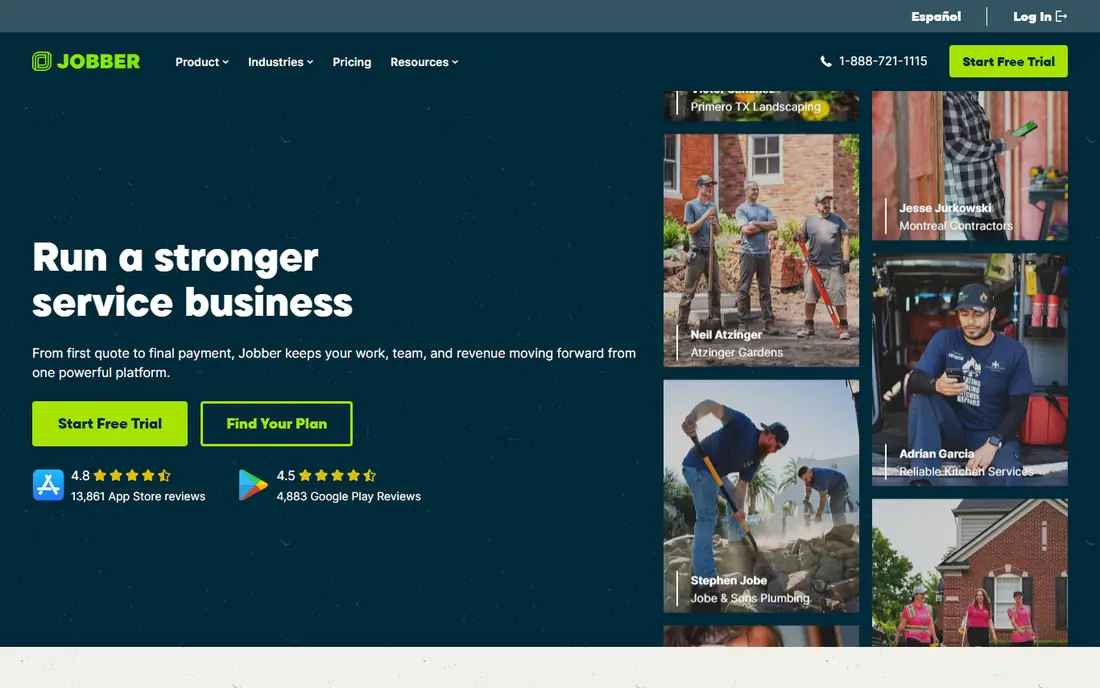
Jobber suits a small grounds-care firm that still runs jobs from texts, paper notes, and spreadsheets. Quotes turn into scheduled jobs, jobs turn into invoices, and payments follow in the same system, which cuts down on retyping customer details. Purchase order tools help the office record what was ordered for a job, so material costs stay attached to the right project.
The limit shows up as the team grows. Extra users add cost, and the most complete feature set sits on higher tiers that a solo operator may not need yet. Still, the 14-day trial is long enough to run real jobs through the system. Start on the entry plan and upgrade only when ordering volume or crew size forces it.
- Clear entry pricing
- Quotes, scheduling, and invoicing in one place
- Useful mobile app for crews
- Higher tiers get expensive as users grow
- Advanced inventory needs a higher plan
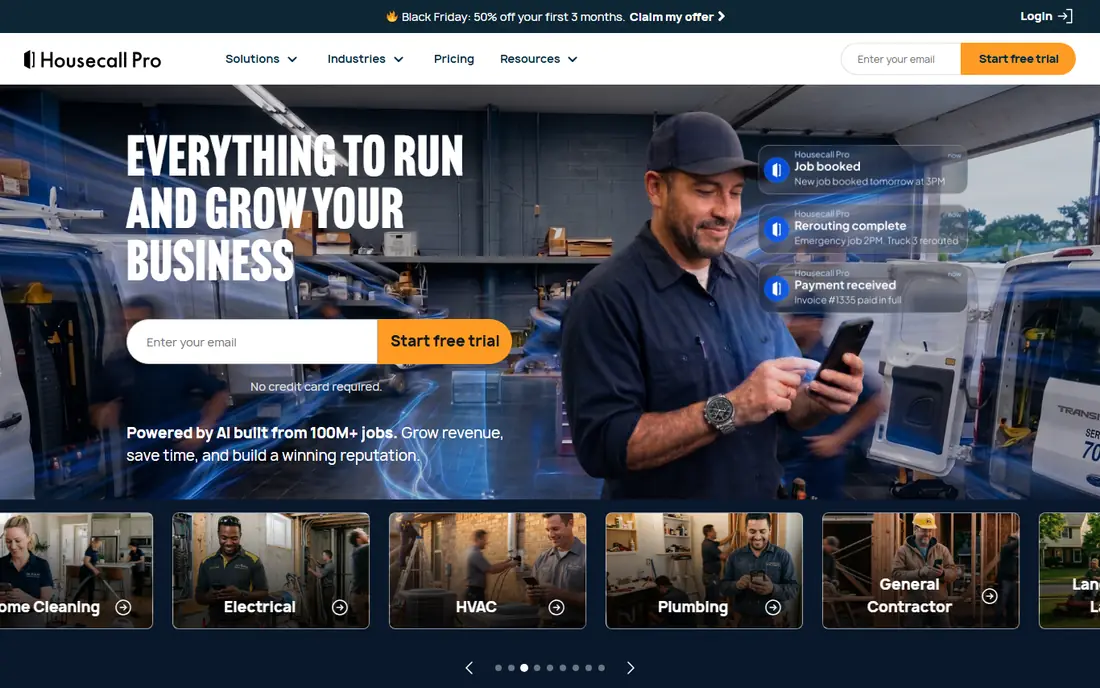
Housecall Pro fits a grounds-care firm that has moved past solo work and now juggles several crews, repeat visits, and customer calls during the day. Drag-and-drop scheduling, automated reminders, and online booking reduce the phone work that eats into office hours. Purchase order and job costing tools help managers see whether a job made money once materials and labor are counted.
The trade-off is price and add-ons. Basic starts at $79 per month for one user on monthly billing, and features such as GPS tracking cost extra. That can still be good value for a busy team, but a solo operator should compare the total monthly bill, not just the headline plan price. Use the trial to test dispatch on a genuinely busy day.
- Strong scheduling and dispatch
- Online booking for customers
- Integrated payments and invoicing
- Higher entry price than Jobber
- Some useful tools are paid add-ons

ServiceTitan is built for operations that have outgrown simple scheduling tools, with detailed dispatch boards, job costing, and reporting across crews and locations. Purchase order workflows fit into that larger picture, linking material orders to jobs and financial reports rather than living in a separate spreadsheet. For a firm with several crews buying materials every week, that connection is the main selling point.
The cost is complexity and price opacity. Pricing is quoted per business, setup can be involved, and small firms may pay for depth they rarely use. ServiceTitan makes sense when reporting, payroll, and multi-location control matter as much as day-to-day scheduling. Smaller firms should trial a simpler tool first and return here when growth demands it.
- Deep job, dispatch, and reporting tools
- Strong accounting and payroll connections
- Built for scale
- Quote-only pricing
- Setup and training take real time
Arborgold is designed for tree care and related outdoor services, which shows in how it handles jobs, crews, and repeat property visits. A crew can see the job history for a property, record work done, and keep material and equipment notes tied to that site. Purchase order features support ordering for specific jobs, which helps when a project needs mulch, plants, or other supplies in set quantities.
The drawback is fit. A general home services firm may find broader tools more flexible, and Arborgold pricing requires a quote, so budgeting takes a sales conversation. For a specialist firm, though, the industry focus can save setup time, because the workflow already matches how crews talk about properties and jobs.
- Industry-specific job and crew tools
- Scheduling built around field work
- Customer history in one place
- Quote-only pricing
- Narrower appeal outside tree and grounds work
LMN stands out for firms that lose money on badly priced jobs, because estimating sits at the center of the product rather than as an afterthought. You can build estimates from labor, materials, and overhead, then compare actual job costs against that estimate as work progresses. Purchase orders then connect material buying to the budget for that job, which makes overruns visible early.
The weakness is effort. Formal estimating takes discipline, and teams used to quick verbal quotes may resist the extra steps at first. LMN also prices by quote, so a small firm should ask for a full cost picture before committing. If estimating accuracy is your main problem, this focus is worth the learning curve.
- Detailed estimating and budgeting
- Job costing tied to estimates
- Time tracking for crews
- Quote-only pricing
- Learning curve for teams new to formal estimating
Service Autopilot
Great for: Firms wanting automation across scheduling and billing
Service Autopilot suits a grounds-care firm with many recurring clients, where weekly or seasonal visits need to happen without constant office chasing. Automated scheduling, invoicing, and reminders keep repeat work moving, and purchase order tools help the office track materials ordered for those recurring jobs. Over a full season, that automation saves more time than any single feature.
The interface is the honest catch. There is a lot here, and new users can feel overwhelmed before they find the three or four workflows they use daily. Training and a careful rollout help, especially if office staff and crew leads learn the system together. Firms that value automation over simplicity will get the most from it.
- Automation for recurring visits and billing
- Dispatch and routing tools
- Client and job history
- Quote-only pricing
- Interface can feel dense for new users
FieldEdge is a solid choice when dispatch is the daily bottleneck, with live boards that show where crews are and which jobs still need attention. Field staff can update job status, capture signatures, and record materials from a phone, which keeps the office informed without extra calls. Purchase order handling ties those material records back to the job, so invoices reflect what was actually used.
For a one-crew firm, FieldEdge may offer more dispatch depth than necessary, and quoted pricing makes quick comparison harder. The value grows with crew count and job volume, where a live view of the day prevents double-booking and missed visits. Ask for a demo built around your busiest schedule, not a generic tour.
- Real-time dispatch boards
- Mobile app for field staff
- Invoicing and payment tools
- Quote-only pricing
- May be more than a very small firm needs
GorillaDesk appeals to a grounds-care firm that wants one affordable system without a long sales process. Scheduling, customer records, invoicing, and purchase order basics cover the daily work, and the trial lets a team test it on real jobs. For firms moving off spreadsheets, that simplicity is a genuine strength, not a compromise.
The limit is scale. Larger firms with complex reporting, payroll, or multi-location needs will likely outgrow it sooner than ServiceTitan or FieldEdge. That is not a flaw if the firm is small today, since switching later is easier than paying for unused depth now. Start here if budget and ease matter most, and revisit larger tools as the business grows.
- Scheduling, invoicing, and customer management in one tool
- Lower barrier to try
- Straightforward setup
- Less depth than enterprise tools
- Some advanced reporting is limited
How we picked these
We compared official feature pages, pricing pages, and product documentation, and we kept only tools that serve grounds-care or wider field service firms and that offer purchase order handling tied to jobs. We favored tools with clear trial or demo routes and honest pricing disclosure, and we marked quoted pricing as See website rather than repeating third-party estimates. We did not claim hands-on testing, and we weighed scheduling, job costing, and invoicing alongside ordering tools.
What to check before you buy
Test purchase orders the way your firm actually buys, not the way a demo shows it. Create an order for a real job, receive part of it, change a quantity, and then invoice the job, and watch where costs land. Check whether supplier details, taxes, and partial deliveries are handled cleanly, since those edge cases cause most ordering headaches. Also confirm mobile access for crew leads, QuickBooks or accounting connections, and what happens to your data if you cancel. A tool that handles a clean demo but stumbles on a partial delivery will cost time every week.
Frequently asked questions
What is purchase order management in grounds-care software?
It is the process of creating, approving, and tracking orders for materials and supplies against a specific job or customer. Good tools show what was ordered, what arrived, what it cost, and whether it has been billed yet.
Do small grounds-care firms need purchase order tools?
They help once material buying becomes regular, even for small firms, because they stop costs from hiding in receipts and card statements. A solo operator with rare purchases may manage with invoices alone, but repeat material jobs benefit quickly.
Is Jobber or Housecall Pro better for a small firm?
Jobber is cheaper to start and simpler for a solo operator, while Housecall Pro suits a growing team that values dispatch and online booking. Both offer 14-day trials, so run the same week of jobs through each before choosing.
Why do some tools not publish prices?
Larger field service platforms price by crew size, features, and setup needs, so they quote per business. Ask for the monthly subscription, per-user fees, payment processing rates, and any setup cost in writing before comparing.
Can these tools replace accounting software?
No, they complement it. Most firms still need accounting software for taxes, payroll, and full financial reports, and the best tools here connect to accounting systems rather than replacing them.
How long does setup usually take?
A small firm can often start in days with a simple tool, while larger platforms with automation and reporting may take weeks including training. Budget time for importing customers, setting price lists, and training crew leads.
Sources
See where you really rank - block by block
ProMapRanker scans Google Maps across a grid of your service area. Simple monthly plans from $19, white-label on every plan.
Start freeKeep reading
 zyte alternatives
Best Zyte Alternatives in 2026
These zyte alternatives cover managed scraping APIs, proxy networks and no code tools for lawful collection from your own or consented sources only in 2026.
Read → zerto alternatives
Best Zerto Alternatives in 2026
Compare the best zerto alternatives for disaster recovery and replication, with recovery targets, cloud options and honest trade-offs for teams in 2026.
Read → zerofox alternatives
Best ZeroFox Alternatives in 2026
We compared 9 zerofox alternatives for brand protection, phishing takedowns, dark web monitoring, and social impersonation, with clear coverage notes.
Read →