 ProMapRanker
Best Landline Phone Service for Small Business in 2026


Small offices wanting desk phones · Pricing starts at: $19.95 per user per month
Key takeaways
- Most small businesses now replace a traditional landline with VoIP, which keeps a desk phone feel while adding mobile apps, voicemail transcription, and call routing.
- Ooma and Nextiva suit offices that want real desk phones and human support, while RingCentral suits teams that want phone, video, and messaging in one system.
- Zoom Phone and Google Voice are the cheapest ways to add a business line if your team already uses Zoom or Google Workspace.
- Grasshopper and Quo suit solo owners and very small teams who want a business number on a phone they already own.
- Do not cancel your old number until the port to the new service completes, and test desk phones, headsets, and internet quality before switching fully.
Quick comparison
| Pick | Great for | Pricing starts at | Free tier | |
|---|---|---|---|---|
| Ooma Office | Small offices wanting desk phones | $19.95 per user per month | Free trial | Visit |
 Nextiva | Reliable service and human support | $15 per user per month | No | Visit |
 RingCentral RingEX | All-in-one phone, video, and messaging | $20 per user per month | Free trial | Visit |
 Vonage Business | Flexible plans with API options | $13.99 per line per month | No | Visit |
 Zoom Phone | Teams already using Zoom | $10.50 per user per month | No | Visit |
 Dialpad | AI call summaries and transcription | $15 per user per month | Free trial | Visit |
 Grasshopper | Solo owners wanting a virtual line | $14 per month | Free trial | Visit |
 Google Voice | Google Workspace teams needing simple voice | $10 per user per month | No | Visit |
 Quo | Text-heavy small teams | $15 per user per month | Free trial | Visit |
The best landline phone services for small business
Traditional copper landlines are fading, but the need for a reliable business number, a desk phone, and professional call handling has not gone away. We compared official pricing pages and public business phone guides, and we focused on VoIP services that replace a landline for small businesses, including options that support physical desk phones. All of these services are active in 2026 and offer a business number, call routing, and voicemail as core features.
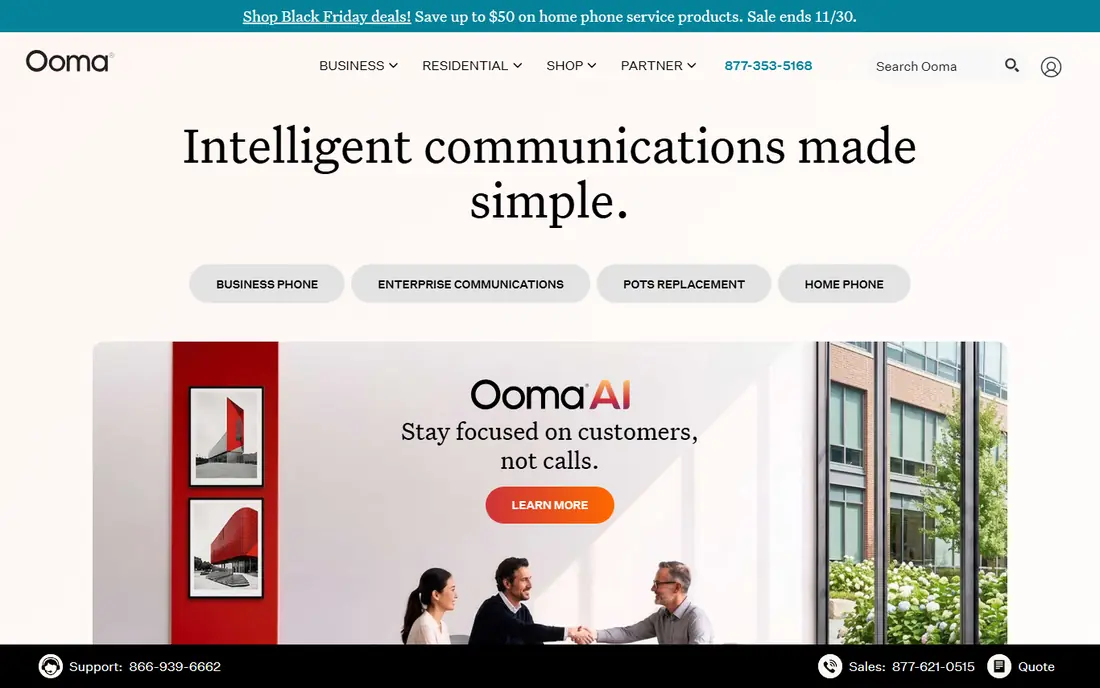
Ooma Office is built for the small office that still wants phones on desks, not just apps on laptops. You can use compatible IP desk phones, set up an auto-attendant, route calls by department, and manage voicemail through a web portal. The Essentials plan at $19.95 per user per month is easy to understand, and Ooma support is often praised by small business owners who do not have an IT team.
The catch is that the entry plan is voice-focused. Texting, video meetings, and call recording sit on higher plans or add-ons, so a team that texts customers a lot should compare the next tier before signing. Ooma also charges an activation fee in some cases, so check the total first bill. For a traditional office that wants a landline replacement without complexity, Ooma is a natural first choice.
- Simple setup for small offices
- Supports traditional desk phones
- 30-day money-back terms in many cases
- Clear per-user pricing
- Entry plan leaves out texting and video in some cases
- Activation fee may apply
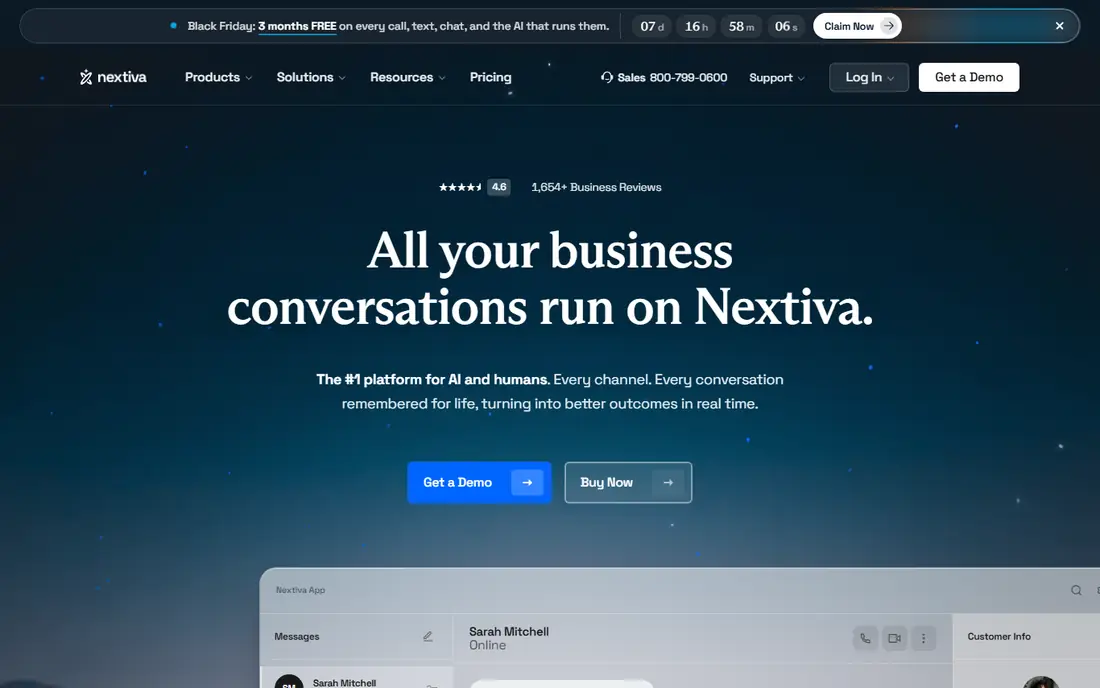
Nextiva offers business phone service with a focus on reliability and human support, which matters when a missed call can mean a missed customer. The Core plan, at $15 per user per month when billed annually, covers unlimited domestic calling, voicemail, auto-attendant, and team messaging basics. Higher plans add video, customer experience tools, and integrations, so a growing business can stay with one vendor rather than switching systems.
The trade-off is trial access. Nextiva usually offers a demo rather than a self-serve free trial, so you need a sales conversation to test the full system. Monthly billing is also higher than the annual rate, so budget for the annual commitment if you want the headline price. For a customer-facing small business that values support over the lowest price, Nextiva is a strong pick.
- Strong support reputation
- Core plan includes voice and basic collaboration
- Scalable plans for growing teams
- No self-serve free trial in many cases
- Higher tiers cost much more than the entry plan
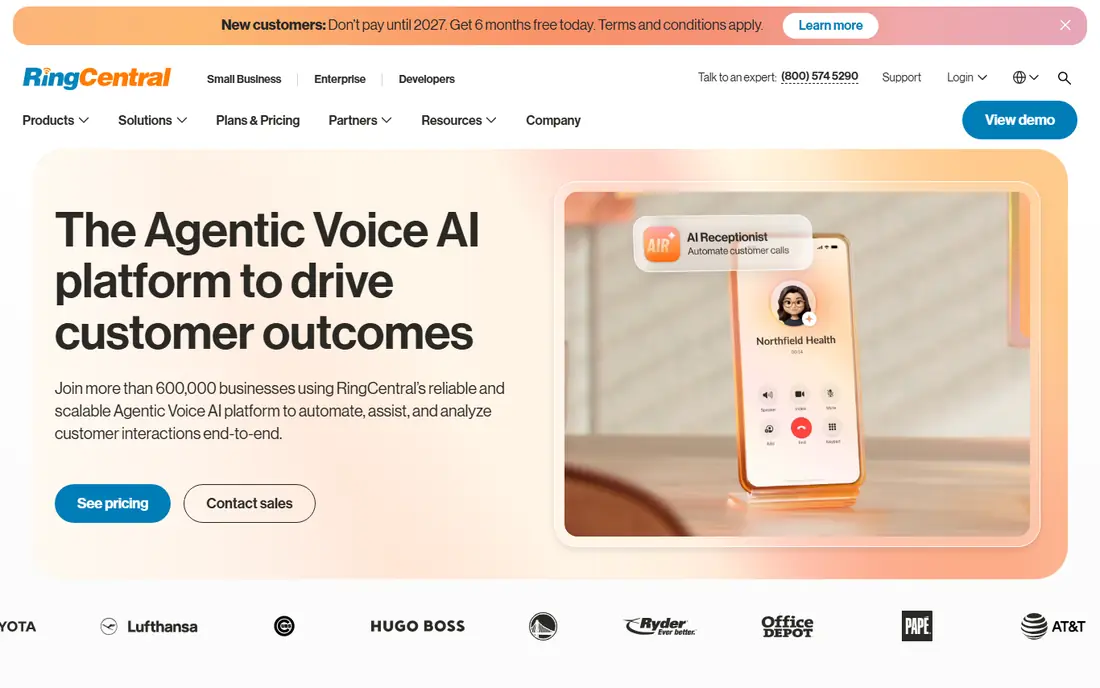
RingCentral RingEX is the most complete system in this list, combining business calling with video meetings, team messaging, and fax in one platform. That breadth suits a small business that wants one vendor for all communication, rather than separate tools for phones, video, and chat. Integrations with common customer tools, such as Salesforce and HubSpot, help teams keep call notes and customer records together.
The catch is complexity and cost. The admin portal takes time to learn, and the Core plan at $20 per user per month when billed annually is not the cheapest entry point. Some advanced features wait for higher tiers. If your team only needs a simple business line, RingCentral may be more than you need. If you want one system that grows with the business, it is the safest all-round choice.
- Phone, video, messaging, and fax in one system
- Hundreds of integrations
- Strong admin controls
- Admin portal has a learning curve
- Per-user cost adds up for larger teams
- Entry plan limits some features
Vonage Business Communications offers a low entry price, with the Mobile plan at $13.99 per line per month when billed annually, covering unlimited domestic calling, SMS and MMS, voicemail, and mobile and desktop apps. That suits a small team that works from phones and laptops rather than fixed desks. Vonage also offers APIs for voice, messaging, and video, which helps a business that later wants to add calling inside its own app or website.
The trade-off is desk phones. The entry plan is mobile-first, and desk phone support comes with higher plans, so a traditional office should price the Premium tier, not just the Mobile tier. Support is by phone, chat, and online case, with availability varying by plan. For a flexible, mobile-friendly small business, Vonage offers good value at the entry level.
- Low annual entry price
- Mobile and desktop apps
- API options for businesses that may build custom calling later
- Desk phone support sits on higher plans
- No self-serve free trial in many cases
Zoom Phone adds business calling to a Zoom account, so a team that already meets on Zoom can keep calls, meetings, and chat in one place. The US and Canada Metered plan at $10.50 per user per month when billed annually is the cheapest entry point here, and unlimited plans are available for heavier callers. Setup is straightforward for Zoom admins, and users already know the app.
The catch is the metered model. The cheapest plan charges for usage beyond the included allowance in some cases, so a high-volume sales or support team should price the unlimited plan instead. Zoom Phone also feels simpler than RingCentral or Nextiva on entry tiers, with fewer built-in contact centre features. For a Zoom-first team with moderate calling, it is excellent value.
- Lowest entry price in this list on annual billing
- Simple add-on for Zoom users
- Good call quality in many cases
- Metered plan needs care with usage
- Fewer phone-only features than dedicated VoIP vendors on entry tier
Dialpad stands out for its built-in AI features, including call transcription, summaries, and coaching notes, which are included on many plans rather than sold as a separate add-on. That helps a small sales or support team review calls, follow up faster, and train new staff without buying extra software. The Standard plan at $15 per user per month when billed annually is competitive, and the apps feel modern on desktop and mobile.
The trade-off is support access and monthly pricing. Phone support availability varies by plan, and month-to-month billing costs more than the annual rate. Dialpad also suits teams comfortable with AI summaries, so a business that prefers a simple phone system may find the extra features unnecessary. For a team that lives on calls and wants better notes from every call, Dialpad is a strong choice.
- AI transcription and summaries on every plan in many cases
- Modern apps
- Good for sales and support teams
- Monthly price is higher than the annual rate
- Some phone support access varies by plan
Grasshopper gives a solo owner or tiny team a professional business number, a virtual receptionist, call forwarding, and voicemail, without buying desk phones or a full phone system. The True Solo plan at $14 per month when billed annually is a flat rate, not a per-user rate, which keeps costs predictable for one person. Calls forward to your mobile, and you can separate business and personal calls with one device.
The catch is scale. Grasshopper is not a full office phone system, so a growing team with departments, desk phones, and complex routing will outgrow it. It also lacks some of the video and messaging depth of RingCentral. For a freelancer, consultant, or two-person business that wants to sound professional on a mobile phone, Grasshopper is one of the simplest and cheapest options.
- Flat monthly price, not per user
- Virtual receptionist features
- Works on a phone you already own
- No desk phone system in the same way as Ooma
- Limited team features for larger groups
Google Voice for business gives Google Workspace teams a simple business number with calling, texting, and voicemail transcription, starting at $10 per user per month for the Starter plan. Setup is quick if your team already uses Gmail and Google Calendar, and calls work on desktop, mobile, and web. For a small team that needs a business line and little else, Google Voice is the cheapest credible option.
The limit is depth. Google Voice lacks the advanced auto-attendant, call queue, and contact centre features of Nextiva or RingCentral, and it requires a Google Workspace account, which adds cost if you do not already have one. It also offers no self-serve free trial in many cases. For a Workspace team with simple calling needs, it is hard to beat on price and simplicity.
- Very low entry price
- Simple setup inside Google Workspace
- Voicemail transcription
- Works across devices
- Requires Google Workspace
- Fewer advanced phone system features than dedicated vendors
- No free trial in many cases
Quo, formerly OpenPhone, offers a modern business phone system built around calling and texting from a shared number, with apps for desktop and mobile. The Starter plan at $15 per user per month when billed annually suits small teams that text customers as much as they call them, such as service businesses, clinics, and agencies. Shared inboxes, contact notes, and simple automations help a small team keep track of conversations without a separate customer tool.
The catch is naming and fees. Older reviews call it OpenPhone, so search for both names when reading feedback. A texting registration fee may apply, and the integration list is smaller than RingCentral. For a text-heavy small team that wants a clean, modern business line, Quo is a fresh alternative to the larger, older vendors.
- Modern business line apps
- Strong texting and shared inbox features
- Simple setup for small teams
- Formerly OpenPhone, so older reviews use the old name
- Texting registration fee may apply
- Smaller integration list than RingCentral
How we picked these
We compared official pricing pages, plan features, and public business phone guides, and we kept only services active in 2026 that can replace a landline for a small business, including desk phone support or a credible virtual line alternative. We balanced traditional office systems with mobile-first options, because a solo owner and a ten-person office need different tools. We did not claim hands-on testing, and where annual and monthly prices differ we noted the billing basis rather than presenting one price as universal.
How to switch without losing calls
Start with your internet connection. VoIP calls need a stable connection, so test call quality on your current internet during a busy workday, and use a wired connection for desk phones where possible. If calls break up, fix the network before you blame the phone service, and ask the vendor about quality settings and headset recommendations.
Next, plan the number port carefully. Keep your old service active, gather your account number and PIN, and start the port with the new vendor. Do not cancel the old line until the vendor confirms the port is complete, because cancelling early can lose the number. Tell customers about any temporary changes, and set up voicemail and call forwarding as a backup during the switch.
Finally, train the team on the new system before the old one goes away. Set up the auto-attendant greeting, call routing, voicemail greetings, and after-hours messages, and test them from an outside phone. A short practice week, with the old number forwarding to the new system, catches most problems while you can still fix them calmly.
Desk phones, headsets, and rooms
If you want desk phones, confirm which models each vendor supports and whether phones are included, rented, or bought separately. For home workers, a good headset often matters more than a desk phone. For a shared office, test speaker volume and microphone pickup in a real room, not just in a quiet demo.
Frequently asked questions
Can VoIP really replace a traditional landline?
Yes, for most small businesses. VoIP gives you a business number, desk phones where wanted, voicemail, call routing, and mobile apps, often at lower cost than a traditional landline. The main requirement is a stable internet connection, and a backup plan for power or internet outages, such as call forwarding to mobiles.
Do I need to buy desk phones?
Not always. Ooma, Nextiva, and RingCentral support desk phones, while Grasshopper, Google Voice, and Quo work mainly through apps on phones and computers. Choose desk phones if your team sits at fixed desks and wants a familiar handset. Choose apps if your team works remotely or on the move.
How long does it take to move my business number?
Porting usually takes 5 to 10 business days, though it can be faster or slower depending on the old carrier. Keep the old service active until the port completes, and do not cancel early. Ask the new vendor for a port status update if the timeline slips.
What happens if my internet goes down?
Most VoIP services can forward calls to mobile numbers or voicemail during an outage, if you set that up in advance. Ask your vendor about failover settings, and test them before you need them. A mobile data backup or a secondary internet connection also helps for offices that cannot miss calls.
Sources
See where you really rank - block by block
ProMapRanker scans Google Maps across a grid of your service area. Simple monthly plans from $19, white-label on every plan.
Start freeKeep reading
 zoro.to alternatives
Best Zoro.to Alternatives in 2026
We compare the best zoro.to alternatives in 2026, listing only legal licensed anime streaming services, from Crunchyroll to free options for fans today.
Read → zip alternatives
Best Zip Alternatives in 2026
We compare the best zip alternatives for buy now, pay later in 2026, covering pay-in-4 plans, fees, spending limits, and credit reporting options today.
Read → yesware alternatives
Best Yesware Alternatives in 2026
Compare the best yesware alternatives for sales email tracking, templates, and sequences, with current pricing and honest tradeoffs for small sales teams.
Read →