 ProMapRanker
Best Label Printing Software in 2026


Enterprise barcode labelling · Pricing starts at: See website
Key takeaways
- Enterprise barcode work needs BarTender or Loftware NiceLabel, while small firms often do fine with free printer software.
- Count your printers before you buy, since enterprise pricing often scales per printer rather than per user.
- Check barcode types, database links, and regulatory formats before choosing, since free tools cover fewer of those needs.
- The best free label printing software depends on your printer, with ZebraDesigner, DYMO Connect, and Avery Design and Print each tied to different hardware.
Quick comparison
| Pick | Great for | Pricing starts at | Free tier | |
|---|---|---|---|---|
| BarTender | Enterprise barcode labelling | See website | Free trial | Visit |
 Loftware NiceLabel | Cloud label management | See website | Free trial | Visit |
 TEKLYNX CODESOFT | Complex barcode and RFID design | See website | Free trial | Visit |
 ZebraDesigner | Zebra printer owners | Free | Yes | Visit |
 DYMO Connect | DYMO printer owners | Free | Yes | Visit |
 Brother P-touch Editor | Brother P-touch owners | Free | Yes | Visit |
 Avery Design and Print | Sheet labels on office printers | Free | Yes | Visit |
 LabelJoy | Budget barcode design | See website | Free trial | Visit |
 Maestro Label Designer | Web-based sheet label design | Free | Yes | Visit |
The best label printing software
We compared tools on label design, barcode support, printer compatibility, database links, and pricing. The best software for label printing for a warehouse is not the same as the best label maker software for a home office.
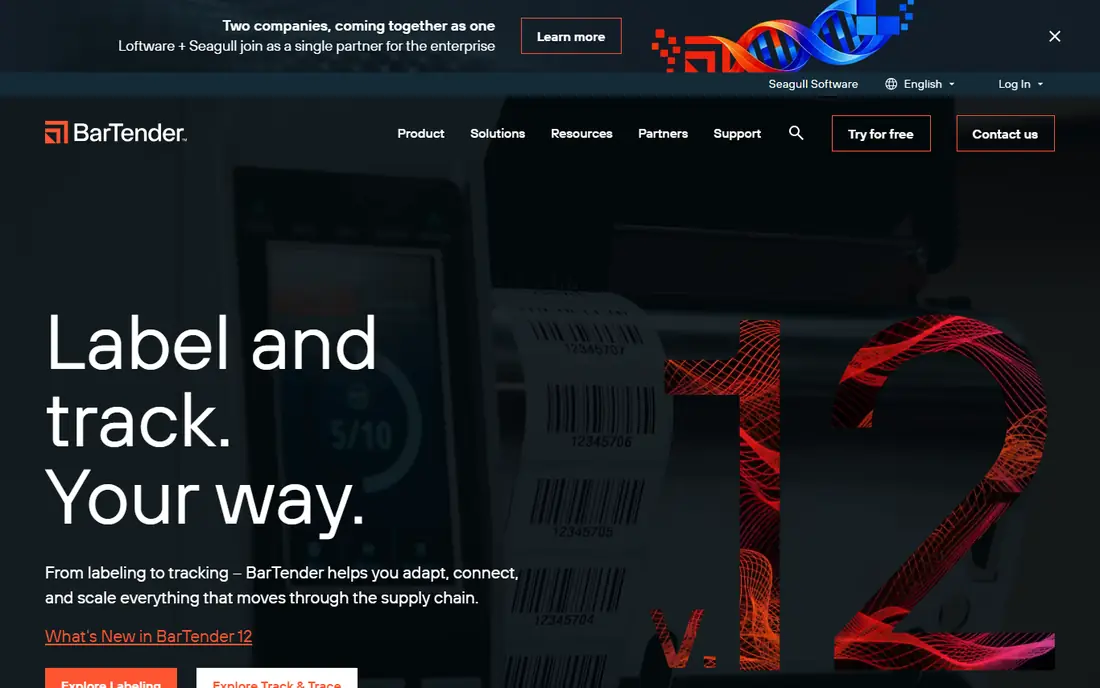
BarTender is the default enterprise answer for barcode labelling, and it has held that place for good reason. It connects to Excel, SQL databases, SAP, and Oracle, drives a wide range of printer models, and handles serialisation, RFID encoding, and regulatory label formats. Warehouses, factories, and hospitals use it where a misprinted label can cause a compliance problem.
Pricing is the main planning task. Enterprise tiers scale with printer counts and automation needs, so count print stations before requesting a quote. For a single workstation, BarTender is overkill, but for a labelling operation it remains the safe choice.
- Deep database and automation links
- Huge printer driver library
- Trusted in regulated work
- Pricing scales with printer counts
- Interface feels dated to new users
Loftware NiceLabel suits firms that need one controlled set of label templates across sites. Design, approval, and printing can be managed centrally, which cuts the risk of an old template being printed at a remote site. Cloud options help firms with many locations or suppliers.
Pricing is quote-based, and the platform rewards firms that invest in central setup. Small firms with one printer will find it heavier than needed, while multi-site firms often find the control worth the effort.
- Centralised cloud label control
- Good for multi-site firms
- Strong template management
- Quote-based pricing
- Full value needs centralised setup
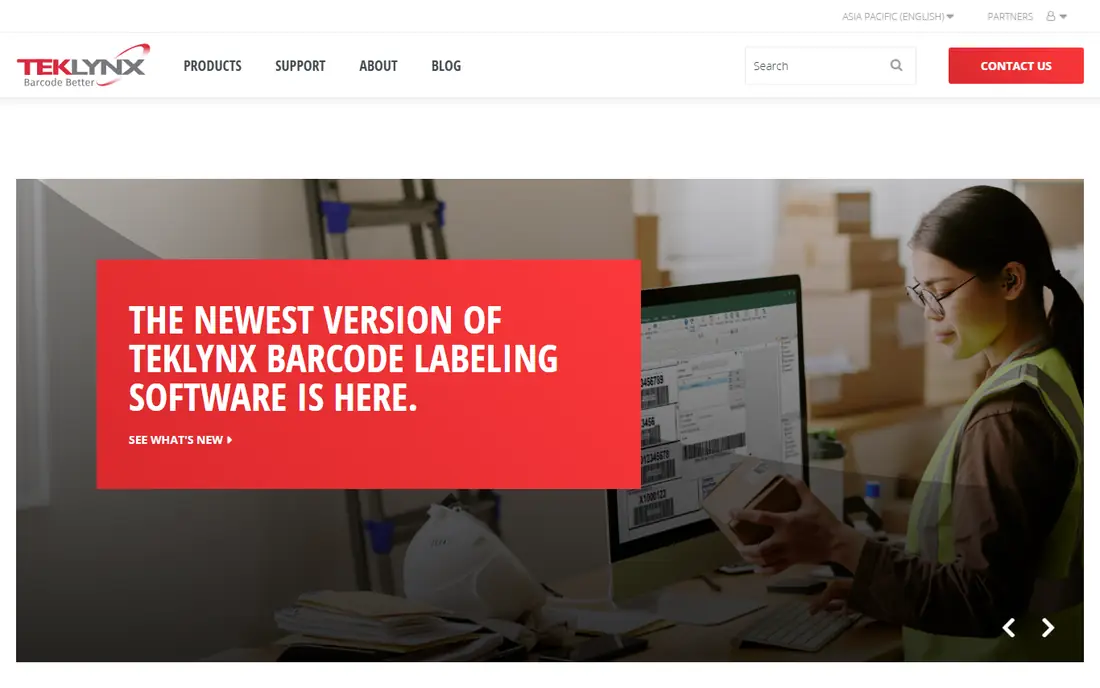
CODESOFT from TEKLYNX is a strong pick for complex barcode and RFID label design. It supports a wide barcode set, variable data from databases, and RFID encoding, which suits manufacturing, logistics, and healthcare labelling. Integrators and resellers often specify it for industrial projects.
The learning curve is steeper than a free label maker, and pricing needs a quote based on edition and printers. For a firm that prints simple product labels, it is more than needed, but for complex industrial labelling it is a solid enterprise option.
- Strong barcode and RFID design
- Good database links
- Long industrial track record
- Quote-based pricing
- Learning curve for new designers
ZebraDesigner is the first tool to try if you own Zebra printers. The Essentials edition is free and covers label design, barcode creation, and printing for most small-business needs. Because it is built by Zebra, printer setup and driver issues are far less common than with generic software.
The limit is hardware fit. It shines with Zebra printers and is less useful if you switch brands. Advanced features such as database links and RFID work sit in the paid Professional edition, so check that edition if your needs grow.
- Free Essentials edition
- Built for Zebra printers
- Good barcode support
- Best value only with Zebra hardware
- Advanced features need paid Professional edition
DYMO Connect suits office, retail, and small shipping work with DYMO label printers. It is free, simple to learn, and covers address labels, file labels, shipping labels, and basic barcodes. Small firms that already own a DYMO printer rarely need anything else for day-to-day labels.
It is not an industrial barcode platform. Firms that need database-driven printing, RFID, or regulatory formats should look at BarTender or NiceLabel instead. For desk and counter labelling, DYMO Connect is fast and free.
- Free with DYMO printers
- Simple design and printing
- Good for office and shipping labels
- Tied to DYMO hardware
- Limited for industrial barcode work
Brother P-touch Editor is the free companion for Brother P-touch label printers. It offers templates, fonts, symbols, and barcode options for office, cable, file, and asset labels. Setup is simple, since the software is made for the printer it ships with.
As with other printer tools, the value is tied to the hardware brand. It is not a substitute for an enterprise barcode platform, and high-volume or database-driven labelling needs a different tool. For everyday office labels, it is a reliable free choice.
- Free with Brother P-touch printers
- Good templates
- Easy for office labels
- Tied to Brother hardware
- Limited for high-volume barcode work
Avery Design and Print is the best free option for sheet labels printed on a normal office printer. Choose an Avery product code, pick a template, add text, images, or mail-merge data, and print a full sheet. It suits product labels, address labels, name badges, and packaging labels for small batches.
It does not replace thermal label software for warehouses or shipping at volume. Sheet printing is slower and less durable than thermal printing for many logistics uses. For office and small product runs, however, it is free, fast, and easy.
- Free web tool
- Huge Avery template library
- Works with office laser and inkjet printers
- Sheet labels only, not thermal printing
- No industrial database automation
LabelJoy suits small firms that need real barcode design without enterprise pricing. It handles text, images, barcodes, and database links for variable-data labels, which covers product, price, and inventory labels for many small businesses. The price point is far below BarTender and NiceLabel.
The driver library and automation depth are smaller than the enterprise platforms, so firms with many printer models or complex workflows should test compatibility first. For a single workstation or a small shop, LabelJoy offers strong value.
- Low-cost barcode design
- Good database links for the price
- One-time purchase options in some editions
- Smaller driver library than BarTender
- Interface feels basic
Maestro Label Designer is a free web tool for designing sheet labels, mainly for OnlineLabels stock. It runs in a browser, needs no install, and offers templates, barcodes, and mail-merge-style data tools. Small firms that buy sheet labels online often find it the fastest way to design and print.
It is not a thermal or industrial labelling platform, and its best fit is with OnlineLabels products. Firms that need RFID, database automation, or warehouse printing should choose an enterprise tool instead.
- Free web-based design
- Good for OnlineLabels stock
- No install needed
- Best with OnlineLabels stock
- Limited for thermal and industrial work
How we picked these
We compared official product pages, pricing pages, and feature lists for label tools in active use in October 2026. We favoured tools with real label design and printing features, clear printer compatibility, and current availability. We left out generic design tools without label printing workflows, except where a free printer tool clearly serves label work. Prices shown as See website mean the vendor does not publish a simple starting price, so check the vendor page for your printer count and edition.
What to check before you choose
Start with your printer, not the software list. Printer-brand tools are free and reliable for that brand, while enterprise tools cover many brands at a price. List your printer models, label sizes, and barcode types, then filter the list to tools that support all three without workarounds.
Volume, data, and compliance
Check how labels get their data. A tool that prints one label at a time suits a home office, while a firm printing hundreds of variable labels needs database links, serialisation, and batch printing. Also check regulatory needs such as GS1 barcodes, food labelling, or medical device formats, since free tools rarely cover those fully.
Trial with your real labels
Print your real labels in a trial, including your smallest barcode and your most complex label. Check scan quality, alignment, and print speed, and test database links with your actual spreadsheet or system. A tool that looks good in a demo can still fail on your label stock or printer model.
Frequently asked questions
What is the best label printing software for a small business?
ZebraDesigner, DYMO Connect, or Avery Design and Print often suit small firms, depending on printer type. LabelJoy is a good low-cost step up for barcode work. Enterprise tools are only needed when volume, database links, or compliance demands grow.
What is the best free label printing software?
The best free option depends on your printer. ZebraDesigner Essentials is free for Zebra owners, DYMO Connect is free for DYMO owners, and Avery Design and Print is free for sheet labels on office printers. Maestro Label Designer is also free for web-based sheet design.
What is the best label maker software for a home office?
Brother P-touch Editor and DYMO Connect suit home offices, since they are free with their respective printers and simple to use. Avery Design and Print suits sheet labels from a normal printer. Choose based on the printer you already own.
Do I need BarTender or NiceLabel for product labels?
Not usually. Small product runs work well with Avery, LabelJoy, or printer-brand tools. BarTender and NiceLabel earn their cost when you need central template control, database automation, RFID, or regulatory formats across many printers or sites.
Can label software print barcodes from Excel?
Yes, most tools here support Excel or database links, including BarTender, CODESOFT, LabelJoy, and Avery with mail merge. Free printer tools have more limited data links, so check the exact feature on the vendor page for your edition.
Sources
See where you really rank - block by block
ProMapRanker scans Google Maps across a grid of your service area. Simple monthly plans from $19, white-label on every plan.
Start freeKeep reading
 zscaler alternatives
Best Zscaler Alternatives in 2026
Looking for zscaler alternatives? We compare 9 SASE and zero trust platforms on architecture, data protection, pricing, and fit for your network and team.
Read → zapier alternatives free
Best Zapier Alternatives Free in 2026
Nine automation tools for zapier alternatives free in 2026, all with genuinely free tiers, plus free plan limits, starting prices and upgrade paths explained.
Read → which platform is best for online reputation
Which Platform Is Best for Online Reputation in 2026
Wondering which platform is best for online reputation? We compare 8 review, listing, and response tools for small and multi-location businesses and agencies.
Read →