 ProMapRanker
Best Label Design Software in 2026


Enterprise barcode labelling · Pricing starts at: $327 one-time
Key takeaways
- Barcode and compliance work needs a specialist tool such as BarTender, NiceLabel or CODESOFT.
- Sheet labels on an office printer are best served by free tools such as Avery and Maestro Label Designer.
- Printer makers offer free software tuned to their own hardware, so check that first if you already own a printer.
- Canva and Adobe Express suit branded product labels where design matters more than barcode data.
- Check printer compatibility, barcode types and data import before buying, since a pretty label that will not print is wasted work.
Quick comparison
| Pick | Great for | Pricing starts at | Free tier | |
|---|---|---|---|---|
| BarTender | Enterprise barcode labelling | $327 one-time | Free trial | Visit |
 NiceLabel | Centralised enterprise labelling | See website | Free trial | Visit |
 CODESOFT | Complex barcode and RFID design | $492 one-time | Free trial | Visit |
 ZebraDesigner | Zebra printer owners | Free | Yes | Visit |
 LabelJoy | Budget barcode design | $39 one-time | Free trial | Visit |
 DYMO Connect | DYMO printer owners | Free | Yes | Visit |
 Avery Design and Print | Sheet labels on office printers | Free | Yes | Visit |
 Maestro Label Designer | Sheet labels from OnlineLabels | Free | Yes | Visit |
 Canva | Branded product labels | Free | Yes | Visit |
The best label design software
Label design splits into two worlds. One world is product and barcode labels, where data accuracy, printer control and compliance matter. The other world is branded and sheet labels, where templates, typography and colour matter most. The nine tools below cover both, and the right pick depends on which world your labels live in.
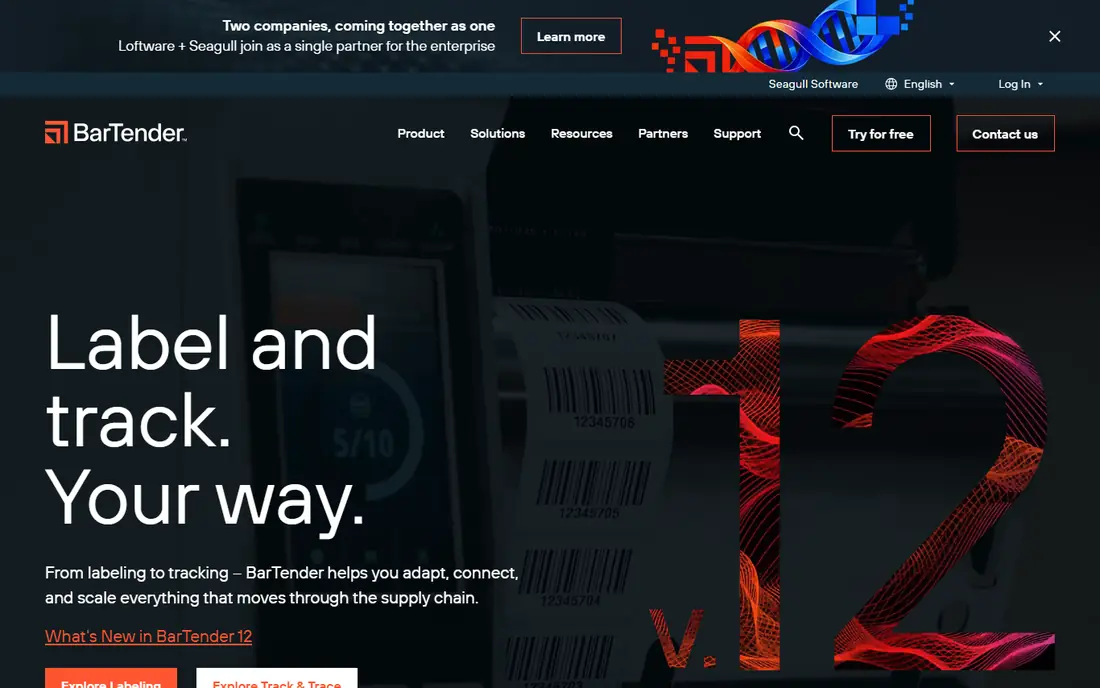
BarTender by Seagull Scientific is the enterprise standard for barcode labelling. It designs labels, pulls data from spreadsheets and databases, manages templates centrally, and prints to a wide range of industrial and desktop printers. Large supply chains use it because a label error can halt shipping, and BarTender is built to reduce that risk through controlled templates and data checks.
The entry price is a starting point, not the full story. Advanced automation, central management and higher editions cost more, and a new user will need time to learn data connections and print automation. For a warehouse, factory or regulated operation, that investment is justified. For a single small shop, a simpler tool may be enough.
- Deep barcode and database support
- Automation and central management
- Wide printer support
- Learning curve for advanced features
- Higher tiers cost far more than the entry price
NiceLabel, now part of Loftware, suits organisations that need one controlled set of label templates used across sites. Designers build templates in a web-based tool, managers approve changes, and printers across factories or warehouses print the approved version. That control matters in food, pharma and manufacturing, where a wrong label can mean a recall.
Pricing is quote-based, which makes a quick budget comparison hard, and the platform is more than a small business needs for occasional labels. If your problem is consistency across teams and sites, NiceLabel is a serious candidate. If you print a few dozen labels a week from one computer, it is too much system for the job.
- Central template control
- Web-based designer
- Strong compliance and approval workflows
- Quote-based pricing
- Overkill for small label runs
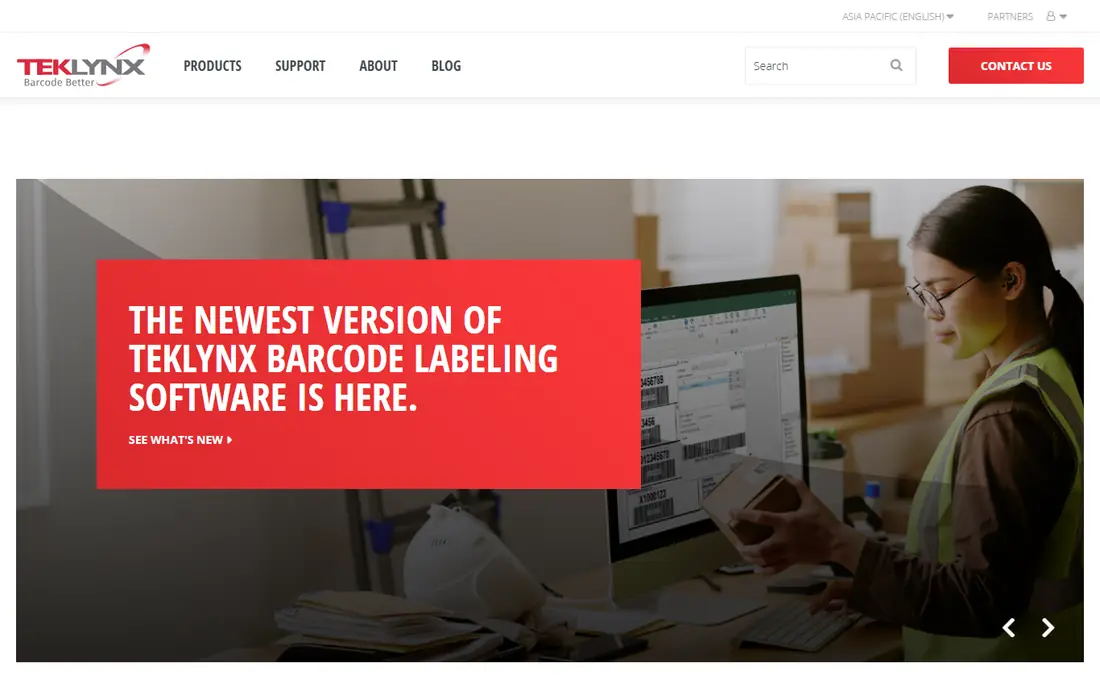
CODESOFT from TEKLYNX is a long-standing barcode and RFID design tool for complex labels. It supports a wide range of barcode types, handles variable data from databases, and offers automation and integration options for production environments. Teams that print labels with serial numbers, lot codes or RFID tags will find the depth useful.
The price and the interface reflect that professional focus. Casual users who want a simple product label may find CODESOFT technical, and the entry price is high for occasional use. For a labelling operation where barcode accuracy is audited, the depth and the support are the point.
- Wide barcode symbology support
- RFID design
- Database and automation options
- Higher entry price
- Interface feels technical for casual users
ZebraDesigner is the free starting point for anyone who already owns a Zebra printer. The Essentials edition designs labels, adds barcodes and prints to Zebra hardware without a separate purchase, and it understands Zebra printer features that a generic tool may miss. That hardware fit reduces setup friction and print errors.
The catch is the obvious one: the value is tied to Zebra printers. Professional editions add database connections and advanced features for a fee, and a user with another brand of printer gains little from this tool. If you own a Zebra printer, start here before paying for anything else.
- Free Essentials edition
- Tuned to Zebra printers
- Barcode and RFID support
- Best value only with Zebra hardware
- Professional features cost extra
LabelJoy is the budget barcode designer for small businesses that have outgrown free tools. For a one-time price, it offers label templates, barcode generation and data import from spreadsheets, which covers most small shop needs: product labels, price labels and shipping labels with variable data. The interface is approachable for a non-specialist.
It lacks the central management, approval workflows and automation depth of enterprise suites, and it is Windows focused. That is a fair trade for the price. A small retailer, workshop or craft producer that prints its own labels will get a great deal of value here without a subscription.
- Low one-time price
- Barcode generation
- Database import for variable labels
- Windows focused
- Fewer enterprise controls than BarTender or NiceLabel
DYMO Connect is the companion software for DYMO label printers, and it is free to use with that hardware. It creates address, shipping, file and product labels, adds barcodes and QR codes, and integrates with common office applications for mail merge style work. For a home office or small shop with a DYMO printer on the desk, it is the natural choice.
As with ZebraDesigner, the value depends on owning the matching hardware. It is not a production labelling system for a factory floor, and large runs are better served by a specialist tool. If you already own a DYMO printer, there is little reason to pay for another designer for everyday labels.
- Free with DYMO printers
- Simple label creation
- Barcode and QR support
- Tied to DYMO hardware
- Limited for large production runs
Avery Design and Print is the free web tool for sheet labels printed on a standard office printer. Templates are matched to Avery product codes, so a user picks the exact sheet they bought and the layout lines up. Mail merge from a spreadsheet fills address or product labels in bulk, and designs can be saved and printed as PDF files.
The tool is built around Avery stock, so users of other blank sheets must check sizes carefully, and barcode features are basic compared with BarTender or LabelJoy. For office labels, name badges, address labels and simple product sheets, Avery Design and Print is free, fast and hard to beat.
- Free
- Templates matched to Avery product codes
- Mail merge from spreadsheets
- Built around Avery stock
- Barcode features are basic
Maestro Label Designer from OnlineLabels is a free web-based designer for blank label sheets. Templates lock to the exact dimensions of OnlineLabels stock, which removes the trial and error of aligning a design to a sheet. Users can add text, images, shapes and barcodes, save designs online, and print from a browser without installing software.
Without an activation code, printed labels carry a watermark, and codes come with OnlineLabels purchases or a membership. That model suits crafters, candle makers and small sellers who already buy blank stock from OnlineLabels. Users of other stock should check size compatibility before committing to a design in Maestro.
- Free web designer
- Templates matched to OnlineLabels stock
- No download needed
- Full watermark-free printing needs an activation code
- Tied to OnlineLabels sizes
Canva is the design-first choice for product labels where branding matters most. Hundreds of label templates, a drag-and-drop editor, uploaded logos and fonts, and optional print ordering make it easy for a small brand to produce a polished label without design training. The free plan covers many templates, while the paid plan adds brand kits and premium assets.
Canva is not a barcode data system. It can add a barcode graphic, but it does not manage variable data, compliance workflows or industrial printer control like BarTender. Precise sizing for a specific blank sheet also needs care. Use Canva when the label must sell the product, and use a specialist tool when the label must carry audited data.
- Huge template library
- Easy drag-and-drop design
- Brand kit and print options
- Not a barcode or data labelling system
- Precise print sizing needs care
How we picked these
We compared official pricing pages, product descriptions and vendor documentation in October 2026, and we favoured tools that are actively sold and supported. We split the list between barcode and production tools and branded or sheet tools, since those buyers rarely need the same features. We did not claim hands-on testing we did not do.
How to choose the right label tool
Start with the printer and the data, not the template gallery. Confirm that the software supports your printer model, the label size you buy, and the barcode types your customers or regulators require. Then check how data reaches the label: typed by hand, imported from a spreadsheet, or pulled from a database. A tool that cannot import your data will slow every print run.
Check print accuracy early
Print a test sheet on the exact stock and printer you will use, and check alignment, barcode scanability and colour before ordering in bulk. Barcodes that look fine on screen can fail to scan if printed too small, too light or on the wrong material. A short test run saves a wasted batch and a frustrated customer.
Match the tool to the volume
Occasional sheet labels need a free web tool. Daily product labels need a budget barcode designer. Multi-site production needs central template control. Buying an enterprise suite for occasional labels wastes money, while stretching a free tool across a factory floor risks errors that cost far more than the software.
Frequently asked questions
What is the best label design software for small businesses?
LabelJoy suits small businesses that need barcode labels at a low one-time price, while Canva suits brands that prioritise design. Avery Design and Print and Maestro Label Designer suit sheet labels on office printers at no software cost.
Do I need BarTender for barcode labels?
Not always. BarTender suits enterprise and regulated labelling with central control and automation. Small shops often manage well with LabelJoy, ZebraDesigner or DYMO Connect, depending on their printer and data needs.
Can I design labels for free?
Yes. Avery Design and Print, Maestro Label Designer, ZebraDesigner, DYMO Connect and Canva all offer free tiers. Free tiers may limit features, add watermarks or tie you to a particular stock or printer brand.
What is the difference between sheet labels and roll labels?
Sheet labels print on flat sheets through a laser or inkjet office printer, while roll labels feed through a dedicated label printer for higher volumes and durable materials. Match the software to the printer type you own.
How do I print variable data on labels?
Use a tool with spreadsheet or database import, such as BarTender, CODESOFT or LabelJoy, and map each field to a label element. Test with a small batch first, and check that barcodes scan correctly after printing.
Should I design in Canva or a barcode tool?
Design in Canva when branding and appearance matter most, and use a barcode tool when data accuracy, barcode types and printer control matter most. Some teams design artwork in Canva and finish data labels in a specialist tool.
Sources
See where you really rank - block by block
ProMapRanker scans Google Maps across a grid of your service area. Simple monthly plans from $19, white-label on every plan.
Start freeKeep reading
 worlds best local seo company
8 Worlds Best Local SEO Companies for Map Pack Growth in 2026
Compare the worlds best local seo company options for Google Business Profile work, citations, reviews, and multi-location rankings and reporting in 2026.
Read → world's best web hosting company
World's Best Web Hosting Company in 2026
Searching for the world's best web hosting company? We compared 10 hosts on price, renewal rates, speed, and support to help you choose well today in 2026.
Read → who's got the best nanny tax services
Who's Got the Best Nanny Tax Services in 2026
We answer who's got the best nanny tax services, comparing full filing, back taxes, software, and pricing so families can handle nanny taxes correctly.
Read →