 ProMapRanker
Best Keywords for Web Design Company Research in 2026

Key takeaways
- Ahrefs and Semrush give the deepest data, but both cost more than $100 per month at entry level.
- Google Keyword Planner remains the best free starting point, since its volume data comes from Google Ads.
- Ubersuggest and KWFinder are the most workable budget picks for small agencies and solo designers.
- Keyword difficulty and search intent matter more than raw volume when you pick terms for client pages.
- A free tier can cover early research, but competitor data usually needs a paid plan.
Quick comparison
| Pick | Great for | Pricing starts at | Free tier | |
|---|---|---|---|---|
 Ahrefs | Deep keyword and backlink data | $129 per month | Yes | Visit |
 Semrush | All-in-one SEO and marketing research | $139 per month | Free trial | Visit |
 Moz Pro | Beginner-friendly SEO with Domain Authority | $99 per month | Free trial | Visit |
 Google Keyword Planner | Free volume data from Google | Free | Yes | Visit |
 Ubersuggest | Budget all-in-one keyword research | $12 per month | Yes | Visit |
 KWFinder | Simple long-tail keyword research | $29.90 per month | Yes | Visit |
 SE Ranking | Mid-market all-in-one SEO | See website | Free trial | Visit |
 Serpstat | Lower-cost full SEO suite | See website | Yes | Visit |
 SpyFu | Competitor keyword and ad research | $39 per month | Yes | Visit |
 AnswerThePublic | Question-based keyword ideas | See website | Yes | Visit |
The best keyword tools for a web design company
We compared keyword tools a web design company would actually use to win clients and plan pages, not general marketing suites with only a keyword tab. The list mixes free starting points, budget tools, and full suites so a solo designer and a growing agency can both find a fit.
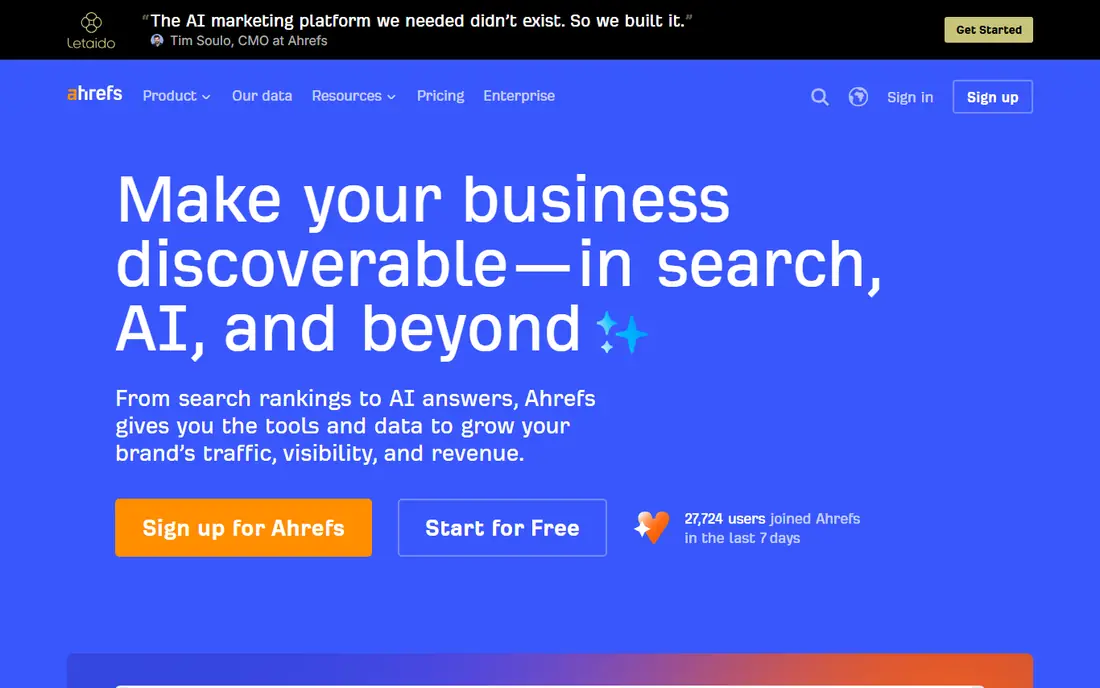
Ahrefs Keyword Explorer gives a web design company volume, difficulty, and traffic potential in one view, which helps when a client asks what a ranking is actually worth. It works best when one person owns the shortlist and checks it against real needs before buying. The catch is cost and limits, since the Lite plan covers a small number of projects and tracked terms. That balance matters more than any single feature, because a tool that is hard to run tends to sit unused. Before you commit, confirm the exact plan limits and what happens when you pass them.
- Large keyword database
- Traffic potential estimates
- Free Webmaster Tools for owned sites
- Entry limits are tight for agencies
- No free competitor research

Semrush suits an agency that wants keyword research, site audits, and competitor work in one account, rather than stitching several tools together. The value shows up in repeat use, when the same checks run across several cases in a week. The breadth can also slow a small team down, so it pays to learn one workflow at a time. We would weigh that strength against the cost in time, since setup and upkeep are part of the real price. Before you commit, run a small trial on a real task and keep notes on where it helped and where it fell short.
- Broad keyword, competitor, and content tools
- Daily rank updates on paid plans
- Higher price than budget tools
- Many features a small team may not use
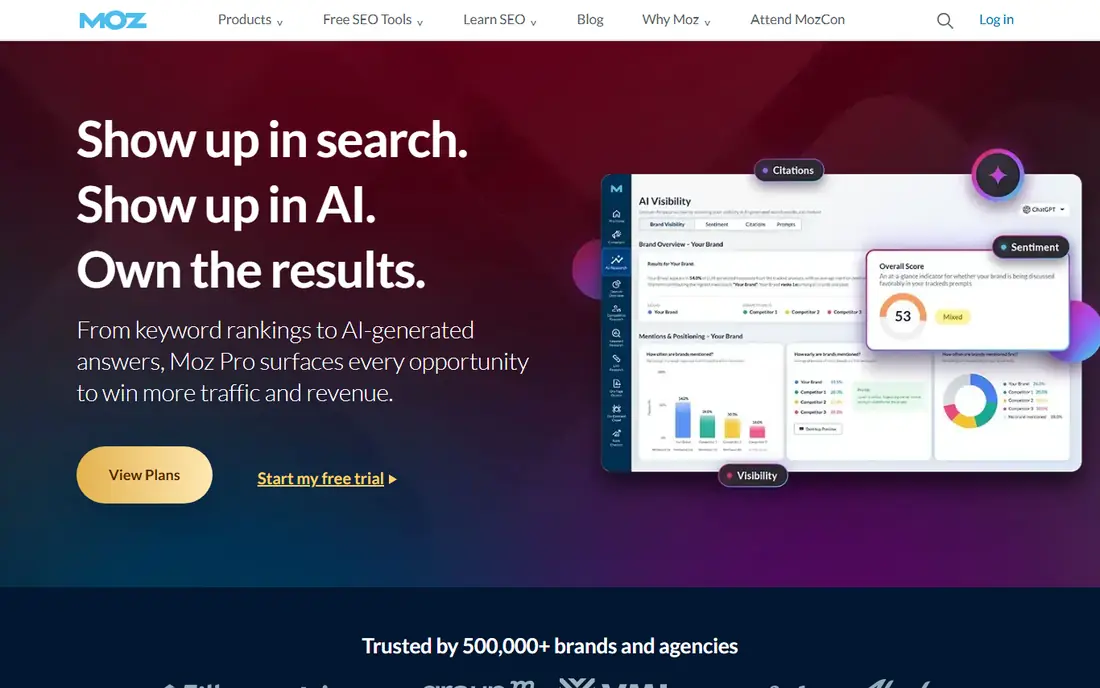
Moz Pro gives a web design company a plain way to explain progress to clients, since Domain Authority is a number many clients already know. That scope fits a team that needs clear next steps, not a long list of unrelated options. The data is not as deep as Ahrefs or Semrush, so larger agencies may outgrow it. The trade-off is worth naming early, since the strongest feature often sits beside a limit that affects daily use. Before you commit, check the current pricing page, the plan limits, and the cancellation terms in writing.
- Clear keyword scores
- Familiar Domain Authority metric for client reports
- Weekly rank updates
- Extra users cost more
Google Keyword Planner is the first tool we would open for a new client, because it shows what people actually search for without any subscription. It works best when one person owns the shortlist and checks it against real needs before buying. Its ranges can be broad, so use it to shape a list and then check difficulty elsewhere. That balance matters more than any single feature, because a tool that is hard to run tends to sit unused. Before you commit, confirm the exact plan limits and what happens when you pass them.
- Free
- Volume data straight from Google Ads
- Useful for paid and organic planning
- Broad volume ranges for non-advertisers
- No competitor keyword lists
Ubersuggest gives a solo designer or small agency usable keyword data at a price that fits a single-client budget. The value shows up in repeat use, when the same checks run across several cases in a week. It will not replace a full suite for competitive niches, but it covers the basics well. We would weigh that strength against the cost in time, since setup and upkeep are part of the real price. Before you commit, run a small trial on a real task and keep notes on where it helped and where it fell short.
- Low price
- Simple layout
- Content ideas and site audit included
- Smaller database than the leaders
- Daily search limits on low plans
KWFinder, part of Mangools, is easy to learn and works well when the job is finding longer, less contested phrases for service pages. That scope fits a team that needs clear next steps, not a long list of unrelated options. Agencies that need audits and rank tracking at scale will need another tool beside it. The trade-off is worth naming early, since the strongest feature often sits beside a limit that affects daily use. Before you commit, check the current pricing page, the plan limits, and the cancellation terms in writing.
- Clean interface
- Clear difficulty scores
- Good for long-tail terms
- Narrower feature set than full suites
- Limited lookups on entry plans
SE Ranking bundles the core jobs an agency repeats, which keeps research, tracking, and audits in one place. It works best when one person owns the shortlist and checks it against real needs before buying. Plan names and limits deserve a careful read, since the value depends on the tier you choose. That balance matters more than any single feature, because a tool that is hard to run tends to sit unused. Before you commit, confirm the exact plan limits and what happens when you pass them.
- Keyword research plus rank tracking and audits
- Flexible plans
- Pricing has changed often, so check the current page before budgeting
Serpstat suits a web design company that wants a full suite without paying a leader price, and its free account is a fair way to start. The value shows up in repeat use, when the same checks run across several cases in a week. It is less polished than the top suites, so allow time to learn where each report lives. We would weigh that strength against the cost in time, since setup and upkeep are part of the real price. Before you commit, run a small trial on a real task and keep notes on where it helped and where it fell short.
- Keyword, competitor, and audit tools in one suite
- Free account for basic checks
- Interface takes time to learn
- Data depth varies by market
SpyFu shines when a web design company needs to show a prospect what rivals rank for and advertise on. That scope fits a team that needs clear next steps, not a long list of unrelated options. It is a competitor tool first, so pair it with a broader tool for full content planning. The trade-off is worth naming early, since the strongest feature often sits beside a limit that affects daily use. Before you commit, check the current pricing page, the plan limits, and the cancellation terms in writing.
- Long competitor history
- Paid and organic keyword data
- Useful for pitches
- Backlink data is narrower than Ahrefs
- Rank updates are weekly
AnswerThePublic turns a seed term into the questions people ask, which is gold for service FAQs and blog plans. It works best when one person owns the shortlist and checks it against real needs before buying. Use it for ideas, then score those ideas in another tool before you build pages around them. That balance matters more than any single feature, because a tool that is hard to run tends to sit unused. Before you commit, confirm the exact plan limits and what happens when you pass them.
- Visual question maps
- Strong for blog and FAQ topics
- Free searches
- No volume or difficulty data on its own
- Needs a second tool for scoring
How we picked these
We compared official feature pages, pricing pages, and app store listings, and we checked each product against the topic itself. We kept only products that exist and work in October 2026 and that fit the stated use, and we left out products that did not fit even when they were well known. Where a price could not be verified on the vendor site, we wrote See website rather than guessing.
How to turn keyword research into client work
Start with the services the company actually sells, then build a short list around each service and each city or niche it serves. A term is only useful if the page it leads to can answer the search in full, so pair every target term with a page plan, a heading outline, and a clear next step for the reader. Check difficulty, intent, and the pages already ranking before you promise a result. If the top results are large directories or national brands, a smaller agency may do better with a longer, more specific phrase that matches a real client service. Track a small set of terms each month and change the list only when the data gives a clear reason.
Frequently asked questions
What is the best free keyword tool for a web design company?
Google Keyword Planner is the best free starting point, because it draws volume data from Google Ads. It lacks competitor detail, so pair it with a free tier from Ahrefs or KWFinder when you need more context.
How many keywords should a web design company target?
Start with a small set tied to real services and locations, often 20 to 50 core terms, then add longer phrases around each one. A long list with no page plan helps no one.
Is Ahrefs or Semrush better for agencies?
Ahrefs leans toward backlink and keyword depth, while Semrush covers more marketing work in one suite. Pick the one whose daily workflow matches your team, and check both trials on the same client.
Do small agencies need a paid keyword tool?
Not at first. Free tools can cover early research, but paid data helps when you pitch against other agencies or plan content at scale.
What does keyword difficulty mean?
It is an estimate of how hard it will be to rank for a term, based on the strength of pages already ranking. Treat it as a guide, not a promise, and always read the top results yourself.
Sources
- https://ahrefs.com/pricing
- https://www.semrush.com/pricing
- https://moz.com/products/pro/pricing
- https://ads.google.com/home/tools/keyword-planner/
- https://neilpatel.com/ubersuggest/pricing
- https://mangools.com/pricing
- https://seranking.com/pricing.html
- https://serpstat.com/pricing/
- https://www.spyfu.com/pricing
- https://answerthepublic.com/pricing
See where you really rank - block by block
ProMapRanker scans Google Maps across a grid of your service area. Simple monthly plans from $19, white-label on every plan.
Start freeKeep reading
 zscaler alternatives
Best Zscaler Alternatives in 2026
Looking for zscaler alternatives? We compare 9 SASE and zero trust platforms on architecture, data protection, pricing, and fit for your network and team.
Read → zapier alternatives free
Best Zapier Alternatives Free in 2026
Nine automation tools for zapier alternatives free in 2026, all with genuinely free tiers, plus free plan limits, starting prices and upgrade paths explained.
Read → which platform is best for online reputation
Which Platform Is Best for Online Reputation in 2026
Wondering which platform is best for online reputation? We compare 8 review, listing, and response tools for small and multi-location businesses and agencies.
Read →