 ProMapRanker
Best Keyword Research Tool for AI in 2026

Key takeaways
- Ahrefs and Semrush still give the widest keyword data, while Surfer, Clearscope, and Frase focus on turning that research into publishable pages.
- AI search tracking is now a separate question from classic keyword volume, so check whether a tool reports citations in chat answers as well as rankings.
- Smaller tools such as NeuronWriter, RankIQ, and Keyword Insights can cover a solo publisher at a lower monthly cost, but they cap reports or credits.
- MarketMuse is the planning end of the list, best when a site needs topic coverage mapped before any single article is written.
Quick comparison
| Pick | Great for | Pricing starts at | Free tier | |
|---|---|---|---|---|
 Ahrefs | Backlink and keyword depth | $29 per month | Yes | Visit |
 Semrush | All-in-one SEO and AI visibility | $139 per month | Yes | Visit |
 Surfer | Live content scoring | $49 per month | Yes | Visit |
 Clearscope | Editorial content grading | $129 per month | Free trial (14 days) | Visit |
 Frase | Fast research briefs | $39 per month | Free trial (7 days) | Visit |
 MarketMuse | Site-wide topic strategy | See website | Yes | Visit |
 NeuronWriter | Budget content optimization | $19 per month | No | Visit |
 RankIQ | Bloggers chasing winnable keywords | $49 per month | No | Visit |
 Keyword Insights | Keyword clustering at scale | $58 per month | Free trial (7 days) | Visit |
The best keyword research tools for AI
These nine tools cover the full job, from finding a keyword to shaping a page that can rank in search results and appear in AI answers. Our pick for most people is Ahrefs for research depth, paired with Surfer or Frase when the draft itself needs scoring.
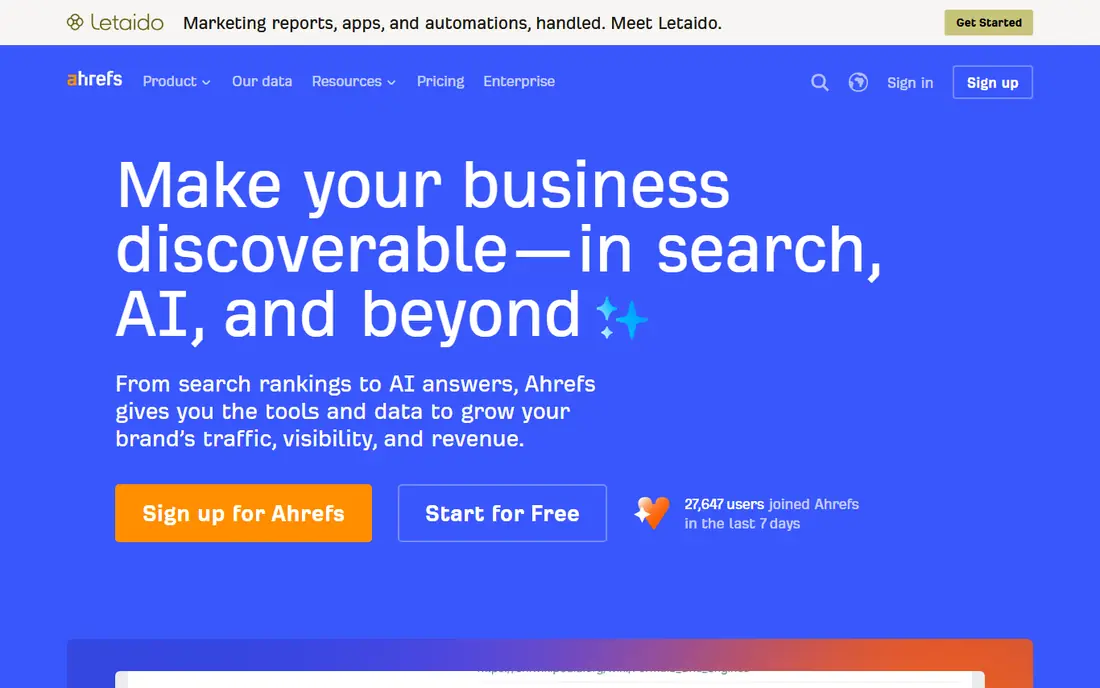
Ahrefs remains the research-first choice in this group. Its keyword explorer, site explorer, and content gap views make it easy to see what competitors rank for, which pages earn links, and where a smaller site might still compete. For AI work, the useful addition is Brand Radar, which tracks brand mentions in AI answers alongside classic rankings.
The catch is price structure. The entry plan covers the basics, but a team that wants full reporting, more tracked keywords, and content tools will move up the tiers quickly. If your main job is drafting and scoring pages rather than link research, a cheaper optimizer may give you more day-to-day value.
- Very large keyword and backlink data set
- Clear keyword difficulty guidance
- AI citation tracking through its Brand Radar add-on
- The cheapest plan is limited
- Content optimization is an add-on rather than the core product

Semrush suits a team that wants one subscription for keyword research, rank tracking, site audits, and paid search insight. Its AI visibility features help a business see how often its brand appears in AI-generated answers, which is a different signal from a blue-link ranking. That breadth is the reason many agencies standardize on it.
The trade-off is that breadth can feel like clutter. A blogger who only needs keyword ideas and a content score may pay for dozens of tools that stay untouched. Check the free plan limits first, and confirm which plan includes the AI tracking you actually want before committing.
- Broad toolset covering SEO, advertising, and content
- AI visibility tracking on higher plans
- Strong competitor and keyword databases
- Expensive for a solo publisher
- The full toolset takes time to learn
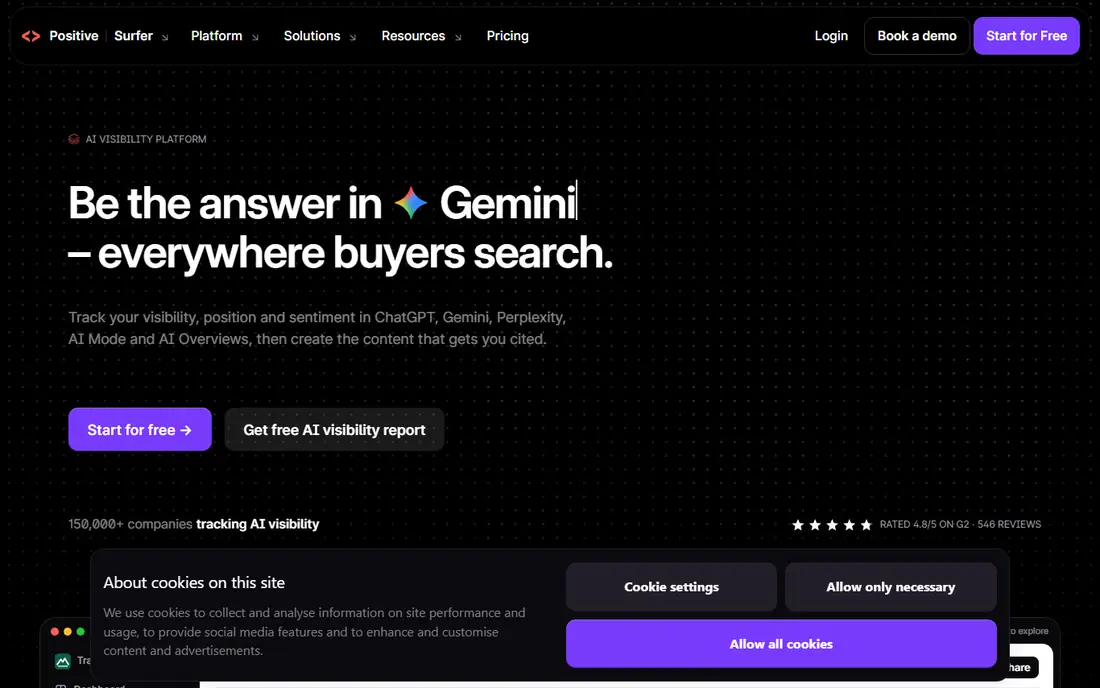
Surfer is built for the moment of writing. Paste in a target keyword and the editor scores the draft against top-ranking pages, suggesting terms, headings, and length as you work. That live feedback helps a writer close gaps without running a separate report after every edit.
Surfer does not replace a research suite. It assumes you already know which keywords matter, and its lower plans limit how many documents you can optimize each month. It works best as a second tool beside Ahrefs or Semrush, or as the main tool for a publisher with a steady but modest article volume.
- Real-time content score while you write
- Clear SERP-based guidance on terms and structure
- Audit tools for existing pages
- Document and credit caps on lower plans
- Thinner backlink and strategy data than the big suites
Clearscope is the pick for editorial teams that care about consistency. Its grading is calm and readable, which makes it easier for an editor to hand a brief to a writer and judge the result against the same standard. Unlimited users on each plan also helps a team that shares logins across writers and editors.
The price is the main barrier. A solo creator will likely find the same basic scoring for less elsewhere, and the draft caps matter if you publish in volume. For a brand team that publishes fewer, higher-stakes pages, the clarity can justify the cost.
- Clean, trusted content grades
- Unlimited users on plans
- Straightforward reports for editors and clients
- High entry price
- Limited drafts per month on standard plans
Frase wins on speed from question to brief. It pulls the top results for a keyword, groups the questions people ask, and turns that material into an outline a writer can follow. For a small team producing several posts a week, that workflow saves more time than a slightly more precise score elsewhere.
Frase is not a full SEO suite, so link research and technical audits still need another tool. The starter limits also bite fast for a team with more than one site. Treat it as a research and drafting hub, not as the only tool in the stack.
- Quick SERP research turned into a brief
- Drafting and optimization in one loop
- Low entry price for the feature set
- Starter plan limits seats, sites, and articles
- Smaller backlink data than the big suites
MarketMuse answers a different question from the rest of this list. Instead of asking how to optimize one page, it asks which topics a site should cover to build authority in a subject. Its inventory views show gaps, overlaps, and pages that compete with each other, which matters for a large content site.
That strength comes with a planning price and pace. Small publishers may find the free query allowance enough to test the approach, but a paid plan is a strategy purchase, not a quick drafting aid. Choose it when the site map is the problem, not the next paragraph.
- Deep topic modeling across a whole site
- Useful inventory and authority views
- Free plan with a small monthly query allowance
- Paid pricing is quote-based
- Built for planning rather than single-page scoring
NeuronWriter is the value pick for writers who want content scoring without a three-figure monthly bill. Its NLP-based recommendations cover the terms and structure that matter for a page, and the price leaves room in the budget for a separate keyword tool. For a solo blogger, that combination is hard to beat.
The compromises are real but manageable. Integrations are fewer, reporting is lighter, and the interface takes a little getting used to. If you need polished client reports or deep team workflows, a pricier editor will feel smoother.
- Low entry price for NLP scoring
- Search Console sync on some plans
- Good value for solo creators and small agencies
- Fewer integrations than larger tools
- Interface feels less polished
RankIQ is built for bloggers who want a short list of keywords they can actually rank for, rather than a huge database to filter themselves. Its reports pair a keyword with a content grade, so a writer knows both what to target and how complete the draft needs to be. That focus keeps the workflow short.
The narrow focus is also the limit. RankIQ does not replace a suite for technical audits, link building, or large agency reporting. It fits a publisher who writes regularly and wants a steady pipeline of realistic targets.
- Curated low-competition keyword ideas for bloggers
- Simple content grading from A++ down
- Clear guidance on which keywords to target first
- No free trial in the usual sense
- Narrower than an all-in-one suite
Keyword Insights is the tool for the messy middle of keyword research, where a raw export of thousands of terms needs to become a content plan. It groups keywords by the search results they share and by intent, then carries each group toward a brief. That step prevents ten thin posts competing for the same query.
Credit pricing means a big list can get expensive, so count credits before uploading a huge file. For a site planning clusters and pillar pages, the structure it creates is worth that care. For a single article, a simpler tool will be faster.
- Clustering by live SERP overlap and intent
- Briefs generated from each cluster
- Useful for large keyword lists
- Credit-based pricing needs watching at scale
- Less useful for a writer who only needs a handful of keywords
How we picked these
We compared official pricing pages, product documentation, and public feature descriptions for tools that cover AI-era keyword work, meaning classic keyword data plus some view of AI answers, question intent, or content scoring. We kept tools that are live and purchasable in October 2026, and we favored a mix of large suites and focused specialists so different budgets and team sizes are covered. Prices shown are starting prices from vendor pages or recent vendor listings, and where a vendor prices by quote we say so rather than guessing a number.
What to check before you pay
Start with the job, not the brand. A research suite pays off when you need competitor data, link data, and rank tracking in one place. A content optimizer pays off when drafts are already planned and the bottleneck is scoring and editing. A clustering tool pays off when you hold a large keyword list and need a site structure.
Match the tool to your volume
Count articles per month, writers on the team, and keywords you track. Caps on documents, drafts, and credits decide the real monthly cost more than the headline price. A cheap plan that caps you at ten articles a month is expensive if you publish twenty.
Check the AI features specifically
Ask what AI visibility means in each product. Some tools track brand mentions in chat answers, some track AI overviews in search results, and some only add AI drafting to the editor. Those are different features, and the plan that includes the one you need is not always the entry plan.
Trial the workflow on a real article
Run one real keyword through the trial, from research to brief to scored draft. Watch for friction in exporting, sharing with a writer, and re-checking a revised page. The tool that fits that loop is the one you will still use in three months.
Frequently asked questions
What is the best AI keyword research tool for most people?
For most publishers, Ahrefs or Semrush for research plus Surfer or Frase for drafting gives the strongest combination. A solo blogger on a tight budget can start with NeuronWriter or RankIQ and add a suite later as traffic grows.
What are the best AI keyword research tools for content teams?
Clearscope and MarketMuse suit teams best, because Clearscope standardizes grading across writers and MarketMuse plans coverage across a whole site. Surfer also works well for teams that want live scoring inside the editor.
Do I need a separate tool for AI search, or is classic keyword data enough?
Classic data still matters for volume and difficulty, but AI answers change which pages get seen. A tool that reports AI citations or AI overview presence helps you spot topics where a strong ranking no longer guarantees visibility.
Are there good free options for AI keyword research?
Yes, with limits. Ahrefs and Semrush offer limited free access, MarketMuse has a small free query allowance, and Surfer offers free tools. Free tiers suit testing and small sites, but regular publishing usually needs a paid plan.
How much should a small business budget for these tools?
A solo publisher can start around $19 to $49 per month with a focused tool, while a suite starts around $29 to $139 per month depending on the plan. Add a second tool only when the first one leaves a clear gap, such as scoring or clustering.
Sources
See where you really rank - block by block
ProMapRanker scans Google Maps across a grid of your service area. Simple monthly plans from $19, white-label on every plan.
Start freeKeep reading
 zscaler alternatives
Best Zscaler Alternatives in 2026
Looking for zscaler alternatives? We compare 9 SASE and zero trust platforms on architecture, data protection, pricing, and fit for your network and team.
Read → zapier alternatives free
Best Zapier Alternatives Free in 2026
Nine automation tools for zapier alternatives free in 2026, all with genuinely free tiers, plus free plan limits, starting prices and upgrade paths explained.
Read → which platform is best for online reputation
Which Platform Is Best for Online Reputation in 2026
Wondering which platform is best for online reputation? We compare 8 review, listing, and response tools for small and multi-location businesses and agencies.
Read →