 ProMapRanker
Best Keyword Rank Checking Tool in 2026


All in one value for small agencies · Pricing starts at: $52 per month
Key takeaways
- SE Ranking and Mangools offer the lowest cost entry for a full suite, while AccuRanker suits large keyword sets and fast on demand checks.
- Semrush and Ahrefs make sense when rank tracking is one part of a wider research, audit and backlink workflow.
- Nightwatch and Wincher suit small teams that want daily tracking without a large suite, and ProRankTracker suits agencies that need polished reports.
- Google Search Console is free and first party, but it is not a substitute for daily competitor and location tracking.
- Compare cost by tracked keyword and update frequency, since a low headline price with weekly checks is not the same as daily tracking.
Quick comparison
| Pick | Great for | Pricing starts at | Free tier | |
|---|---|---|---|---|
| SE Ranking | All in one value for small agencies | $52 per month | No | Visit |
 AccuRanker | Large sets and on demand refresh | $224 per month | No | Visit |
 Semrush | Full suite with position tracking | $139 per month | Yes | Visit |
 Ahrefs | Rankings with backlink context | $129 per month | Yes | Visit |
 Mangools | Simple low cost tracking | $49 per month | Yes | Visit |
 Nightwatch | Daily local and AI visibility data | See website | No | Visit |
 Wincher | Focused daily tracking, many sites | $49 per month | No | Visit |
 ProRankTracker | Agency reports and local detail | $99 per month | No | Visit |
 Google Search Console | Free first party baseline | Free | Yes | Visit |
The best keyword rank checking tools
A good rank checker does more than show a position. It should track the right locations and devices, show SERP features, let you group keywords by page or intent, and produce reports a client or manager can read. We compared these tools on update speed, keyword limits, local detail and price.
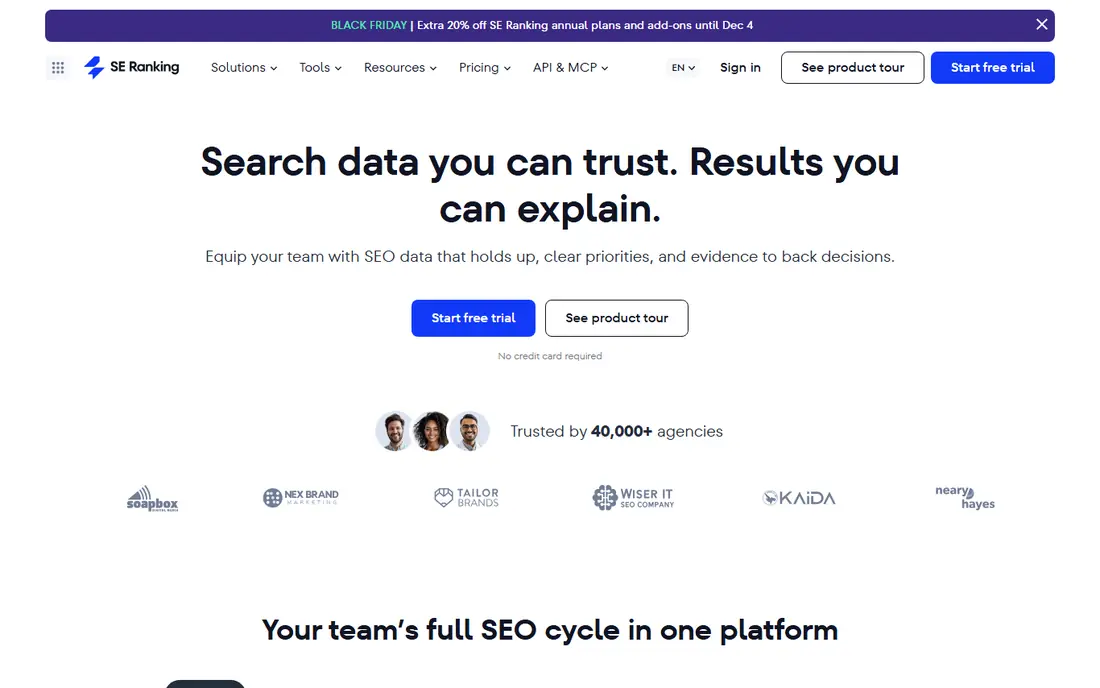
SE Ranking is our pick for most small teams because it pairs daily rank tracking with site audits, keyword research and competitor data under one login. The Essential plan, billed annually at the price shown here, covers a useful keyword set for a freelancer or small agency without a separate audit tool.
The main risk is plan confusion. SE Ranking has changed plan names and allowances, and some guides quote a higher Core price for a larger keyword allowance. Buyers should confirm the exact keyword count, update frequency and AI tracking included on the plan at checkout, rather than relying on an older guide.
- Daily tracking plus audits and research in one plan
- Strong keyword allowance at entry
- AI visibility tracking on current plans
- Entry plan limits and features have changed over time, so check the current tier
- Interface has many sections to learn
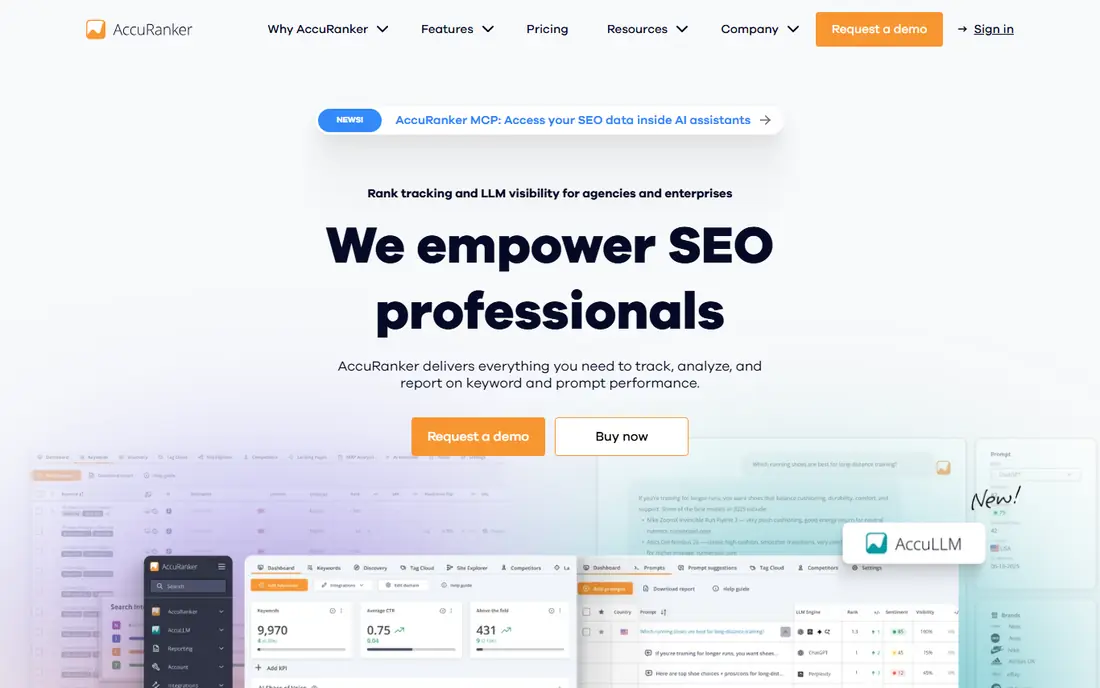
AccuRanker is built for teams where rank data is the core product. Instead of waiting for a fixed daily update, users can trigger a fresh check for a keyword and see the result in seconds. That speed helps after a site change, a migration or a client question that cannot wait until tomorrow.
The entry price is the barrier. At $224 per month for the Professional plan in the guides we reviewed, it costs more than several full suites. It earns that price only when a team tracks thousands of keywords, needs precise segmentation or feeds rank data into other reporting tools.
- Fast on demand rank refresh
- Strong tagging and segmentation
- API and reporting for agencies
- High entry price
- Some integrations sit on higher tiers
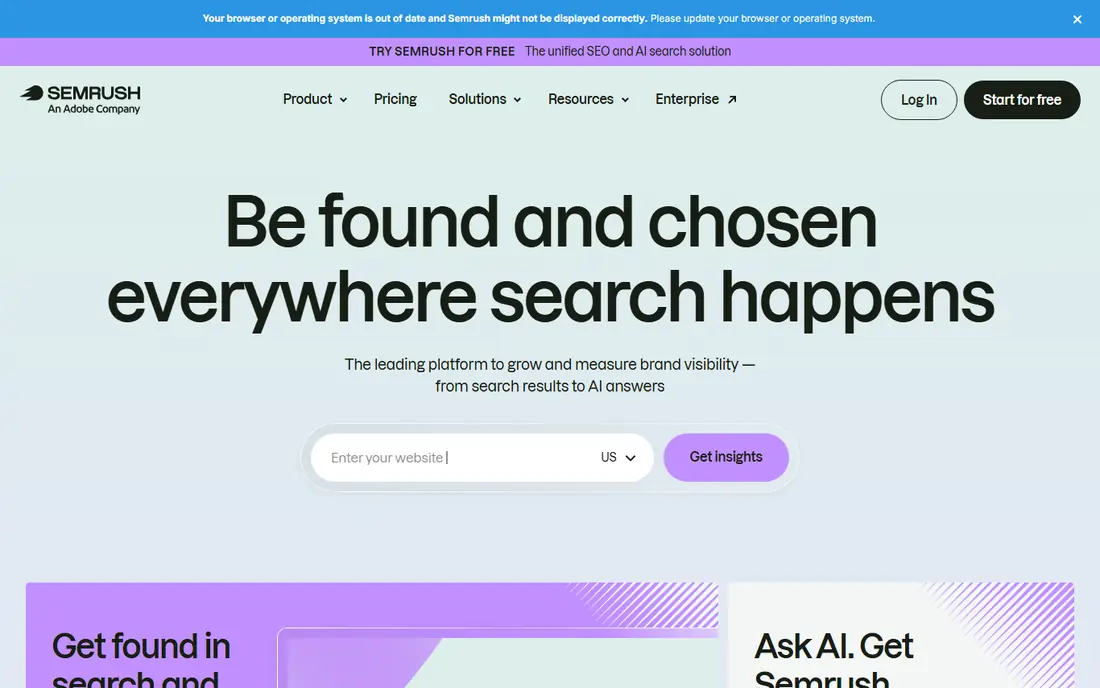
Semrush suits teams that already need keyword research, site audits and competitor analysis. Its Position Tracking tool adds daily positions, SERP feature data and visibility trends to that wider workflow, so rank data sits beside the research that explains it. A limited free account lets new users test the interface before paying.
The limit is scale. The entry plan tracks 500 keywords in the guides we reviewed, which can feel small for an agency with several clients. Teams should count total keywords across projects before choosing Semrush for tracking alone, since a dedicated tracker may cost less per keyword.
- Daily position tracking plus research, audits and PPC data
- Many competitors per project
- Limited free account for a test
- Entry keyword allowance is modest for the price
- Costs rise quickly with extra projects and users
Ahrefs is the pick when backlinks explain ranking movement. Its Rank Tracker sits beside Site Explorer and content tools, so a team can check whether a rank change lines up with new links, lost links or a content change. Webmaster Tools gives owners of verified sites a free way to see basic rank data.
Update frequency needs care. Some current guides describe weekly updates on standard plans, while daily tracking may depend on plan and settings. Buyers who need a fresh daily number for client reports should confirm the update schedule for their exact plan before paying.
- Strong backlink and content research beside tracking
- Free Webmaster Tools for verified sites
- Clear rank history
- Standard plans update weekly in some guides, not daily
- Higher tiers needed for broader AI visibility data
Mangools, through SERPWatcher, is the easiest tracker here to learn. Its interface shows positions, movement and SERP features without a long setup, and the wider suite adds keyword research and backlink checks. For a blogger or small site owner, that simplicity is a real benefit.
The trade off is update speed and scale. Basic plans are described as weekly in several current guides, with daily updates on higher tiers, and the keyword allowance is modest. Mangools suits a site that checks progress weekly, not an agency that needs a fresh daily report for many clients.
- Clean and easy interface
- Five tool suite for a low price
- Limited free plan for a test
- Weekly updates on the basic plan in several guides
- Smaller keyword allowance than larger suites
Nightwatch appeals to small teams and local agencies that want daily data and location detail without paying for a huge suite. Unlimited seats help when several staff members need access, and current plans add AI search visibility beside classic rankings. That combination is useful as AI answers take more search traffic.
Pricing is the weak point for comparison. Guides quote different entry prices by billing period and keyword allowance, so we list it as See website rather than risk an outdated figure. Buyers should confirm keywords, locations and update frequency in writing at checkout.
- Daily tracking with local detail
- Unlimited seats on listed plans
- AI search tracking on current plans
- Pricing varies by plan and billing period, so the entry price is hard to pin down
- Smaller research suite than Semrush or Ahrefs
Wincher is a focused tracker for site owners and small agencies that track rankings across many websites. Daily updates, simple grouping and clear reports cover the core job without the extra sections of a large suite. That focus keeps the interface fast and the learning curve short.
It is not a replacement for keyword research or backlink analysis, so teams that need those tools will still pay for a second product. Wincher earns its place when the main need is reliable daily positions for many sites at a moderate price.
- Daily updates on listed plans
- Tracks many websites
- Simple reports for clients
- Narrower research tools than a full suite
- Keyword allowance still limits large agencies
ProRankTracker is built for agencies that send rank reports to clients. Its local tracking, mobile detail and white label reports help a client see movement by city, device and search engine without a separate reporting tool. A short free tier in some guides lets new users test a small keyword set.
The price and agency focus make it less appealing for a single site owner. At $99 per month for the Starter plan in the guides we reviewed, a blogger with one site will get better value from a cheaper suite. For an agency with many clients, the reporting time saved can justify the cost.
- Detailed local and mobile tracking
- Polished white label reports
- Wide search engine and location coverage
- Higher entry price for small sites
- Interface feels built for agencies rather than solo owners
Google Search Console should sit beside any paid tracker, not instead of one for most teams. It shows real impressions, clicks and average positions for pages a site actually owns, plus indexing and coverage alerts that paid trackers cannot provide. It costs nothing and it comes from the source.
Its limits are clear. It does not track competitors, it does not give a simple daily rank for a keyword list, and its data arrives with a delay. Use it to check whether a paid tracker position lines up with real traffic, and use a paid tool for competitor, location and daily trend work.
- Free and direct from Google
- Real impression and click data
- Alerts for coverage and indexing problems
- No competitor tracking
- Data has a delay
- No daily rank history in the same form as a paid tracker
How we picked these
We compared official pricing pages, feature pages and current 2026 rank tracker guides, and we kept only tools that are still sold and that track keyword positions by location or device. We favored tools with a clear keyword allowance and update frequency, and we used See website where guides disagreed on entry price. We did not claim hands on testing, and we treated vendor accuracy claims as claims, not measured proof.
What to check before you buy
Count keywords the way the tool counts them. Some tools count each location and device combination as a separate keyword, while others count a keyword once per project. A list of 500 keywords can become several thousand tracked terms once local and mobile variants are added. Confirm that count before comparing prices.
Match update frequency to the job. Daily tracking suits client reporting and fast moving pages, while weekly tracking suits a slow publishing site. On demand refresh suits migrations and urgent checks. Paying for daily data you never read is waste, and relying on weekly data for a client who expects daily reports will cause friction.
Check reporting early. Set up one project, add a small keyword set, group by page and intent, and export a sample report. If the report needs heavy editing before a client can read it, the tool will cost time every month. Also confirm whether rank data can be exported or sent to a dashboard tool, since that affects long term reporting.
Frequently asked questions
How many keywords should I track?
Track the keywords that map to pages you can change, plus a small set of brand and competitor terms for context. Many sites do well with a few hundred focused keywords grouped by page and intent. Tracking thousands of terms you never act on adds cost without improving decisions.
Why do two rank tools show different positions?
Rankings vary by location, device, search history, data center and the time of the check. Two tools can both be correct for their own settings and still show different numbers. Compare trends over time within one tool, and keep location and device settings consistent when you compare tools.
Is daily tracking always better than weekly tracking?
Not always. Daily data helps for client reports, local campaigns and fast changes, but it can also create noise from normal daily movement. Weekly data suits a site that publishes slowly and reviews progress monthly. Choose the frequency that matches how often you act on the data.
Can Google Search Console replace a paid rank tracker?
It can replace a tracker for a single site owner who only needs basic position and traffic data. It cannot replace competitor tracking, local rank grids, daily rank history or client reports. Most teams use Search Console as a free baseline beside a paid tool.
What is a SERP feature and why does it matter?
A SERP feature is an element on a search results page beyond a standard blue link, such as a featured snippet, local pack, image block or AI overview. A page can rank well yet get fewer clicks when a feature takes attention. Good trackers show which features appear for each keyword, so a team can judge visibility, not just position.
Sources
See where you really rank - block by block
ProMapRanker scans Google Maps across a grid of your service area. Simple monthly plans from $19, white-label on every plan.
Start freeKeep reading
 zoho inventory alternatives
6 Alternatives to Zoho Inventory, Compared on Price and Fit
Zoho Inventory alternatives: 6 tools compared on price, free plans and fit. Katana leads the list for manufacturers. Fit and flaws are laid out for each entry.
Read → zoho crm alternatives
Best Zoho CRM Alternatives (2026)
Need Zoho CRM alternatives? We compare 7 tools on cost, free access and who each suits. Every pick gets a straight assessment. Built for quick decisions.
Read → zelle alternatives
Best Zelle Alternatives in 2026
Compare the best Zelle alternatives for sending money to friends, paying sellers and moving funds abroad, with honest notes on fees, speed and safety in 2026.
Read →