 ProMapRanker
Best Keyword Difficulty Tool in 2026

Key takeaways
- Ahrefs and Semrush give the deepest difficulty data, but both start above 129 dollars per month.
- Mangools and Ubersuggest are the cheapest usable starting points for a single site or a small blog.
- Difficulty scores differ by vendor, so compare the same keyword in two tools before you commit to a target.
- Free options such as Google Keyword Planner show volume and competition, but not a true difficulty score.
Quick comparison
| Pick | Great for | Pricing starts at | Free tier | |
|---|---|---|---|---|
 Ahrefs | Deep keyword and backlink data | $129 per month | Yes | Visit |
 Semrush | All-in-one SEO and PPC research | $139.95 per month | Free trial | Visit |
 Moz Pro | Beginners and authority benchmarking | $99 per month | Free trial | Visit |
 SE Ranking | Mid-market all-in-one value | $129 per month | Free trial | Visit |
 Mangools | Simple keyword research | $29.90 per month | Free trial | Visit |
 Ubersuggest | Budget keyword research | $12 per month | Yes | Visit |
 Serpstat | Research, tracking and audit in one plan | $69 per month | Free trial | Visit |
 SpyFu | Competitor keyword history | $39 per month | Yes | Visit |
 Keyword Tool | Long-tail ideas from autocomplete | See website | Yes | Visit |
The best keyword difficulty tools
A difficulty score is only useful if you know what sits behind it. The tools below turn search volume, ranking pages, and link strength into a single number, and we compared them on that method, on price, and on how plain the results are to read.
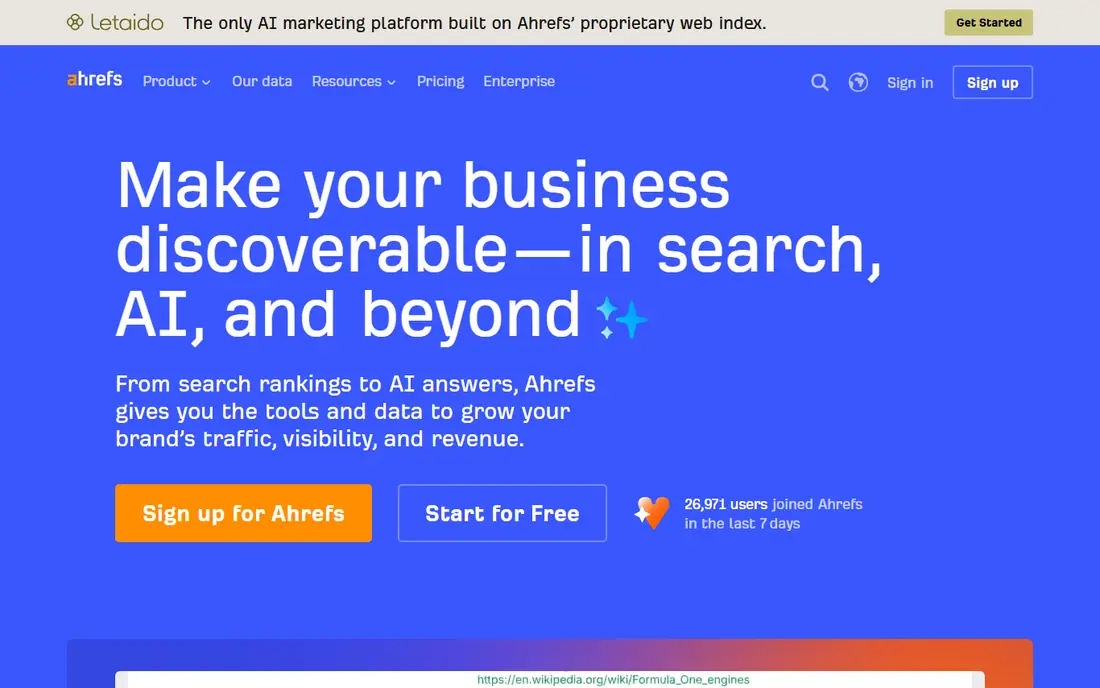
Ahrefs is the tool most professional SEOs open first, and its difficulty score is the main reason. Keywords Explorer shows volume, clicks, and a difficulty rating that reflects the link strength of the pages already ranking. That link-based view is practical, because it tells you roughly what kind of authority you need before a page has a real chance.
The catch is price and scope. Lite starts at 129 dollars per month, and serious agency use lands on higher tiers. Ahrefs Webmaster Tools is free for your own verified sites and gives site audits and limited Site Explorer access, which makes it a fair way to check the interface before you pay. For a new site with a small budget, the full plan may be more than you need.
- Very large keyword database
- Difficulty scores tied to backlink data
- Parent topic grouping for content plans
- High starting price
- Rank tracking updates weekly on lower plans unless you pay extra
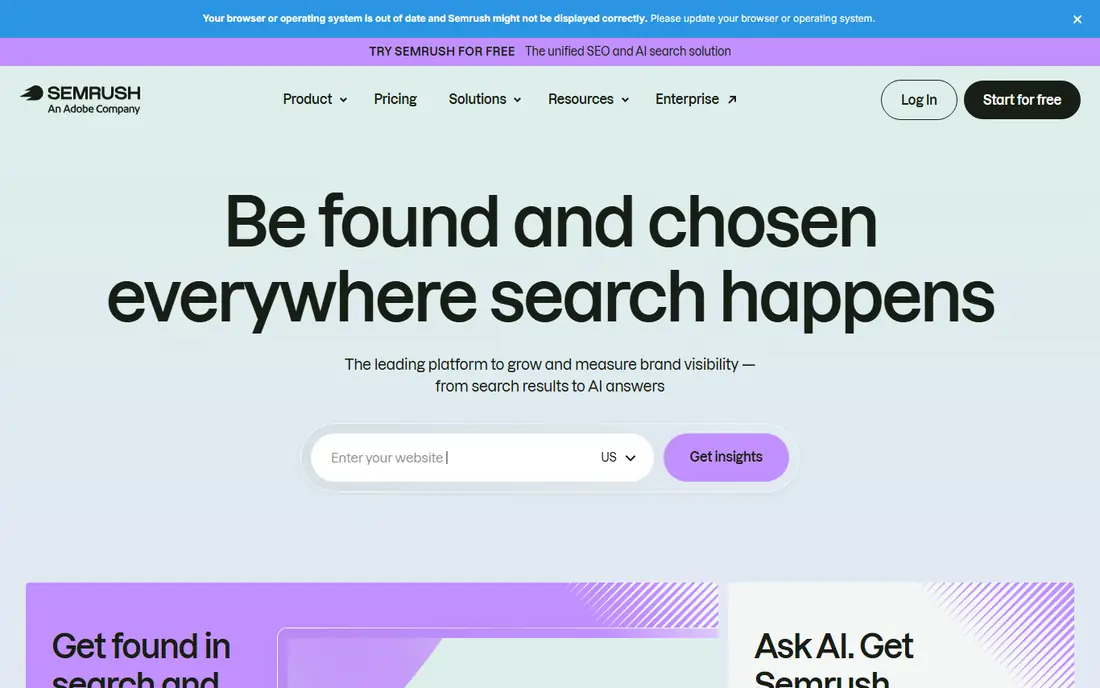
Semrush treats difficulty as one part of a much wider research job. Its Keyword Magic Tool groups related terms, shows intent, and pairs difficulty with volume, CPC, and SERP features. That context helps you skip terms that look easy but are owned by pages with rich results, videos, or shopping boxes you cannot displace with plain text.
The trade is cost and complexity. Pro starts at 139.95 dollars per month, and the interface covers SEO, PPC, content, and social tools that a keyword-only buyer may never open. If you already pay for an all-in-one suite, Semrush difficulty data is strong. If you only need difficulty scores, a cheaper specialist may serve you better.
- Very large keyword database
- Keyword Magic Tool for long-tail ideas
- Strong competitor and SERP feature data
- Highest starting price here
- The full toolset can feel crowded for a single task
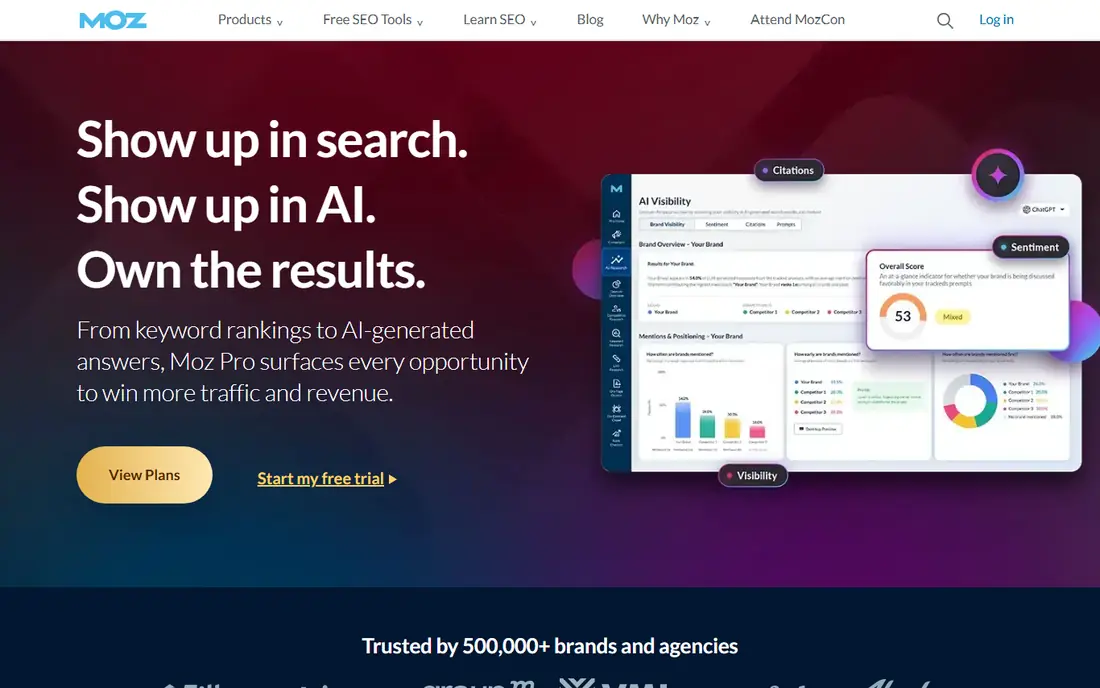
Moz Pro is the easiest of the big suites to read at a glance. Keyword Explorer gives volume, difficulty, organic click-through rate, and a priority score that blends difficulty with opportunity. For a small business owner who wants a short list rather than a spreadsheet, that plain presentation matters.
Domain Authority remains a useful shorthand, even though it is a Moz metric and not a Google ranking factor. Treat it as a comparison aid, not a promise. Moz starts at 99 dollars per month on Standard, with a free trial, which puts it below Ahrefs and Semrush while still giving a full suite, including rank tracking and site crawl tools.
- Clear difficulty and priority scores
- Domain Authority is widely cited
- Beginner friendly layout
- Smaller database feel than Ahrefs or Semrush
- Higher tiers needed for larger tracking limits
SE Ranking suits teams that want one login for research, tracking, and audits without jumping between tools. Its keyword tool shows difficulty, volume, CPC, competition, and intent, and you can filter ideas by SERP features. That filtering is handy when you want to target terms where a normal organic result still gets clicks.
Pricing starts at 129 dollars per month for Core, with a free trial, so it is not a budget pick. The value case rests on how many of its other tools you actually use. If you track rankings daily and run audits from the same account, the combined price looks fair. If you only check difficulty now and then, a lighter tool costs less.
- Keyword data plus rank tracking and audit in one plan
- Clear SERP feature filters
- Agency friendly project limits
- Data is Google focused
- History depth varies by plan
Mangools, built around KWFinder, is the pick we point beginners to first. You type a seed term, you get related ideas with volume, CPC, and a difficulty score, and the layout does not bury that score under ten other panels. For a blogger choosing between five post ideas, that speed is worth more than a larger database.
The limits show up at scale. Tracked keywords and daily lookups are modest on the entry plan, and agencies will outgrow it fast. At 29.90 dollars per month, though, it is the cheapest full keyword tool here that still feels like a professional product rather than a free toy. Use the free trial to check its data for your niche before you pay.
- Clean, fast interface
- KWFinder difficulty is easy to read
- Good for bloggers and small sites
- Lower tracked keyword limits than big suites
- Less depth for large competitor projects
Ubersuggest is the budget entry point that still gives a real difficulty score. It shows volume, SEO difficulty, paid difficulty, and CPC, plus content ideas and a basic site audit. For a solo creator who checks keywords a few times a month, the individual plan at 12 dollars per month is hard to beat on price alone.
Be honest about what you give up. The database and competitor depth are not at the level of the big suites, and some figures can feel rough for low-volume or local terms. That is fine if you use Ubersuggest to shortlist ideas and then sanity check the top contenders in a second source. It is less fine if you plan a whole content budget on its scores alone.
- Low entry price
- Limited free searches
- Content ideas and site audit included
- Difficulty data feels thinner than Ahrefs or Semrush
- Project limits on the cheapest plan
Serpstat sits between the budget tools and the big suites. It offers keyword ideas, difficulty data, clustering, rank tracking, and site audits from 69 dollars per month, with a free trial. Clustering is a genuine strength, because it groups similar terms so you can target one page at a cluster instead of writing five thin posts.
Regional coverage is the point to check. Serpstat is strong in some markets and thinner in others, so run your own core terms through a trial before you switch. If your niche is well covered, you get a broad suite for about half the price of Ahrefs or Semrush. If it is not, the savings will not make up for weak data.
- Keyword research, rank tracking, and audit together
- Clustering tools
- Lower price than big suites
- Data depth varies by region
- Interface takes time to learn
SpyFu earns its place for a different job: finding what competitors already rank for and how long they have held those spots. That history adds context to a difficulty score, because a term held for years by strong domains is harder than a fresh term with similar numbers. The basic plan starts at 39 dollars per month, and limited free searches let you test it first.
As a sole difficulty tool, SpyFu is narrower than Mangools or Moz. Its keyword data is built around competitor domains, so brainstorming from a blank page feels less direct. Pair it with a general research tool, or pick it when competitor gaps are your main content source. Used that way, it pays for itself quickly.
- Long competitor keyword and ad history
- Limited free searches
- Clear view of what rivals rank for
- Less suited as a primary difficulty tool
- Research depth is competitor led
Keyword Tool starts from autocomplete data, which makes it strong for long-tail ideas that other tools may group away. You enter a seed term and get hundreds of suggestions, including questions and prepositions, which is useful for FAQ sections and niche posts. The free version shows suggestions with limits, and paid plans access full volume, CPC, and competition data.
Do not treat it as a one-stop difficulty judge. Its strength is idea generation, not deep competitor or link analysis. Use it early in research to widen your list, then run the shortlist through Mangools, Moz, Ahrefs, or Semrush for a firmer difficulty read. That two-step habit gives you breadth without paying suite prices for every idea.
- Large set of autocomplete suggestions
- Useful for long-tail and question terms
- Simple to use
- Free version limits data shown
- Difficulty detail is thinner than full suites
How we picked these
We compared official feature pages, pricing pages, and app and review listings for tools that publish a difficulty score or a clear competition measure in October 2026. We kept only tools that exist today, give keyword volume alongside difficulty, and fit a normal buyer, from a solo blogger to an agency team. We did not claim hands-on testing we did not do, and we left out tools with no clear difficulty output or with pricing we could not confirm from the vendor.
What to check before you pay
Start with your own site strength, not the score alone. A difficulty of 30 means something different for a new blog than for an established site with strong links. Look at the top ten pages for your target term: their age, their link profiles, and their content depth. If those pages are thin or off topic, you may have a real opening even when the number looks high.
Check the same keyword in two tools. Vendors build scores from different data, so a term can read as easy in one and hard in another. When scores disagree, trust the SERP itself. Open the ranking pages, count strong domains, and judge how much better your page would need to be. Also confirm trial terms, tracked keyword limits, and renewal prices, because entry prices often rise at renewal or when you add seats.
A simple workflow that works
First, brainstorm with a broad tool such as Keyword Tool or Ubersuggest. Second, score the shortlist in one main tool and note volume, intent, and difficulty together. Third, open the top results and decide if you can beat them with a genuinely better page. Fourth, track the terms you target so you can see movement over months, not days. Difficulty is a planning aid, not a ranking promise.
Frequently asked questions
What is the best keyword difficulty tool for beginners?
Mangools is our pick for most beginners, because its difficulty scores are plain to read and its entry price is low. Ubersuggest is cheaper still if budget is the main limit. Start with a trial, test your own niche terms, and only move to a big suite when you need deeper competitor data.
What is the best keyword difficulty software for agencies?
Ahrefs and Semrush are the usual agency standards, because their databases, competitor tools, and reporting depth cover large client lists. SE Ranking is a credible mid-market option when you want research, tracking, and audits in one cheaper workflow. Pick based on how many projects you run and which reporting features clients actually read.
How accurate are keyword difficulty scores?
Scores are estimates built from ranking page strength, links, and SERP data, and each vendor builds them differently. Treat a score as a relative guide, not an exact measure of effort. Always check the live search results for your term, because the pages you must beat matter more than any single number.
Is there a free keyword difficulty tool?
Ubersuggest offers limited free searches, and Ahrefs Webmaster Tools is free for your own verified sites. Google Keyword Planner is free but shows competition for ads, not an organic difficulty score. Free tiers are fine for shortlisting, but paid plans give fuller volume and difficulty data.
Should I target only low difficulty keywords?
Low difficulty terms are a good start for a new site, but they often bring low volume too. Mix easy terms you can win now with medium terms you can grow into as your site gains links and authority. A page that answers a question well can outrank a stronger domain when the existing results are weak.
Why do two tools give different difficulty scores for the same keyword?
Each vendor uses its own database, link index, and formula, and each updates on a different cycle. One may weight backlinks more heavily, while another weights domain strength or SERP features. When scores conflict, compare the actual ranking pages and use that evidence to make the call.
Sources
See where you really rank - block by block
ProMapRanker scans Google Maps across a grid of your service area. Simple monthly plans from $19, white-label on every plan.
Start freeKeep reading
 galaxy.ai alternatives with lifetime access
Best Galaxy.ai Alternatives With Lifetime Access in 2026
Looking for galaxy.ai alternatives with lifetime access? We compare 7 pay-once AI tools for chat, writing, images, video and SEO work in 2026, in detail.
Read → best workforce management software
Best Workforce Management Software in 2026
Compare the best workforce management software for scheduling, time tracking, and payroll, with prices, free plans, and picks by team size and industry.
Read → best wms software
Best WMS Software in 2026: 8 Systems Compared
Compare the best WMS software for warehouses of every size in 2026, from enterprise systems like SAP and Manhattan to mid-market options for growing brands.
Read →