 ProMapRanker
Kanban Board Software Buyer's Guide

Direct answer
If you need all-in-one with kanban, ClickUp is the first tool to look at here. Notion is better for adaptable docs plus boards, and Asana is better for Kanban plus project views. Details, prices and limits for the rest of the 7 tools are below.
Key takeaways
- The list opens with ClickUp, aimed at all-in-one with kanban.
- The main caution on Trello: limited for complicated projects.
- 6 of the 7 tools have a free plan, including ClickUp, Notion, Asana and Trello.
- Monday fits visual work management.
Quick comparison
| Pick | Great for | Pricing starts at | Free tier | |
|---|---|---|---|---|
 ClickUp | All-in-one with kanban | Free | Yes | Visit |
 Notion | Adaptable docs plus boards | Free | Yes | Visit |
 Asana | Kanban plus project views | Free | Yes | Visit |
 Trello | Straightforward visual kanban | Free | Yes | Visit |
 KanbanFlow | Focused lean kanban | Free | Yes | Visit |
 Jira | Software team kanban | Free | Yes | Visit |
 Monday | Visual work management | See website | No | Visit |
Kanban Board Software profiles
Choosing Kanban board software usually comes down to price, fit and limits. This ProMapRanker guide sets 7 tools side by side on those three points, with the facts kept short and checkable.
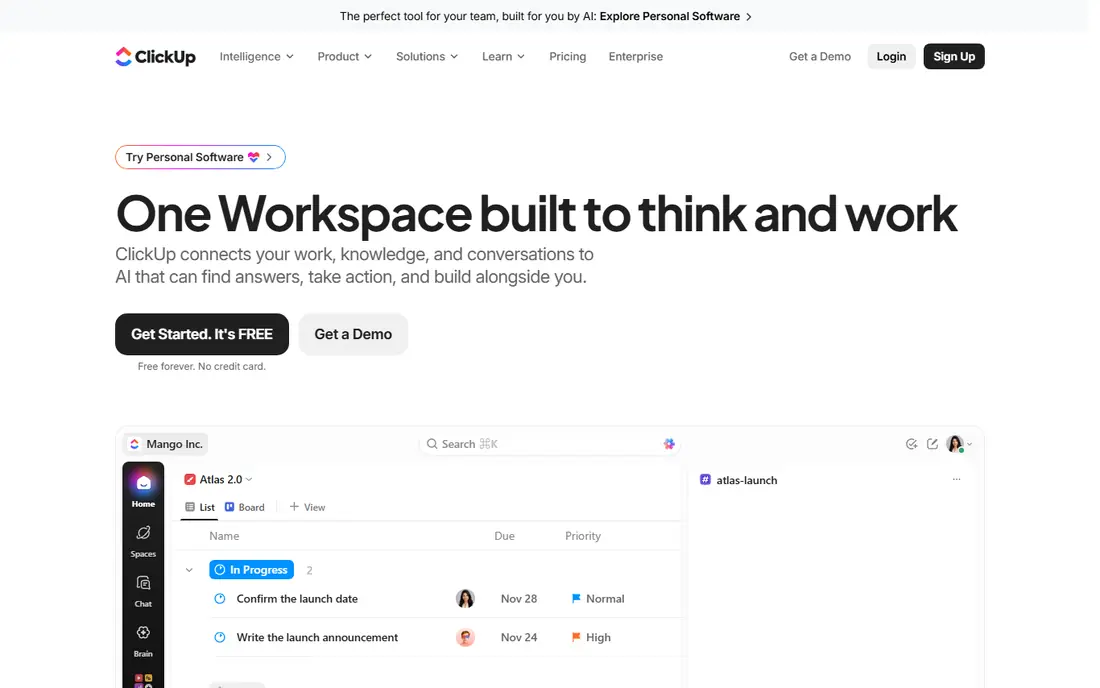
For all-in-one with kanban, ClickUp is a natural candidate. ClickUp packs kanban boards into an all-in-one workspace with docs, goals, time tracking, whiteboards, and more.
What to check first: Can feel overwhelming.
In practice, the free level is remarkably ample, and the board view supports the kanban essentials. Price to start with ClickUp: Free. A free plan is available with ClickUp.
- Ample free level
- Kanban plus docs, goals, more
- Performance with huge workspaces
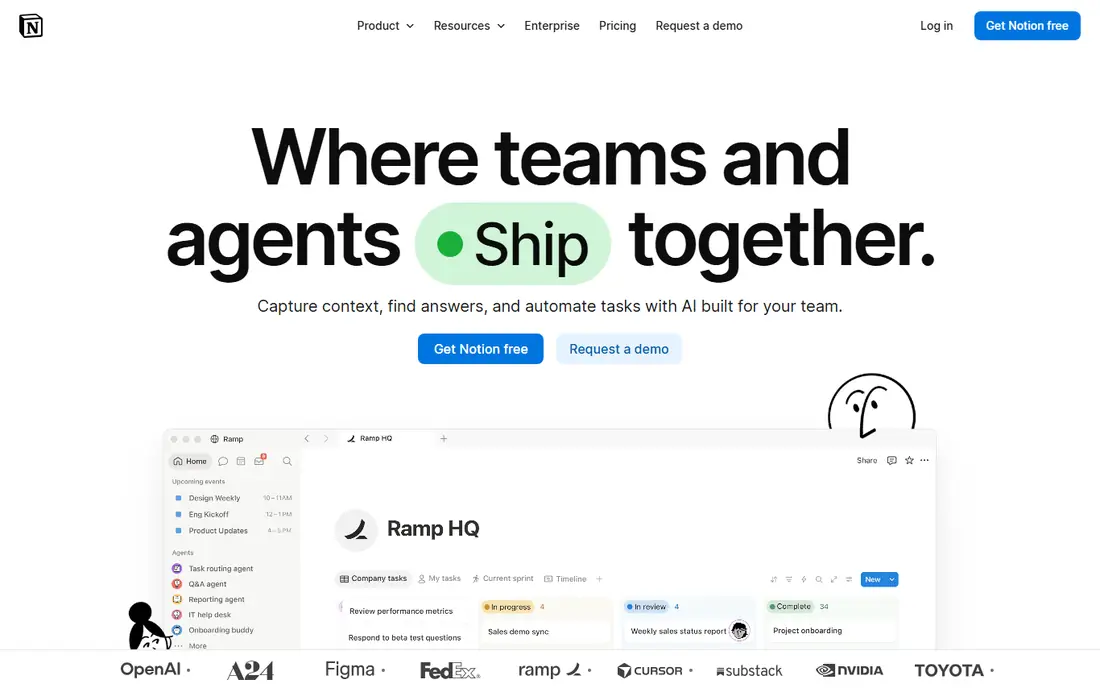
For adaptable docs plus boards, Notion is a natural candidate. Notion's board view turns any database into a kanban board, living alongside docs, wikis, and project pages. Notion is a workspace with kanban, not kanban software.
Drawbacks to consider: Kanban features are entry-level.
But for teams whose work lives in Notion already, the board view spans daily task management well enough that a separate tool is unnecessary. The adaptability is unmatched: your board can be anything. Teams that already run on Notion get kanban without another tool; cards can hold rich content, relations, and rollups. Also, dedicated kanban features (WIP limits, flow analytics, swimlanes) are entry-level or absent. Notion pricing: Free. Free access exists with Notion.
- Very adaptable
- Boards inside a full workspace
- Performance with large databases
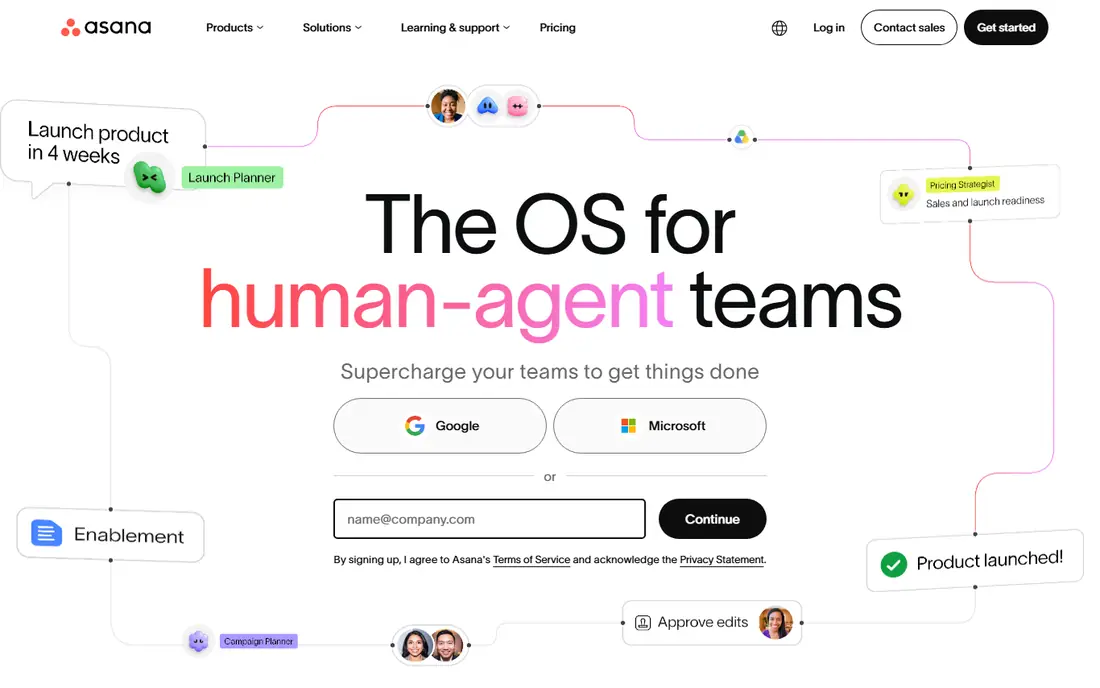
Choose Asana for Kanban plus project views. Asana's board view hands teams kanban alongside list, timeline, calendar, and workload views of the same work.
Worth adding: Kanban purists note that Asana's boards lack some methodology depth (WIP limits are entry-level, analytics are restricted). As for the details, cross-functional teams (marketing, design, operations) appreciate switching views without switching tools. Price to start with Asana: Free. You can start on Asana without paying.
Downsides: Kanban is one view among numerous.
- Clean design
- Several project views
- Premium features paywalled
Trello works best for straightforward visual kanban. Anyone understands it in minutes, which is why it spread through teams that would never touch "project management software." The free level is genuinely handy, power-ups add integrations, and templates include everything from editorial calendars to hiring pipelines.
Honest limits: Restricted for complicated projects.
But for teams that want a shared visual board without ceremony, Trello remains the default recommendation. Trello pricing: Free. A free plan is available with Trello.
- Ample free level
- Immediately understandable
- Advanced features need premium levels
KanbanFlow was built for focused lean kanban. KanbanFlow keeps kanban lean: boards with WIP limits, swimlanes, and a built-in Pomodoro timer for focused work sessions. Beyond that, the design displays its age, and the integration ecosystem is smaller than the big systems.
The main drawbacks: Fewer integrations.
But the focus is the point: no docs, no goals, no whiteboards, just kanban done well. Time tracking integrates naturally with the board. The starting price for KanbanFlow: Free. KanbanFlow has a free plan.
- Clean focused interface
- Low-cost premium
- Dated design
Pick Jira if this describes you: software team kanban. Jira's kanban boards live inside a complete development workflow: issues, sprints, releases, and integrations with Bitbucket and GitHub. Beyond that, the free level includes small teams completely.
Drawbacks to consider: Overkill for non-technical teams.
Software teams track work from idea to deployment with WIP limits, cumulative flow diagrams, and automation rules. As for the details, non-technical teams commonly find Jira heavy; the configuration choices that developers love become overhead for everyone else. But for software teams practicing kanban (or mixing kanban with scrum), Jira's depth in the development lifecycle is unmatched. The starting price for Jira: Free. You can start on Jira without paying.
- Free for small teams
- Made for development workflows
- Complexity overhead
Monday is built with visual work management in mind. Teams build boards that match their exact process, automate status changes and notifications, and view work as kanban, Gantt, calendar, or dashboard. There is no free level, and per-seat pricing climbs as teams grow.
Beyond that, the template library jumpstarts typical workflows. As for the details, Kanban methodology features (WIP limits, flow metrics) are thinner than dedicated tools. Monday shows no starting price here, so confirm the cost on the vendor site. Monday has no free tier.
Downsides: No free level.
- Decent automations
- Highly visual and configurable
- Pricing per seat brings up
How we built this list
The comparison looks at four things: starting price, free access, how well the feature set matches Kanban board software, and the main limit of each tool. Where a vendor does not publish a price, the entry says quote. Where a price depends on seats or billing term, the entry says so. The ranking is editorial: typical fit first, then clear pricing, then free access. If your needs are unusual, read the profiles rather than relying on position.
Things to verify first
- Ask Monday for a written quote, since no starting price is shown.
- Read the fine print on the free plans from ClickUp, Notion, Asana and others; seat, project and feature caps differ.
- Read the limits listed for ClickUp first: can feel overwhelming.
- Get the contract term, renewal terms and any onboarding fees from Monday in writing.
- Look at the help docs and support options for Trello before you commit.
Frequently asked questions
Do I need WIP limits?
Yes, if you want kanban instead of a task list. Work-in-progress limits force focus, expose bottlenecks, and keep work flowing rather than piling up. Tools that enforce WIP limits help build the habit.
Is Trello still decent in 2026?
Yes, for what it is: the simplest shared kanban board available. It has not tried to become everything, which keeps it quick and understandable. Teams that outgrow it normally need reporting, automation, or development integration, at which point Jira, Asana, or Monday make sense. But countless teams never outgrow it.
Which options for Kanban board software have a free plan?
6 of the 7 tools have a free plan, including ClickUp, Notion, Asana and Trello. Free plans usually cap users, projects or features, so check the limits on the vendor page.
How are the tools for Kanban board software ordered?
The order follows typical fit for Kanban board software, with ClickUp first and Monday last, then price clarity and free access. It is editorial judgement, not a score, so another team could rank the tools differently.
Is ClickUp the right pick for everyone comparing Kanban board software?
No single tool suits every team. ClickUp comes first because it fits all-in-one with kanban, while Notion suits flexible docs plus boards and Asana suits Kanban plus project views. Match the tool to your own size, budget and workflow before deciding.
What is the difference between kanban and scrum?
Kanban is a continuous flow system: visualize work, limit work in progress, and pull new work as capacity frees up. Scrum organizes work into fixed-length sprints with defined roles and ceremonies. Kanban fits continuing operational work; scrum fits project-based development.
Sources
See where you really rank - block by block
ProMapRanker scans Google Maps across a grid of your service area. Simple monthly plans from $19, white-label on every plan.
Start freeKeep reading
 zoho inventory alternatives
6 Alternatives to Zoho Inventory, Compared on Price and Fit
Zoho Inventory alternatives: 6 tools compared on price, free plans and fit. Katana leads the list for manufacturers. Fit and flaws are laid out for each entry.
Read → zoho crm alternatives
Best Zoho CRM Alternatives (2026)
Need Zoho CRM alternatives? We compare 7 tools on cost, free access and who each suits. Every pick gets a straight assessment. Built for quick decisions.
Read → zelle alternatives
Best Zelle Alternatives in 2026
Compare the best Zelle alternatives for sending money to friends, paying sellers and moving funds abroad, with honest notes on fees, speed and safety in 2026.
Read →