 ProMapRanker
Best Job Search Apps in 2026: 8 Apps Compared


Professional roles, networking, and recruiter visibility · Pricing starts at: Free
Key takeaways
- Indeed and LinkedIn give the widest coverage for most job seekers, while Dice, Handshake, and Snagajob work better for a narrow job type or career stage.
- Most job search apps are free for job seekers, and paid plans usually add insights or coaching rather than access to listings themselves.
- ZipRecruiter and Indeed offer the fastest apply flow for high volume searches, which helps when a seeker wants to apply to many roles in a short time.
- Glassdoor adds salary and review context that a listing alone cannot give, and that context helps a seeker judge a role before applying.
- Handshake is the strongest pick for students and recent graduates, because employers there are hiring specifically for entry level roles.
Quick comparison
| Pick | Great for | Pricing starts at | Free tier | |
|---|---|---|---|---|
| LinkedIn | Professional roles, networking, and recruiter visibility | Free | Yes | Visit |
 Indeed Indeed | Broad searches across industries and locations | Free | Yes | Visit |
 ZipRecruiter ZipRecruiter | Fast applications and daily job matches | Free | Yes | Visit |
 Glassdoor Glassdoor | Salary research, company reviews, and interview preparation | Free | Yes | Visit |
 Handshake Handshake | Students and recent graduates seeking entry level roles | Free | Yes | Visit |
 Dice Dice | Tech, IT, and engineering roles | Free | Yes | Visit |
 Snagajob Snagajob | Hourly, retail, restaurant, and shift work | Free | Yes | Visit |
 FlexJobs FlexJobs | Screened remote, hybrid, and flexible roles | See website | No | Visit |
The best job search apps
A good job app does more than list roles. It should match a seeker to relevant jobs, make applying simple on a phone, and give enough detail to judge pay, location, and employer reputation before time is spent on an application. The apps below cover different strengths, so the best choice depends on the kind of work sought.
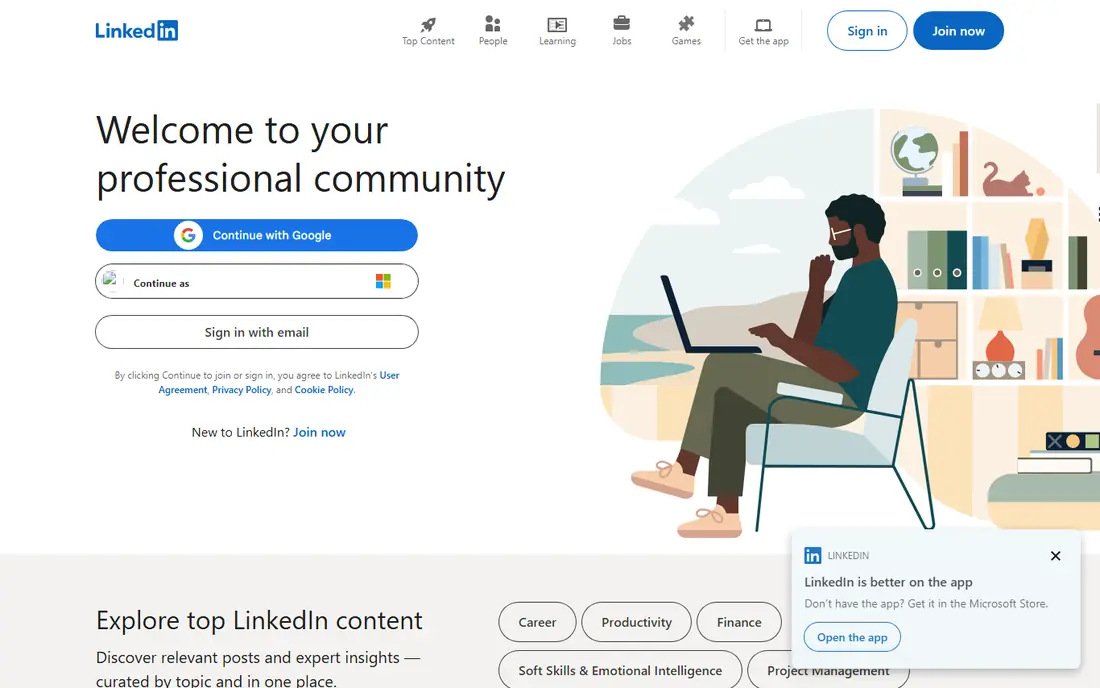
LinkedIn works as both a job board and a professional network, and that combination is its main strength. A seeker can apply to roles, follow companies, and be found by recruiters who search by skill, title, and location. Easy Apply shortens many applications to a few taps, which helps when a seeker is applying while working or studying. The catch is that LinkedIn rewards a complete, active profile. A thin profile with no summary, skills, or work history will get less recruiter attention, even if the seeker is a strong fit for a role. It also helps to turn on job alerts and to save searches, so new roles arrive without daily manual searching.
- Large professional network, Easy Apply on many roles, recruiter search visibility
- Feed can distract from job search, premium features cost extra, some roles need a full profile to stand out
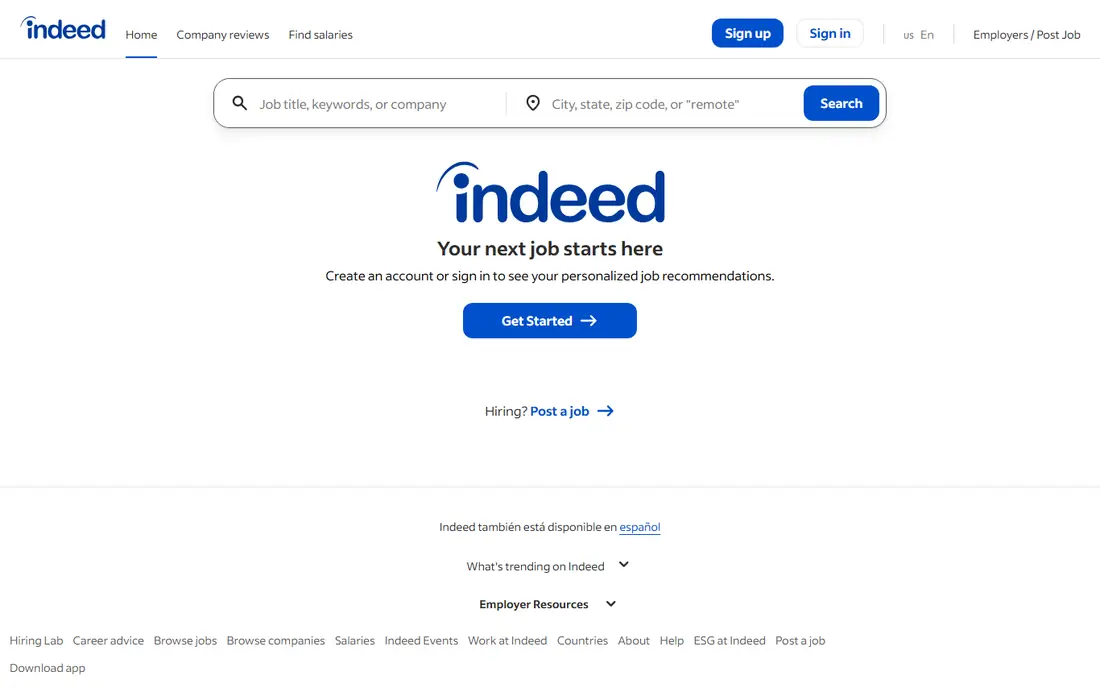
Indeed is the default starting point for many seekers because it pulls listings from company sites, boards, and agencies into one search. Filters for pay, job type, location, and date posted help narrow a huge result set to roles worth reading. Salary estimates and company reviews, where available, add context before an application is sent. The downside of scale is noise. Popular roles attract many applicants, and some listings stay live after a role is filled. A seeker should sort by date, set alerts for new posts, and apply early to fresh roles rather than spending hours on older listings that may already be closed.
- Very large listing base, salary tools, simple apply flow, strong filters
- High volume can include stale or duplicate listings, competition for popular roles is high
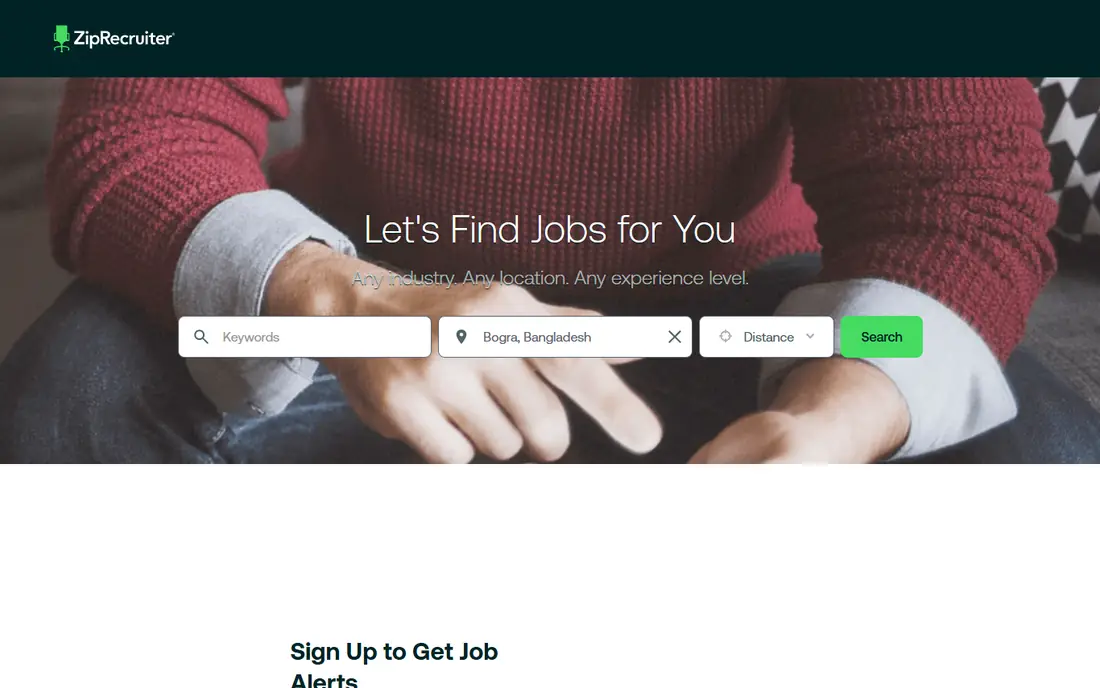
ZipRecruiter is built for speed. After a profile and resume are set up, the app sends matched roles and allows one click apply on many of them, which suits seekers who want to apply to a large number of roles each week. The mobile flow is simple, and alerts reduce the need to repeat the same search each day. Speed has a limit. One click apply works best when the resume already fits the role, and a generic resume sent to many roles will get fewer replies than a tailored one sent to fewer, better matched roles. Use ZipRecruiter for volume, then tailor the resume for the roles that matter most.
- One click apply on many roles, daily match emails, mobile friendly apply flow
- Match quality varies, some roles lead to an employer site to finish applying
Glassdoor earns its place because a job title and a pay range are not enough to judge a role. Reviews describe management, workload, and culture in plain terms, and salary reports show what people in similar roles say they earn. Interview reports also help a seeker prepare for common questions at a specific company. Reviews need reading with care. A small number of reviews can paint a skewed picture, and very old reviews may describe a team that has since changed. Read several reviews, look for repeated themes rather than single complaints, and use salary data as a range to check against other sources, not as a fixed offer.
- Salary ranges, employee reviews, interview reports, job listings in one place
- Reviews are self reported and can skew positive or negative, some salary data is dated
Handshake connects students and recent graduates with employers that are hiring for internships and entry level roles. Because employers on the platform expect limited experience, seekers spend less time filtering out senior roles that ask for five years of experience under an entry level label. Recruiters can also message candidates directly. The main limit is time. As a career moves past the first few years, Handshake becomes less central, and LinkedIn or Indeed take over. For a student, though, it is worth setting up early, completing the profile, and attending virtual career fairs listed in the app.
- Employers hiring for entry level talent, campus events, direct recruiter messages
- Less useful after a few years of work experience, job volume depends on school partnerships
Dice suits anyone whose work sits in software, data, infrastructure, security, or IT support. Listings use tech specific filters for skills, tools, and clearance levels, which cuts the time spent reading generalist boards. Recruiters who hire for tech roles search Dice specifically, so a detailed skill profile can bring inbound messages. Outside tech, Dice is not a good general board, and a seeker in retail, health care, or education should start elsewhere. For tech seekers, the best move is to list current tools honestly, keep the profile updated after each project, and set alerts for the exact skills that match the next role.
- Tech focused listings, skill filters, salary tools, recruiter visibility for tech skills
- Narrow focus outside tech, some roles require a detailed skill profile
Snagajob focuses on the hourly job market, where pay, shift times, and location matter more than a long cover letter. Many listings show hourly pay up front, and a profile based apply flow lets a seeker apply to several local roles quickly. That speed matters for retail, food service, warehouse, and customer service hiring, where roles fill fast. The trade is scope. Snagajob will not replace LinkedIn for a salaried management role, and seekers should not expect deep salary or culture data for every listing. For hourly work, though, it is direct and practical, and it pairs well with Indeed for wider local coverage.
- Hourly roles with pay shown, fast profile based apply, local shift work focus
- Less coverage for salaried professional roles, some listings need an employer site step
FlexJobs takes a different approach by screening listings for remote and flexible work and removing roles that look like scams or that mislabel office work as remote. That screening saves time for seekers who only want remote work and who have wasted hours on listings that turn out to be office based or misleading. The cost is the catch. Unlike the free apps on this list, FlexJobs charges for membership, with a low cost trial in some periods. It makes sense for a seeker who is committed to remote work and who values a cleaner list over a larger one. A seeker who is open to office work too may not need to pay.
- Human screened listings, remote and flexible filters, career resources and coaching
- Paid membership, fewer listings than free boards, trial terms vary
How we picked these
We compared official feature pages, app store listings, pricing pages, and public reviews for job search apps that are live and widely used in October 2026. We kept only apps that are free or low cost for job seekers, that offer a real mobile app or mobile friendly apply flow, and that fit at least one clear job type, from professional roles to hourly work and remote work. We checked whether each app offers one click or Easy Apply, salary or review data, and alerts, because those features shape daily use more than a long feature list. We also looked at who each app serves best. A general board that serves everyone can still be a poor fit for a student or a tech specialist, so the list mixes broad boards with focused options. Prices for job seekers are mostly free, and where a paid plan exists, we note what it adds rather than treating it as a requirement.
How to use job apps well
Start with two apps, not ten
Two well chosen apps give enough coverage without splitting attention. A professional seeker might pair LinkedIn with Indeed, while a student might pair Handshake with LinkedIn, and an hourly seeker might pair Snagajob with Indeed.
Set alerts on day one
Alerts turn a job search from a daily chore into a notification. Set alerts for exact titles, locations, and pay ranges, and check new roles early, when competition is lower and recruiters are still reading applications.
Tailor the resume for the top roles
Fast apply tools tempt a seeker to send the same resume everywhere. Keep a base resume, then adjust the top skills and the most recent role for the ten roles that matter most. That small edit often matters more than ten extra generic applications.
Check pay and reviews before applying
Use Glassdoor and Indeed salary tools to set a pay range before an interview, and read company reviews for repeated themes. A role that pays well but has a pattern of high turnover or poor management may not be worth a long application process.
Track applications in one place
Job apps do not share application status well, so keep a simple sheet with company, role, date applied, and next step. That list prevents duplicate applications and makes follow up much easier.
Frequently asked questions
What is the best job search app overall?
LinkedIn and Indeed are the strongest overall pair, because LinkedIn adds recruiter visibility and networking, while Indeed adds the largest listing base. Most seekers should use both, rather than picking only one, and add a focused app for their job type.
What is the best app for job search with one click apply?
ZipRecruiter and Indeed offer the fastest one click style apply flows for many roles, and LinkedIn Easy Apply is close behind. One click apply works best with a complete profile and an up to date resume, so set those up before applying at volume.
What is the best job app for entry level positions?
Handshake is the best pick for students and recent graduates, because employers there hire for entry level and internship roles. LinkedIn and Indeed also list entry level roles, but they require more filtering to remove senior roles.
Are the best job finding apps free?
Yes, for job seekers, the main apps on this list are free, including LinkedIn, Indeed, ZipRecruiter, Glassdoor, Handshake, Dice, and Snagajob. Paid options usually add premium insights, coaching, or screened remote listings, as with FlexJobs, rather than basic access to jobs.
How many job apps should a seeker use at once?
Two or three is enough for most seekers. More apps create duplicate alerts and extra profiles to maintain, while two well chosen apps cover most listings and keep the search manageable.
Can a job app replace networking?
No, and that is why LinkedIn still matters even for seekers who use Indeed heavily. A referral or a direct message to a hiring manager can move an application past a large pile, while an app alone only puts the application into that pile.
Sources
- https://www.linkedin.com
- https://www.indeed.com
- https://www.ziprecruiter.com
- https://www.glassdoor.com
- https://joinhandshake.com
- https://www.dice.com
- https://www.snagajob.com
- https://www.flexjobs.com
- https://www.apollotechnical.com/best-job-search-apps/
- https://blog.fastapply.co/best-job-apps-to-land-a-job-fast
See where you really rank - block by block
ProMapRanker scans Google Maps across a grid of your service area. Simple monthly plans from $19, white-label on every plan.
Start freeKeep reading
 youtube alternatives
Best YouTube Alternatives in 2026
Looking for youtube alternatives in 2026? We compare Vimeo, Dailymotion, Twitch, Rumble, and more on price, audience, monetization, control and privacy.
Read → what's the best ai tool for photo editing
What Is the Best AI Tool for Photo Editing in 2026
What is the best AI tool for photo editing? We compare ten tools for 2026, from Photoshop and Lightroom to Luminar, Topaz, Canva and mobile editors today.
Read → twitter alternatives
Best Twitter Alternatives in 2026
Compare the best twitter alternatives for 2026, from Bluesky, Threads, and Mastodon to Reddit, Tumblr, and Micro.blog, with free plans and audience notes.
Read →