 ProMapRanker
Best Job Search App with Automation in 2026

Key takeaways
- LoopCV and Simplify offer the best free starting points, with free applications or autofill plus tracking at no cost.
- LazyApply suits high-volume applying on major boards, while AIApply and JobGPT add tailored resumes and cover letters per role.
- Teal does not auto-apply, but its free tracker and autofill tools make it a strong companion to any auto-apply tool.
- Always tailor honestly, review applications where the tool allows it, and check each employer's rules about automated applications.
Quick comparison
| Pick | Great for | Pricing starts at | Free tier | |
|---|---|---|---|---|
 LoopCV | Low-cost automated loops | See website | Yes | Visit |
 Simplify | Free autofill and tracking | Free | Yes | Visit |
 LazyApply | High-volume board applying | $99 per year | No | Visit |
 AIApply | Tailored auto applications | $49 per month | Yes | Visit |
 JobGPT | Credit packs that do not expire | $34.99 per month | Yes | Visit |
 JobCopilot | Daily matches with review choice | See website | No | Visit |
 Sonara | AI matching with apply flow | See website | No | Visit |
 Teal | Organized tracking and tailoring | Free | Yes | Visit |
 Jobright | US matching with autofill | See website | Yes | Visit |
The best job search apps with automation
Automation can save hours, but it can also send sloppy applications if you let it run unchecked. The tools below range from full auto-apply to autofill helpers that keep you in control. We compared official pricing, free tiers, and review controls for tools that still work in October 2026.
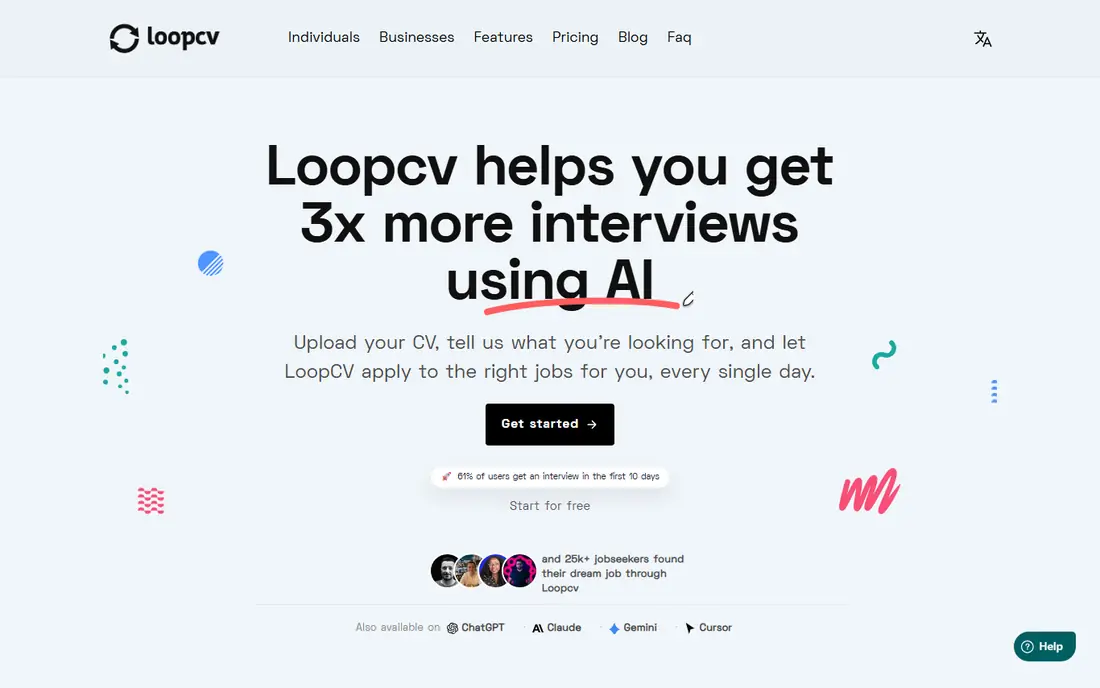
LoopCV works in loops: you set a job title, location, and preferences, and it searches boards, applies, or emails recruiters on your behalf. The free tier covers 10 applications or emails per month with no card required, which is enough to test whether the matches suit you. Paid plans start around 9.99 euros per month and raise the monthly cap.
The review control is the catch. You review the matched job rather than the completed form on one-click apply, so errors can slip through on complex forms. LoopCV does not rewrite your resume automatically, so keep several tailored versions ready. For low-cost automation with a real free tier, it is a sensible first test.
- Free tier with monthly applications
- Loops run across many job boards
- Recruiter email outreach included
- Review covers the matched job, not the filled form, on one-click apply
- Paid prices vary by billing period
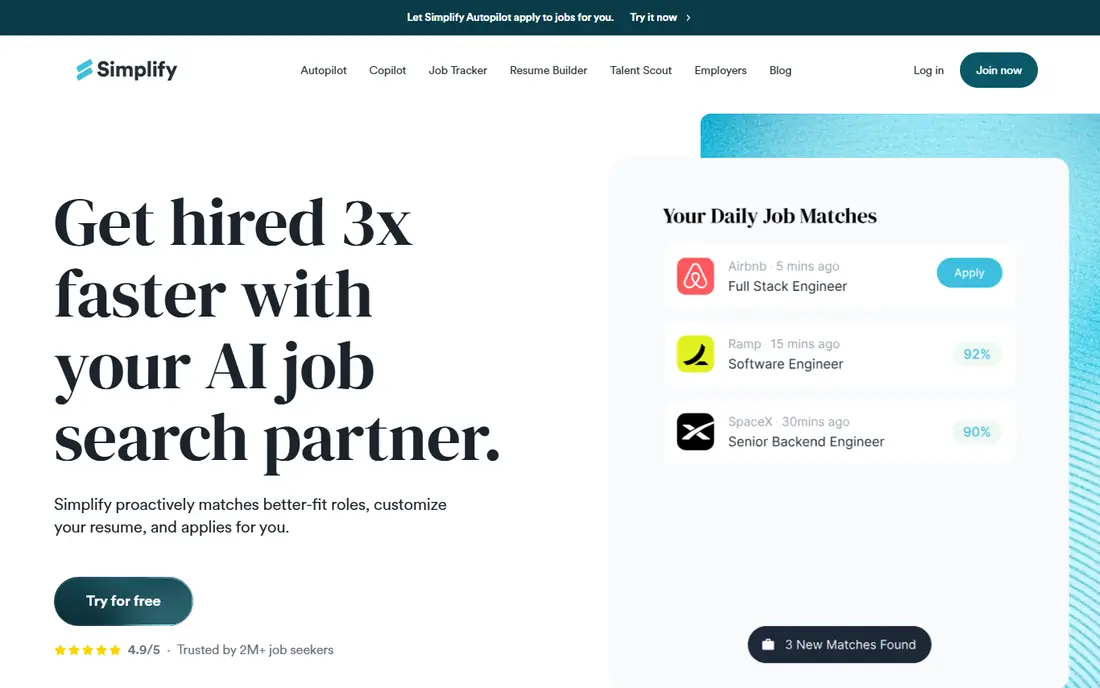
Simplify is the best free starting point for most job seekers. Its free tier covers autofill, application tracking, and job matches, and its Copilot fills forms while you keep the final submit click. That balance of speed and control suits professional roles where a wrong answer can cost an interview.
Simplify+ costs $39.99 per month, or $19.99 per week, and adds tailored documents plus Autopilot, a beta feature that submits on supported portals. Autopilot carries a weekly allowance, so it suits steady applying rather than mass blasts. If you want automation without giving up review, start with Copilot and add Autopilot only when the matches prove reliable.
- Free autofill, tracker, and job matches
- Copilot lets you click submit yourself
- Autopilot beta submits on supported portals
- Autopilot is still in beta
- Tailored documents need the paid plan
- Weekly allowance limits Autopilot use
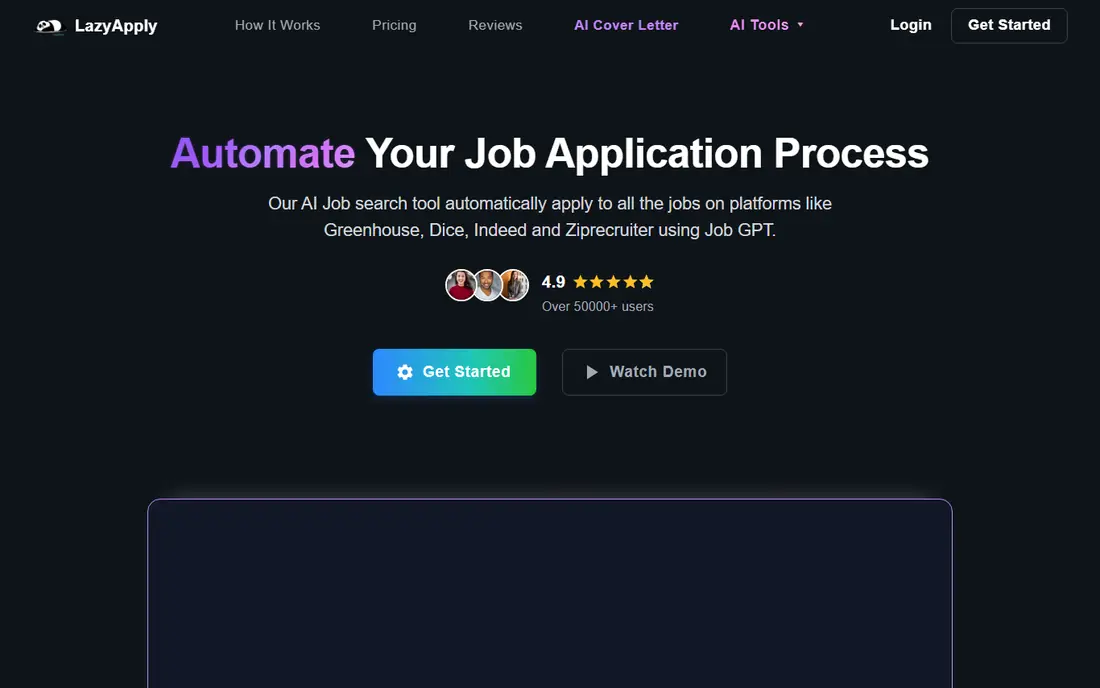
LazyApply is a browser extension built for volume. It applies through Indeed, ZipRecruiter, Dice, Greenhouse, and LinkedIn, with daily caps by plan. The Basic plan costs $99 per year for 15 applications per day, which is cheap per application if you use it steadily.
There is no free trial, and the vendor does not clearly publish a review-before-submit step, so treat it as a hands-off tool. That makes it better for standardized roles with similar descriptions than for senior or specialized roles. Check a sample of submitted applications early, and pause the tool if matches drift off target.
- Chrome extension for major boards
- Yearly price with daily caps
- Works on Indeed, ZipRecruiter, Dice, and Greenhouse
- No free trial
- Review controls are not clearly published
- Volume can hurt quality if used blindly
AIApply pairs automation with tailoring, which addresses the main weakness of volume tools. It rewrites your resume and cover letter for each role, then submits through its auto-apply flow. The vendor notes that you can review drafts before they are sent, which is a control worth using on every role you care about.
Pricing is credit-based, with auto-apply starting around $49 per month for 100 applications. Unused credits roll over only while your subscription stays active, so do not buy a large pack for a short search. If tailored documents matter more than raw volume, AIApply is a strong pick.
- Tailors resume and cover letter per role
- Auto-apply in credit packs
- Writing tools on the free account
- Auto-apply costs $49 per month for 100 applications
- Credits need active use to roll over
JobGPT stands out on credit terms. Unused credits never expire and stack with packs you buy later, starting at $34.99 for 100 applications. That suits job seekers with an uneven search, since a quiet month does not waste money. It also offers five free applications to test the flow.
JobGPT applies on career pages and applicant tracking systems beyond easy-apply boards, with a tailored resume and cover letter per role. Daily volume runs lower than board-only tools, at around 10 to 20 applications per day on standard plans. If you value credit flexibility and tailored documents, JobGPT deserves a close look.
- Credits never expire and stack with later packs
- Tailored resume and cover letter
- Five free applications to start
- Monthly plans still cost $34.99 for 100 credits
- Career-page forms take longer than easy-apply boards
JobCopilot lets you choose how much control to keep. In autopilot mode it applies on your behalf, while in autofill mode it prepares applications for your review and submit click. That choice matters, since some roles deserve a careful read and others do not. Daily match feeds keep new roles in front of you without manual searching.
Pricing starts around $0.93 per day, though billed totals are not fully public, so check the checkout total before subscribing. Tailored documents sit on the Elite plan rather than the base plan. If you want a daily pipeline with a review option, JobCopilot is worth testing, but confirm the full price first.
- Choice between automatic applying and review-first autofill
- Daily match feeds
- Career-page coverage
- No permanent free tier published
- Pricing totals are not fully public
- Elite features cost extra
Sonara uses AI matching to build a queue of roles, then runs an apply flow on your behalf. You can edit the job queue, which gives some control over which roles go out, though the vendor does not clearly describe per-form review. Being cloud-based means no browser extension to manage.
The main drawback is transparency. Sonara publishes no pricing page, and third-party reports put pricing around $23.95 per four weeks after a trial. With so little published detail, test it cautiously: start small, check early submissions, and keep your own tracker so you know what went where.
- AI matching across boards
- Apply flow with job queue editing
- Cloud-based, no extension needed
- No public pricing page
- Free tier not published
- Per-form review is not clearly described
Teal does not auto-apply, and we include it because it makes every other tool here work better. Its free tier covers unlimited job tracking, resume building, and limited AI credits, plus a Chrome extension that saves jobs from boards. Keyword matching shows which terms from a posting appear on your resume, turning vague tailoring advice into a checklist.
Teal+ costs around $29 per month, or $9 per week, and adds unlimited AI content and deeper analysis. The weekly option can quietly cost more than a monthly or annual plan, so pick a billing period that matches your search length. Pair Teal with an auto-apply tool, and use Teal as the record of what you sent.
- Generous free tier with unlimited tracking
- AI resume tailoring and keyword matching
- Chrome extension for saving jobs
- Does not auto-apply
- Weekly billing can cost more than monthly or annual plans if left running
Jobright focuses on US job seekers, with matching, autofill, and a referral finder that surfaces insiders at target companies. A free tier covers basic matching and tracking, while the Turbo subscription adds deeper automation. Work-model filters help remote, hybrid, and on-site seekers narrow results fast.
Pricing appears inside the app rather than on a public pricing page, so confirm costs before upgrading. Autofill depth also varies by board, with some forms needing manual steps. If your search is US-based and referrals matter to you, Jobright pairs well with a tracker such as Teal.
- US-focused matching with work-model filters
- One-click autofill
- Insider referral finder
- Pricing sits inside the app rather than on a public page
- Auto-apply depth varies by board
How we picked these
We compared official pricing pages, free tiers, and recent auto-apply comparisons for tools that still work in October 2026. We favored tools with clear review controls, honest free tiers, and published limits, and we included autofill helpers where they improve an automated search. Prices we could not confirm are marked See website.
How to automate a job search without harming it
Start with review turned on wherever the tool allows it. Read the first ten applications the tool prepares, check for wrong answers, missing fields, and mismatched roles, and only then let it run with less supervision. A tool that saves time but sends errors is worse than applying by hand.
Next, tailor honestly. Use AI to match your real experience to a posting, not to invent skills, jobs, or qualifications you do not have. Employers check, and a false claim can end a candidacy or a job. Keep one master resume with true history, and let tools adapt wording, not facts.
Finally, check employer rules. Some employers and platforms restrict automated applications, and some roles ask for screening answers that need a human response. When a posting says not to use automated tools, or when a form asks for attestations, apply by hand. Automation should widen a honest search, not replace judgment.
Frequently asked questions
What is the best app for job search automation for beginners?
Simplify is the best beginner pick because its free Copilot fills forms while you keep the submit click, and its tracker organizes everything. LoopCV is the best low-cost auto-apply test, with a free tier of 10 applications or emails per month.
Do auto-apply tools really work?
They can increase application volume and surface roles you would miss, but volume alone does not win interviews. Tools with tailored documents and review controls tend to perform better than blind mass applying, especially for professional roles.
Will employers know I used an auto-apply tool?
Possibly, if a tool submits from a data-center address, fills forms incorrectly, or sends identical answers across roles. Review controls, tailored documents, and honest answers reduce that risk. Always check each employer's rules about automated applications before using one.
Is automated applying against the rules?
It depends on the employer and the platform. Some employers allow it, some restrict it, and some forms include attestations that require personal completion. Read the posting and the form, and apply by hand when automation is restricted or when a question needs a personal answer.
How many jobs should I auto-apply to each day?
There is no safe universal number. Quality matters more than volume, and caps vary by tool, from 10 per month on LoopCV free to 15 per day on LazyApply Basic. Start low, check response quality, and raise volume only when matches and submissions stay accurate.
Sources
See where you really rank - block by block
ProMapRanker scans Google Maps across a grid of your service area. Simple monthly plans from $19, white-label on every plan.
Start freeKeep reading
 zscaler alternatives
Best Zscaler Alternatives in 2026
Looking for zscaler alternatives? We compare 9 SASE and zero trust platforms on architecture, data protection, pricing, and fit for your network and team.
Read → zapier alternatives free
Best Zapier Alternatives Free in 2026
Nine automation tools for zapier alternatives free in 2026, all with genuinely free tiers, plus free plan limits, starting prices and upgrade paths explained.
Read → which platform is best for online reputation
Which Platform Is Best for Online Reputation in 2026
Wondering which platform is best for online reputation? We compare 8 review, listing, and response tools for small and multi-location businesses and agencies.
Read →