 ProMapRanker
Best Job Management Software in 2026

Key takeaways
- Jobber is our top pick for small and growing service teams because of its clear pricing and simple scheduling, quoting, and invoicing.
- Housecall Pro suits home-service teams that want online booking, payments, and review tools in one place.
- ServiceM8 is the best low-cost start for solo operators, with a free plan for one user.
- ServiceTitan fits larger, multi-crew operations, but its per-technician pricing and setup time make it too much for a small crew.
Quick comparison
| Pick | Great for | Pricing starts at | Free tier | |
|---|---|---|---|---|
 Jobber | Small and growing service teams | See website | Free trial | Visit |
 Housecall Pro | Home-service booking and payments | $59 per month | Free trial | Visit |
 ServiceTitan | Large multi-crew operations | See website | No | Visit |
 ServiceM8 | Solo operators and small crews | Free | Yes | Visit |
 Workiz | Lead tracking and call handling | See website | Free trial | Visit |
 FieldPulse | Trades teams that want tailored setup | See website | Free trial | Visit |
 Service Fusion | Unlimited users on flat pricing | See website | Free trial | Visit |
 Kickserv | Small crews testing job software | See website | Free trial | Visit |
 Simpro | Larger commercial contractors | See website | No | Visit |
The best job management software options
We compared official pricing pages, feature pages, and recent pricing summaries for tools that manage real jobs from first call to final invoice. The best job management app for a trade or service business is not the one with the most features, but the one your office and field team will both use every day.
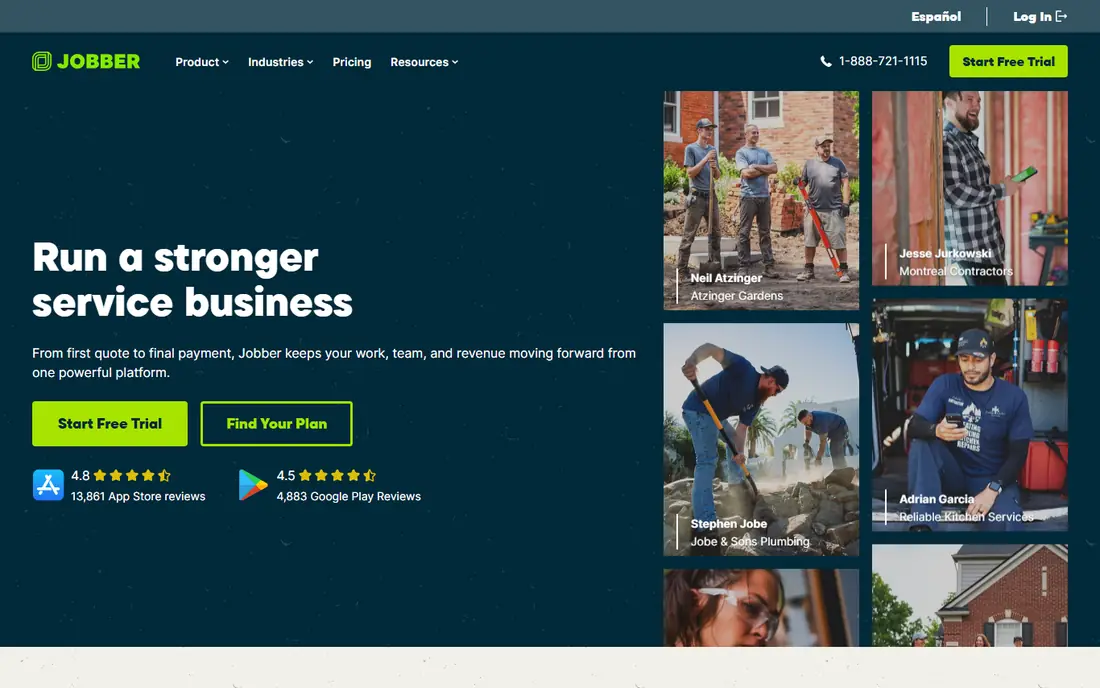
Jobber is the most balanced pick for a small service business. You can schedule jobs, send quotes, invoice, take payments, and remind clients, all from one dashboard, and field staff can see their day on a mobile app. That simplicity matters, since a tool that only the office uses will not fix missed jobs or late invoices.
Recent pricing summaries vary, with entry prices reported around $29 to $39 per month on annual billing, so check the current vendor page before you buy. Add-ons for marketing and AI reception can raise the total, so price the plan you will actually use. For a team of one to ten, Jobber gives you the core job workflow without a long setup.
- Simple scheduling, quoting, and invoicing
- Client reminders and online booking
- Mobile app for field teams
- Add-ons raise the total price
- Reporting is simpler than ServiceTitan
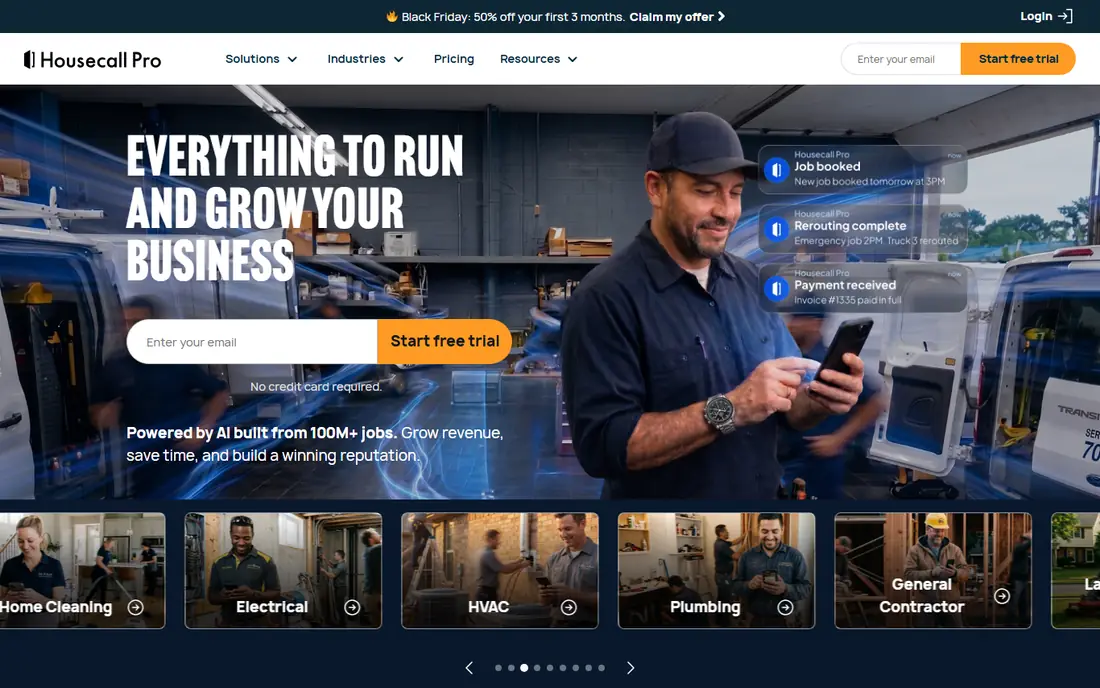
Housecall Pro fits home-service businesses such as plumbing, cleaning, HVAC, and pest control. Customers can book online, you can dispatch jobs, send estimates, invoice, and collect payment, and the system can prompt for reviews after a job. That end-to-end flow helps a growing team that gets many calls and needs a polished customer experience.
Recent summaries put the entry plan at $59 per month on annual billing, with higher tiers for larger teams. That is more than Jobber at entry level, but the built-in booking and review tools may save you a separate tool. Try both trials with a real job, from booking to payment, before you decide.
- Online booking and dispatch
- Quotes, invoices, and payments
- Review and marketing tools built in
- Higher entry price than Jobber
- Larger teams need higher tiers

ServiceTitan is the enterprise end of this list. It offers deep dispatch, pricebook management, reporting, marketing, and call tracking for large residential and commercial contractors with multiple crews. If you run a large operation and need detailed job costing and performance data, it is a serious tool.
The cost and setup are the catch. Pricing is per technician and quoted on request, and recent summaries report much higher annual totals than Jobber or Housecall Pro. Implementation can take weeks or months. For a crew under ten, that scale is usually a burden, not a benefit. Choose ServiceTitan only when your crew size and reporting needs justify it.
- Deep reporting, pricebook, and dispatch tools
- Strong for multi-crew and multi-location operations
- Marketing and call tools
- Per-technician pricing
- Long setup and training time
- Too costly for small crews
ServiceM8 is the best low-risk start for a solo tradesperson. The free plan covers one user with a limited number of jobs, and paid plans are priced by jobs per month rather than by seats, with recent summaries putting Starter at $29 per month. That model suits a small crew where everyone needs access but job volume is modest.
The limits matter as you grow. Job caps on lower tiers can force an upgrade, and Android field use is less polished than iOS in some reports. Still, for a solo operator testing job software for the first time, ServiceM8 lets you run real jobs without a monthly bill at the start.
- Free plan for one user
- Pricing by jobs, not seats
- Quoting, scheduling, and invoicing in one app
- Job limits on lower tiers
- Technician app is stronger on iOS than Android in recent summaries
Workiz suits home-service teams that get a lot of phone leads and need to track where each lead goes. It combines scheduling, dispatch, invoicing, and lead management, with call tools on higher plans that help managers review calls and follow up faster. That focus on the first call is useful for businesses that lose jobs to slow callbacks.
Pricing is not fully public for all plans in recent summaries, so request a quote for your team size and check which features sit on which tier. If your main problem is missed calls and lost leads, Workiz is worth a trial. If you mainly need simple scheduling, Jobber will be simpler.
- Lead and job tracking
- Call recording and phone tools on higher plans
- Scheduling and invoicing
- Pricing is quoted for some plans
- AI and phone features need higher tiers
FieldPulse fits trades businesses that want a system shaped around their own job types, customers, and forms. You can customize records, schedule work, send estimates, invoice, and sync with QuickBooks, which helps an office that already runs its books there. The mobile app keeps field staff on the same job record as the office.
Pricing is seat-based and quoted, so get a written quote for your exact user count before you compare it with flat-rate tools. Setup also needs time to get the customization right. If you want a tailored system and you have a clear workflow in mind, FieldPulse is a strong candidate.
- Customizable job and customer records
- Scheduling, estimates, and invoicing
- QuickBooks integration
- Seat-based pricing needs a quote
- Setup takes care to match your workflow
Service Fusion is attractive for a team that will grow its headcount. Paid plans include unlimited users in recent summaries, so adding office staff or technicians does not add a per-seat charge each time. It covers scheduling, dispatch, estimates, invoicing, and customer management for field service teams.
The starting price is higher than Jobber or ServiceM8, with recent summaries putting Starter around $208 per month on annual billing, so check the current vendor page. For a small crew, that price may be hard to justify. For a team of ten or more that will keep hiring, flat pricing can save money over per-seat tools.
- Unlimited users on paid plans
- Scheduling, dispatch, and invoicing
- Flat monthly pricing in recent summaries
- Higher starting price than Jobber
- Interface feels less modern to some users
Kickserv is a straightforward option for a small crew that wants job scheduling, invoicing, and customer records without a complex setup. Recent summaries put entry pricing around $60 per month for a small team, which sits between ServiceM8 and Housecall Pro for many users. The mobile and web tools cover the daily job flow well.
It does not match the marketing and review depth of Housecall Pro, and it does not offer the deep reporting of ServiceTitan. For a team that mainly needs to schedule, invoice, and get paid on time, that simplicity is enough. Try a trial with your own job types before you commit.
- Simple job scheduling and invoicing
- Customer records and payments
- Lower entry price in recent summaries
- Fewer advanced marketing tools than Housecall Pro
- Reporting is simpler than ServiceTitan
Simpro fits larger trade and commercial contractors who need project management, job costing, inventory, and detailed quoting alongside field scheduling. It handles complex, multi-stage jobs better than a simple scheduling app, which matters for commercial work with many parts and stages.
Pricing is quoted, and setup takes time, so it is not a quick trial pick for a solo operator. If your jobs involve detailed costing, stock control, and commercial clients, Simpro is worth a demo. If your jobs are short residential visits, a simpler tool will be faster to run.
- Strong job costing and project tools
- Good for commercial and multi-site work
- Inventory and quoting depth
- Quoted pricing
- Setup and training take time
How we picked these
We compared official feature pages, pricing pages, and recent pricing summaries, and we only included tools that manage scheduling, quoting or estimates, invoicing, and field jobs in October 2026. We checked mobile apps, payment handling, QuickBooks or accounting links, and whether pricing was clear or quoted. General project tools without field job workflows were left out.
What to check before you choose
Run one real job end to end
In a trial, create a customer, book a job, send a quote, complete the job on a phone, invoice, and take a test payment. That flow reveals gaps that a feature list hides, such as slow mobile screens or awkward payment steps.
Price your real team size
Per-seat, per-technician, per-job, and flat pricing behave very differently as you hire. Price your team at its size in six months, not today, and include payment processing fees in the total.
Check your accounting link
If you use QuickBooks or another accounting tool, confirm the sync covers invoices, payments, and customer records, not just a one-way export. A weak link creates double entry work that defeats the purpose of the software.
Ask about setup and training
Large tools need onboarding time, while small tools can be live in days. Ask how long setup takes, what training is included, and what happens to your data if you cancel. That answer often decides the pick.
Frequently asked questions
What is the best job management software for a small business?
Jobber is our top pick for most small service teams because of its simple scheduling, quoting, and invoicing and its clear pricing. Housecall Pro is close behind for home-service teams that want booking and review tools. ServiceM8 is best for a solo operator starting free.
Is Jobber or Housecall Pro better?
Jobber is usually cheaper at entry level and simpler to set up, while Housecall Pro offers stronger online booking, payments, and review tools. Both cover the core job workflow well, so run a trial of each with a real job and pick the one your field team prefers.
What is the best job management app for trades?
For trades such as plumbing, electrical, HVAC, and cleaning, Jobber, Housecall Pro, ServiceM8, and Workiz all fit well. Choose based on team size, booking needs, and price. Larger commercial trades with complex costing should also look at Simpro.
Does job management software include invoicing and payments?
Yes, most tools here include estimates, invoices, and payment collection, though payment processing fees apply on top of the subscription. Check whether payments are built in or need a separate processor, and confirm the fee before you switch.
How much does job management software cost?
Entry prices vary widely, from free for ServiceM8 solo use to around $59 per month for Housecall Pro, with larger tools quoted per technician. Always price your team size, add-ons, and processing fees together, and check the current vendor page before you buy.
Sources
See where you really rank - block by block
ProMapRanker scans Google Maps across a grid of your service area. Simple monthly plans from $19, white-label on every plan.
Start freeKeep reading
 zscaler alternatives
Best Zscaler Alternatives in 2026
Looking for zscaler alternatives? We compare 9 SASE and zero trust platforms on architecture, data protection, pricing, and fit for your network and team.
Read → zapier alternatives free
Best Zapier Alternatives Free in 2026
Nine automation tools for zapier alternatives free in 2026, all with genuinely free tiers, plus free plan limits, starting prices and upgrade paths explained.
Read → which platform is best for online reputation
Which Platform Is Best for Online Reputation in 2026
Wondering which platform is best for online reputation? We compare 8 review, listing, and response tools for small and multi-location businesses and agencies.
Read →