 ProMapRanker
Best Janitorial Time Tracking Apps in 2026

Key takeaways
- Connecteam and Homebase suit small crews that want a low starting cost, while ClockShark and Swept suit larger multi-site cleaning operations.
- GPS stamps and geofencing matter most for janitorial work, because crews move between buildings all day.
- Swept prices by location rather than by user, which can help companies with many small sites.
- ClockShark offers offline clock-in, while Connecteam needs a connection to clock in, so check coverage at your sites.
- Janitorial Manager is the specialist pick for commercial janitorial firms that need cleaning time against budgeted time per building.
Quick comparison
| Pick | Great for | Pricing starts at | Free tier | |
|---|---|---|---|---|
 Connecteam | Crew messaging plus time clock | Free | Yes | Visit |
 ClockShark | Offline clock-in for field crews | $42 per month | Free trial | Visit |
 Swept | Multi-site cleaning companies | $30 per month | Free trial | Visit |
 Janitorial Manager | Commercial janitorial operations | See website | Free trial | Visit |
 Homebase | Small teams and single sites | Free | Yes | Visit |
 Buddy Punch | Stopping buddy punching | $19 per month | Free trial | Visit |
 Deputy | Compliance-heavy shift work | $5 per user per month | Free trial | Visit |
 QuickBooks Time | QuickBooks payroll users | $20 per month | Free trial | Visit |
 When I Work | Budget shift scheduling | $2.50 per user per month | Free trial | Visit |
The best janitorial time tracking apps
Janitorial time tracking is not just a punch clock. Crews work across many buildings, often at night, and managers need proof of time on site, clean payroll hours, and a way to spot jobs that run over budget. We compared official feature pages, pricing pages, and app store listings, and we kept tools with mobile clock-in, job or site tracking, and payroll exports or integrations.
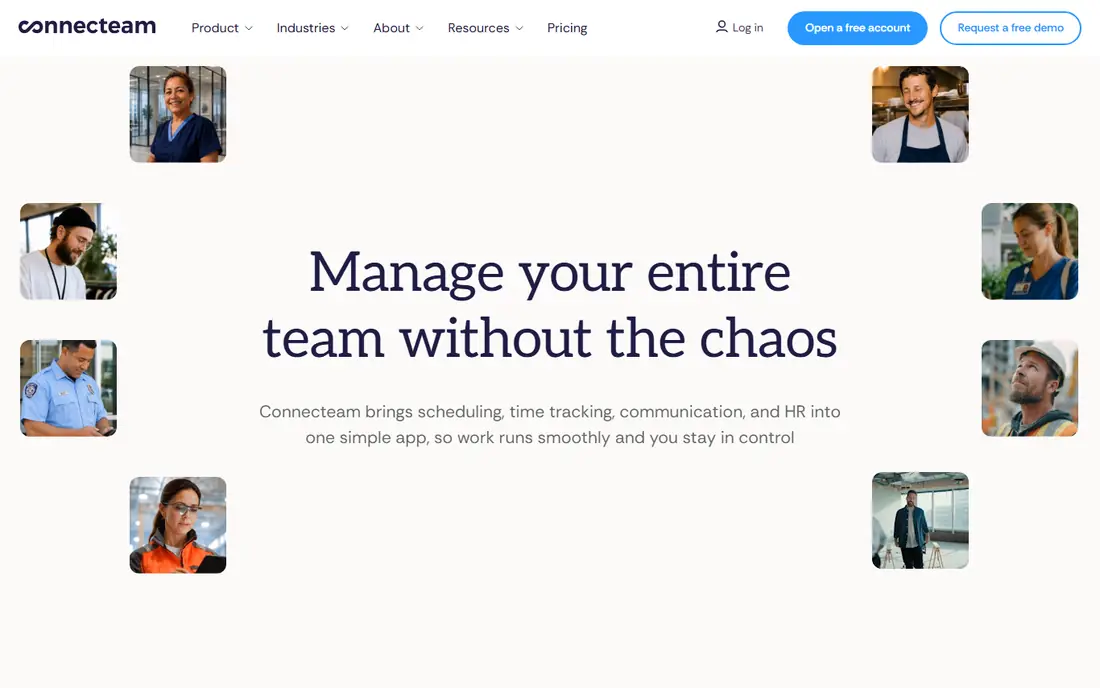
Connecteam suits small cleaning crews that want one phone app for clock-ins, checklists, and messages. Staff can clock in with GPS, complete a site checklist, and report a broken fixture without switching apps, and managers get location-stamped punches tied to jobs. The free plan for up to 10 users makes it easy to test on a real crew before paying.
The main limit is offline use. By its own documentation, Connecteam clock-in needs a connection, so crews in basements or buildings with poor signal may struggle. Paid plans also split features across operations, communications, and HR hubs, so check which hub holds the features you need before you commit to a price.
- Free plan for up to 10 users
- GPS time clock with geofencing
- Forms and team chat in one app
- Clock-in needs a connection, so offline sites are a problem
- Features are split across hubs
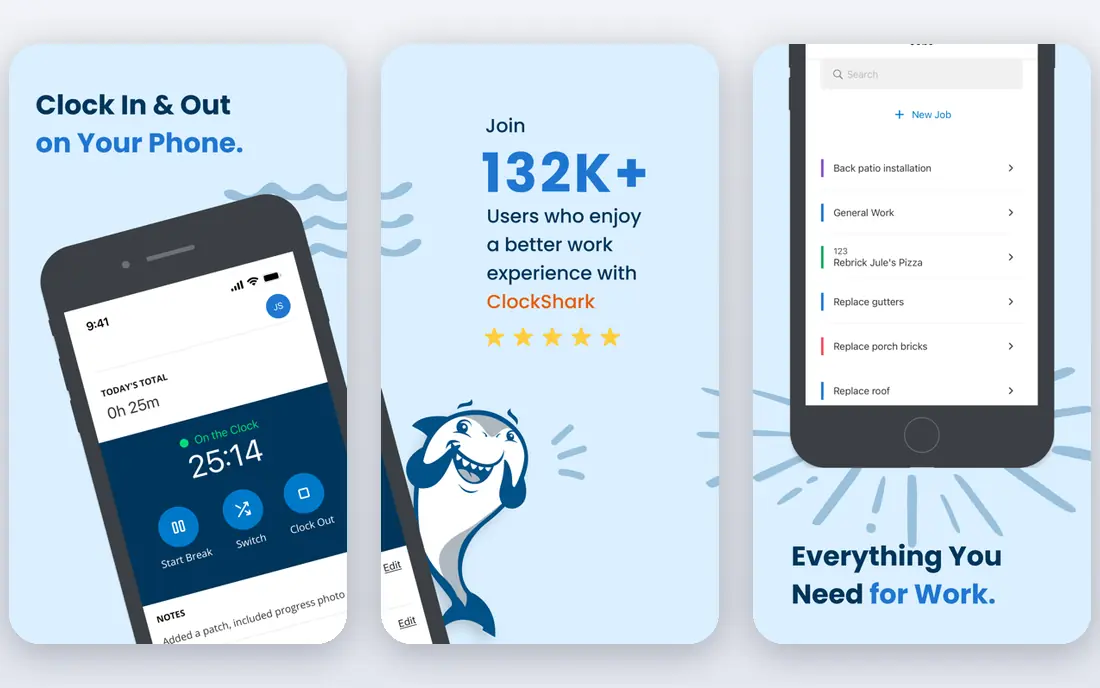
ClockShark is built for crews that work where signal is weak. Staff can punch in offline and entries sync later, which is a real advantage for janitorial teams cleaning basements, large sites, or rural buildings. Scheduling, job and task tracking, approvals, and payroll integrations sit alongside the time clock, so managers can move from punches to timesheets without retyping hours.
Pricing needs care. The Standard plan starts at $42 per month plus $9.50 per active user, so a growing crew raises the bill quickly, and published terms describe a multi-year commitment. Geofencing also alerts managers rather than blocking an out-of-area punch, so you still need a review step for questionable punches.
- Offline clock-in that syncs later
- GPS and geofencing
- Job and task tracking
- Base fee plus per-user charge adds up
- Geofence alerts rather than blocks out-of-area punches
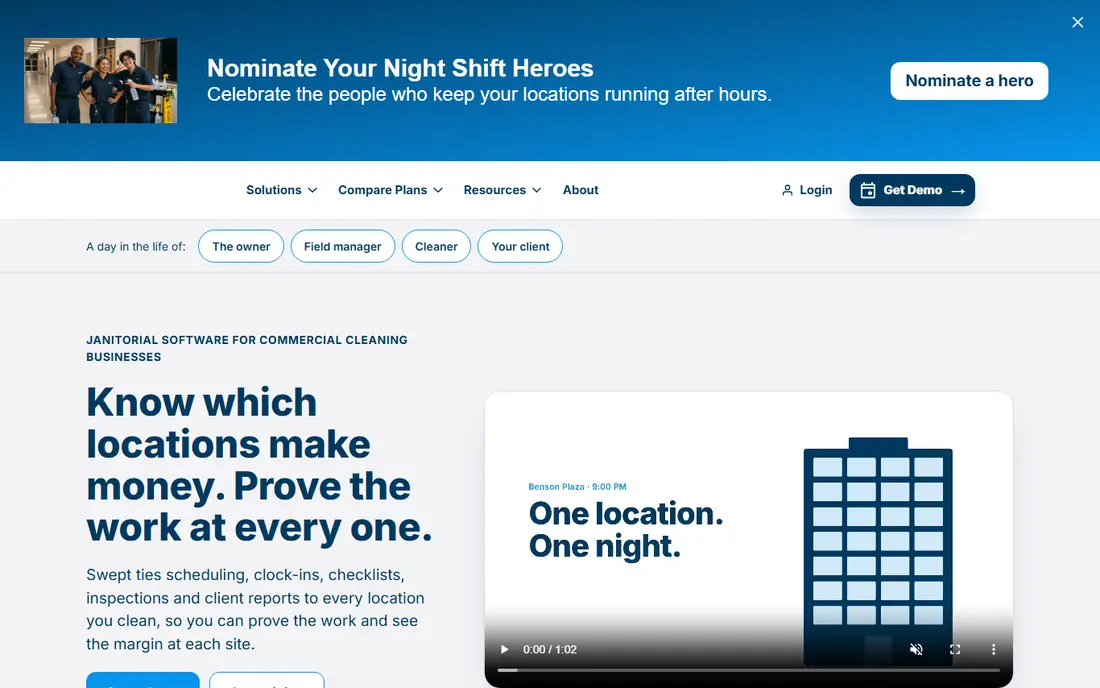
Swept stands out because it is priced by location instead of by user, starting from $30 per month for 15 locations in published comparisons. That model fits commercial cleaners with many small sites and rotating staff, since adding a cleaner does not automatically raise the software bill. Meal break compliance reporting is a useful extra for firms that must prove breaks were taken.
The trade-off is specialisation. Swept is built for cleaning companies, so firms outside cleaning may find its workflows narrow, and costs rise as location counts grow. If you run a handful of large sites, a per-user tool may cost less, so compare both models against your actual site and staff counts.
- Priced by location, not by user
- Meal break compliance reporting
- Cleaning-specific tools
- Less suited to non-cleaning firms
- Pricing tiers depend on location count
Janitorial Manager is the specialist option for commercial janitorial firms running many buildings. It offers several ways to clock in, blocks out-of-area punches in published comparisons, and reports actual cleaning time against budgeted time per location, which helps managers spot buildings that consistently run over. That depth is hard to find in a general time clock.
Cost and setup are the catches. Published comparisons place it around $1,000 per month, far above general tools, and smaller firms may not need its full commercial feature set. It fits best when you manage multiple commercial contracts and need location-level proof and budgeting, not when you run a single small crew.
- Multiple clock-in methods
- Actual versus budgeted cleaning time per location
- Commercial focus
- Higher starting cost than general tools
- Setup takes more time for small firms
Homebase is a practical starting point for a small cleaning firm with one main site or a small team. Its free plan covers scheduling, basic time tracking, team messaging, and hiring for one location with up to 10 employees, which gets a firm off paper at no cost. Paid plans charge per location with unlimited employees, so adding staff at one site does not raise the bill.
Multi-site firms should price carefully, since each location adds cost, and advanced time tracking features sit on paid plans rather than the free tier. Location-based clock-in on the mobile time clock helps for site-based work, but firms with many buildings may find Swept or ClockShark a better fit.
- Free plan for one location and up to 10 staff
- Per-location paid pricing
- Scheduling included
- Paid features rise with location count
- Advanced time tracking sits on paid plans
Buddy Punch focuses on punch integrity, which matters when one employee could clock in for another. It checks punches with webcam photos, IP locking, and a kiosk that uses a PIN, QR code, or facial recognition, and it records GPS on punches with geofence options. That combination gives managers stronger proof than a simple timestamp.
Pricing starts at $19 per month plus $4.99 per user on the Starter plan in published comparisons, so costs grow with headcount, and real-time GPS tracking is an add-on on some plans rather than included. For firms where buddy punching is a known problem, that cost is often justified, but small crews should compare it with Homebase first.
- Webcam photos and PIN or QR kiosk options
- GPS on punches and geofences
- Payroll add-on
- Base fee plus per-user charge
- Real-time GPS tracking is an add-on on some plans
Deputy suits janitorial firms that juggle shift swaps, overtime rules, and approvals across many staff. Scheduling, time tracking, and compliance controls sit in one system, and staff can swap shifts within manager-set rules, which cuts the phone calls that eat up a supervisor's evening. Integrations with payroll and HR tools help move approved hours onward without manual re-entry.
The cost model is per user, starting at $5 per user per month in published comparisons, so a large seasonal crew will pay more than on a per-location plan. Setup also takes more effort than a simple clock app, since compliance rules and shift templates need to be set correctly before the crew starts using it.
- Strong scheduling and compliance tools
- Shift swapping and approvals
- Broad integrations
- Per-user pricing grows with crew size
- Setup is heavier than simple clock apps
QuickBooks Time, formerly TSheets, is the natural pick for firms already running QuickBooks for payroll and accounting. Approved hours flow into QuickBooks with less manual work, GPS tracking and geofencing support site-based clock-ins, and higher plans compare estimates against actual hours, which helps with job costing. For a firm already paying for QuickBooks, that integration removes a weekly export chore.
Outside QuickBooks, its value drops. Pricing starts at $20 per month plus $10 per user in published comparisons, and the most useful costing features sit on higher tiers. If you use another payroll system, check its integration first, and compare ClockShark or Deputy before you commit.
- Direct QuickBooks payroll flow
- GPS tracking and geofencing
- Estimates versus actuals on higher plans
- Base fee plus per-user charge
- Best value only inside QuickBooks
When I Work is the budget option for firms that mainly need scheduling plus a simple time clock. Its starting price of $2.50 per user per month in published comparisons keeps costs low for larger crews, and staff can view schedules, swap shifts, and clock in from a phone. That simplicity helps adoption, since cleaners do not need training on a complex system.
Depth is the trade-off. Job costing, compliance reporting, and advanced geofencing controls are lighter than on ClockShark, Swept, or Janitorial Manager, and reporting on entry plans is basic. It fits small to mid-size crews with straightforward schedules, while firms with complex multi-site contracts will likely need a specialist tool.
- Low per-user starting price
- Simple scheduling and shift swaps
- Mobile clock-in
- Time tracking depth is lighter than specialist tools
- Reporting is basic on entry plans
How we picked these
We compared official feature pages, pricing pages, and app store listings, and we favoured tools with mobile clock-in, GPS or geofencing, site or job tracking, and a payroll export or integration. We noted offline support, pricing models, and whether a geofence blocks or only flags out-of-area punches, since those details change the real cost and control for cleaning crews. We did not claim hands-on testing.
What to check before you buy
Start by listing your sites, your crew size, and your payroll system, then price each tool against those exact numbers, not its headline rate. A per-user plan looks cheap for five staff and expensive for fifty, while a per-location plan reverses that pattern, so run both models for your next year of hiring, not just today. Test clock-in at your hardest sites, including basements and buildings with weak signal, and confirm whether offline punches sync cleanly.
Check how timesheets are approved, how overtime and breaks are handled, and what file or integration your payroll provider accepts. Ask whether geofencing blocks or only flags a punch, whether photos are taken at clock-in, and how staff are told about location tracking, since consent and clear rules matter for trust. Run a two-week trial with one crew, compare the trial hours against your old paper or spreadsheet totals, and only then roll the tool out to every site.
Frequently asked questions
What is the best time tracking app for a small cleaning crew?
Connecteam or Homebase are strong starting points, since both offer free plans for small teams. Connecteam adds checklists and messaging, while Homebase adds scheduling and per-location pricing, so pick the one that matches how your crew already works.
Do janitorial crews need GPS tracking?
For multi-site work, GPS stamps and geofencing give managers proof of time on site and help resolve disputes about hours. Tell staff clearly when location is recorded, limit tracking to clock-in times where possible, and check local rules on employee location data.
Can staff clock in without internet?
Some tools support it and some do not. ClockShark documents offline clock-in that syncs later, while Connecteam needs a connection to clock in. Test this at your actual sites before you buy, especially for basement or rural work.
How does per-location pricing compare with per-user pricing?
Per-location pricing, as on Swept and Homebase paid plans, stays flat as you add staff at a site, which helps firms with many cleaners per site. Per-user pricing, as on Deputy and Buddy Punch, grows with headcount, which helps firms with few staff across many sites.
Which app is best for commercial janitorial firms?
Janitorial Manager is the specialist pick, with location-level budgeting and multiple clock-in methods for commercial contracts. Swept is a strong second choice for firms with many small commercial sites and a need for break compliance reporting.
Do these apps integrate with payroll?
Most do, through direct integrations or exports, but the quality varies. QuickBooks Time integrates most directly with QuickBooks, while Connecteam, ClockShark, and Deputy list several payroll and HR integrations. Confirm the exact export format with your payroll provider during the trial.
Sources
See where you really rank - block by block
ProMapRanker scans Google Maps across a grid of your service area. Simple monthly plans from $19, white-label on every plan.
Start freeKeep reading
 zyte alternatives
Best Zyte Alternatives in 2026
These zyte alternatives cover managed scraping APIs, proxy networks and no code tools for lawful collection from your own or consented sources only in 2026.
Read → zerto alternatives
Best Zerto Alternatives in 2026
Compare the best zerto alternatives for disaster recovery and replication, with recovery targets, cloud options and honest trade-offs for teams in 2026.
Read → zerofox alternatives
Best ZeroFox Alternatives in 2026
We compared 9 zerofox alternatives for brand protection, phishing takedowns, dark web monitoring, and social impersonation, with clear coverage notes.
Read →