 ProMapRanker
Best Janitorial Software Apps in 2026

Key takeaways
- The best janitorial software depends on crew size and contract type, not on the longest feature list.
- Swept and Connecteam suit mobile first field teams, while Janitorial Manager suits inspection heavy multi site operations.
- General field service tools like Jobber and Housecall Pro work well for smaller cleaning companies that also need quoting and invoicing.
- Quote based enterprise pricing needs a written scope, because user counts, locations and modules change the total.
Quick comparison
| Pick | Great for | Pricing starts at | Free tier | |
|---|---|---|---|---|
 Swept | Multi location janitorial teams | $30 per month | No | Visit |
 Janitorial Manager | Inspection heavy operations | See website | No | Visit |
 Jobber | Small cleaning companies | $49 per month | Free trial | Visit |
 Housecall Pro | Scheduling and dispatch | $59 per month | Free trial | Visit |
 CleanGuru | Scheduling without enterprise cost | $75 per month | Yes | Visit |
 ZenMaid | Residential maid services | $19 per month | Free trial | Visit |
 Connecteam | Deskless team communication | $29 per month | Yes | Visit |
 MaintainX | Cleaning plus maintenance work | See website | No | Visit |
 OrangeQC | Quality inspections | $250 per month | No | Visit |
The best janitorial software apps
We compared janitorial and cleaning tools on scheduling, time tracking, inspections, client communication and pricing. The list mixes cleaning first tools with strong general field service options that cleaning companies use every day.
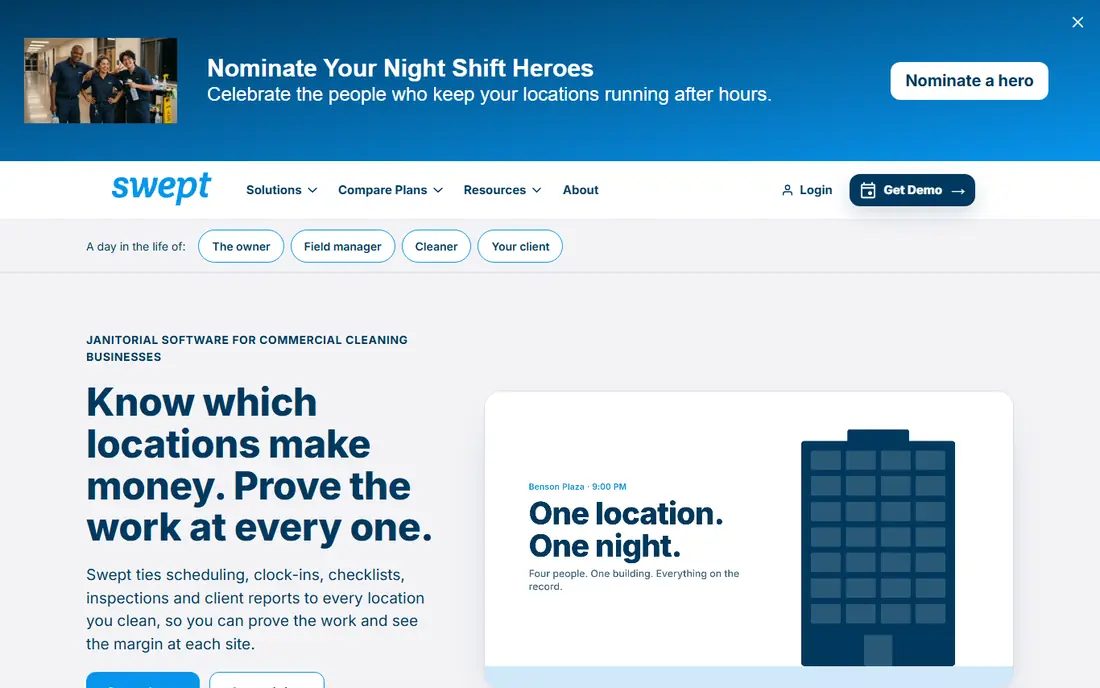
Swept is built for janitorial teams spread across many sites. Cleaners get schedules, site details and messages in one mobile app, instead of juggling group texts and paper checklists. Managers can track attendance, share site notes and keep communication tied to each location, which helps when a crew covers several buildings in one night.
The pricing model is location based, which suits companies that grow site by site. Teams should still confirm what is included at the starting price and what counts as an add on. For a company whose main problem is field coordination, Swept is a strong first shortlist pick.
- Location based plans for multi site work
- Mobile first crew communication
- Scheduling and time tracking in one app
- Implementation and module costs can add up
- Less back office depth than a full ERP tool

Janitorial Manager is the control room option. It covers inspections, work orders, inventory, client portals and reporting in one system, which helps managers prove quality across contracts. Weighted inspections let a team score what matters most at each site, rather than treating every checklist item the same.
That depth comes with a longer setup and a custom proposal. Smaller teams may not need every module on day one. Larger janitorial companies, especially those with quality audits and multi site contracts, are more likely to use the full system and see value from it.
- Weighted inspections and quality reporting
- Inventory and supply tracking
- Client portal and work orders
- Quote based pricing
- Setup can be heavier than a simple scheduling app
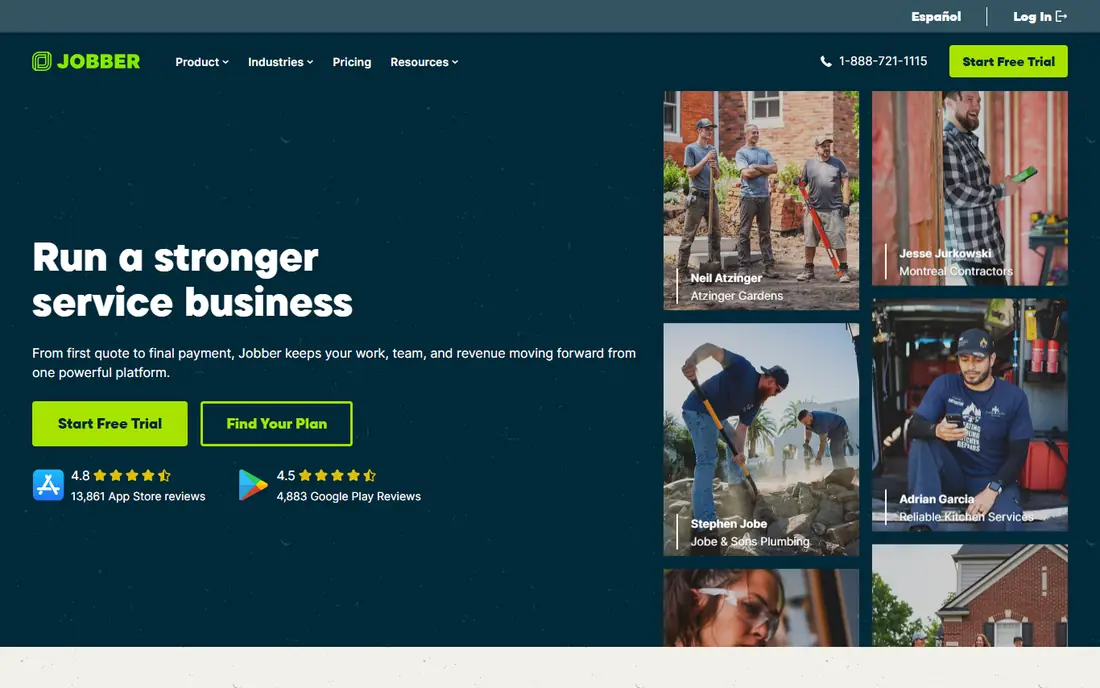
Jobber is a general field service tool that many cleaning companies use as their main system. It handles quotes, jobs, schedules, invoices and payments, and crews can clock in from the mobile app. Clients get reminders and a clear record of work, which helps a small company look organized without extra admin staff.
Jobber does not run payroll itself, so hours export to a payroll provider. That is workable, but it adds a step on each pay run. For a small to mid size cleaning company that needs one tool for sales and operations, Jobber is still a practical and well supported choice.
- Quoting, scheduling, invoicing and payments in one place
- Mobile crew app
- Client reminders and review requests
- Payroll runs through exports, not native payroll
- Lower tiers limit jobs and users
Housecall Pro suits cleaning businesses that live by the dispatch board. Scheduling, job assignment, estimates and invoices sit together, and customers can book and pay online. The mobile app keeps crews on the same job details as the office, which reduces missed visits and unclear instructions.
It is not a specialist janitorial inspection system. Teams that need detailed quality scoring should pair it with an inspection routine or choose a cleaning first tool. For a growing residential or commercial cleaning company, the scheduling strength is often the deciding factor.
- Strong scheduling and dispatch tools
- Estimates and invoicing
- Customer communication and online booking
- More general than cleaning first tools
- Inspection depth is limited compared with Janitorial Manager
CleanGuru aims at cleaning companies that want scheduling and timekeeping without paying for a large enterprise system. Teams can schedule recurring jobs, track cleaner hours and manage clients in a tool shaped around cleaning work. A free tier for small teams makes it easy to test the workflow before committing.
The trade off is breadth. It does not try to be a full marketing, CRM and accounting system. Companies that need that range should look at Jobber or Housecall Pro. Companies that mainly need reliable scheduling and clean time records may find CleanGuru enough.
- Cleaning focused scheduling and timekeeping
- Free tier for small teams
- Payroll friendly time data
- Less breadth than Jobber or Housecall Pro
- Some features sit on higher tiers
ZenMaid is designed around maid services and recurring home cleaning. Scheduling, client details, reminders and payments follow a residential pattern, with repeat visits at the center. That focus keeps the interface simple for owners who do not want a complex operations system.
Commercial janitorial companies with multi site inspections and supply tracking will outgrow it quickly. For a residential cleaning business, though, that simplicity is a benefit. The low starting price also makes it easy to adopt early and upgrade as the client list grows.
- Simple scheduling for recurring home cleans
- Client communication and payments
- Automation for reminders
- Built for residential work, not large commercial contracts
- Inspection tools are basic
Connecteam is an all in one employee app for deskless teams, and cleaning crews are a natural fit. Managers can schedule shifts, share updates, collect forms and message staff in one place. The free tier for small teams makes it a low risk way to replace scattered group chats.
It is not built only for janitorial work, so quality inspections and client reporting need a separate routine or add on. Teams that mainly need communication, scheduling and time tracking, and already have another way to handle clients, will get the most from it.
- Employee app with scheduling, forms and chat
- Free tier for up to 10 users
- GPS and time tracking options
- Not cleaning specific
- Inspection and client portal features are less deep
MaintainX suits facilities teams where cleaning sits alongside maintenance. Work orders, preventive tasks, asset records and team messaging live in one mobile system. A janitorial team working inside a larger facilities operation can use the same task flow as maintenance staff, which avoids a separate tool for every job type.
Pure janitorial companies may find the maintenance depth surplus to needs, and pricing is tiered rather than published as one simple plan. For mixed facilities work, though, the shared work order system is a real advantage.
- Work orders and asset tracking
- Mobile first task execution
- Reporting across sites
- Maintenance first design
- Janitorial specific workflows need configuration
OrangeQC focuses on one job and does it well: proving cleaning quality. Inspectors can score sites, add photos, flag issues and share reports with clients. That evidence helps managers fix problems early and show contract performance in client meetings.
It is not meant to replace scheduling, invoicing or payroll tools. Teams should treat it as a quality layer on top of their operations system, or choose it when inspections are the main gap. The starting price reflects that specialist focus, so small teams should weigh it against a broader tool with basic inspection features.
- Focused inspection and audit tools
- Photo and scoring for site quality
- Reporting for client reviews
- Higher starting price
- Not a full scheduling and billing system
How we picked these
We compared official feature and pricing pages, plus third party pricing summaries where a vendor used quote based pricing. We kept tools with current mobile apps or mobile friendly workflows for cleaners in the field, and we favored tools with clear janitorial or cleaning use rather than generic project software. Where a price could not be verified from the vendor, we wrote See website.
What to check before you choose janitorial software
Start with a single site and a single crew. Test how a cleaner finds the job, checks in, sees site notes and reports a problem. Then test the manager view: can you see who attended, what was missed and how long each site took, without exporting data to a spreadsheet. If either side feels clumsy in a trial, it will feel worse at 2 a.m. across ten sites.
Next, check inspections, clients and money together. Ask how inspection scores reach clients, how recurring schedules handle holidays and cover staff, and how time data exports to payroll. Confirm mobile access for cleaners who may not have a company email address, and ask about language support if your crew needs it. A tool that handles scheduling but hides quality data will create a second system sooner or later.
Frequently asked questions
What is the best janitorial software?
Swept suits multi location field teams, Janitorial Manager suits inspection heavy operations, and Jobber suits smaller companies that need quoting and invoicing too. The right pick follows your biggest gap: field coordination, quality proof or back office work.
Is there free janitorial software?
CleanGuru and Connecteam offer free tiers for small teams, and several paid tools offer trials. Free tiers usually limit users or features, so check whether scheduling, time tracking and client records are included before relying on them.
How much does janitorial software cost?
Prices in this list range from $19 per month for a small residential tool to $250 per month for a specialist inspection tool, with several enterprise tools priced by quote. Location counts, user counts and modules change the total, so get a written quote.
Do cleaners need a smartphone app?
Most modern tools assume a mobile app for schedules, check in and site notes. If some cleaners do not use smartphones, ask about SMS updates, printed schedules or a simple web view before you sign up.
Can janitorial software handle inspections?
Yes, Janitorial Manager and OrangeQC focus on inspections, while other tools offer forms or checklists. Ask whether scores, photos and issue tracking are included, and whether clients can see reports directly.
What is the difference between janitorial software and field service software?
Janitorial software is shaped around recurring cleaning, multi site quality and site level communication. General field service software covers a wider range of trades, with stronger quoting and invoicing, but often less depth on cleaning inspections.
Sources
See where you really rank - block by block
ProMapRanker scans Google Maps across a grid of your service area. Simple monthly plans from $19, white-label on every plan.
Start freeKeep reading
 zscaler alternatives
Best Zscaler Alternatives in 2026
Looking for zscaler alternatives? We compare 9 SASE and zero trust platforms on architecture, data protection, pricing, and fit for your network and team.
Read → zapier alternatives free
Best Zapier Alternatives Free in 2026
Nine automation tools for zapier alternatives free in 2026, all with genuinely free tiers, plus free plan limits, starting prices and upgrade paths explained.
Read → which platform is best for online reputation
Which Platform Is Best for Online Reputation in 2026
Wondering which platform is best for online reputation? We compare 8 review, listing, and response tools for small and multi-location businesses and agencies.
Read →