 ProMapRanker
Best ITSM Platforms for Small Business in 2026


Complete ITSM without complexity · Pricing starts at: $19 per agent per month
Key takeaways
- Freshservice and Jira Service Management give small teams the most complete ITSM starting point for the price.
- A free tier is enough for a very small team, but asset tracking and change control often sit on paid tiers.
- Spiceworks suits a tiny team that needs basic ticketing at no licence cost, with fewer ITSM controls.
- Count agents, not staff, since most platforms charge per agent and that number drives the bill.
Quick comparison
| Pick | Great for | Pricing starts at | Free tier | |
|---|---|---|---|---|
| Freshservice | Complete ITSM without complexity | $19 per agent per month | Free trial | Visit |
 Jira Service Management | Developer-linked service desk | Free | Yes | Visit |
 ManageEngine ServiceDesk Plus | ITIL workflows on a budget | See website | Free trial | Visit |
 SysAid | Automation and self-service | See website | Free trial | Visit |
 SolarWinds Service Desk | Simple service desk and assets | $39 per technician per month | Free trial | Visit |
 HaloITSM | Configurable ITSM for growing teams | See website | Free trial | Visit |
 InvGate Service Desk | Multi-department service desk | See website | Free trial | Visit |
 Spiceworks | Free basic ticketing | Free | Yes | Visit |
 Atera | Ticketing plus device management | See website | Free trial | Visit |
The best ITSM platforms for small business
We compared ticketing, incident and change workflows, asset tracking, automation, and pricing, and we kept only tools that a small team can run without a large implementation project.
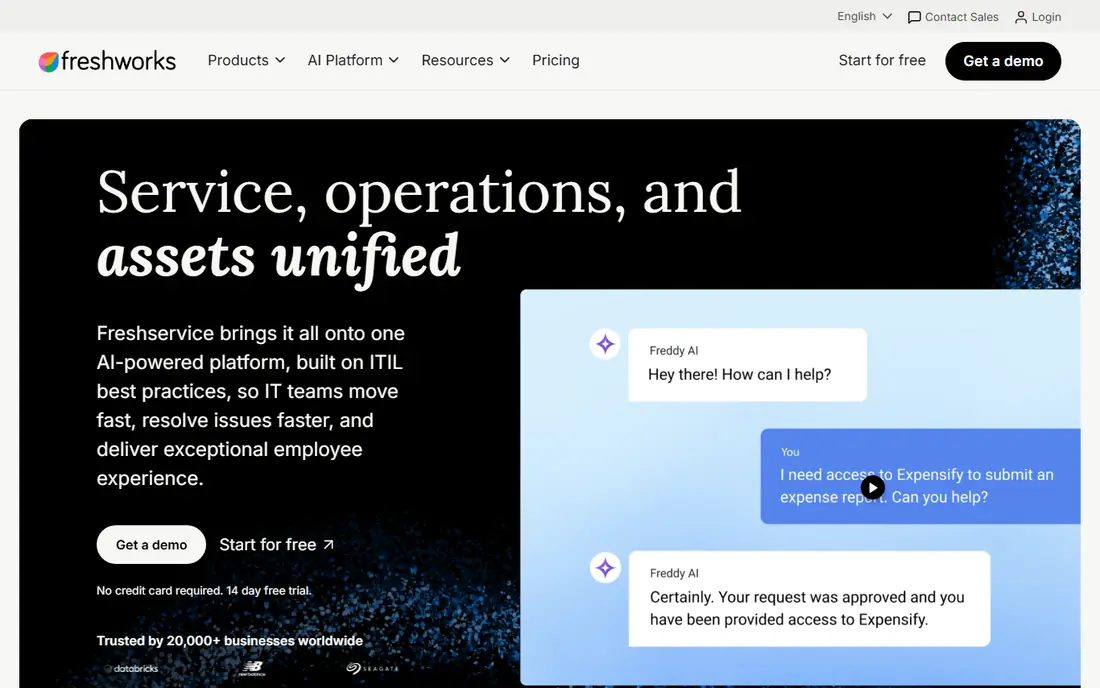
Freshservice is our pick for most small businesses because it covers the daily ITSM work without a long setup. Agents get ticketing, a self-service portal, a knowledge base, and SLA tracking, and managers get reports that show where requests pile up. The interface is clear enough for a small team to adopt in days, not months.
The catch is tier gating. Change and problem management, deeper asset tools, and advanced analytics sit above the entry plan, so a team that needs full ITIL-style control should price the Pro tier. For a team moving off shared inboxes, the Starter and Growth tiers still cover a large step forward.
- Incident, knowledge base, and portal on entry tier
- Automation from Growth
- Wide integration marketplace
- Advanced ITSM features need higher tiers
- Asset management depth varies by plan
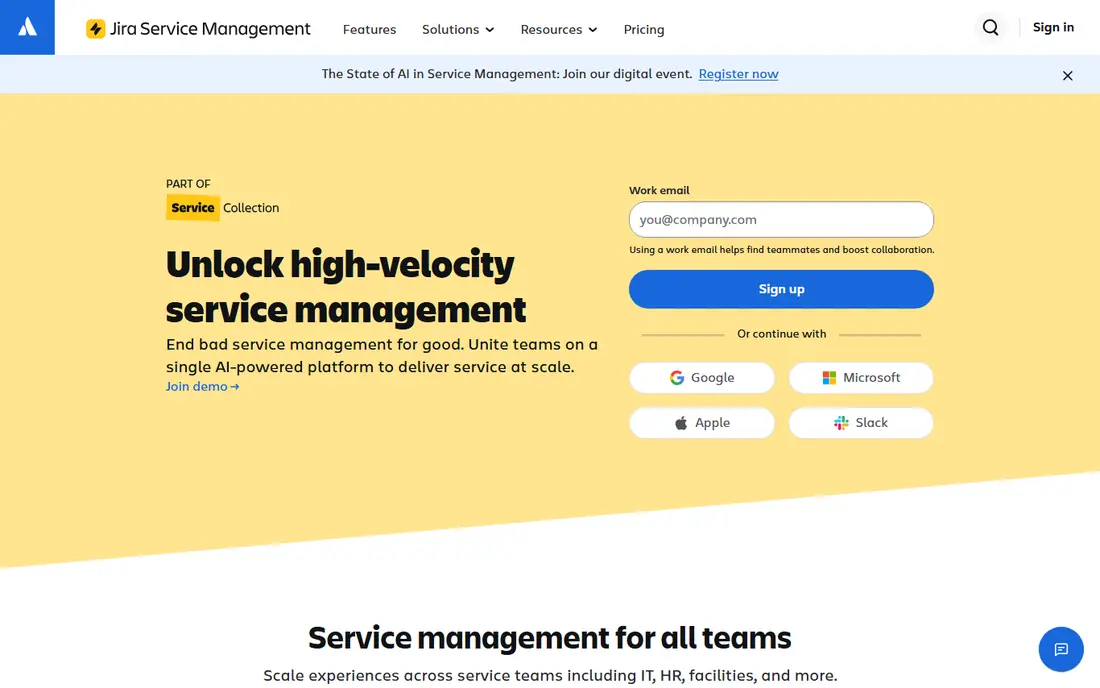
Jira Service Management fits small teams that already use Jira or work closely with developers. A support request can link straight to a development issue, which helps when a bug report becomes a fix task. The free tier covers up to three agents, which is enough for a very small IT team to run real queues, forms, and SLAs.
Complexity is the trade-off. Configuration options are deep, and a team without an admin may spend more time tuning workflows than answering tickets. Paid tiers add assets, change and problem management, and a virtual service agent. If your team lives in Atlassian tools, that depth is a benefit, not a burden.
- Free tier for up to 3 agents
- Strong link to Jira Software
- Assets and automation on paid tiers
- Setup can feel complex
- Identity features need a separate Atlassian Guard plan on lower tiers
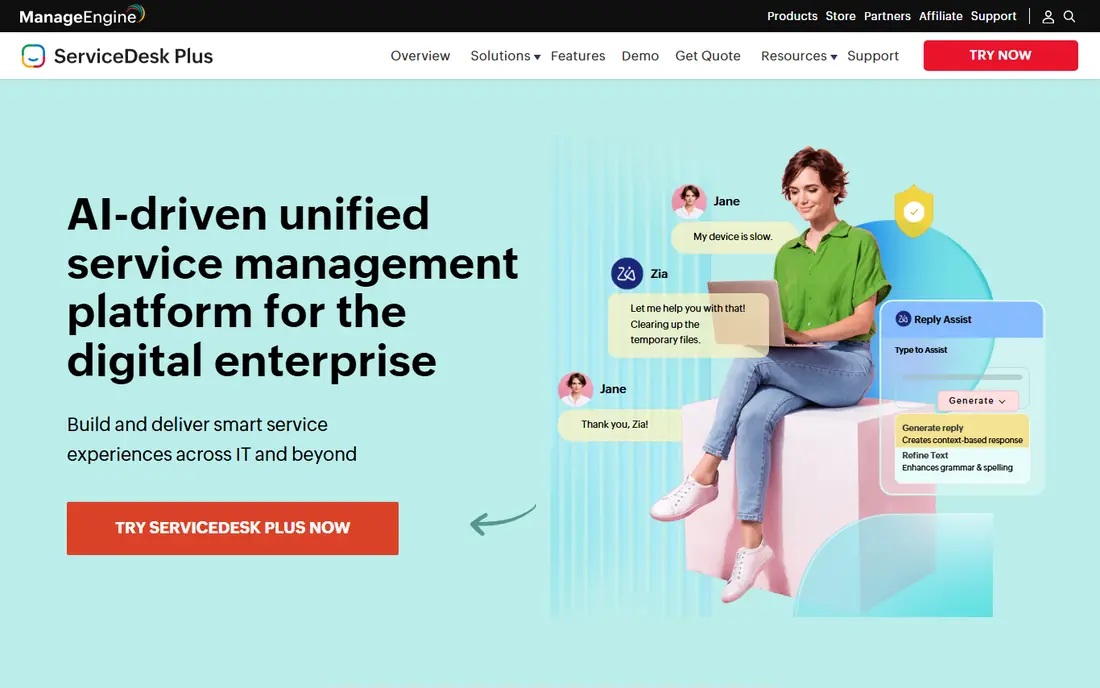
ManageEngine ServiceDesk Plus gives small teams a full set of ITSM modules at a price point below many enterprise rivals. Incident, problem, change, asset, and project tools sit in one product, and the cloud and on-premises options suit teams with hosting rules. For a team that wants formal workflows without enterprise pricing, it is a strong shortlist option.
The interface is functional rather than modern, and new agents may need training to use every module well. Pricing also varies by edition, so confirm the tier that includes the modules you need. Teams that value depth over polish will find the trade acceptable.
- Incident, problem, change, and asset modules
- On-premises and cloud options
- Built-in reports
- Interface feels dated in places
- Pricing needs a quote for some editions
SysAid suits small and mid-size teams that want automation to cut repeat tickets. The self-service portal, knowledge base, and workflow automation help staff solve common requests without waiting for an agent. Asset tracking ties devices to tickets, which makes it easier to spot repeat faults on the same hardware.
Pricing is quote-based, which makes a quick comparison harder, and the first setup benefits from a clear plan for categories and workflows. Teams that invest that time get a system that scales past basic ticketing. For a team that only needs a simple queue, SysAid may offer more than required.
- Ticketing, asset management, and automation
- Self-service portal
- Microsoft Teams integration
- Quote-based pricing
- Some advanced features need configuration help
SolarWinds Service Desk, formerly Samanage, gives small teams a clean service desk with asset discovery and an employee portal. Staff can raise requests, track progress, and find answers in the knowledge base, while agents see device and user context on each ticket. Setup is faster than a large enterprise rollout, which matters when IT staff are few.
The limit is depth. Teams that need complex change approval chains or deep problem analytics may outgrow it sooner than a full ITSM suite. Still, for incident, request, asset, and knowledge work at a clear per-technician price, it is a practical pick.
- Ticketing and asset discovery
- Employee service portal
- Straightforward setup
- Advanced ITSM depth is lighter than enterprise tools
- Add-ons can add cost
HaloITSM fits teams that want to shape the service desk around their own processes. Incident, problem, change, release, and service catalog modules are available, and the configuration options let a team build approval flows and forms that match how it actually works. That flexibility helps as a business adds departments beyond IT.
A tiny team may find the options more than it needs at first, and pricing requires a quote, so budgeting takes an extra step. Teams with a clear process owner will get more from HaloITSM than teams that want a fixed out-of-box setup. It is a good middle ground between a simple help desk and an enterprise suite.
- Incident, problem, change, and service catalog
- Flexible configuration
- Self-service portal
- Pricing is quote-based
- Configuration options can overwhelm a tiny team
InvGate Service Desk stands out when a small business wants one desk for IT, HR, and facilities requests. Each department can have its own forms, workflows, and knowledge articles, while agents work from a shared queue. The visual workflow builder makes routing and approval rules easier to follow than code-heavy setup.
The marketplace is smaller than Freshservice or Atlassian, so check any must-have integration before you commit. Pricing is also quote-based, which slows a direct price comparison. For multi-department use, the shared desk often saves more time than a single-purpose IT tool.
- Service desk for IT, HR, and facilities
- Visual workflow builder
- Asset links
- Quote-based pricing
- Smaller marketplace than the largest rivals
Spiceworks Cloud Help Desk is the honest free option for a very small team. You get ticket queues, a user portal, and basic reporting without a licence fee, which makes it easy to move off email. The community around Spiceworks also helps new admins find setup guides and answers.
The trade is scope. Change and problem management, deep SLA automation, and rich asset controls are thinner than in paid ITSM tools. A team that grows past a handful of agents will likely need to migrate later. As a first step, though, Spiceworks proves whether a formal queue helps before you pay.
- No licence cost for the cloud help desk
- Simple ticket queues
- Community support
- Limited ITSM controls
- Fewer automation and reporting options than paid tools
Atera fits small IT teams and managed service providers that manage devices as well as tickets. Remote monitoring, patching, and remote access sit beside ticketing, so an agent can see device health and act without switching tools. Per-technician pricing, rather than per-device pricing on some plans, can suit teams with many endpoints.
Pure ITSM buyers may find change and problem workflows lighter than in Freshservice or Jira Service Management. Atera is best when device management is half the job, not an afterthought. If your team spends most days on endpoints, that combined view is worth the higher price.
- Ticketing combined with remote monitoring and management
- Patching and remote access
- Per-technician pricing
- Pricing sits above simple help desks
- ITSM depth is lighter than dedicated ITSM suites
How we picked these
We compared official feature pages, pricing pages, and public documentation for each tool. We kept only tools that a small business can buy and run today, and we favored clear ticketing, self-service, SLA tracking, and asset visibility. We did not claim hands-on testing, and we left out enterprise-only suites that need a large implementation team to run well.
How to choose the right tier
Start by counting agents who will work tickets every day, since that number sets the licence cost on most plans. Then list the workflows you must have in the first month, such as incident queues, a knowledge base, approval for changes, and asset tracking. If a must-have workflow sits two tiers up, price that tier, not the entry tier, or the tool will disappoint fast.
Next, test the portal from a staff member view. A service desk fails when staff keep emailing IT instead of using it, so the portal must be easy to find, easy to fill in, and clear about progress. Run a two-week trial with real requests, check the reports, and confirm integrations with email, chat, and any monitoring tool you already use.
Questions to ask sales
Ask what is included at each tier, how asset limits work, and what happens when you add agents mid-year. Ask about data export, so you can leave if the tool stops fitting. Clear answers on those points matter more than a discount on the first year.
Frequently asked questions
What is the best ITSM software for small businesses?
Freshservice is our pick for most small businesses, with Jira Service Management close behind for teams tied to Atlassian tools. Both cover ticketing, self-service, and SLAs at a small-team price. The right choice depends on your current tools and how much configuration you want to manage.
What is the best ITSM tool for small business on a tight budget?
Jira Service Management free tier and Spiceworks free help desk give the lowest-cost start. Jira gives more ITSM depth for up to three agents, while Spiceworks gives a simpler free queue. Move to a paid tier when asset tracking or change control becomes a daily need.
How is ITSM different from a help desk?
A help desk handles tickets and requests. ITSM adds incident, problem, change, asset, and service catalog processes around those tickets, so repeat faults and risky changes get managed, not just answered. Small teams can start with help desk features and add ITSM processes as they grow.
Do small teams need ITIL processes?
Small teams do not need every ITIL process on day one, but incident, request, and change basics prevent repeat outages and untested changes. Pick a tool that lets you add problem and release workflows later, rather than forcing them all at once.
How many agents should we licence?
Licence only staff who work tickets, approve changes, or manage assets daily. Requesters who only submit tickets usually do not need a paid agent seat. Check each vendor rule, since agent definitions vary, and recount seats before each renewal.
Sources
- https://www.freshworks.com/freshservice/
- https://www.atlassian.com/software/jira/service-management
- https://www.manageengine.com/products/service-desk/
- https://www.sysaid.com
- https://www.solarwinds.com/service-desk
- https://www.haloitsm.com
- https://www.invgate.com/service-desk/
- https://www.spiceworks.com
- https://www.atera.com
See where you really rank - block by block
ProMapRanker scans Google Maps across a grid of your service area. Simple monthly plans from $19, white-label on every plan.
Start freeKeep reading
 zscaler alternatives
Best Zscaler Alternatives in 2026
Looking for zscaler alternatives? We compare 9 SASE and zero trust platforms on architecture, data protection, pricing, and fit for your network and team.
Read → zapier alternatives free
Best Zapier Alternatives Free in 2026
Nine automation tools for zapier alternatives free in 2026, all with genuinely free tiers, plus free plan limits, starting prices and upgrade paths explained.
Read → which platform is best for online reputation
Which Platform Is Best for Online Reputation in 2026
Wondering which platform is best for online reputation? We compare 8 review, listing, and response tools for small and multi-location businesses and agencies.
Read →