 ProMapRanker
Best IT Project Management Tools in 2026

Key takeaways
- Jira and Linear remain the strongest choices for software teams that live in sprints, backlogs, and releases.
- Asana, monday.com, and ClickUp suit IT teams that also coordinate work with non technical departments.
- Free plans are useful for small teams, but reporting, permissions, and automation often need a paid tier.
- The best it project management software depends on whether you need strict agile workflows or flexible project views.
- Check code, documentation, and incident tools before choosing, because a task board alone rarely covers IT delivery.
Quick comparison
| Pick | Great for | Pricing starts at | Free tier | |
|---|---|---|---|---|
 Jira | Agile software delivery | $7.91 per user per month | Yes | Visit |
 Linear | Fast product teams | $10 per user per month | Yes | Visit |
 Asana | Cross team IT projects | $10.99 per user per month | Yes | Visit |
 monday.com | Visual project tracking | $9 per seat per month | Yes | Visit |
 ClickUp | All in one work hub | $7 per user per month | Yes | Visit |
 Wrike | Resource and portfolio control | $10 per user per month | Yes | Visit |
 Smartsheet | Data driven project plans | $9 per user per month | Free trial | Visit |
 Zoho Projects | Budget conscious IT teams | $5 per user per month | Yes | Visit |
 Teamwork | Client facing IT work | See website | Yes | Visit |
The best it project management tools
IT project work blends software delivery, infrastructure changes, support tickets, and stakeholder reporting. A tool that only holds tasks will fail when a release, a migration, and a security patch land in the same week. The tools below cover that mix in different ways, from strict agile issue tracking to flexible boards that non technical teams can also use. We compared official pricing and feature pages, and we focused on fit for IT work rather than general task lists.
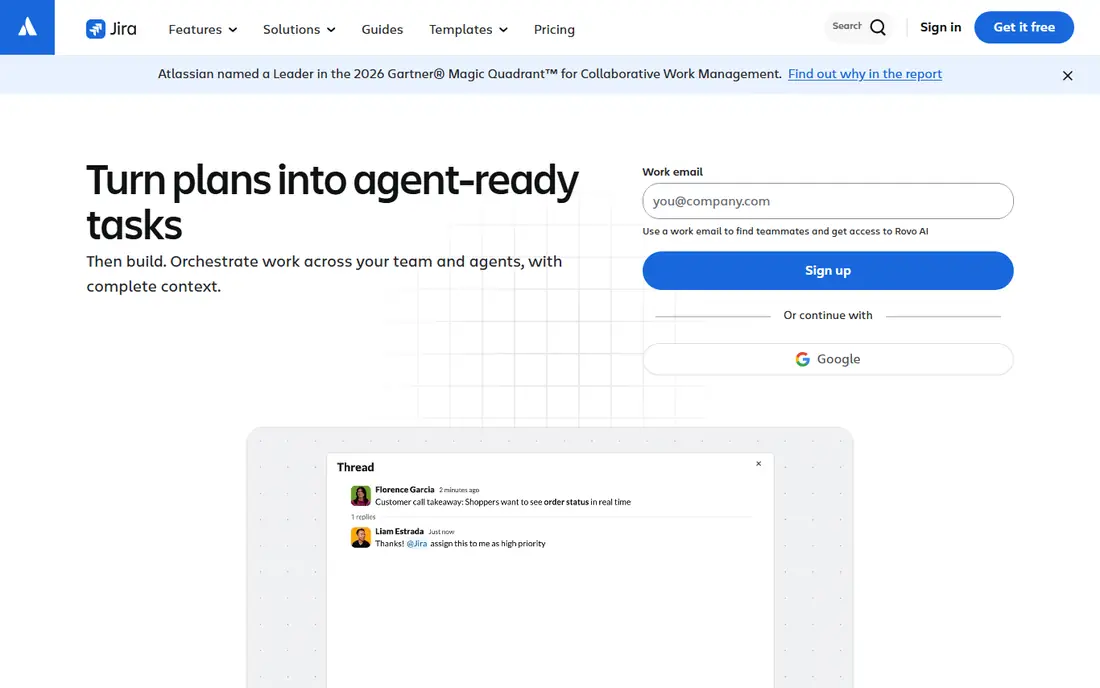
Jira is the default choice for many software teams for a reason. It handles epics, stories, bugs, sprints, and releases in a structured way, and it connects closely with code repositories and documentation tools in the same vendor family. For an IT team that needs traceability from a request to a release, that structure is valuable.
The cost is complexity. Jira rewards teams that invest in workflow design and admin time, and it can frustrate teams that just want a simple board. Small teams should start with a standard template and add custom fields only when a real reporting need appears. For larger IT departments, that same flexibility becomes a strength, because different teams can run different workflows under one system.
- Mature scrum and kanban boards
- Strong backlog, sprint, and release planning
- Deep integration with code and documentation tools
- Setup can be complex for small teams
- Admin overhead grows with custom workflows
- Interface can feel heavy for simple projects

Linear suits product and engineering teams that want speed over endless configuration. Issues move quickly, cycles replace heavy sprint admin, and the interface stays focused on the work itself. Teams that ship weekly often find Linear reduces the time spent updating the tool instead of doing the work.
The trade off is scope. Linear is excellent for software delivery, but it is not a general project portfolio platform for finance, marketing, and operations in the same way. IT leaders who need portfolio reporting across many departments may pair Linear with a reporting tool, or choose a broader platform. For a focused software team, Linear is one of the easiest tools to adopt and keep tidy.
- Fast interface and keyboard driven workflow
- Cycles, triage, and roadmaps built for product teams
- Clean issue tracking without heavy admin
- Less suited to non software project types
- Reporting is lighter than enterprise portfolio tools
- Some teams miss Jira style customization

Asana works well when IT projects involve people outside engineering, such as operations, finance, or customer teams. Timelines, portfolios, and goals give managers a clear view of a migration or rollout without forcing every contributor to learn agile terminology. Templates help teams repeat common IT work, from office moves to system upgrades.
Software purists may find Asana lighter on sprint mechanics, story points, and release tracking. That is a fair criticism if your team runs strict scrum. If your main problem is coordination across departments, Asana often wins because stakeholders actually update it. Check the reporting tier carefully, because portfolio views and advanced dashboards sit above the entry plan.
- Clear timelines, portfolios, and goals
- Easy for non technical staff to use
- Strong templates for migrations and rollouts
- Agile depth is lighter than Jira or Linear
- Advanced reporting needs higher tiers
- Costs rise with larger teams
monday.com suits IT managers who need a visual view of work that leaders can read at a glance. Boards can track projects, assets, requests, and tickets, and dashboards can show status, owner, and risk without a separate report. Automations can move items, send reminders, and update status when work changes.
The risk is drift. Because monday.com is so flexible, teams can build boards that look different from each other, which makes reporting harder over time. IT leaders should agree on a small set of standard boards and status labels before rolling it out widely. With that discipline, monday.com is a strong choice for IT teams that also serve business stakeholders.
- Highly visual boards and dashboards
- Flexible columns and automations
- Easy to adapt to IT service and project work
- Can become expensive at scale
- Agile workflow enforcement is weaker than Jira
- Free plan is limited to a small number of seats
ClickUp appeals to IT teams that want to replace several tools at once. Tasks, documents, goals, time tracking, and dashboards sit in one workspace, which reduces switching between apps. The free plan is generous enough for a small team to test real work, not just a demo project.
Breadth is also the weakness. New users can feel lost among views, custom fields, and automation options, and a poorly planned workspace becomes messy fast. Teams that succeed with ClickUp usually assign one owner to design the structure and train the team. At its entry price, it offers strong value for IT teams that are willing to invest that setup time.
- Tasks, docs, goals, and chat in one place
- Many views including list, board, and Gantt
- Generous free plan for small teams
- Feature breadth can overwhelm new users
- Setup takes time to get right
- Performance and simplicity vary by workspace size
Wrike fits IT departments that manage many projects at once and need to see who is overloaded. Workload views, approvals, and request intake help managers balance delivery teams, review work, and plan capacity. Gantt charts and portfolio views suit infrastructure programs and multi quarter plans.
Small teams may find Wrike heavier than they need. The interface carries a lot of options, and casual contributors may need guidance to use it well. For a mid size or large IT function with program managers, that depth is the point. Wrike is a good fit when resource planning and approvals matter as much as task tracking.
- Workload and resource views
- Approvals and request forms
- Gantt charts and portfolio reporting
- Interface can feel dense for small teams
- Higher tiers needed for full reporting
- Learning curve for casual users
Smartsheet suits IT teams that plan in sheets and want that familiarity with project controls added on top. Rows, formulas, and reports feel natural to managers who already track budgets and timelines in spreadsheets. It also handles intake forms, approvals, and dashboards for program reporting.
It is not a replacement for a dedicated agile tracker if your team needs deep sprint mechanics. Smartsheet works best for project plans, migrations, and infrastructure programs where dates, dependencies, and owners matter most. Teams should check collaborator pricing, because people who only view or update sheets can still affect the bill depending on the plan.
- Spreadsheet familiar interface
- Strong Gantt, card, and report views
- Automation and forms for intake
- No permanent free plan
- Agile board depth is lighter than Jira
- Costs can rise with collaborators and add ons
Zoho Projects is a practical choice for IT teams that need solid project tracking without a premium price. It covers tasks, milestones, Gantt charts, timesheets, and issue tracking, and it fits well for teams already using Zoho for email, CRM, or finance. The entry price is among the lowest on this list.
The compromise is polish and ecosystem depth. Zoho Projects does not match Jira for agile depth or monday.com for visual dashboards, and some integrations require extra setup. For a small IT team, a startup, or a department with a tight budget, those limits are often acceptable. The core project work gets done, and the savings are real.
- Low entry price
- Gantt, kanban, and timesheets included
- Integration with other Zoho business apps
- Interface feels less polished than leading rivals
- Advanced reporting needs higher tiers
- Smaller third party integration range
Teamwork suits IT service providers and internal teams that deliver projects for clients or other departments. Client access can be controlled so external users see only their project, and time tracking links work to billing and reporting. Templates help repeatable work such as onboarding a new client system or rolling out a standard setup.
For pure internal software delivery, Teamwork is less specialized than Jira or Linear. Its strength is the client boundary: clear communication, controlled visibility, and a record of what was delivered. IT teams that bill by time or manage many external projects should weigh that strength heavily, even if the agile features are simpler.
- Client portals and permissions for external work
- Time tracking and billing support
- Project templates for repeatable delivery
- Internal agile depth is lighter than Jira
- Pricing varies by plan
- Some features need higher tiers
How we picked these
We compared official pricing and feature pages for tools that support IT delivery, including agile boards, sprints, dependencies, reporting, and integrations with code and documentation systems. We favored tools with a current free plan or trial, clear paid pricing, and a track record in software or IT project work. We excluded tools that had shut down or were limited to a single niche such as design only. Prices are starting prices checked in October 2026, and where pricing is quoted we wrote See website rather than inventing a figure.
What to check before you buy
Choosing an IT tool is less about the longest feature list and more about how your team plans, reviews, and reports work each week.
Match the tool to your delivery method
Scrum teams need sprints, backlogs, and velocity views. Kanban teams need flow, limits, and cycle time. Program teams need dependencies and portfolio views. Pick the tool that supports your method natively, not one that needs workarounds for every sprint ceremony.
Test reporting with real data
Create a sample project with fifty tasks, several owners, and a few overdue items. Check whether managers can answer basic questions without exporting to a spreadsheet: what is late, who is overloaded, and what ships next. If reporting needs a spreadsheet, the tool will not save management time.
Check integrations before rollout
Confirm connections to your code host, documentation system, chat tool, and incident system. Test whether status changes sync both ways, or only in one direction. A one way sync creates stale boards and erodes trust quickly.
Plan admin ownership
Every tool on this list needs an owner for workflows, permissions, and templates. Without that owner, boards drift, custom fields multiply, and reporting becomes unreliable. Assign that role before rollout, even if it is part time, and review the workspace every quarter.
Frequently asked questions
What is the best it project management software?
Jira and Linear lead for strict software delivery, while Asana, monday.com, and ClickUp lead for cross team IT projects. The right choice depends on whether your team runs agile sprints or coordinates projects across departments. Small teams often start with a free plan and upgrade when reporting needs grow.
What is the best it project management tool for small teams?
ClickUp, Zoho Projects, and Asana offer useful free plans for small teams. ClickUp gives the broadest free feature set, Zoho Projects gives the lowest paid entry price on this list, and Asana gives the clearest view for non technical contributors. Test all three with a real project before committing.
Do these tools support agile and scrum?
Jira and Linear offer the deepest agile support, with backlogs, sprints, and release planning. Asana, monday.com, ClickUp, and Wrike support agile boards and sprints to varying degrees, but with less enforcement. If strict scrum is a must, start with Jira or Linear.
Can IT project tools connect to code and incident systems?
Yes, most tools on this list connect to code hosts, documentation tools, and chat systems, either directly or through an integration library. Jira has the deepest code links in this group. Check your exact code host and incident tool before buying, because integration depth varies by plan.
How much do IT project management tools cost?
Entry paid plans on this list range from $5 to about $11 per user per month on annual billing, with free plans available on most tools. Enterprise tiers, advanced reporting, and extra automation usually cost more. Always check seat minimums, because a low per seat price can still mean a higher total bill.
Sources
See where you really rank - block by block
ProMapRanker scans Google Maps across a grid of your service area. Simple monthly plans from $19, white-label on every plan.
Start freeKeep reading
 zoro.to alternatives
Best Zoro.to Alternatives in 2026
We compare the best zoro.to alternatives in 2026, listing only legal licensed anime streaming services, from Crunchyroll to free options for fans today.
Read → zip alternatives
Best Zip Alternatives in 2026
We compare the best zip alternatives for buy now, pay later in 2026, covering pay-in-4 plans, fees, spending limits, and credit reporting options today.
Read → yesware alternatives
Best Yesware Alternatives in 2026
Compare the best yesware alternatives for sales email tracking, templates, and sequences, with current pricing and honest tradeoffs for small sales teams.
Read →