 ProMapRanker
Best IT Platforms for Remote or Hybrid Companies in 2026


Fast endpoint management at scale · Pricing starts at: $3.75 per device per month
Key takeaways
- Remote and hybrid IT work splits into two jobs: managing devices and managing people, and few tools do both equally well.
- Per-device pricing suits small fleets, while per-technician pricing can suit teams that support many devices with few staff.
- Apple-heavy teams should shortlist Kandji, Mosyle, or Jamf Pro before looking at Windows-first tools.
- A free trial on your own mix of devices tells you more than a feature list, so test patching, remote access, and enrollment before you commit.
Quick comparison
| Pick | Great for | Pricing starts at | Free tier | |
|---|---|---|---|---|
| NinjaOne | Fast endpoint management at scale | $3.75 per device per month | Free trial | Visit |
 Atera | Small IT teams with many endpoints | $129 per technician per month | Free trial | Visit |
 JumpCloud | Identity and device control in one place | See website | Free trial | Visit |
 Kandji | Apple device management | See website | Free trial | Visit |
 Mosyle | Apple fleets on a budget | See website | Free trial | Visit |
 ManageEngine Endpoint Central | Mixed fleets with a free starting tier | See website | Yes | Visit |
 Hexnode UEM | Cross-platform device management | See website | Free trial | Visit |
 Jamf Pro | Large Apple fleets | See website | Free trial | Visit |
The best IT platforms for remote or hybrid companies
A remote or hybrid company needs IT that works when staff are at home, in a coworking space, or in the office on different days. The tools below cover device management, patching, remote support, and, in some cases, identity and access. We compared official feature pages, pricing pages, and trial terms to build this shortlist.
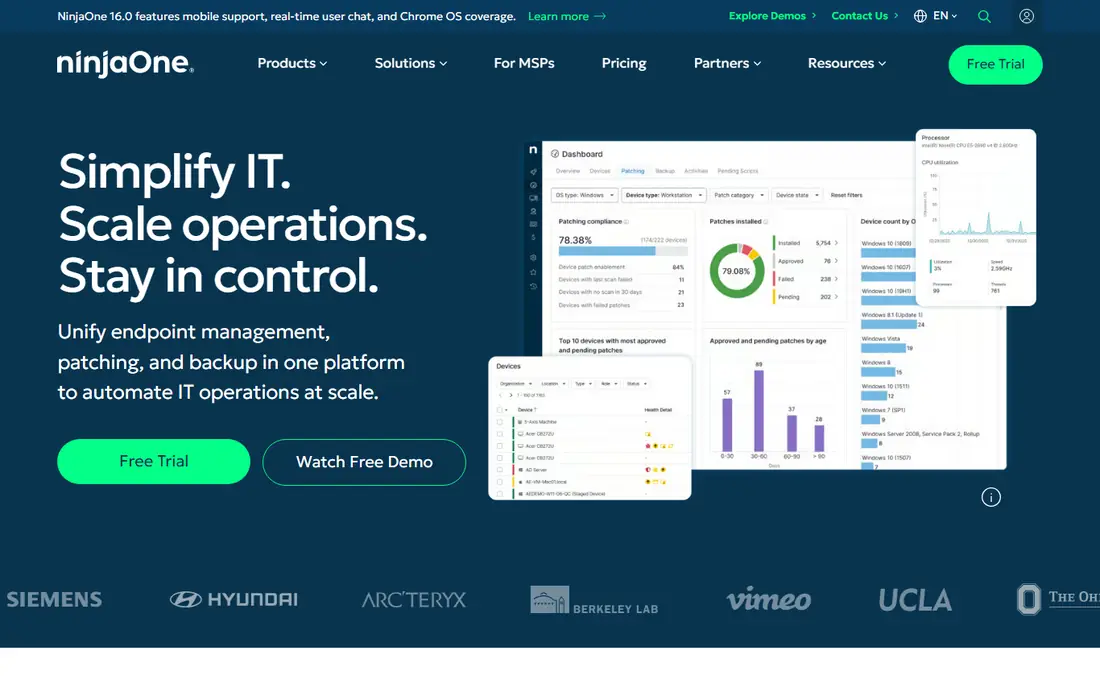
NinjaOne is our pick for teams that want one console for monitoring, patching, and remote support across Windows, macOS, and Linux devices. Its console is quick to learn, which matters when a small IT team supports staff in several time zones. Automated patching and policy-based remediation reduce routine tickets, and remote sessions can be started without asking staff to install a separate tool each time.
The catch is pricing structure. At $3.75 per device per month for smaller deployments, the math is easy to model, but a fleet of thousands of devices needs a volume quote and a careful comparison with per-technician tools. Backup, mobile device management, and vulnerability scanning are add-ons rather than included features, so price the full set you need, not just the base console.
- Clear cloud console
- Automated patching for operating systems and third-party apps
- Remote access and scripting in one place
- Per-device costs rise with large fleets
- Backup and mobile device management are separate modules
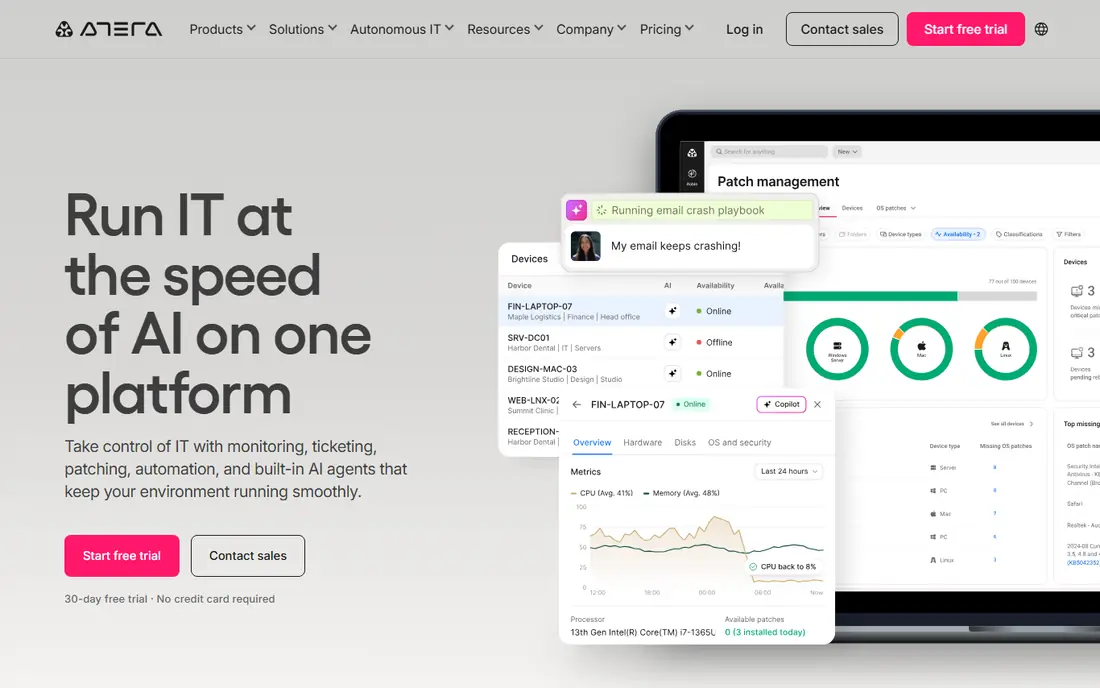
Atera suits a lean IT team that supports far more devices than it has technicians. Because pricing is per technician rather than per device, adding laptops for new remote hires does not automatically raise the bill in the same way. Ticketing, remote access, patching, and automation sit in the same product, so a two-person team can run support without stitching several tools together.
The trade-off is depth in some areas. Teams that rely heavily on Mac devices should test Mac patching and remote control during the trial, and teams with a long integration list should check each connection before buying. Atera offers a 30-day trial, which is long enough to run a real pilot with a small group of remote staff.
- Per-technician pricing with unlimited endpoints on paid plans
- Built-in ticketing
- Remote access included
- Mac support has lagged Windows in past reviews
- Integration catalog is smaller than some rivals
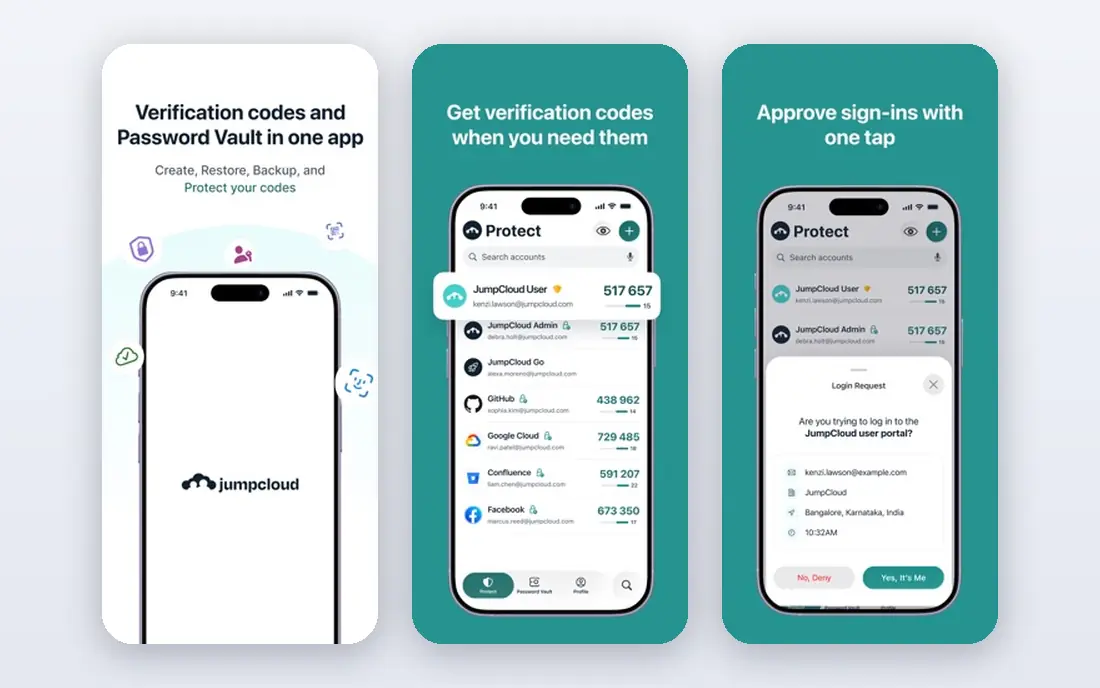
JumpCloud answers a different question from NinjaOne and Atera: who is allowed in, and on which device. It combines user identity, single sign-on, multi-factor authentication, and device policies, which helps hybrid companies that do not run an on-site directory server. A new hire can get one identity for apps and devices, and IT can apply password, encryption, and update policies from the same console.
That breadth is also its limit. JumpCloud manages devices, but it is not a full replacement for a remote monitoring and management tool with deep patching and scripting for large fleets. It fits best as the identity layer, paired with an endpoint tool if your fleet needs heavy automation.
- Directory, single sign-on, and device policies in one platform
- Works across Windows, macOS, and Linux
- Useful for companies without Active Directory
- Pricing is quote-based for larger setups
- Endpoint management is lighter than a dedicated RMM tool
Kandji is built only for Apple devices, and that focus shows in its enrollment and configuration options. IT can set up a new Mac or iPhone remotely, apply security settings, push apps, and check compliance without touching the device. For a hybrid company that issues Macs to most staff, that depth saves time compared with a general tool that treats Apple as a second-class citizen.
The obvious limit is scope. A company with a meaningful number of Windows or Linux machines will still need a second platform, which adds cost and admin work. Kandji is best for Apple-first teams, or for companies willing to split Apple management from the rest of the fleet.
- Strong Apple-focused enrollment and configuration
- Automated compliance checks
- Clear device status views
- Apple only, so mixed fleets need another tool
- Pricing requires a quote
Mosyle gives Apple-focused teams a more budget-friendly route to mobile device management. It covers enrollment, app deployment, security policies, and compliance for Mac, iPhone, and iPad, and it is a common choice for schools and small businesses that run Apple hardware. Remote staff can receive a configured device by mail, and IT can manage it from a central console.
Like Kandji, Mosyle does not manage Windows or Linux devices, so mixed fleets need a companion tool. Feature depth also varies by tier, so check whether the plan you are considering includes the automation and security controls your company actually needs, rather than assuming every tier includes them.
- Apple device management at a lower price point than some rivals
- Automated app deployment
- Management for Mac, iPhone, and iPad
- Apple only
- Advanced features sit on higher tiers
ManageEngine Endpoint Central
Great for: Mixed fleets with a free starting tier
ManageEngine Endpoint Central is a practical pick for a company that wants to start small and grow. The free tier covers up to 25 devices, which lets a small hybrid team manage its first laptops without a purchase, and paid editions add patching, software deployment, remote troubleshooting, and mobile device management. It supports Windows, macOS, and Linux, so mixed fleets stay in one console.
The interface is less polished than NinjaOne or Atera, and learning its menus takes longer. That is a fair trade for the free starting tier and broad platform support, but teams that value speed and a modern console should weigh that cost during a trial.
- Free tier for up to 25 devices
- Patching, software deployment, and remote control
- Windows, macOS, and Linux support
- Interface feels dated next to newer rivals
- Full pricing requires a quote for larger fleets
Hexnode UEM is a unified endpoint management tool for companies with a genuinely mixed fleet, including Android devices and tablets alongside laptops. IT can enroll devices, push apps, set restrictions, wipe a lost device, and run kiosk setups for shared hardware. That breadth helps hybrid companies that issue different devices to office, field, and remote staff.
Pricing requires a quote, so budgeting takes an extra step, and some features sit on higher tiers. A trial with your actual device mix is the best way to confirm that the plan you are quoted covers the platforms and controls you need.
- Manages Windows, macOS, iOS, Android, and other platforms
- Kiosk and app management options
- Policy-based controls
- Pricing is quote-based
- Some advanced features require higher tiers
Jamf Pro is the long-established choice for large Apple fleets, used by companies, schools, and hospitals that manage thousands of Macs, iPhones, and iPads. It offers detailed configuration profiles, app deployment, inventory, and security controls, plus integrations with identity and security tools. For an Apple-heavy hybrid company at scale, that depth is hard to match.
For a small team, Jamf Pro can feel like more tool than needed, and pricing is quote-based. It is best when Apple is the standard across the company and the fleet is large enough to justify a dedicated platform.
- Deep Apple management trusted by large organizations
- Strong app and configuration control
- Extensive integration options
- Apple only
- Pricing and setup can be heavy for very small teams
How we picked these
We compared official feature pages, pricing pages, and trial terms for tools that manage remote and hybrid devices in October 2026. We favored products that are actively sold and supported, that cover at least one major desktop platform, and that can enroll and support devices without an office visit. We excluded tools that had reached end of life or that only offered a narrow single feature, and we marked prices as See website where the vendor quotes rather than publishes a rate.
What to check before you buy
Start with your device mix. Count Windows, Mac, Linux, iOS, and Android devices, and note how many staff work fully remote. A tool that only manages Apple devices is a poor fit for a mixed fleet, even if its Apple features are excellent. A tool that only manages endpoints leaves identity and access to a second product, so plan for both jobs from the start.
Next, model pricing on your real numbers. Per-device tools look cheap for 50 laptops and expensive for 2,000. Per-technician tools look expensive for a large IT team and cheap for a small team supporting many devices. Ask each vendor for a quote on your exact fleet size and tier, and confirm which modules are included.
Then run a pilot with remote staff, not just office machines. Test enrollment for a new hire, patching over a home connection, remote support when a user is not on the office network, and offboarding when someone leaves. Check single sign-on, multi-factor authentication, and device encryption policies at the same time. If a tool fails any of those steps in the pilot, it will fail them at scale.
Security basics for hybrid teams
Require multi-factor authentication for admin consoles and single sign-on where possible. Turn on full-disk encryption policies, automatic operating system updates, and remote wipe for lost devices. Keep a clear offboarding checklist so access and device control end on the same day a person leaves. Review admin accounts regularly, since a shared admin login undermines every other control.
Support and onboarding
Ask who answers support tickets and how fast, since remote staff cannot walk to a help desk. Look for onboarding help, migration tools from your current product, and documentation your team can follow without vendor help. A tool with strong support and a trial long enough for a real pilot is worth more than a cheaper tool your team cannot learn.
Frequently asked questions
What is the best IT platform for a remote or hybrid company?
There is no single winner, because the right tool depends on your device mix and team size. Apple-heavy teams should look at Kandji, Mosyle, or Jamf Pro, while mixed fleets often fit NinjaOne, Atera, or ManageEngine Endpoint Central. Add JumpCloud or a similar identity tool if you need central control over who can sign in and on which device.
Do I need both endpoint management and identity management?
Many hybrid companies do. Endpoint tools manage the device itself, including patching and remote support, while identity tools manage accounts, sign-in, and access to apps. Some products cover both jobs at a basic level, but larger companies often pair a dedicated endpoint tool with a dedicated identity tool.
How much does remote IT management cost?
It depends on fleet size and pricing model. Per-device tools publish rates that vary with volume, per-technician tools charge by staff count, and several vendors quote rather than publish prices. Model the cost on your actual device and technician counts, and confirm which modules are included before comparing totals.
Can these tools manage devices that never visit the office?
Yes, that is their main job. Devices enroll over the internet, receive policies and patches remotely, and can be supported through remote sessions. Test enrollment and patching on a home connection during a trial, since office network speeds can hide problems remote staff would face.
What should a small hybrid company start with?
A small team should start with a tool that offers a free tier or a trial, such as ManageEngine Endpoint Central for up to 25 devices, and test it with real remote staff. Keep the setup simple at first, covering enrollment, patching, encryption, and remote support, then add identity controls and extra modules as the team grows.
Sources
See where you really rank - block by block
ProMapRanker scans Google Maps across a grid of your service area. Simple monthly plans from $19, white-label on every plan.
Start freeKeep reading
 zscaler alternatives
Best Zscaler Alternatives in 2026
Looking for zscaler alternatives? We compare 9 SASE and zero trust platforms on architecture, data protection, pricing, and fit for your network and team.
Read → zapier alternatives free
Best Zapier Alternatives Free in 2026
Nine automation tools for zapier alternatives free in 2026, all with genuinely free tiers, plus free plan limits, starting prices and upgrade paths explained.
Read → which platform is best for online reputation
Which Platform Is Best for Online Reputation in 2026
Wondering which platform is best for online reputation? We compare 8 review, listing, and response tools for small and multi-location businesses and agencies.
Read →