 ProMapRanker
Best IT Management Software for Enterprise in 2026


Large enterprise ITSM and cross-department workflows · Pricing starts at: See website
Key takeaways
- ServiceNow and BMC Helix suit the largest, most process-heavy IT organizations, while Freshservice and Jira Service Management give clearer published pricing for mid-size enterprise teams.
- Per-agent and per-technician pricing changes the bill more than the headline plan price, so count agents, technicians, and managed devices before you compare.
- Asset management, change control, and automation are often gated to higher tiers, so check the tier that holds the features you actually need.
- A short pilot with real tickets, real assets, and real approval flows tells you more than a sales demo.
Quick comparison
| Pick | Great for | Pricing starts at | Free tier | |
|---|---|---|---|---|
| ServiceNow | Large enterprise ITSM and cross-department workflows | See website | No | Visit |
 ManageEngine ServiceDesk Plus | Value-focused teams wanting cloud or on-premise deployment | $13 per technician per month | Yes | Visit |
 Freshservice | Fast enterprise service management setup | $19 per agent per month | Free trial | Visit |
 Jira Service Management | Atlassian-based IT and service teams | Free | Yes | Visit |
 BMC Helix ITSM | Large global IT operations | See website | No | Visit |
 SolarWinds Service Desk | Mid-market to enterprise ITSM with asset tracking | $39 per technician per month | Free trial | Visit |
 SysAid | Mid-market teams wanting AI-assisted service management | $89 per admin per month | Free trial | Visit |
 NinjaOne | Endpoint monitoring, patching, and automation at scale | $1.50 per endpoint per month | Free trial | Visit |
 Microsoft Intune | Microsoft 365 and Windows device management | $8 per user per month | Free trial | Visit |
The best IT management software for enterprise
Enterprise IT management is less about one help desk and more about how requests, assets, changes, and devices stay connected when thousands of people depend on them. We compared official feature pages, pricing pages, and public product documentation, and we focused on fit for large teams, not on small-team tools dressed up for enterprise use.
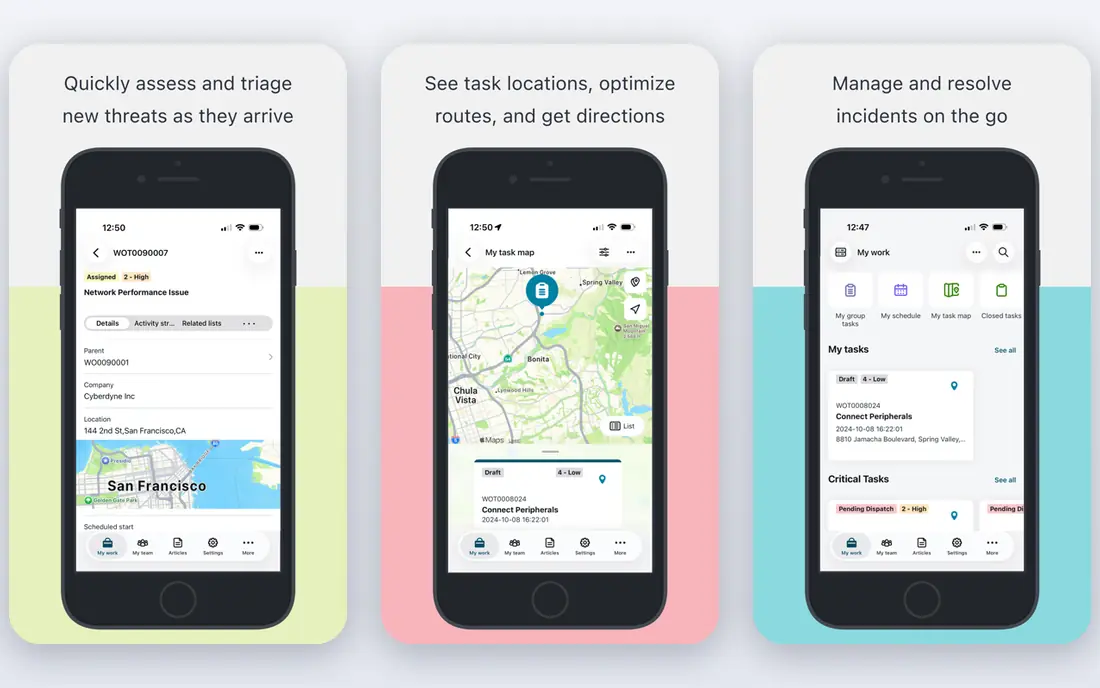
ServiceNow is the platform many large organizations choose when IT service work has to connect with HR, customer service, security, and operations. Its current ITSM tiers are Foundation, Advanced, and Prime, with AI features bundled in different amounts by tier. That breadth is useful when a single request touches several departments, because the same workflow engine can carry approvals, tasks, and records across teams.
The trade-off is cost and complexity. Pricing is quote-based, so budgeting requires a sales conversation and a clear count of fulfillers, the staff who resolve work, rather than every employee who submits a request. We would shortlist ServiceNow when governance, audit trails, and custom workflows matter more than a low starting price, and we would insist on a scoped pilot before signing a multi-year deal.
- Broad ITSM and workflow coverage
- Strong automation and AI features in current tiers
- Wide integration options for large organizations
- No published list price
- Implementation and change work can be costly and slow
ManageEngine ServiceDesk Plus
Great for: Value-focused teams wanting cloud or on-premise deployment
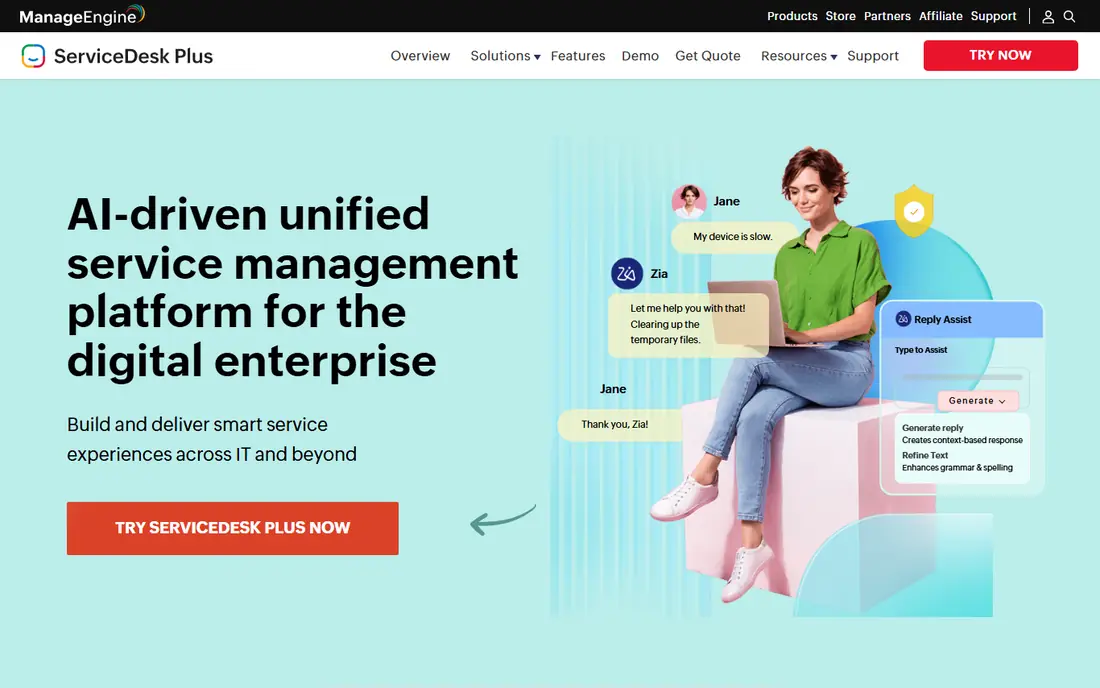
ManageEngine ServiceDesk Plus gives enterprise buyers a practical middle path. The Standard edition covers help desk work, the Professional edition adds asset management, and the Enterprise edition adds change, release, service catalog, and configuration management features. The free edition, limited to 5 technicians, is a genuine way to test core ticketing before paying.
For larger teams, the per-technician model keeps costs tied to the people who resolve tickets, not to every employee in the company. The main caution is edition gating. If you need full change and release control, budget for Enterprise from the start rather than assuming Professional will cover it. Teams already using other ManageEngine tools will also find the shared integrations helpful.
- Free edition for up to 5 technicians
- Cloud and on-premise options
- Clear per-technician pricing
- Higher ITIL features sit in higher editions
- Interface feels dated in places compared with newer rivals
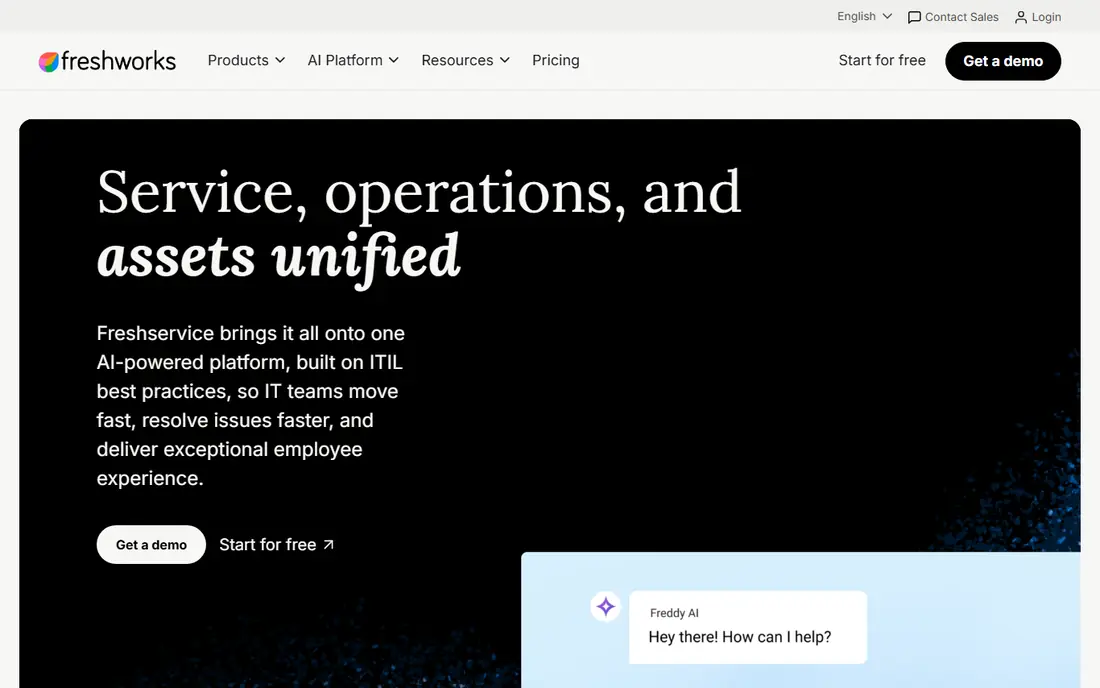
Freshservice stands out for how quickly a team can get a clean service desk running. Starter covers incident management and a knowledge base, Growth adds a service catalog and SLA management, and Pro adds problem, change, and workload management. Enterprise is quoted and adds sandbox, audit, and broader AI features. The 14-day trial lets a team test the full setup without a card.
We like Freshservice for organizations that want published prices and a shorter implementation path than the largest platforms. The catch is that AI help and some enterprise controls arrive late in the tier ladder, so a team buying mainly for AI should price Pro or Enterprise, not Starter. Occasional agent day passes can help with staff who only handle tickets from time to time.
- Published pricing from Starter to Pro
- Modern self-service portal
- AI features on higher tiers
- No permanent free plan
- Full AI and enterprise controls require higher tiers or custom pricing
Jira Service Management charges per agent, while the employees who submit requests are free. That model can be very cost-effective in a large company where thousands of staff submit requests but only a smaller team resolves them. The free plan covers up to 3 agents, Standard adds more depth, and Premium adds change management and stronger controls.
The fit is strongest for teams already working in Jira and Confluence, because tickets, knowledge articles, and development work can sit in one connected system. The honest catch is that the headline price is rarely the full bill. Marketplace apps, automation limits, and AI features need checking during a trial, and change-heavy teams should price Premium from the start.
- Free plan for up to 3 agents
- Requesters are not charged
- Strong links to Jira and Confluence
- Change management requires Premium
- Marketplace apps can add real cost on top of the base price
BMC Helix ITSM is the successor to BMC Remedy, and it is built for organizations with formal IT processes, large asset estates, and strict control needs. It covers incident, problem, change, service request, and asset work in one suite, and it can run as SaaS or on-premise. That choice matters for regulated firms and for teams with data residency rules.
Because pricing is quote-based and the product is broad, it is not a quick purchase. We would place it on a shortlist for global enterprises that already run BMC tools or need deep customization, and we would expect a longer rollout than with a simpler service desk. Smaller teams will likely find the cost and setup heavier than they need.
- Deep ITSM process coverage
- On-premise and SaaS options
- Built-in asset management links
- Quote-only pricing
- Implementation needs experienced staff and careful planning
SolarWinds Service Desk
Great for: Mid-market to enterprise ITSM with asset tracking
SolarWinds Service Desk, formerly Samanage, is a clear option for teams that want asset management without jumping straight to a top tier. Essentials starts at $39 per technician per month when billed annually and includes incident management, a service portal, asset management, a service catalog, change management, and a configuration database. Advanced adds automation, runbooks, and a virtual agent, while Premier adds deeper AI help and a sandbox.
That entry-tier asset coverage is a real advantage for organizations that need to track hardware, software, and contracts alongside tickets. The limit is scale and depth. Very large, highly customized ITSM programs may still prefer ServiceNow or BMC Helix, but for many mid-market and growing enterprise teams, SolarWinds gives a simpler price and a faster path to value.
- Asset management in the entry tier
- Published Essentials, Advanced, and Premier tiers
- Unlimited requesters
- No free plan
- Advanced AI features require higher tiers
SysAid positions itself as an ITSM platform with AI help woven through ticket handling, self-service, and agent work. The Professional tier is listed at $89 per admin per month and includes incident and ticket management, a configuration database, AI self-service, and a chatbot for agents. Enterprise is quoted and adds a sandbox, dedicated instance options, and stronger service terms.
We would consider SysAid when a mid-market team wants AI assistance without buying a separate AI product or a very large enterprise platform. The per-admin price is higher than some rivals, so count admins carefully and test the AI features on your own ticket types during the trial. If your team is small, a lower-priced service desk may deliver the same core ticketing for less.
- AI copilot and chatbot features
- Asset management and automation in the core offer
- Clear Professional starting point
- No permanent free plan
- Per-admin pricing can grow quickly as the support team grows
NinjaOne is not a full ITSM suite in the same way as ServiceNow, and that distinction matters. It excels at endpoint management: monitoring device health, patching Windows, macOS, and Linux systems, running scripts, and giving remote access from one console. Published pricing ranges from about $1.50 per endpoint per month at very large volumes to about $3.75 at 50 or fewer endpoints, with a 14-day trial.
For enterprise IT teams, NinjaOne pairs well with a separate service desk. It keeps the fleet healthy and automates routine device work, while the service desk handles requests and approvals. Buyers should confirm module pricing for backup, mobile device management, and security integrations, because those add to the base per-endpoint rate.
- Per-endpoint pricing with no per-technician fee
- Fast patching across operating systems
- Free training and onboarding
- Exact price depends on volume and modules
- No built-in antivirus, so security tools are separate
Microsoft Intune is the device management choice for many enterprises already invested in Microsoft 365 and Entra ID. Plan 1 is listed at $8 per user per month and covers device enrollment, configuration policies, app deployment, and compliance controls. It works across Windows, macOS, iOS, and Android, though Windows depth is the strongest fit.
Intune does not replace a service desk on its own, but it solves a large part of enterprise IT management: keeping devices compliant, patched, and correctly configured. If your organization already pays for Microsoft 365, check whether Intune is already included in your plan before buying it separately. That check alone can change the comparison.
- Deep Windows and Microsoft 365 integration
- Policy and app management in one place
- Included in some Microsoft 365 plans
- Less suited as a standalone ITSM service desk
- Management depth varies by device platform
How we picked these
We compared official pricing pages, feature pages, and product documentation for enterprise ITSM, service desk, endpoint, and device management tools. We kept only products that are live in October 2026 and that fit enterprise use, meaning they support large agent or device counts, role controls, and audit or reporting needs. We favored a mix of full ITSM suites and focused endpoint tools, because many large IT teams use both together. Where a vendor does not publish a price, we wrote See website rather than repeating an unverified third-party estimate as a fact.
What to check before you buy
Start with the unit that drives your bill. Service desks often charge per agent or per technician, endpoint tools charge per device, and Intune charges per user. Run your real headcount through each model, including part-time agents and contractors, before you compare headline prices. A low per-agent price can still cost more than a per-device price if your agent team is large.
Next, map your must-have processes to tiers. Change approval, problem management, asset discovery, sandbox testing, and AI assistance are commonly gated to higher plans. Ask each vendor to show those features in a trial using your own ticket categories and approval chain, not a generic demo. Also confirm data residency, single sign-on, audit logs, and backup options early, because these are hard to add later.
Finally, plan the rollout. A phased launch by department, with a small pilot group, training for agents, and a knowledge base seeded with the top 20 request types, reduces risk. Set clear measures before launch, such as first-response time, resolution time, reopen rate, and self-service use, and review them after 30 and 90 days. That discipline matters more than picking the most feature-heavy platform on paper.
Frequently asked questions
What is the best enterprise IT management software?
There is no single winner for every large organization. ServiceNow and BMC Helix suit the most complex, process-heavy operations, Freshservice and Jira Service Management suit teams that want clearer pricing and faster setup, and NinjaOne plus Intune cover endpoint and device work that a service desk alone does not handle.
What is the best enterprise IT management platform for enterprise use?
The best platform depends on your main workload. If service requests and change control dominate, start with an ITSM suite. If device health, patching, and compliance dominate, start with endpoint management and add a service desk alongside it. Many large teams end up using one of each.
How much does enterprise IT management software cost?
Costs vary widely by billing unit. Published starting prices in this guide range from $1.50 per endpoint per month for NinjaOne at scale to $89 per admin per month for SysAid, with ServiceNow and BMC Helix quoted per deal. Always get a written quote for your agent, technician, device, and user counts.
Is a free plan enough for enterprise IT management?
A free plan can work for a tiny pilot, such as Jira Service Management for up to 3 agents or ServiceDesk Plus for up to 5 technicians. It is not enough for a full enterprise rollout, because limits on agents, storage, automation, and support will appear quickly.
Should we choose cloud or on-premise IT management software?
Cloud suits most teams for faster updates and lower infrastructure work. On-premise suits firms with strict data control, residency, or integration needs, and ManageEngine and BMC Helix both keep that option open. Check your security and compliance requirements before deciding.
Sources
- https://www.servicenow.com
- https://www.manageengine.com/products/service-desk
- https://www.freshworks.com/freshservice/pricing
- https://www.atlassian.com/software/jira/service-management
- https://www.bmc.com
- https://www.solarwinds.com/service-desk/pricing
- https://www.sysaid.com
- https://www.ninjaone.com
- https://www.microsoft.com/en-us/security/business/microsoft-intune
See where you really rank - block by block
ProMapRanker scans Google Maps across a grid of your service area. Simple monthly plans from $19, white-label on every plan.
Start freeKeep reading
 zoro.to alternatives
Best Zoro.to Alternatives in 2026
We compare the best zoro.to alternatives in 2026, listing only legal licensed anime streaming services, from Crunchyroll to free options for fans today.
Read → zip alternatives
Best Zip Alternatives in 2026
We compare the best zip alternatives for buy now, pay later in 2026, covering pay-in-4 plans, fees, spending limits, and credit reporting options today.
Read → yesware alternatives
Best Yesware Alternatives in 2026
Compare the best yesware alternatives for sales email tracking, templates, and sequences, with current pricing and honest tradeoffs for small sales teams.
Read →