 ProMapRanker
7 Top IT Knowledge Base Software Options Compared (2026)


Product, support and engineering teams running large documentation libraries · Pricing starts at: See website (custom quote; no published prices)
Direct answer
Document360 leads the list, best for product, support and engineering teams running large documentation libraries. IT Glue is the stronger choice for MSPs and internal IT teams that want documentation made for IT work, while Helpjuice suits support and IT teams deflecting tickets with customer-facing self-service. The full list of 7 tools follows, with prices and free plan facts.
Key takeaways
- Top of the list is Document360, which targets product, support and engineering teams running large documentation libraries.
- Only 2 of the 7 tools have a free plan (Confluence, Tettra), so check the caps.
- Check the limits for Hudu before you commit: smaller company than IT Glue with a narrower integration list.
- For Slack-first teams that answer the same questions repeatedly, Tettra is worth a look.
Quick comparison
| Pick | Great for | Pricing starts at | Free tier | |
|---|---|---|---|---|
| Document360 | Product, support and engineering teams running large documentation libraries | See website (custom quote; no published prices) | Free trial (14 days) | Visit |
 IT Glue | MSPs and internal IT teams that want documentation designed for IT work | $29/user/month (5-user minimum) | No | Visit |
 Helpjuice | Support and IT teams deflecting tickets with customer-facing self-service | $120/month (up to 4 users, per Helpjuice's own site) | Free trial (14 days) | Visit |
 Hudu | MSPs and IT teams wanting IT Glue-style documentation at one flat rate | $27/user/month (billed yearly; $30 month-to-month) | Free trial (14 days) | Visit |
 Guru | Firms that require verified answers where people already work | See website (custom quote; no published prices) | Not stated | Visit |
 Confluence | Teams already using Jira or the Atlassian suite | $5.42/user/month (Standard plan) | Yes | Visit |
 Tettra | Slack-first teams that answer the same questions repeatedly | $5/user/month (Basic, for teams of 10+) | Yes | Visit |
Tool-by-tool breakdown
ProMapRanker put together this guide to IT knowledge base software for readers who want a clear shortlist without reading every vendor page. It compares 7 tools on starting price, free plans, who each one suits and where each one falls short.
Document360
Great for: Product, support and engineering teams running large documentation libraries
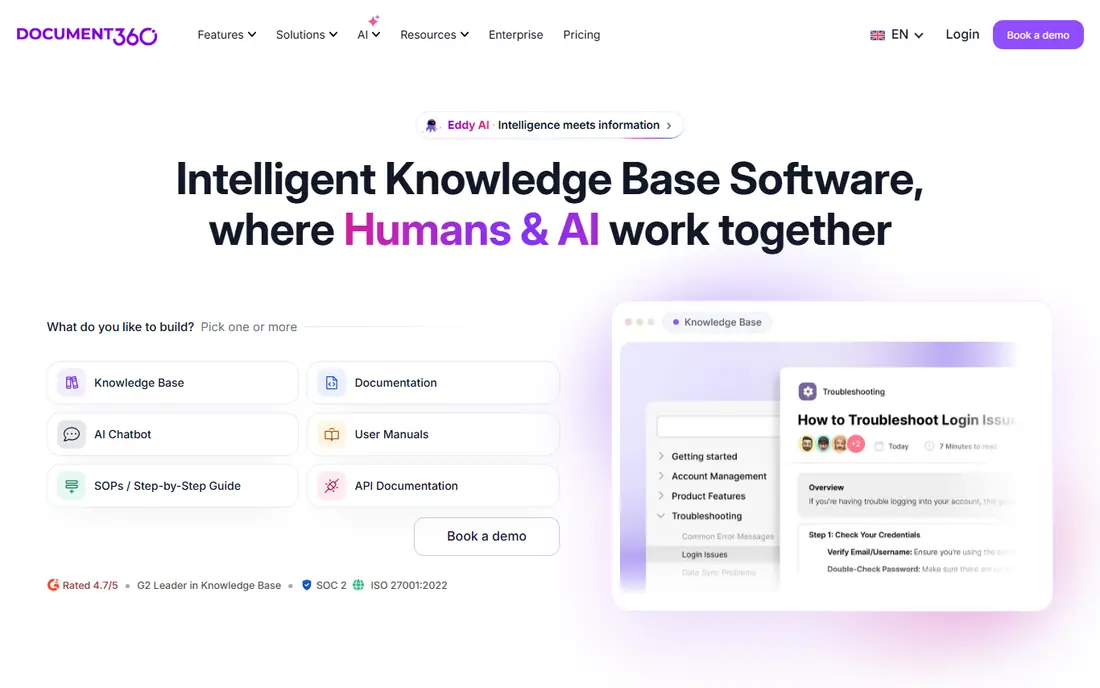
Document360 is aimed squarely at product, support and engineering teams running large documentation libraries. Internal IT teams documenting infrastructure will find it heavier than IT Glue or Hudu; support-led organizations will find it exactly right. Document360 is the specialist for teams whose documentation is the product.
On top of that, everything about the commercial side says enterprise: custom quotes, no published prices, white-glove onboarding and premium migration support. When documentation volume is the problem, this is the tooling for it. Document360 does not show a starting price in this comparison, so check the vendor site for current pricing. Free plan details: Free trial (14 days).
Where it is weaker: Migration and onboarding add cost and time.
What Document360 does well: Aimed at documentation at scale with versioning.
- AI writing and search assistance included
- Workflows and analytics
- Pitched at bigger teams, so small IT shops overbuy
IT Glue
Great for: MSPs and internal IT teams that want documentation designed for IT work
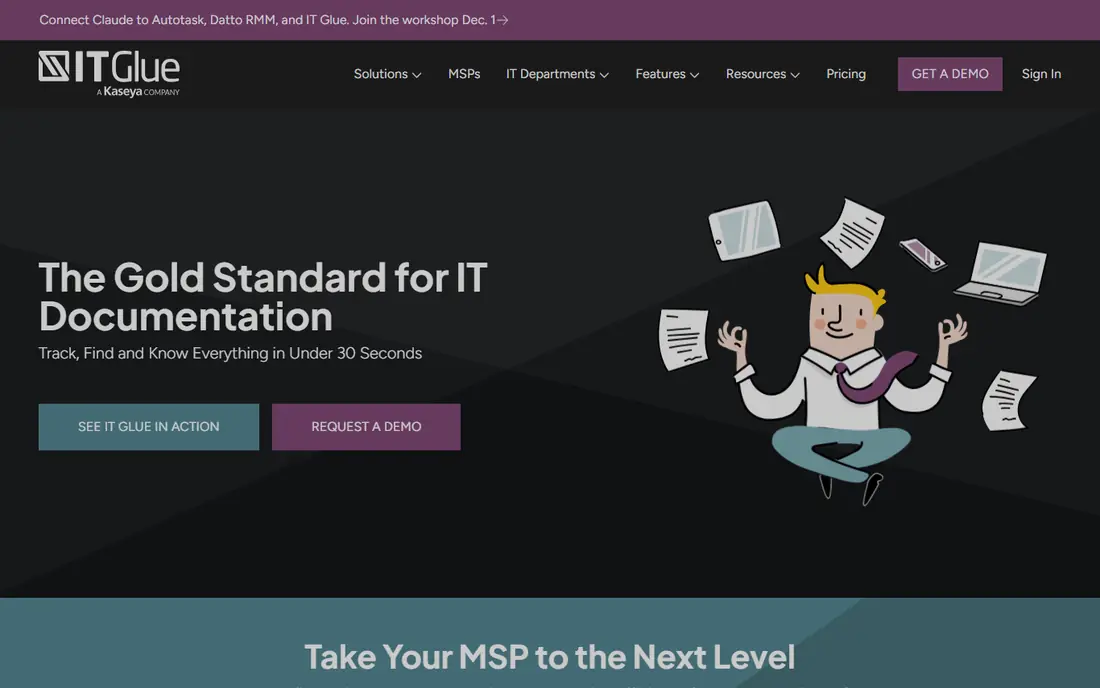
IT Glue makes the most sense for MSPs and internal IT teams that want documentation designed for IT work. IT Glue is what happens when documentation software is built only for IT people. Rather than blank pages, you get structured records: configurations, credentials, SOPs, checklists and runbooks, all related to each other and searchable in seconds.
Downsides: No free trial advertised and no free level.
In practice, the commercial terms are firm: $29 per user a month with a 5-user minimum on the entry level, rising to $38 and $44 on higher levels, and no free trial advertised. Also, IT Glue is also a Kaseya company now, which matters if you run a competing stack. Starting cost for IT Glue: $29/user/month. IT Glue has no free plan.
- Password vault
- Deep PSA and RMM integrations
- The Kaseya ecosystem lock-in concerns some buyers
Helpjuice
Great for: Support and IT teams deflecting tickets with customer-facing self-service

Helpjuice is built with support and IT teams deflecting tickets with customer-facing self-service in mind. Helpjuice is made for one job: making sure people find answers without opening a ticket.
Limits to weigh: Less depth for infrastructure documentation.
Worth adding: if it is server credentials and network documentation, the IT-specific systems above fit better. What you pay to start with Helpjuice: $120/month. Free options: Free trial (14 days).
- Straightforward per-plan pricing beginning at $120/month
- Supports 50+ languages
- Per-user costs rise with team size
Hudu
Great for: MSPs and IT teams wanting IT Glue-style documentation at one flat rate
Choose Hudu for MSPs and IT teams wanting IT Glue-style documentation at one flat rate. Hudu is the IT Glue alternative that lots of MSPs switched to, and the pricing explains why.
Honest limits: Smaller company than IT Glue with a narrower integration list.
One flat rate, $27 per user a month billed yearly ($30 month-to-month), spans centralized documentation, the password vault, asset management, IPAM, knowledge bases and client portals. In practice, you can self-host or use Hudu's cloud at the same price, with no user minimums and no contracts. The starting price for Hudu: $27/user/month. Free access: Free trial (14 days).
What users get: assets and client portals.
- Self-hosted or cloud at the same price
- 14-day trial with no credit card
- The per-user model still brings up for large teams
Guru is built with businesses that require verified answers where people already work in mind. Guru does not want to be your wiki. It wants to be the answers inside the tools you already use.
Also, for a straight IT infrastructure wiki, it is less direct than IT Glue or Hudu. From a buyer's view, the idea is that nobody should have to go looking for documentation; it should find them. That model shines in support, sales and operations teams drowning in repeat questions. Evaluate it when the problem is answers people trust, not pages people file. Guru shows no starting price here, so confirm the cost on the vendor site. Free options: Not stated.
Limits to weigh: A different mental model from wikis, so adoption needs buy-in.
What works well: Chrome and other tools.
- Knowledge cards surface inside Slack, Teams
- Verification workflows keep answers current with named experts
- Best value displays in bigger organizations with heavy repeat questions
For teams already using Jira or the Atlassian suite, Confluence is a natural candidate. Confluence is a wiki, not an IT documentation system: there is no built-in password vault, no asset records, no client-based organization.
From a buyer's view, without someone enforcing templates and archiving stale pages, it decays into thousands of pages nobody trusts. What you pay to start with Confluence: $5.42/user/month. Confluence offers a free plan.
Where it falls short: Unstructured by default, so it becomes a junk drawer without governance.
What users get: Deep Jira and Trello integration for IT workflows.
- Templates
- Free level for up to 10 users makes starting painless
- Per-user pricing climbs quick past small teams
Tettra was built for Slack-first teams that answer the same questions repeatedly. The limit is scope: Tettra is an internal knowledge base for questions and answers, not a system of record for infrastructure.
Honest limits: Narrower than full wiki products.
From a buyer's view, the pricing is friendly at the bottom: free for up to 10 users, then $5 per user a month on Basic for teams of 10 or more, with higher levels adding AI features and analytics. For everyday use, for IT teams fielding the same how-do-I questions from the rest of the company, that loop is the entire product. Tettra cost at the entry level: $5/user/month. Tettra offers a free plan.
- Verification workflows assign experts to keep pages current
- Deep Slack integration turns answered questions into documentation
- Made for internal Q&An instead of infrastructure records
How we built this list
Pricing pages, product documentation and feature lists were the main sources, and every entry carries at least one honest drawback. Figures are shown as the vendors publish them. Billing terms, seat minimums and add-ons can change the real cost. Tools are placed by general fit for IT knowledge base software, with price clarity and free access as tie-breakers. A different team can reasonably rank them differently.
Questions to settle before buying
- Get a written quote from Document360 and Guru; the list shows no starting price for them.
- Check what the free option really includes: Confluence and Tettra offer a free plan, and usage caps differ.
- Take the trial from Document360, Helpjuice and Hudu and push a live task through it before you pay.
- Before choosing Document360, weigh its main limit: custom-quote pricing with nothing published.
- Verify that exporting from IT Glue is possible on your plan and covers all your records.
- Confirm minimum seats and billing terms with Guru before you commit to an annual plan.
Frequently asked questions
Can I try these options before paying?
Often, yes. Confluence and Tettra have a free plan and Document360, Helpjuice and Hudu offer a free trial. Use your own data and a real task during the test, and check what the free tier or trial limits before you rely on it.
Is Document360 the right pick for everyone comparing IT knowledge base software?
No single tool suits every team. Document360 comes first because it fits product, support and engineering teams running large documentation libraries, while IT Glue suits MSPs and internal IT teams that want documentation built for IT work and Helpjuice suits support and IT teams deflecting tickets with customer-facing self-service. Match the tool to your own size, budget and workflow before deciding.
Do these tools publish their prices?
Not all of them. Document360 and Guru publish no starting price, so expect a quote request for those. The rest, IT Glue included, show a starting price, though seats and billing terms still change the final cost.
How do we get technicians to actually write documentation?
Make it part of closing the ticket, not a separate task: no doc update, no close. Tools with verification workflows (Guru, Tettra) automate the nagging.
Is Confluence enough, or do we need a dedicated IT tool?
Confluence takes care of team knowledge, runbooks and project docs well, notably inside Atlassian shops. Most IT teams end up with Confluence for general knowledge plus a dedicated tool for infrastructure, or they skip Confluence for IT Glue or Hudu.
What is the cheapest option for IT knowledge base software in this list?
On published monthly entry prices, Tettra is the lowest here at $5/user/month. Entry price is only part of the cost, because seats, add-ons and billing terms can change the total.
Sources
See where you really rank - block by block
ProMapRanker scans Google Maps across a grid of your service area. Simple monthly plans from $19, white-label on every plan.
Start freeKeep reading
 zscaler alternatives
Best Zscaler Alternatives in 2026
Looking for zscaler alternatives? We compare 9 SASE and zero trust platforms on architecture, data protection, pricing, and fit for your network and team.
Read → zapier alternatives free
Best Zapier Alternatives Free in 2026
Nine automation tools for zapier alternatives free in 2026, all with genuinely free tiers, plus free plan limits, starting prices and upgrade paths explained.
Read → which platform is best for online reputation
Which Platform Is Best for Online Reputation in 2026
Wondering which platform is best for online reputation? We compare 8 review, listing, and response tools for small and multi-location businesses and agencies.
Read →