 ProMapRanker
Top 7 IT Automation Software Options for 2026, Compared


Visual multi-step workflows on a budget · Pricing starts at: $9/month (billed yearly, Core plan)
Key takeaways
- Top of the list is Make, which targets visual multi-step workflows on a budget.
- A free plan is available from 4 of the 7 tools: Make, UiPath, Microsoft Power Automate, Zapier.
- The lowest published monthly entry price here is $9/month, from Make.
- BMC Control-M suits enterprise workload orchestration across hybrid cloud and mainframe.
Direct answer
Make leads the list, best for visual multi-step workflows on a budget. For a different need, UiPath covers automating software that has no API and ActiveBatch covers IT operations teams with wide integration needs. Details, prices and limits for the rest of the 7 tools are below.
Quick comparison
| Pick | Great for | Pricing starts at | Free tier | |
|---|---|---|---|---|
| Make | Visual multi-step workflows on a budget | $9/month (billed yearly, Core plan) | Yes | Visit |
 UiPath | Automating software that has no API | $25/month | Yes | Visit |
 ActiveBatch | IT operations teams with wide integration needs | See website | No | Visit |
 Redwood RunMyJobs | SAP and ERP-heavy operations | See website | No | Visit |
 Microsoft Power Automate | Microsoft 365 shops automating approvals and alerts | $15 per user/month | Yes | Visit |
 Zapier | Connecting the most apps with no code | $19.99/month (billed yearly, Professional plan) | Yes | Visit |
 BMC Control-M | Enterprise workload orchestration across hybrid cloud and mainframe | From $2,400/month | No | Visit |
IT Automation Software profiles
Choosing IT automation software usually comes down to price, fit and limits. This ProMapRanker guide sets 7 tools side by side on those three points, with the facts kept short and checkable.

Choose Make for visual multi-step workflows on a budget. Its visual canvas takes care of branching, iterators and error handlers that Zapier only reaches at higher levels.
Downsides: Steeper learning curve than Zapier.
For everyday use, Make is harder to learn, so budget a handful of hours of training before your team becomes productive. Make pricing: $9/month. Make has a free plan.
- Solid price-to-power ratio
- 10,000 credits on the entry premium plan
- Scenarios stop when credits run out

UiPath is built with automating software that has no API in mind. UiPath solves a problem the no-code connectors cannot: software with no API. As for the details, do not buy it for straightforward SaaS-to-SaaS syncing.
What to check first: Enterprise pricing climbs rapidly.
That is Zapier's job, and UiPath's enterprise pricing reflects its enterprise positioning. If your automation target is a Windows application from 2008, this is the tool. What you pay to start with UiPath: $25/month. UiPath includes a free tier.
- Takes care of legacy desktop apps well
- Free Community plan for learning
- Overkill for straightforward app-to-app flows
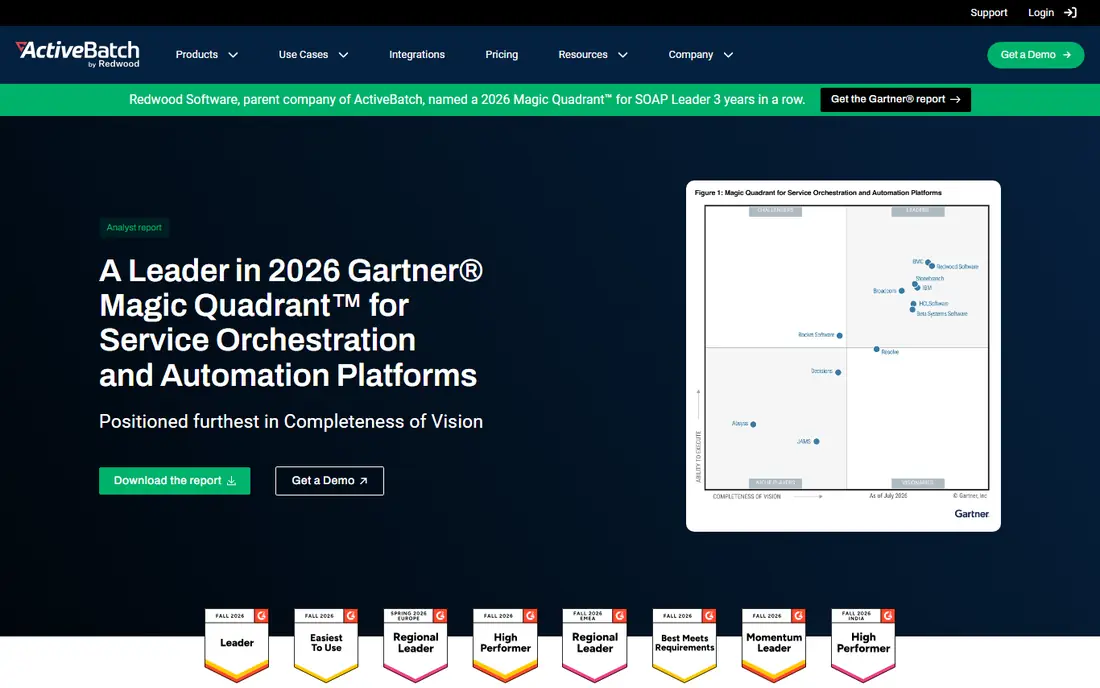
ActiveBatch targets IT operations teams with broad integration needs. ActiveBatch sits between the developer-friendly schedulers and the heavyweight enterprise systems. If your shop is Microsoft-centric and you want workload automation without enterprise overhead, ActiveBatch deserves a demo.
Teams report it landing below the Control-M level for comparable workloads. Pricing is quote-based, which means a sales conversation before you see numbers. ActiveBatch does not show a starting price in this comparison, so check the vendor site for current pricing. ActiveBatch has no free plan.
Watch-outs: Quote-only pricing.
- Capable in Windows-heavy environments
- Solid alerting and monitoring
- Smaller ecosystem than the biggest enterprise players
Redwood RunMyJobs works best for SAP and ERP-heavy operations. Redwood RunMyJobs is the pick when your automation centers on SAP or other ERP systems. It is a cloud-native SaaS scheduler with unusually deep ERP process awareness, made for finance and operations teams that require dependable, auditable job execution around their core business systems.
Limits to weigh: Enterprise focus means long sales cycles.
Smaller firms will find it more product than they need. But if you run SAP at scale and need one control layer for every batch process touching it, Redwood is one of the names that comes up first. Like most enterprise schedulers, pricing needs a quote, and the sales cycle is designed for large organizations. Check the vendor site for Redwood RunMyJobs pricing; none is listed in this comparison. There is no free plan with Redwood RunMyJobs.
- Deep SAP and ERP process integration
- Capable audit and compliance controls
- Quote-only pricing
Microsoft Power Automate
Great for: Microsoft 365 shops automating approvals and alerts
Pick Microsoft Power Automate if this describes you: Microsoft 365 shops automating approvals and alerts. If your team already lives in Microsoft 365, Power Automate is the least-friction choice. More specifically, the per-user plan runs $15 per user a month and brings premium connectors.
In practice, non-Microsoft apps get second-class treatment, and the builder feels dated next to Make's canvas. But for a 50-person company standardized on Teams and SharePoint, nothing beats the convenience of automation that ships with the suite you already pay for. For everyday use, approvals route through Teams, forms feed SharePoint lists, and Outlook events trigger flows without new logins or vendor onboarding. What you pay to start with Microsoft Power Automate: $15 per user/month. Microsoft Power Automate has a free plan.
Drawbacks to consider: Premium connectors gated behind premium plans.
- Natural fit inside Microsoft 365
- Solid approval workflows
- Restricted outside the Microsoft ecosystem
Zapier targets connecting the most apps with no code. Zapier remains the default answer when a team wants app-to-app automation without writing code. Its catalog runs into the thousands of integrations, and the linear builder is forgiving for non-technical staff.
The honest catch is the billing model. More specifically, small flows stay cheap. Busy ones do not. The Professional plan begins at $19.99 a month billed yearly for 750 tasks, and overages bill on top. Zapier cost at the entry level: $19.99/month. A free plan is available with Zapier.
Downsides: Gets costly quick as workflows grow.
- Gentle ramp-up time
- Copilot-assisted building
- Charges per action step
BMC Control-M
Great for: Enterprise workload orchestration across hybrid cloud and mainframe
Where BMC Control-M fits: enterprise workload orchestration across hybrid cloud and mainframe. The SaaS Starter pack begins around $2,400 a month billed yearly with capped execution volume. This is a purchase for operations teams running mission-critical workflows where a broken dependency causes visible customer impact.
If your automation problem is "our nightly jobs keep failing silently," Control-M is the category answer. On top of that, control-M is infrastructure automation, not office automation. It schedules and watches batch jobs, data pipelines, managed file transfers and CI/CD workflows across hybrid cloud, on-premises and mainframe environments. Starting cost for BMC Control-M: From $2,400/month. BMC Control-M has no free plan.
Limits to weigh: Far more than a small team needs.
- Jobs-as-code with GitOps integration
- Runs mainframe
- Enterprise pricing and complexity
Our selection method
ProMapRanker used vendor pricing pages and product documentation as the base, then compared plans, free access and documented limits for 7 tools. Treat prices as a snapshot: vendors change plans often, so check the vendor site for the figure that applies today. The order reflects how well each tool fits the most common buying scenario for IT automation software, then price clarity, then free plan access. It is a starting point, not a verdict.
Questions to settle before buying
- Ask ActiveBatch and Redwood RunMyJobs for a written quote, since no starting price is shown.
- Read the fine print on the free plans from Make, UiPath, Microsoft Power Automate and Zapier; seat, project and feature caps differ.
- Read the limits listed for Make first: steeper ramp-up time than Zapier.
- Pick one real project and run it in Make first; a small pilot shows fit faster than a checklist.
- Look at which plan of Redwood RunMyJobs unlocks the features you need; entry tiers are often cut down.
Frequently asked questions
What is the cheapest option for IT automation software in this list?
On published monthly entry prices, Make is the lowest here at $9/month. Entry price is only part of the cost, because seats, add-ons and billing terms can change the total.
How much should a mid-sized company budget for automation?
Enterprise workload scheduling starts around $2,400 per month for BMC Control-M's SaaS starter pack and rises from there. The honest answer relies on volume, so model your usage in each vendor's billing unit first.
Which options for IT automation software have a free plan?
On this list, Make, UiPath, Microsoft Power Automate and Zapier include a free plan. Caps on seats, usage or features are common, so test the free plan against your real workload.
Do these tools publish their prices?
Not all of them. ActiveBatch and Redwood RunMyJobs publish no starting price, so expect a quote request for those. The rest, Make included, show a starting price, though seats and billing terms still change the final cost.
Can I try these options before paying?
Often, yes. Make, UiPath, Microsoft Power Automate and Zapier have a free plan. Use your own data and a real task during the test, and check what the free tier or trial limits before you rely on it.
Sources
See where you really rank - block by block
ProMapRanker scans Google Maps across a grid of your service area. Simple monthly plans from $19, white-label on every plan.
Start freeKeep reading
 zoho inventory alternatives
6 Alternatives to Zoho Inventory, Compared on Price and Fit
Zoho Inventory alternatives: 6 tools compared on price, free plans and fit. Katana leads the list for manufacturers. Fit and flaws are laid out for each entry.
Read → zoho crm alternatives
Best Zoho CRM Alternatives (2026)
Need Zoho CRM alternatives? We compare 7 tools on cost, free access and who each suits. Every pick gets a straight assessment. Built for quick decisions.
Read → zelle alternatives
Best Zelle Alternatives in 2026
Compare the best Zelle alternatives for sending money to friends, paying sellers and moving funds abroad, with honest notes on fees, speed and safety in 2026.
Read →