 ProMapRanker
Best iPaaS Platforms in 2026

Key takeaways
- Enterprise iPaaS platforms like Workato, MuleSoft, and Boomi suit governed, high-volume integrations, but most publish no list price.
- Zapier and Make suit smaller teams that need many app connections quickly, with free plans and published prices.
- Tray.ai, Jitterbit, and Celigo sit in the middle, with stronger data and workflow control than simple automation tools.
- Price by your real billing unit, whether tasks, credits, endpoints, or flows, since headline prices hide very different costs at scale.
Quick comparison
| Pick | Great for | Pricing starts at | Free tier | |
|---|---|---|---|---|
 Workato | Enterprise automation and governance | See website | No | Visit |
 MuleSoft Anypoint | API-led enterprise integration | See website | Free trial | Visit |
 Boomi | Hybrid cloud and on-prem integration | $99 per month | Free trial | Visit |
 Zapier | No-code automation with wide app coverage | $19.99 per month | Yes | Visit |
 Make | Visual multi-step automation on a budget | $9 per month | Yes | Visit |
 Tray.ai | AI agents and complex SaaS workflows | See website | No | Visit |
 Jitterbit | Mid-market integration and API management | See website | No | Visit |
 Celigo | ERP and ecommerce integrations | See website | Free trial | Visit |
The best iPaaS platforms
An integration platform as a service, or iPaaS, connects apps, data, and APIs so information flows without manual copying. Some platforms on this list are enterprise systems with governance and hybrid deployment, while others are simpler automation tools that many small teams use as a light iPaaS. We label that difference plainly for each entry.
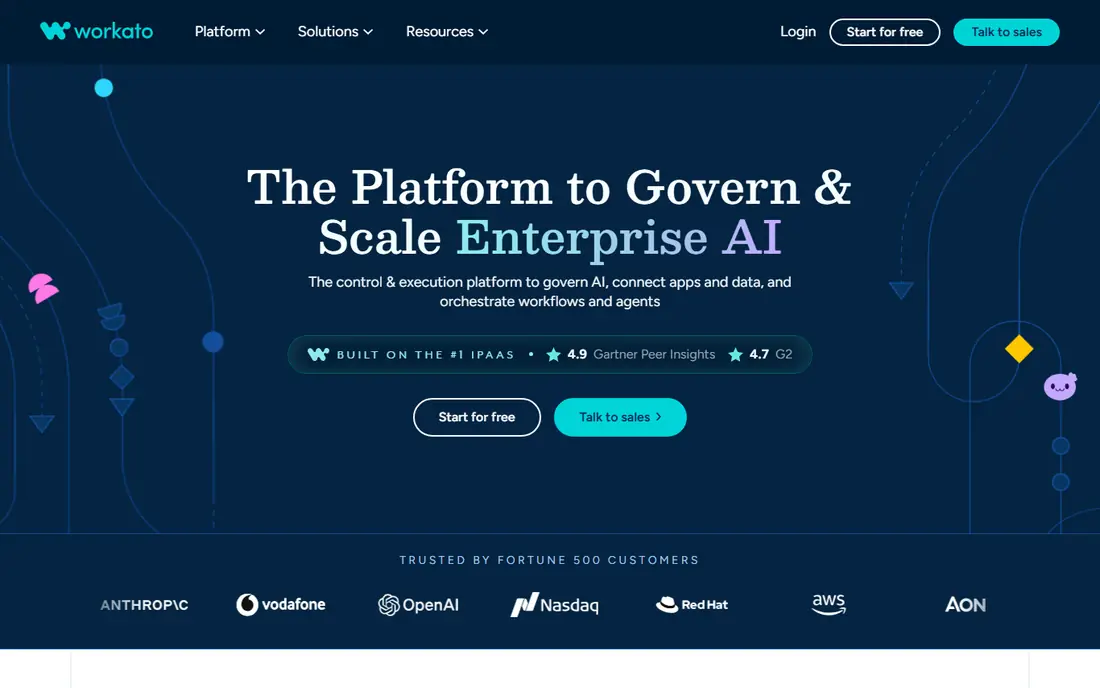
Workato is the enterprise pick for teams that need automation with control. Recipes connect cloud apps, databases, and on-prem systems, while workspace controls, roles, and audit logs keep integrations governed as they spread across departments. Agent features extend that same platform toward AI workflows that act across connected systems.
The main drawback is transparency. Workato publishes no list price, so budgeting requires a sales conversation and a clear picture of your task volume and workspaces. Small teams with a few cloud-to-cloud workflows will find Zapier or Make faster and far cheaper. For a large company standardising integrations with compliance needs, Workato is built for that job.
- Large connector library and recipe builder
- Strong governance, roles, and audit controls
- AI agent and automation features
- No published list price in 2026
- Enterprise cost and implementation effort
- Overkill for a handful of simple workflows
MuleSoft Anypoint is Salesforce's integration platform, and it fits large enterprises that treat APIs as reusable assets rather than one-off connections. Teams design, publish, and govern APIs, then reuse them across systems, which pays off when many apps and partners need the same data. Its Salesforce alignment is the deepest on this list, which matters for Salesforce-heavy companies.
MuleSoft is not a casual automation tool. It needs integration skill, implementation time, and an enterprise budget, with published reports putting entry pricing around $2,000 per month billed annually, though official pricing is quote based. A small team that needs a CRM-to-spreadsheet sync should not start here. A large enterprise with a complex app estate and API governance needs will find MuleSoft hard to match.
- API-led design with reusable APIs
- Deep Salesforce alignment
- Strong API management and monitoring
- Enterprise pricing and complexity
- Needs skilled integration developers
- Overkill for simple app syncs
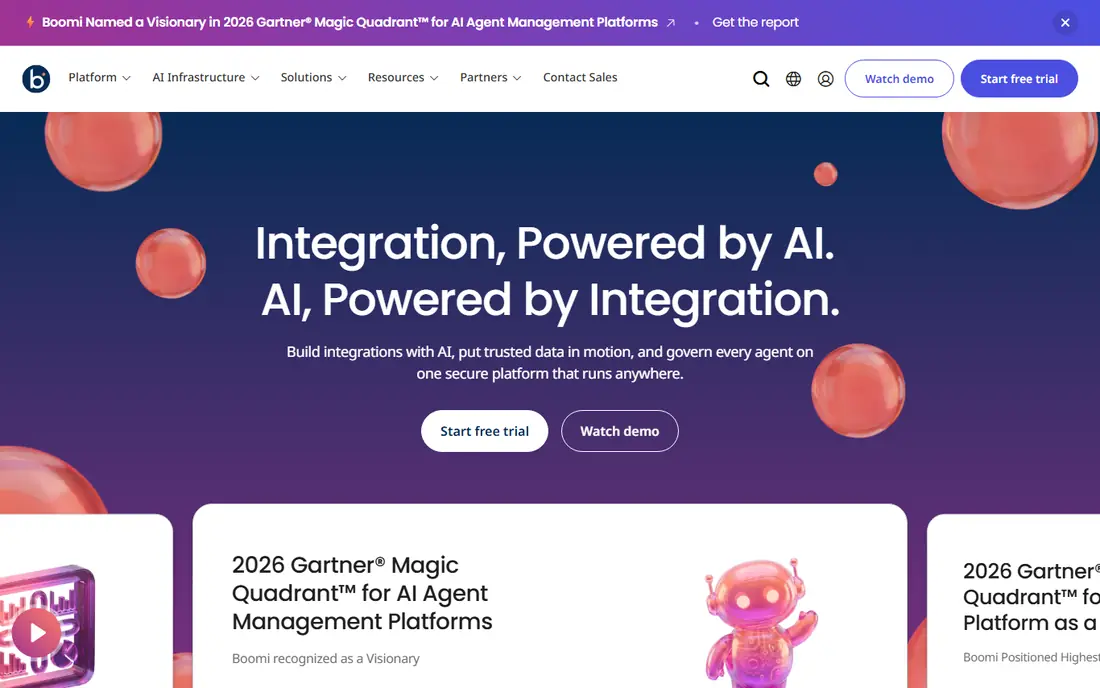
Boomi suits companies that live in both worlds: cloud apps on one side, on-prem databases and legacy systems on the other. Its runtime, called an Atom, can run in the cloud or on your own infrastructure, and visual mapping tools handle data transforms without writing code for every field. API management and newer agent features extend it beyond simple app sync.
Entry pricing is more transparent than most enterprise rivals, with a pay-as-you-go option reported from $99 per month plus usage, alongside a 30-day trial. Larger deployments still move to quotes, and complex mappings take training to get right. For mid-market and enterprise teams with hybrid systems, Boomi is a practical balance of power and accessibility.
- Hybrid runtimes for cloud and on-prem systems
- Visual mapping and API management
- Pay-as-you-go option from $99 per month
- Full enterprise pricing is quote based
- Learning curve for complex mappings
- Smaller teams may find it heavy
Zapier is the easiest way for a small team to connect apps without developers. Pick a trigger, add actions, and a workflow runs when something happens in one app, updating another app automatically. The catalogue covers thousands of apps, which means most common pairs, from forms to CRMs to spreadsheets, already exist as templates.
Task pricing is the catch. Every step in a workflow can count as a task, so a busy multi-step automation can burn through a plan faster than expected. Paid plans start at $19.99 per month billed annually, with a free plan for light use. Zapier is a light iPaaS for many teams, not a governed enterprise platform, but for speed and coverage it remains the default first try.
- Widest app catalogue for no-code teams
- Fast to build simple multi-step workflows
- Free plan for light use
- Task-based pricing climbs as automations multiply
- Complex data transforms need workarounds
- Enterprise governance is limited
Make, formerly Integromat, appeals to teams that want to see a workflow, not just list its steps. Its visual builder shows how data moves between modules, with routers, filters, and iterators for branching logic. That clarity helps when a workflow has many steps or conditions, since you can trace a failed run through the diagram rather than guessing.
Pricing is also friendlier for multi-step work. Paid plans start at $9 per month billed annually on a credit model, with a free plan for light use. The app catalogue is smaller than Zapier, so check that your key apps have solid connectors before committing. For budget-conscious teams building visual, multi-step automations, Make is often the better value of the two.
- Visual scenario builder shows data flow clearly
- Credit pricing suits multi-step workflows
- Free plan for learning and light use
- Smaller app catalogue than Zapier
- Complex scenarios need care to debug
- Enterprise governance is lighter than Workato or MuleSoft
Tray.ai, formerly Tray.io, sits between simple automation and enterprise iPaaS. Its visual builder handles complex, multi-step workflows across SaaS apps, and its agent builder lets teams create AI agents that act across connected systems. A connector builder and script steps give technical teams room to handle APIs that have no ready-made connector.
Pricing is quote based, which makes early budgeting harder, and complex builds still need someone comfortable with APIs and data mapping. There is no permanent free plan. For operations and RevOps teams that have outgrown Zapier but do not need a full enterprise platform, Tray.ai offers a strong middle path, especially where AI workflows are part of the plan.
- Flexible builder for multi-step workflows
- AI agent builder across SaaS apps
- Connector builder for custom APIs
- Quote based pricing
- Needs technical skill for complex builds
- No permanent free plan
Jitterbit targets mid-market companies that need real integration, not just simple triggers. It combines application integration, data integration, and API management, with visual design tools plus scripting for data transforms. That breadth helps when a project needs more than a form-to-CRM sync, such as syncing orders, inventory, and customer data across several systems.
Pricing is annual and quote based, so small teams cannot simply sign up and compare a list price. Implementation also benefits from integration experience, though deployment is often faster than a large enterprise platform. If your company is growing past simple automation and needs governed, multi-system integration without MuleSoft scale, Jitterbit is worth a demo.
- App, data, and API integration in one platform
- Visual design with scripting for transforms
- Good for mid-market deployment speed
- Annual quote based pricing
- Smaller public pricing transparency
- Needs integration experience for complex projects
Celigo is the pick when your stack centres on an ERP or ecommerce platform. Prebuilt integration flows for NetSuite, Salesforce, Shopify, and similar systems cover common jobs like order-to-cash and inventory sync, which cuts implementation time compared with building every flow from scratch. A flat-rate model based on endpoints and flows also makes costs easier to predict than pure task billing.
Celigo is less general than Workato for unusual or custom systems, and pricing is quote based, with a 30-day trial available. Teams whose core systems match Celigo prebuilt flows will get value fastest. Teams with a scattered, custom app estate should compare Workato, Boomi, or Jitterbit before committing to a platform built around specific ecosystems.
- Strong prebuilt flows for NetSuite, Salesforce, and ecommerce
- Flat-rate endpoint and flow model
- AI-assisted mapping
- Quote based pricing
- Strongest where its prebuilt flows match your stack
- Less general than Workato for unusual systems
How we picked these
We compared official feature and pricing pages, plus public reviews, and kept only platforms that are live in October 2026 and genuinely connect multiple apps, data sources, or APIs. We excluded Pipedream from the main list, since reports describe it stopping new signups ahead of a planned closure in March 2027, and we excluded tools that only automate a single app. Where pricing was quote based, we wrote See website rather than repeating unverified figures.
How to choose the right platform
Start with the systems you must connect, not the feature list. If your stack includes on-prem databases or a complex ERP, an enterprise or mid-market platform like Boomi, Jitterbit, or Celigo is the safer bet. If your work is cloud apps and simple triggers, Zapier or Make will be faster and cheaper, and you can migrate later if volume grows.
Model a full year of volume before you sign. Task, credit, endpoint, and flow billing behave very differently as automations multiply, so run your busiest workflow through the pricing calculator or trial and watch the meter. Check governance needs too: roles, audit logs, and error handling matter far more once integrations touch orders, money, or customer data. A platform that is easy on day one but blind on day ninety will cost more than a slower start with proper controls.
Frequently asked questions
What is the best iPaaS platform for small businesses?
Zapier and Make are the best small business picks, with Zapier offering the widest app catalogue and Make offering better value for multi-step visual workflows. Both have free plans and published prices, so a small team can start without a sales call. Move to Boomi, Jitterbit, or Celigo when volume, governance, or ERP needs outgrow simple automation.
What is the best enterprise iPaaS platform?
Workato, MuleSoft Anypoint, and Boomi are the strongest enterprise picks, each with a different strength: Workato for automation governance, MuleSoft for API-led design and Salesforce estates, and Boomi for hybrid cloud and on-prem systems. All three involve quote based enterprise pricing, so compare them on a real integration project rather than a headline price. Tray.ai and Jitterbit suit mid-market teams that need power without full enterprise scale.
How much do iPaaS platforms cost?
Costs range from free plans on Zapier and Make, through $9 per month for Make Core and $19.99 per month for Zapier Professional billed annually, to Boomi pay-as-you-go from $99 per month plus usage, and quote based enterprise contracts for Workato, MuleSoft, Tray.ai, Jitterbit, and Celigo. Your billing unit matters most: tasks, credits, endpoints, and flows all scale differently.
What is the difference between iPaaS and Zapier?
Zapier is a popular automation tool that many small teams use as a light iPaaS, since it connects apps with triggers and actions. A full iPaaS adds governed integration, API management, data transforms, hybrid deployment, and audit controls for larger, more critical workloads. If your integrations touch orders, money, or regulated data, a full iPaaS is usually the safer choice.
Do I need developers to use an iPaaS platform?
Not always. Zapier and Make are built for business users, with templates and visual builders that need little code. Enterprise platforms like MuleSoft and complex Tray.ai or Jitterbit projects benefit from developers or integration specialists, especially for data mapping, APIs, and error handling. Match the platform to the skill on your team, not just the feature list.
Sources
See where you really rank - block by block
ProMapRanker scans Google Maps across a grid of your service area. Simple monthly plans from $19, white-label on every plan.
Start freeKeep reading
 zoho inventory alternatives
6 Alternatives to Zoho Inventory, Compared on Price and Fit
Zoho Inventory alternatives: 6 tools compared on price, free plans and fit. Katana leads the list for manufacturers. Fit and flaws are laid out for each entry.
Read → zoho crm alternatives
Best Zoho CRM Alternatives (2026)
Need Zoho CRM alternatives? We compare 7 tools on cost, free access and who each suits. Every pick gets a straight assessment. Built for quick decisions.
Read → zelle alternatives
Best Zelle Alternatives in 2026
Compare the best Zelle alternatives for sending money to friends, paying sellers and moving funds abroad, with honest notes on fees, speed and safety in 2026.
Read →