 ProMapRanker
Best Invoicing Software for Small Business in 2026


Service businesses billing time · Pricing starts at: $23 per month
Key takeaways
- Wave and Zoho Invoice offer genuinely free invoicing, which suits freelancers and very small businesses with few clients.
- FreshBooks is the best invoicing-first paid pick for service businesses that bill time and expenses.
- QuickBooks Online and Xero add full accounting depth, which matters once invoicing is only part of the finance job.
- Payment processing fees are separate from subscription prices, so compare card and ACH fees alongside the monthly plan cost.
Quick comparison
| Pick | Great for | Pricing starts at | Free tier | |
|---|---|---|---|---|
| FreshBooks | Service businesses billing time | $23 per month | Free trial | Visit |
 QuickBooks Online QuickBooks Online | Small businesses needing full accounting | $38 per month | Free trial | Visit |
 Wave Wave | Free invoicing with basic bookkeeping | Free | Yes | Visit |
 Zoho Invoice Zoho Invoice | Free invoicing for small rosters | Free | Yes | Visit |
 Square Invoices Square Invoices | Businesses already taking Square payments | Free | Yes | Visit |
 Xero Xero | Teams wanting unlimited users | $27 per month | Free trial | Visit |
 Invoice Ninja Invoice Ninja | Budget invoicing with self-hosting option | Free | Yes | Visit |
 HoneyBook HoneyBook | Service providers selling packages | See website | Free trial | Visit |
The best invoicing software for small business
We compared invoicing software on invoice creation, recurring invoices, reminders, client portals, payment options, time and expense tracking, accounting depth and pricing transparency. The list covers free tools, invoicing-first paid tools and full accounting platforms, since a freelancer and a ten-person firm do not need the same system.
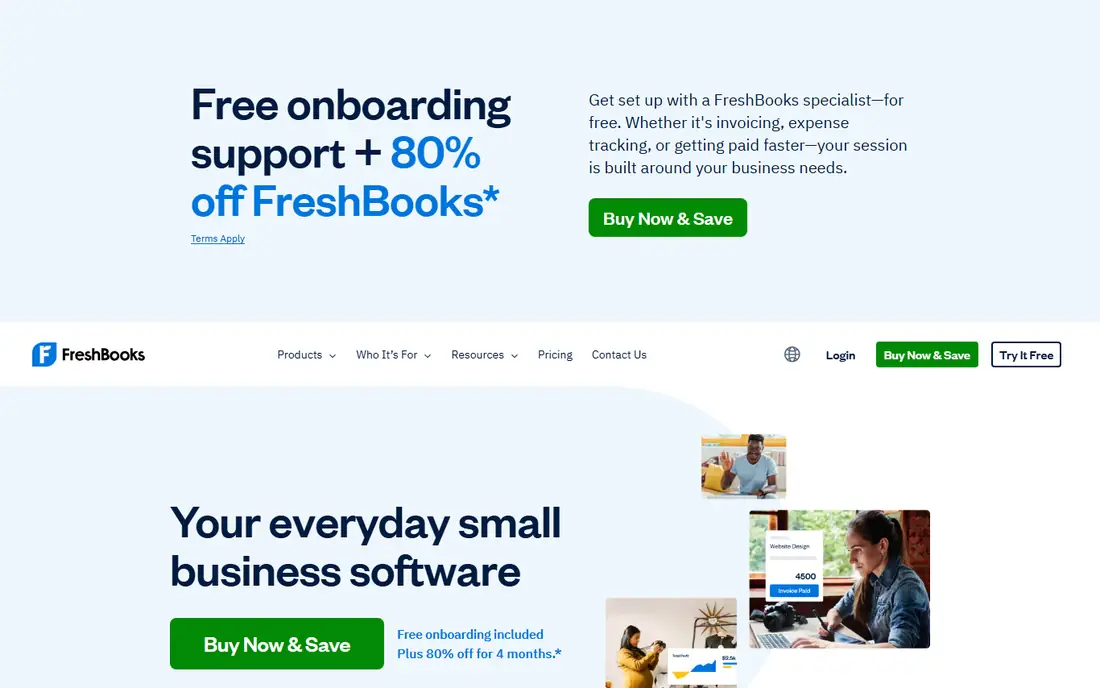
FreshBooks is built for freelancers and service businesses that invoice for their time. Billable hours and expenses can be tracked in the app and pulled onto an invoice without retyping, and templates look professional without design work. Automated reminders and late fees help chase payment without awkward follow-up emails.
Lite is listed at $23 per month, with a 30-day trial, and it caps billable clients at five, so growing firms will need a higher tier. Card processing is listed at 2.9 percent plus 30 cents in recent reports, with ACH at 1 percent, which should be confirmed on the vendor site. For a service business that bills hours, FreshBooks turns time into invoices more smoothly than a free tool.
- Polished invoice templates
- Time tracking and expenses flow into invoices
- Automated reminders and late fees
- Lite plan limits billable clients to five
- Extra team members add per-seat cost
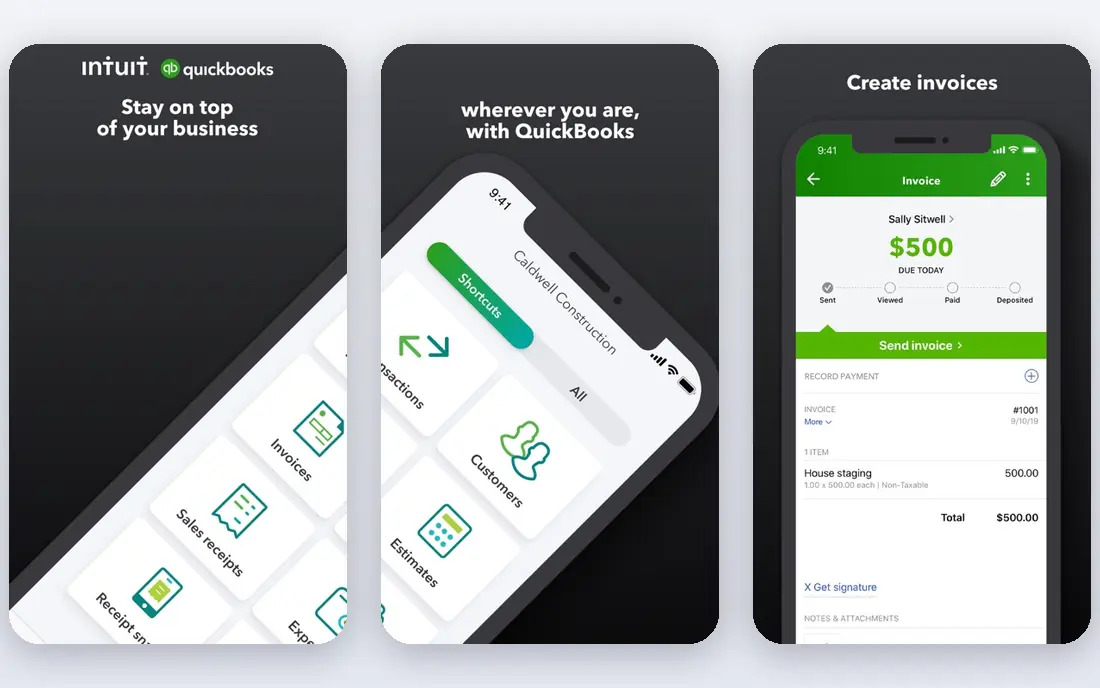
QuickBooks Online is the US small business accounting default, and invoicing is one part of a much larger system. Invoices, expenses, bank feeds, sales tax and reports live together, which saves time at tax season and makes life easier if an accountant already uses QuickBooks. Recurring invoices, payment links and reminders are included, with more advanced features on higher tiers.
Simple Start is listed at $38 per month, with a 30-day trial, and card fees are separate. That price is hard to justify if you only send a few invoices a month, since Wave or Zoho Invoice cover that job for free. Choose QuickBooks when accounting, payroll or accountant collaboration matters as much as invoicing itself.
- Full accounting, bank feeds and tax reports alongside invoicing
- Widely known by US accountants
- Strong payment and payroll options
- Higher price than invoicing-only tools
- Interface can feel heavy for a solo freelancer
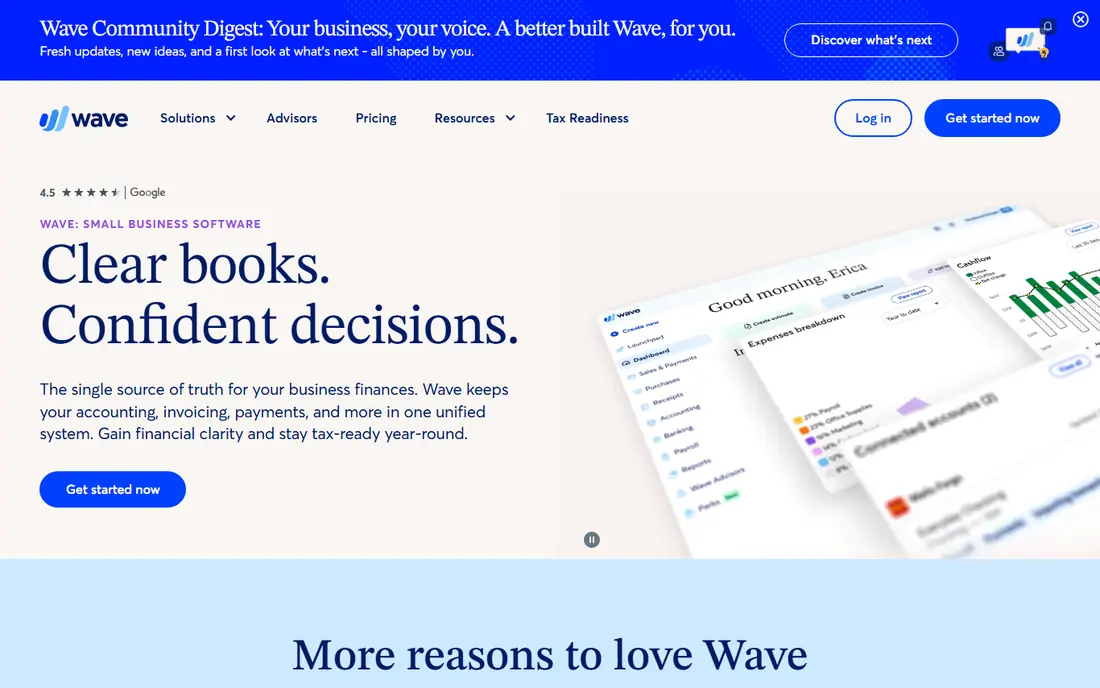
Wave is the best free invoicing pick for many freelancers because the Starter plan is free and includes unlimited invoices plus basic accounting. You can create professional invoices, send payment links and track income and expenses without a monthly subscription. Wave earns money mainly from payment processing, not from charging for invoices.
Card fees on Starter are listed at 2.9 percent plus 60 cents in recent reports, and Pro at $19 per month or $190 per year adds auto reminders, bank feeds and lower card fees. Wave is limited to the US and Canada, so businesses elsewhere need another tool. For a US freelancer starting out, Wave covers invoicing and basic books at no subscription cost.
- Free Starter plan with unlimited invoices
- Basic accounting included
- Easy invoice creation and payment links
- Available in the US and Canada only
- Pro features such as bank feeds and auto reminders need a paid plan
Zoho Invoice is genuinely free for small businesses, with no paid tier for the core invoicing product in its current model. It includes recurring invoices, automated reminders, time tracking, estimates and a client portal, which is more than many paid tools offer at entry level. Integration with Zoho Books and Zoho CRM helps if the business grows into the wider Zoho suite.
Recent reports put the free plan at up to 500 invoices per year and two users, with Zoho branding, so check the current limits on the vendor site before relying on it for a large client list. Payment processing goes through your own gateway, such as Stripe or PayPal, with that gateway's fees. For a very small business with a modest invoice volume, Zoho Invoice is hard to beat on value.
- Free plan with recurring invoices, reminders, time tracking and a client portal
- Integrates with Zoho Books and Zoho CRM
- Free plan has limits on invoices per year and users in recent reports
- Payment gateway fees still apply
Square Invoices suits a business that already takes card payments in person through Square. Invoices, in-person sales and online payments land in the same system, which simplifies reconciliation and gives clients a familiar checkout. The free plan covers basic invoicing, estimates and payment links, which is enough for occasional invoicing alongside retail or service sales.
Card fees on the free plan are listed at 3.3 percent plus 30 cents in recent reports, falling to 2.9 percent plus 30 cents on Plus at $49 per month. That higher free rate matters if invoice volume is large, since Wave or Zoho Invoice may be cheaper overall. Choose Square Invoices when Square already handles your payments, not when invoicing alone is the job.
- Free plan for basic invoicing
- Easy link to in-person Square payments
- Contracts and estimates on paid Plus plan
- Card rate on the free plan is higher than some rivals
- Fuller features need Plus at $49 per month in recent reports
Xero is a strong QuickBooks alternative, especially for teams that want unlimited users without per-seat fees. Every plan allows unlimited users, so a bookkeeper, an accountant and several staff can all access the system without extra user charges. Invoicing is clean and quick, with recurring invoices, reminders and online payment options.
Early is listed at $27 per month in recent reports, with a free trial, though plan names and prices vary by region. Payroll, expenses and project tracking may need add-ons or higher tiers, depending on your country. For a team that shares finance work widely, or a business with an accountant who prefers Xero, it is a credible alternative to QuickBooks.
- Unlimited users on every plan
- Clean invoicing with recurring invoices and reminders
- Strong bank feeds and app marketplace
- Payroll and expenses need add-ons or higher plans in some regions
- US support is smaller than QuickBooks
Invoice Ninja is a budget favourite because its free tier covers up to five clients with unlimited invoices, plus quotes, recurring invoices and a client portal. A self-hosted open source version lets technical users run the system on their own server, which appeals to businesses that want full control over data and costs.
Pro is listed at $14 per month in recent reports and lifts client and feature limits. Payment processing goes through your chosen gateway, so fees depend on that provider. The interface is functional rather than beautiful, and support is lighter than QuickBooks or FreshBooks. For a freelancer with a small client list who wants free invoicing with room to grow, Invoice Ninja is a practical pick.
- Free tier for up to five clients with unlimited invoices
- Self-hosted open source option
- Quotes, recurring invoices and payment gateways
- Free tier caps clients at five
- Interface is less polished than FreshBooks or QuickBooks
HoneyBook suits service providers who sell packages, such as photographers, designers, planners and coaches. A client inquiry can become a proposal, then a contract, then an invoice and payment, all in one portal, without separate tools for each step. That end-to-end flow saves time for businesses where the sale and the invoice are part of the same conversation.
HoneyBook is more than a simple invoicing tool, and its price reflects that, with recent reports ranging from $19 to $29 per month on annual billing for starter tiers. We list it as See website because plan names and prices have changed, and the vendor site is the reliable source. Choose HoneyBook when proposals and contracts matter as much as invoices, not when you only need to send a bill.
- Combines inquiries, proposals, contracts, invoices and payments
- Client portal for the whole booking flow
- Good for creative and service businesses
- Pricing has varied across reports and should be checked on the vendor site
- More than a freelancer needs for simple invoicing
How we picked these
We compared official pricing pages, feature pages and recent pricing summaries for invoicing tools available in October 2026. We favoured tools with a real free tier or a clear paid value, and we checked recurring invoices, reminders, payment options and accounting depth, since those features decide daily usefulness. Where pricing varied across sources, we used the most recent vendor-aligned figure or wrote See website rather than guessing.
What to check before you choose
Start with invoice volume and client count, since free plans cap one or both. Next, check payment fees: a free tool with a high card rate can cost more than a paid tool with a lower rate once volume grows. Check whether you need time tracking, expenses, estimates, contracts or full accounting, since each need pushes you toward a different tool on this list.
Test an invoice end to end: create it, send it to yourself, pay it, and check how it appears in reports. Check tax handling for your state and business type, and check whether the tool connects to your bank and your accountant's system. Finally, confirm the renewal price, since introductory discounts often expire after the first year.
Free invoicing versus paid accounting
Free invoicing works well until bookkeeping, tax reporting or payroll becomes a regular job. At that point, a paid accounting platform such as QuickBooks Online or Xero saves more time than it costs, because invoices, bank feeds and reports stay in one system. Many businesses start free with Wave or Zoho Invoice, then move to a paid platform when client count, invoice volume or tax complexity grows.
Frequently asked questions
What is the best invoicing software for small business?
Wave and Zoho Invoice are best for free invoicing, FreshBooks is best for service businesses that bill time, and QuickBooks Online and Xero are best when full accounting matters too. Square Invoices suits businesses already using Square, while Invoice Ninja suits budget users with few clients. The best pick depends on invoice volume, client count and whether you need accounting beyond invoices.
Is there free invoicing software for small business?
Yes. Wave offers a free Starter plan with unlimited invoices, Zoho Invoice offers a free plan for small businesses, Square Invoices offers a free basic plan, and Invoice Ninja offers a free tier for up to five clients. Free plans still charge payment processing fees when clients pay by card, and some free plans limit invoices per year or users, so check those limits first.
How much does invoicing software cost?
Subscription costs range from free to $38 per month for QuickBooks Online Simple Start, with FreshBooks Lite at $23 per month and Xero Early at $27 per month in recent reports. Payment processing fees are separate, typically around 2.9 percent plus 30 to 60 cents per card payment, depending on the tool and plan. Always add processing fees to the subscription price when you compare totals.
What is the best small business invoicing software for freelancers?
Wave is the simplest free pick for US freelancers, Zoho Invoice is the strongest free pick for small rosters, and FreshBooks is the best paid pick for freelancers who bill hours. Invoice Ninja suits freelancers with five or fewer clients who want a free tier with self-hosting options. Choose based on client count, time tracking needs and payment fees, not on brand alone.
Can invoicing software handle recurring invoices?
Yes, most tools on this list support recurring invoices, including FreshBooks, QuickBooks Online, Wave Pro, Zoho Invoice, Xero, Invoice Ninja and HoneyBook. Recurring invoices suit retainers, subscriptions and regular services, and they usually pair with automated reminders. Check whether recurring invoices are included on the free plan or only on paid plans, since that varies by tool.
Does invoicing software help with taxes?
Invoicing tools help by organising income, expenses and sales tax, and full accounting platforms such as QuickBooks Online and Xero offer tax reports that accountants can use. Invoicing-only tools help less at tax time, since they do not track the full books. No invoicing tool replaces a tax professional, and you should confirm sales tax and income tax handling for your state with an accountant.
Sources
See where you really rank - block by block
ProMapRanker scans Google Maps across a grid of your service area. Simple monthly plans from $19, white-label on every plan.
Start freeKeep reading
 zendesk alternatives
Best Zendesk Alternatives in 2026
Compare the best Zendesk alternatives in 2026, from budget help desks to AI-first support tools, with current pricing, free plans, and honest trade-offs.
Read → wordpress alternatives
Best WordPress Alternatives in 2026
Looking for the best WordPress alternatives? We compare 8 free and paid options for blogs, business sites, stores, and developer-led projects in 2026.
Read → which real estate company has the best training
Best Real Estate Company Training in 2026
Compare which real estate company has the best training, from Keller Williams and eXp to Compass and Coldwell Banker, by program, mentor, and fit in 2026.
Read →