 ProMapRanker
Best Invoicing Software for Freelancers in 2026

Key takeaways
- Wave and Zoho Invoice are our picks for free invoicing, with unlimited invoices on Wave and up to 500 invoices per year on Zoho Invoice.
- FreshBooks suits freelancers who want invoicing plus time tracking and expenses in one accounting tool.
- HoneyBook and Bonsai suit creative and service freelancers who need contracts and proposals alongside invoices.
- Invoice Ninja suits freelancers who want control and a self-host option, with a free plan for up to five clients.
- Payment processing fees apply on top of subscription prices, so compare card and bank transfer fees before you choose.
Quick comparison
| Pick | Great for | Pricing starts at | Free tier | |
|---|---|---|---|---|
 FreshBooks | Invoicing plus accounting | $23 per month | Free trial | Visit |
 Wave | Free invoicing for many clients | Free | Yes | Visit |
 HoneyBook | Creative freelancers with packages | $29 per month | Free trial | Visit |
 Bonsai | Contracts and proposals plus invoices | $25 per month | Free trial | Visit |
 Invoice Ninja | Control and self-host option | $14 per month | Yes | Visit |
 Square Invoices | In-person and online payments | Free | Yes | Visit |
 Zoho Invoice | Free invoicing with hourly billing | Free | Yes | Visit |
 PayPal Invoicing | Clients who already use PayPal | Free | Yes | Visit |
 Harvest | Time-based billing and invoicing | See website | Free trial | Visit |
The best invoicing software for freelancers
Freelance invoicing is not just about sending a bill. The best tool also helps you get paid faster, track who owes you, and handle recurring work without chasing clients. We compared official pricing pages and feature pages for tools still available in October 2026, and we kept only tools that fit freelance work.
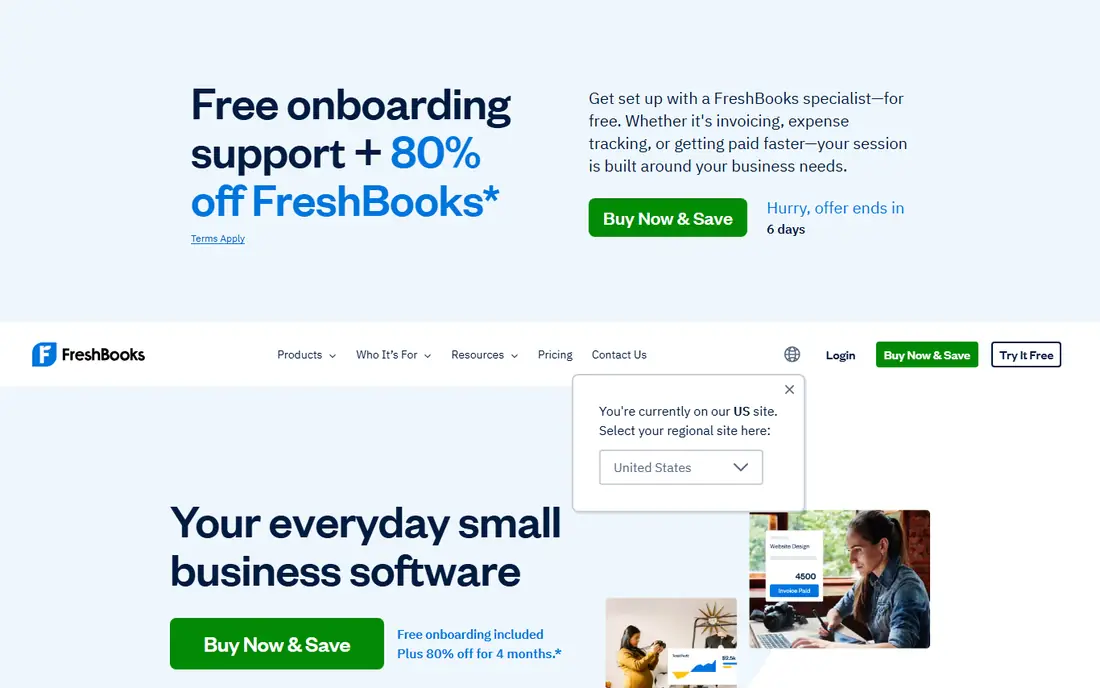
FreshBooks is the most complete pick for service freelancers who want invoicing inside a broader accounting tool. You can track time on a project, turn those hours into an invoice, add expenses, and send reminders when a payment is late. Clients get a simple portal where they can view and pay invoices online.
The Lite plan is the limit to check. At $23 per month, it covers five billable clients, which suits a small roster but not a freelancer with many active clients. FreshBooks fits best when you want invoicing, time and expenses together, rather than a standalone invoice sender.
- Invoicing, time tracking and expenses in one tool
- Automatic late fees and reminders
- Clean client portal
- Lite plan caps billable clients at five
- No permanent free plan
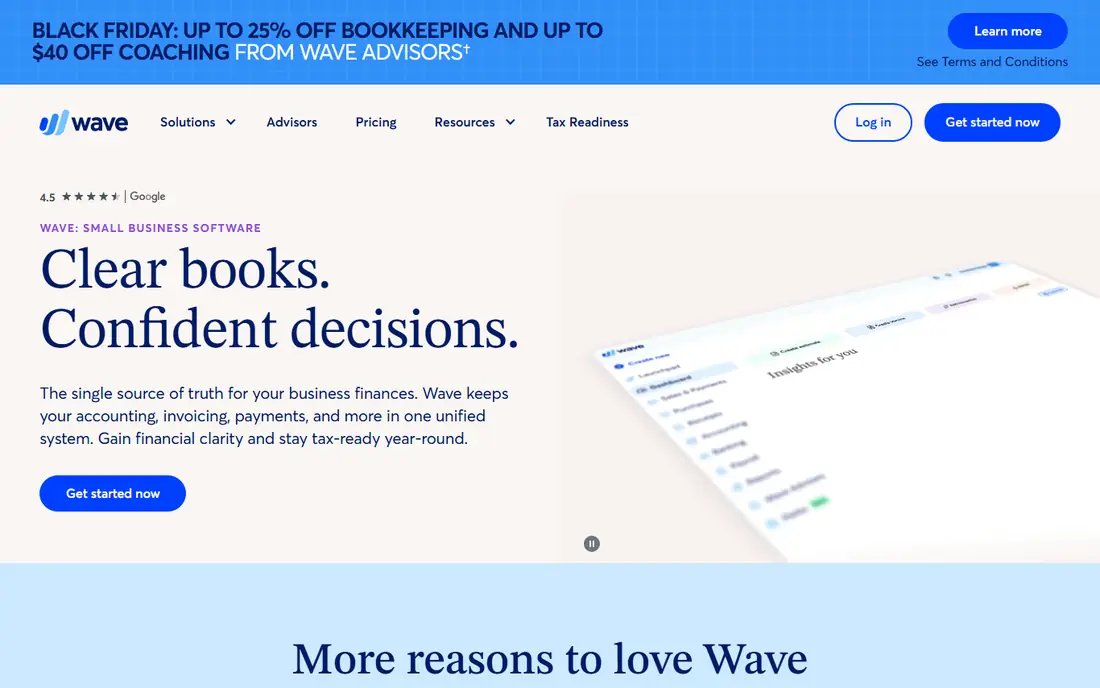
Wave is the best free invoicing tool for freelancers who send many invoices. There is no monthly fee for invoicing, and you can send unlimited invoices with your branding. Basic bookkeeping is included, which helps at tax time without a separate accounting subscription.
Wave makes money from payment processing, so card and bank transfer fees apply when clients pay online. That trade-off is fair for many freelancers, since the subscription cost is zero. Wave suits budget-conscious freelancers who need solid invoicing and simple books, not advanced time tracking.
- Free unlimited invoices
- Basic bookkeeping included
- Online payments for cards and bank transfers
- No time tracking
- Card processing fees apply, and payroll is a paid add-on in some regions
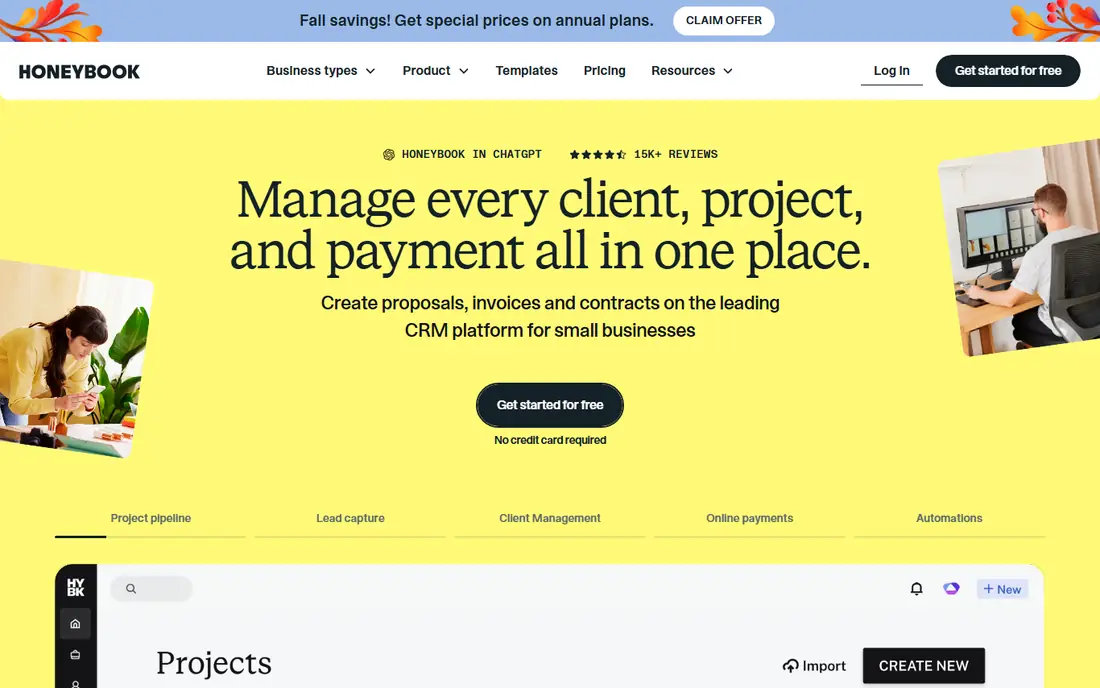
HoneyBook is built for creative and service freelancers who sell packages, such as photographers, designers and event planners. A client inquiry can move through a brochure, a proposal, a contract and an invoice without leaving the platform, and automations handle reminders and follow-ups along the way.
The price is higher than Wave or Zoho Invoice, and the setup is heavier, since HoneyBook works best when you build your full client flow in it. For project-based freelancers who book clients in packages, that workflow can save hours each week. For simple hourly billing, a lighter tool may be enough.
- Inquiry to booking workflow for service businesses
- Contracts, invoices and payments in one flow
- Client portal and automations
- Higher starting price than free tools
- Setup takes time for package-based workflows
Bonsai targets freelancers and consultants who need more than invoices. You can send a proposal, get a contract signed, track time, and then invoice from the same project, which keeps client work in one place. Templates for contracts and proposals help freelancers who do not have a lawyer for every engagement.
The main limits are price and geography. Bonsai costs more than free tools, and some tax features are built for US freelancers. For US-based consultants who want proposals, contracts and invoices together, Bonsai is a strong all-in-one pick.
- Contracts, proposals and invoices in one tool
- Time tracking and expense capture
- Client portal with payments
- Tax tools are US-focused
- Higher price than free invoicing tools
Invoice Ninja appeals to freelancers who want control over their invoices and data. The free plan covers up to five clients, and the paid Pro plan adds unlimited clients and more features at $14 per month. Invoice templates are highly customizable, and you can connect your own payment gateway.
The self-host option is a real differentiator for technical freelancers who want to run the software on their own server. The trade-off is polish: the interface is functional rather than beautiful, and setup takes more work than Wave or FreshBooks. Invoice Ninja fits freelancers who value control and low cost over a slick design.
- Free plan for up to five clients
- Highly customizable invoices
- Self-host option for technical users
- Interface is less polished than FreshBooks
- Self-hosting needs server skills
Square Invoices suits freelancers who also take payments in person, such as market stall sellers, mobile service providers and tradespeople. You can send an invoice online, take a card payment in person with Square hardware, and keep both in the same system. The free plan covers basic invoicing, while Plus adds more features.
Square Invoices is not a full accounting tool, so freelancers who need deep bookkeeping may pair it with another app. For payment flexibility, though, it is hard to beat, especially if you already use Square for card payments.
- Free invoicing plan
- Easy card payments online and in person
- Integrates with Square point of sale
- Plus plan is priced per location
- Limited accounting depth compared with FreshBooks
Zoho Invoice is one of the best free tools for freelancers who bill by the hour. You can track time, turn hours into invoices, set up recurring invoices, and accept payments through your own gateway. Multi-currency support helps freelancers with international clients.
The free plan is genuinely free, not a trial, which makes it a safe long-term pick for a solo freelancer. The trade-off is branding on the free plan and fewer package-booking features than HoneyBook. For straightforward invoicing, Zoho Invoice is excellent value.
- Free with up to 500 invoices per year
- Time tracking and recurring invoices
- Multi-currency support
- Free plan carries Zoho branding
- Fewer client workflow features than HoneyBook
PayPal Invoicing is the simplest option when your clients already pay through PayPal. You can create an invoice in minutes, send it by email, and let the client pay by card or PayPal balance. That familiarity helps with international clients who already trust PayPal.
The drawbacks are fees and depth. Card processing fees are higher than some dedicated invoicing tools, and PayPal lacks the time tracking, contracts and client workflows of FreshBooks or Bonsai. PayPal Invoicing fits freelancers with a small client list who value speed and familiarity over features.
- Free to create and send invoices
- Clients can pay without a PayPal account in many cases
- Trusted name for international clients
- Processing fees are higher than some rivals
- Limited invoicing features compared with dedicated tools
Harvest is built around time. You track hours on projects, see budgets and reports, and then turn tracked time into invoices with a few clicks. That flow suits freelancers, agencies and consultants who bill by the hour and need to show clients exactly what time was spent.
Harvest offers a free trial rather than a permanent free plan, and its invoicing is strongest for hourly work. Fixed-price freelancers may prefer Wave or Zoho Invoice. For hourly billing with clear time reports, Harvest is a reliable and well-liked choice.
- Excellent time tracking that feeds directly into invoices
- Project budgets and reports
- Integrations with payment gateways
- No permanent free plan
- Invoicing is tied to time tracking, so it suits hourly work best
How we picked these
We compared official pricing pages, feature pages and recent comparisons for invoicing tools still available in October 2026. We kept tools that let freelancers create, send and get paid for invoices, with clear pricing or a free plan. Where pricing varied by billing period or client count, we used the entry tier shown by vendors, and See website where pricing depended on plan details.
How to choose invoicing software as a freelancer
Start with how you bill. Hourly freelancers need time tracking that feeds into invoices, while package freelancers need contracts and proposals alongside invoices. A tool that matches your billing model will save more time than a tool with a longer feature list that does not fit how you work.
Next, compare the full cost of getting paid. Subscription prices are only part of the bill, since card and bank transfer fees apply when clients pay online. Work out the fee on a typical invoice, and check whether bank transfers are cheaper than cards for larger amounts. A free tool with higher card fees can cost more than a paid tool with lower fees, depending on your volume.
Finally, test the client experience. Send yourself a test invoice, pay it, and check what the client sees. A clear invoice with a simple pay button gets paid faster than a confusing one. Also check recurring invoices if you have retainer clients, and late reminders if you often chase payments. The best invoicing software for freelancers is the one that gets you paid with the least chasing.
Frequently asked questions
What is the best invoicing software for freelancers?
Wave and Zoho Invoice are the best free invoicing software for freelancers, while FreshBooks is best for invoicing plus accounting. HoneyBook and Bonsai suit freelancers who need contracts and proposals too. Your best pick depends on how you bill and how many clients you have.
What is the best invoice software for freelancers on a free plan?
Wave offers free unlimited invoices, and Zoho Invoice offers a free plan with up to 500 invoices per year. Invoice Ninja offers a free plan for up to five clients, and Square Invoices and PayPal Invoicing are also free to send invoices. Check payment processing fees, since those apply even on free plans.
What is the best invoicing app for freelancers who bill by the hour?
Harvest and FreshBooks are strong invoicing apps for freelancers who bill by the hour, because both turn tracked time into invoices. Zoho Invoice also offers time tracking on its free plan. Harvest is best when time reports matter to clients, while FreshBooks adds expenses and accounting.
What are the best invoicing tools for freelancers with contracts?
Bonsai and HoneyBook are the best invoicing tools for freelancers who need contracts, because both combine proposals, contracts and invoices in one client flow. Bonsai suits consultants, while HoneyBook suits creative freelancers who sell packages. Both cost more than free invoicing tools.
What is the best free invoicing software for freelancers?
Wave is the best free invoicing software for freelancers who send many invoices, since it has no monthly fee and no invoice limit. Zoho Invoice is also free and suits hourly billing with recurring invoices. Both charge processing fees when clients pay online, so compare those fees too.
Can freelancers use Square or PayPal for invoicing?
Yes, Square Invoices and PayPal Invoicing both let freelancers send invoices for free and accept card payments online. Square suits freelancers who also take in-person payments, while PayPal suits freelancers whose clients already use PayPal. Both are simpler than full invoicing and accounting tools.
Sources
See where you really rank - block by block
ProMapRanker scans Google Maps across a grid of your service area. Simple monthly plans from $19, white-label on every plan.
Start freeKeep reading
 outreach alternatives
Outreach Alternatives in 2026
Compare outreach alternatives for 2026, from Salesloft and Apollo to HubSpot and Lemlist, with pricing, channels, features, limits, and honest trade-offs.
Read → best web conference tools
Best Web Conference Tools in 2026
Compare the best web conference tools for meetings, webinars and team calls, with current pricing, free plans and honest limits for each option here today.
Read → best voice cloning tools
Best Voice Cloning Tools in 2026
Compare the best voice cloning tools in 2026, from ElevenLabs and Descript to Resemble and Cartesia, with consent rules, pricing, licenses, and limits.
Read →