 ProMapRanker
Best Invoicing Software for Contractors in 2026

Key takeaways
- Jobber and Housecall Pro suit contractors who need scheduling, dispatch, and invoicing in one field service app.
- FreshBooks, QuickBooks Online, and Xero suit contractors who want invoicing plus bookkeeping and accountant-ready reports.
- Wave and Zoho Invoice suit solo contractors who want free invoicing, with paid add-ons only when they need them.
- Check per-user fees and payment processing charges, since both can matter more than the headline monthly price on large jobs.
Quick comparison
| Pick | Great for | Pricing starts at | Free tier | |
|---|---|---|---|---|
 Jobber | Scheduling plus invoicing | $29 per month | Free trial | Visit |
 Housecall Pro | Service dispatch and payments | $59 per month | Free trial | Visit |
 FreshBooks | Simple billing and time tracking | $23 per month | Free trial | Visit |
 QuickBooks Online | Full accounting for contractors | $38 per month | Free trial | Visit |
 Xero | Growing teams, unlimited users | $27 per month | Free trial | Visit |
 Wave | Free invoicing for solo contractors | Free | Yes | Visit |
 Zoho Invoice | Free invoicing with automation | Free | Yes | Visit |
 Joist | Fast mobile estimates and invoices | $10 per month | Free trial | Visit |
 Invoice Ninja | Free invoicing you control | Free | Yes | Visit |
The best invoicing software for contractors
We compared tools that contractors actually use to quote, invoice, and get paid, from field service apps to accounting platforms with strong invoicing.
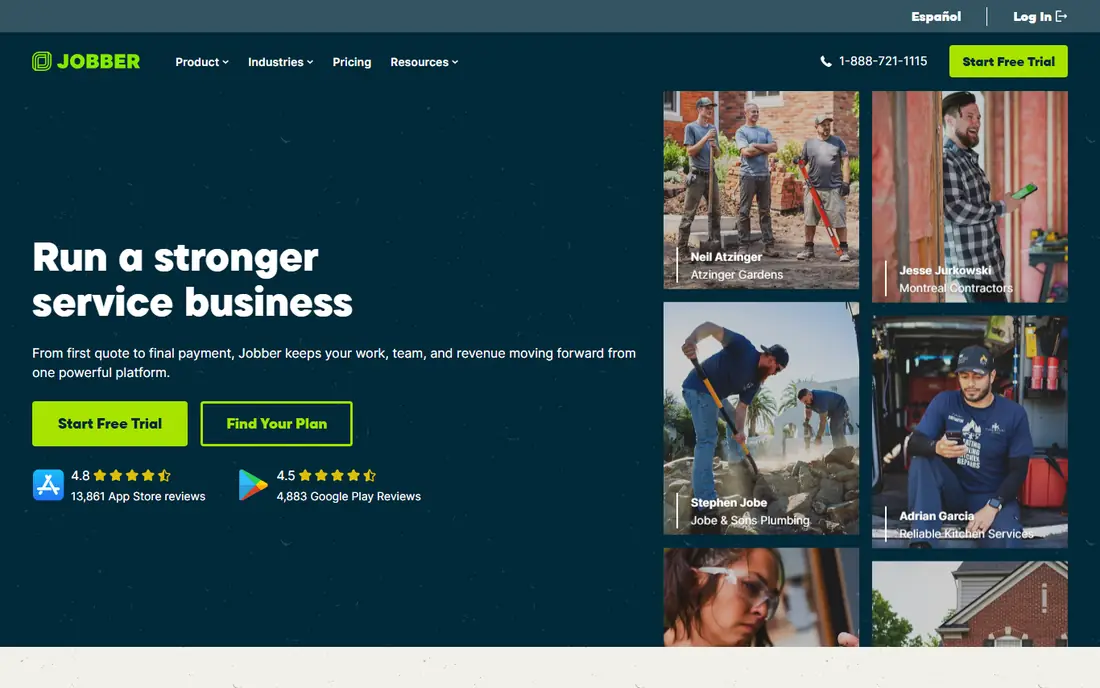
Jobber is our pick for home service contractors who run crews and need more than an invoice template. A quote can become a scheduled job, then an invoice, then a payment, without retyping client details at each step. Online booking and a client portal let customers approve quotes and pay without phone tag, which shortens the gap between finished work and payment.
The cost grows with users, so a solo contractor should start on Core and only move up when scheduling and team features are actually needed. The 14-day trial runs on a higher plan, so test the features you would use daily, not just the trial extras. For multi-crew service work, Jobber is the most complete invoicing-plus-operations pick here.
- Quotes convert to jobs, invoices, and payments in one flow
- Client portal and online booking
- Scheduling and dispatch for crews
- Entry plan covers one user, so team costs rise
- Higher plans needed for advanced features
- Monthly billing costs more than annual
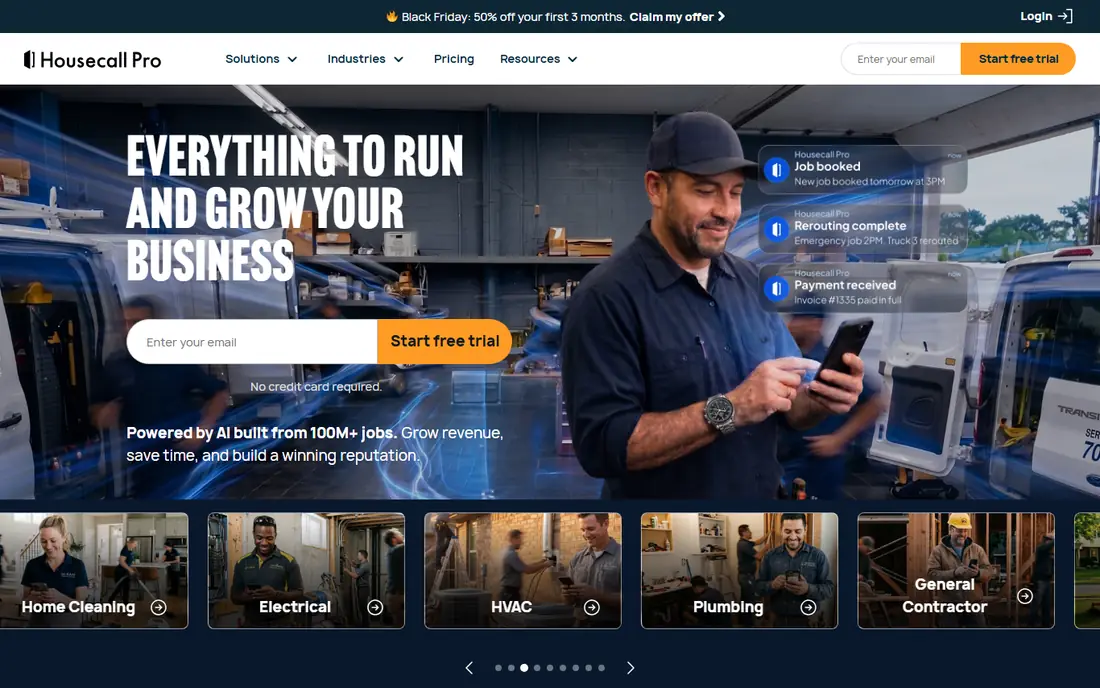
Housecall Pro suits service shops that dispatch technicians and want customers kept informed by text and email. Booking, scheduling, job tracking, invoices, and payments live in one place, so office staff spend less time copying details between tools. The published card rate is competitive, which matters when job totals are large and processing fees add up.
The starting price is higher than simpler invoicing tools, so solo contractors who only send a few invoices a month may prefer Wave or Joist. For a shop with daily service calls, dispatch needs, and repeat customers, Housecall Pro earns its price through time saved and faster payment. Test the 14-day trial with a real dispatch day before committing.
- Online booking, scheduling, dispatch, and invoicing in one app
- Customer text and email updates
- Payments with a competitive card rate
- Higher starting price than Jobber
- Per-user costs rise on higher tiers
- Some marketing features need higher plans
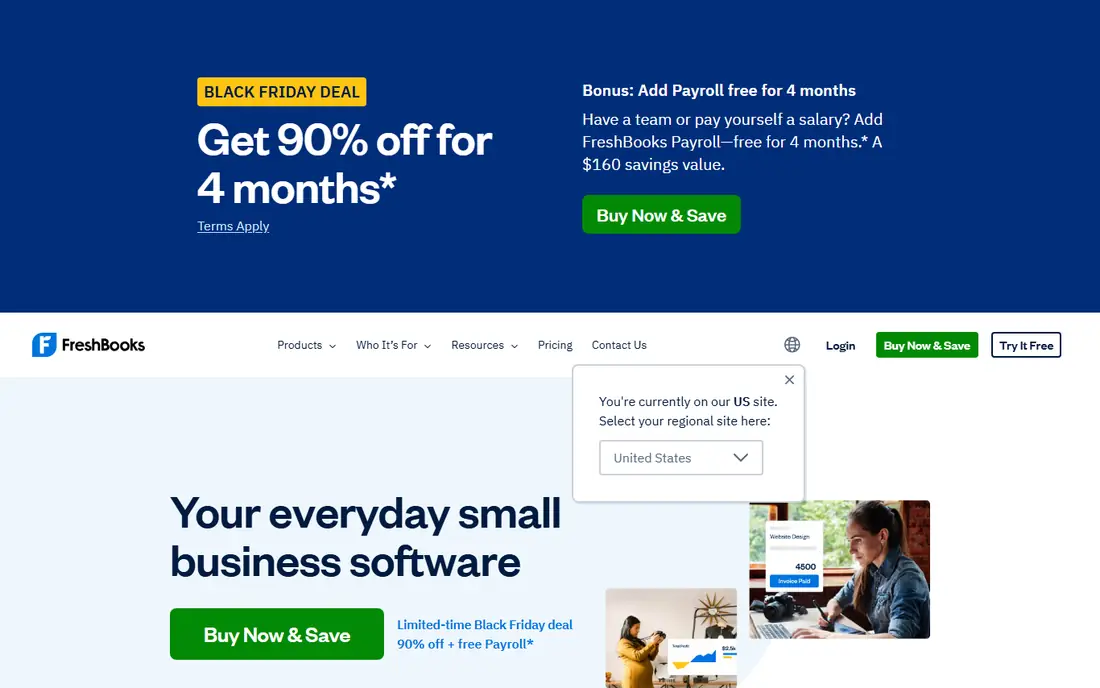
FreshBooks is a good fit for contractors who bill for time and want invoicing to feel simple. Templates look professional, time entries turn into invoice lines without manual math, and reminders chase late payments for you. The client portal lets customers view invoices and pay online, which helps solo contractors look polished without office staff.
The Lite cap is the catch. With only five billable clients on Lite, a growing contractor will need Plus soon, and team member fees add up for larger crews. If you invoice for hourly work and want the simplest billing experience, FreshBooks is excellent. If you need full job costing and payroll, QuickBooks or Xero may fit better.
- Easy invoice templates and client portal
- Time tracking that feeds invoices
- Payments and reminders built in
- Lite plan caps billable clients at five
- Extra team members cost about $11 each
- Accounting depth is lighter than QuickBooks
QuickBooks Online is the safe pick for contractors who want invoicing plus real accounting in one system. Estimates, invoices, expenses, and tax reports connect, and most US accountants can work directly in your books without a file conversion. Payroll, time tracking, and project tools are available as add-ons or higher plans, which helps as a business grows.
The trade-off is cost and complexity. At $38 per month for Simple Start, it costs more than free invoicing tools, and the full feature set takes time to learn. For a contractor with an accountant, multiple jobs, and tax reporting needs, that depth is worth it. For a solo contractor who only needs invoices, Wave or Zoho Invoice will cost less.
- US accounting standard most accountants already know
- Expense tracking, tax reports, and payroll add-ons
- Wide integration set
- Higher price than invoicing-only tools
- Interface can feel complex for a solo contractor
- Some features need higher plans
Xero suits contractors who plan to grow a team without paying per seat. Unlimited users mean office staff, bookkeepers, and accountants can all access the books without extra user fees, which is rare at this price. Invoicing, quotes, bank reconciliation, and expense tracking cover the core accounting jobs well.
The Early plan limits are worth checking, since invoice and bill caps can force an upgrade sooner than expected. Xero also lacks built-in dispatch, so field service teams may pair it with Jobber or Housecall Pro for scheduling. If accounting and team access matter most, Xero is a strong, scalable choice.
- Unlimited users on every plan
- Clean bank reconciliation and invoicing
- Multi-currency support for contractors with varied clients
- Early plan limits invoices and bills per month
- Payroll needs an add-on in the US
- Contractor-specific dispatch tools are not built in
Wave is the best free starting point for a solo contractor in the US or Canada. Invoicing, estimates, and basic accounting cost nothing, and you only pay for payment processing and optional add-ons such as payroll and receipt scanning. Templates look professional, and customers can pay online from the invoice.
The limits are geography and depth. Wave is not available for businesses outside the US and Canada, and contractors who need dispatch, job costing, or advanced reporting will outgrow it. For a solo contractor sending invoices and tracking income, Wave saves real money. When the business adds crews and scheduling, Jobber or Housecall Pro become better fits.
- Free invoicing and accounting for US and Canadian businesses
- Professional templates and payment links
- Receipt scanning on paid plans
- Only for US and Canadian businesses
- Payroll and advanced features are paid add-ons
- Support is more limited than paid platforms
Zoho Invoice gives solo contractors and small teams a surprisingly complete free invoicing tool. Templates, a client portal, recurring invoices, reminders, and automation come without a monthly fee, and the tool scales into Zoho Books if you later need full accounting. For a contractor already using Zoho apps, the integration is a bonus.
The catch is that free plan eligibility and limits vary by country, so confirm your region before relying on it. Zoho Invoice also lacks dispatch and scheduling, so field teams will need another tool for crew management. If invoicing and automation are the main needs, Zoho Invoice is one of the best free options available.
- Free plan with templates, client portal, and automation
- Recurring invoices and payment reminders
- Works well inside the Zoho ecosystem
- Free plan eligibility varies by country
- Advanced accounting needs Zoho Books
- No built-in dispatch for field crews
Joist is built for the moment a contractor stands in a driveway and needs an estimate before leaving. The mobile app makes it fast to add line items, photos, and a signature, then turn an accepted estimate into an invoice. At $10 per month on the entry tier, it is one of the cheapest paid options for contractors who invoice from the field.
The trade-off is depth. Lower tiers limit documents per month, and Joist does not replace full accounting or dispatch software. For a solo contractor who sends a modest number of estimates and invoices, Joist is fast and affordable. For a crew that needs scheduling and job management, Jobber or Housecall Pro will cover more of the day.
- Fast mobile quoting and invoicing from the job site
- Professional templates with photos and signatures
- Low monthly price
- Document limits on lower tiers
- Less accounting depth than QuickBooks or Xero
- Team and scheduling features are limited
Invoice Ninja suits contractors who want control over their invoicing data and a free tier that covers real work. Quotes, invoices, recurring billing, and a client portal are included, and the open-source version can be self-hosted for teams that prefer to run their own system. Payment gateways let customers pay online without a separate tool.
The learning curve is steeper than Wave or Zoho Invoice, and support is more community-driven on free plans. For a tech-comfortable contractor who wants free invoicing with room to grow, Invoice Ninja is a strong pick. For a contractor who wants the simplest setup, Wave or FreshBooks will feel easier on day one.
- Free tier with invoicing, quotes, and client portal
- Open-source self-hosting option
- Recurring invoices and payment gateways
- Interface takes time to learn
- Support is thinner than commercial platforms
- Advanced features need a paid plan
How we picked these
We compared vendor pricing pages, contractor guides, and October 2026 invoicing comparisons, and we kept only tools that are live and handle contractor invoicing, quotes, or field billing. We mixed field service apps, accounting platforms, and free invoicing tools so solo contractors, small crews, and growing firms can each find a fit. We did not claim hands-on testing, and promotional prices are noted as list prices where sources differed.
What to check before you choose
Count users and documents, not just the headline price
A $23 or $29 plan can become far more expensive with team members, document limits, or payment fees. Count users at peak staffing, estimate invoices per month, and check payment processing rates for card and bank payments. On large jobs, a small rate difference matters more than a few dollars of subscription cost.
Test the job-site workflow
Create a quote on your phone, get it signed, turn it into an invoice, and collect a test payment during the trial. Check offline behavior, photo handling, and how reminders work for late payers. A tool that is fast in the office but slow on site will not get used by your crew.
Confirm accounting and tax fit
If you work with an accountant, ask which system they prefer and whether they can access your books directly. Check sales tax handling, expense tracking, and year-end reports before you commit, since switching accounting tools mid-year is painful. Free invoicing is fine for a solo start, but accounting depth matters as revenue grows.
Frequently asked questions
What is the best invoicing software for contractors?
Jobber is best for crews that need scheduling and invoicing together, Housecall Pro for dispatch-led service shops, FreshBooks for simple time-based billing, and QuickBooks Online for full accounting. Solo contractors on a budget should start with Wave or Zoho Invoice, which offer free invoicing.
Is there free invoicing software for contractors?
Yes. Wave and Zoho Invoice offer free invoicing plans, and Invoice Ninja offers a free tier with quotes and a client portal. Free plans cover invoicing well, but payment processing fees still apply, and advanced features such as payroll and dispatch need paid plans or other tools.
How much does contractor invoicing software cost?
Free plans cost nothing except payment fees, simple paid invoicing starts around $10 to $23 per month, accounting platforms run $27 to $38 per month, and field service apps run $29 to $59 per month for entry tiers. Team size, document limits, and payment rates change the real total.
Can contractors invoice from a phone on the job site?
Yes. Joist, Jobber, Housecall Pro, FreshBooks, and Wave all offer mobile apps for creating estimates and invoices on site. Joist is the fastest for a quick driveway estimate, while Jobber and Housecall Pro add scheduling and dispatch for crews.
Do I need accounting software or just invoicing software?
Invoicing software is enough if you only send bills and track payments. Accounting software such as QuickBooks Online or Xero is better if you need expense tracking, tax reports, bank reconciliation, and accountant access. Many contractors start with invoicing and move to accounting as revenue and team size grow.
Sources
See where you really rank - block by block
ProMapRanker scans Google Maps across a grid of your service area. Simple monthly plans from $19, white-label on every plan.
Start freeKeep reading
 zoho inventory alternatives
6 Alternatives to Zoho Inventory, Compared on Price and Fit
Zoho Inventory alternatives: 6 tools compared on price, free plans and fit. Katana leads the list for manufacturers. Fit and flaws are laid out for each entry.
Read → zoho crm alternatives
Best Zoho CRM Alternatives (2026)
Need Zoho CRM alternatives? We compare 7 tools on cost, free access and who each suits. Every pick gets a straight assessment. Built for quick decisions.
Read → zelle alternatives
Best Zelle Alternatives in 2026
Compare the best Zelle alternatives for sending money to friends, paying sellers and moving funds abroad, with honest notes on fees, speed and safety in 2026.
Read →