 ProMapRanker
Best Invoicing Software for Consultants in 2026

Key takeaways
- FreshBooks suits consultants who want invoicing, time tracking, and basic accounting in one place.
- Zoho Invoice and Wave suit consultants starting out, with free plans for core invoicing.
- HoneyBook suits consultants who sell packages and need proposals and contracts before billing.
- Harvest suits consultants who bill mainly by the hour and need time data on every invoice.
- Payment processing fees sit on top of subscription prices, so check card and bank transfer fees before choosing.
Quick comparison
| Pick | Great for | Pricing starts at | Free tier | |
|---|---|---|---|---|
 FreshBooks | All round consulting billing | $23 per month | Free trial | Visit |
 Zoho Invoice | Free structured invoicing | Free | Yes | Visit |
 Wave | Free invoicing for new consultants | Free | Yes | Visit |
 HoneyBook | Proposals, contracts, and billing | $29 per month | Free trial | Visit |
 QuickBooks Online | Accounting led consulting | $38 per month | Free trial | Visit |
 Harvest | Hourly billing from tracked time | $13.75 per user per month | Free trial | Visit |
 Bonsai | Freelance consultants and client flow | $25 per month | Free trial | Visit |
 Invoice Ninja | Low cost and self hosted option | $12 per month | Yes | Visit |
The best invoicing software for consultants
Consultants bill in different ways, from hourly work and retainers to fixed fee projects and payment schedules. The tools below cover those models, with notes on where each one fits and where it falls short.
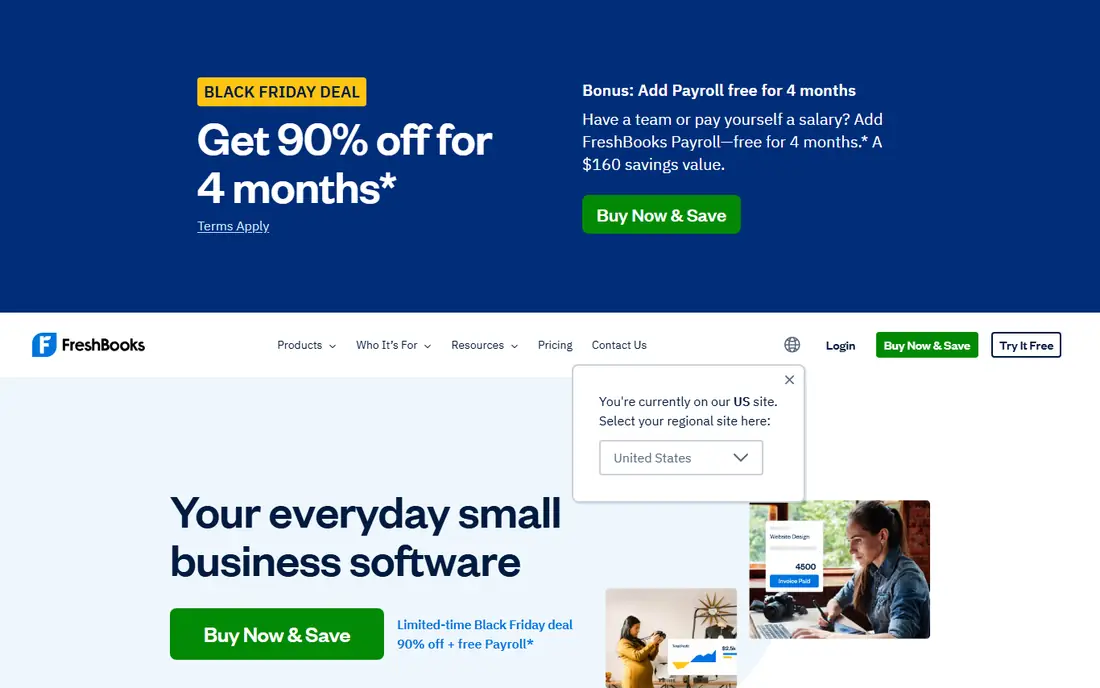
FreshBooks is a safe first pick for many solo consultants because invoicing, time, expenses, and basic accounting live together. A consultant can track hours on a project, turn that time into an invoice, add expenses, and let a client pay through the portal. That joined up flow cuts the admin time that often eats into billable hours. The limit to watch is the client cap on the Lite plan, which covers only a small number of billable clients. A consultant with a growing roster will need to move up sooner than expected, and proposals and some team features also sit on higher plans. Even so, for a consultant who wants one system for billing and books, FreshBooks is hard to beat for clarity.
- Clean invoicing and estimates
- Time tracking and expenses
- Client portal for payments
- Lower plan limits client count
- Higher plans needed for proposals and team features
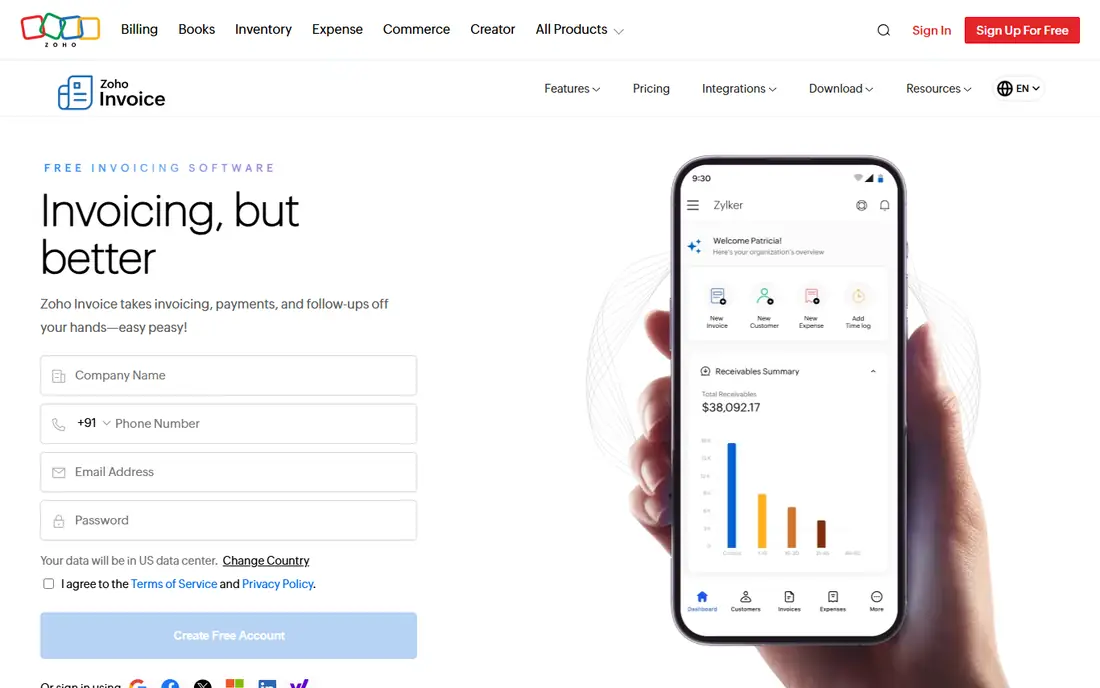
Zoho Invoice gives consultants a genuinely useful free invoicing tool, not just a demo. Estimates, recurring invoices, payment reminders, and a client portal are included, which covers the core billing cycle for many small practices. Multi currency support helps consultants who bill clients in other countries, and the interface stays focused on invoices rather than on a full ledger. The trade off is scope. Zoho Invoice is not a full accounting system, so a consultant who needs detailed books, bank reconciliation, and tax reports will need Zoho Books or another accounting tool alongside it. For a consultant who already uses an accountant, or who wants free invoicing with control over templates and schedules, Zoho Invoice is a strong, low risk start.
- Free plan with estimates and recurring invoices
- Multi currency support
- Client portal
- No full accounting on the free tool
- Zoho ecosystem can feel broad for a single user
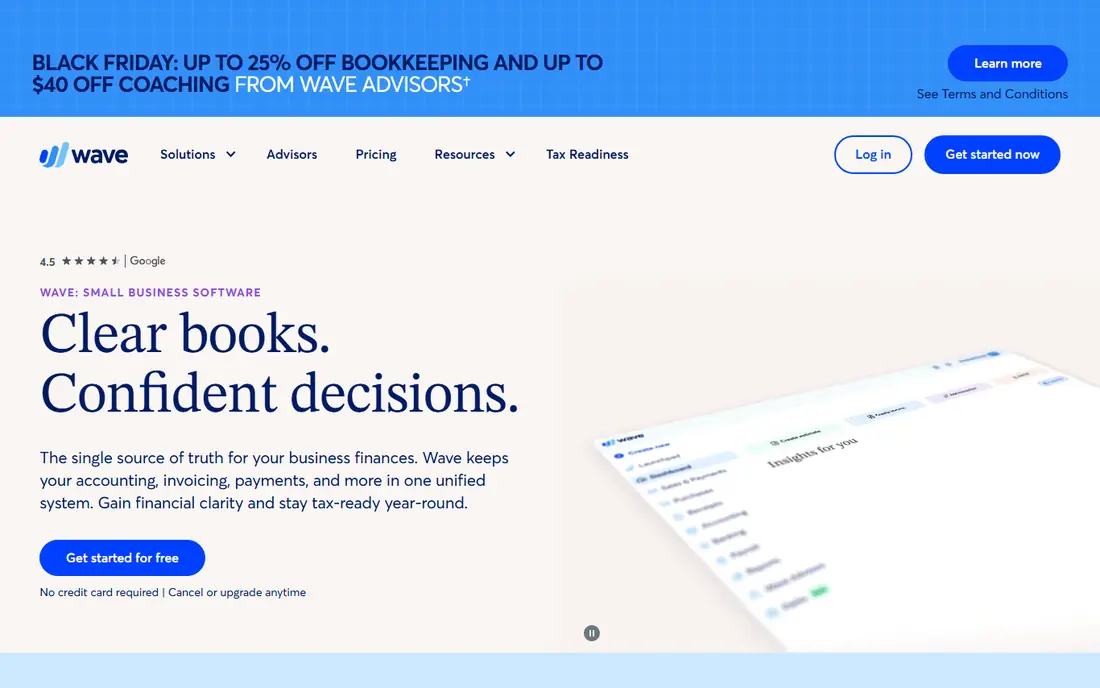
Wave suits a consultant who is just starting and wants professional invoices without a monthly fee. The free plan covers invoicing and basic accounting, and clients can pay online, with processing fees applied by the payment provider. Setup is quick, and the learning curve is low, which matters when billing is only one part of running a new practice. The limits appear as the practice grows. Recurring invoicing, a common need for retainer clients, requires the paid Pro plan, and Wave does not offer the same depth of project or proposal tools as FreshBooks or HoneyBook. For a new consultant with a handful of clients and simple billing, Wave keeps costs down. For retainer heavy work, compare the Pro price before committing.
- Free invoicing and accounting basics
- Simple setup
- Payment processing built in
- Recurring invoices need the paid Pro plan
- Support and advanced features are limited
HoneyBook fits consultants who sell defined packages and need a smooth client journey from first inquiry to final payment. A consultant can send a proposal, attach a contract, set a payment schedule, and invoice from the same flow, which reduces back and forth by email. Templates help for repeatable services such as audits, workshops, or monthly advisory packages. The weakness is accounting depth. HoneyBook handles client billing well, but it does not replace a full bookkeeping system, so many users still run QuickBooks or a similar tool for their books. Higher plans cost much more than the Starter plan, so a consultant should check which features sit on each tier. For client facing service businesses, the booking flow is the reason to choose HoneyBook.
- Inquiry to contract to invoice flow
- Payment schedules
- Templates for service packages
- Not a full accounting system
- Price rises steeply on higher plans
QuickBooks Online is the pick when an accountant is involved, or when a consulting practice needs proper books from the start. Invoicing sits inside a full accounting system, with bank feeds, expense categories, and reports that an accountant can use directly. That familiarity saves time at tax season and makes it easier to hand work to a professional. The cost and complexity are the downsides. The entry plan costs more than free invoicing tools, and users who only need to send a few invoices may find the system heavy. Upsells to higher tiers are frequent, so a consultant should buy the tier that matches current needs rather than future hopes. For a practice that is growing into a firm, QuickBooks Online is a sound long term base.
- Full accounting plus invoicing
- Wide accountant familiarity
- Bank feeds and reports
- Higher entry price
- Interface can feel heavy for invoice only users
Harvest starts from time, which suits consultants who charge by the hour or who need to show a client exactly where hours went. Time entries can be grouped by project and task, then turned into an invoice with detail a client can follow. Project budgets help a consultant spot when a fixed scope engagement is drifting before it becomes a dispute. Harvest is less strong as a standalone accounting system, and consultants who need ledgers, tax reports, and bank reconciliation will pair it with another tool. It also suits hourly work better than complex retainer schedules, though invoices can still be created for fixed amounts. For time based consulting, the clarity of time to invoice is the main benefit.
- Time tracking tied to invoices
- Project budgets
- Simple reports for clients
- Not a full accounting tool
- Retainer and fixed fee billing is less central
Bonsai is built for freelancers and independent consultants who want the whole client flow in one place. Proposals, contracts, time tracking, and invoices connect, so a consultant does not rebuild client details at each stage. That flow helps for project based consulting where a proposal becomes a contract and then a series of invoices. The system can feel broad for a consultant who only needs invoicing, and its bookkeeping tools are lighter than a full accounting platform. Pricing sits in the middle of this list, which is fair for the breadth, but not the cheapest invoice only choice. For a solo consultant who handles their own sales, contracts, and billing, Bonsai reduces the number of tools to manage.
- Proposals, contracts, and invoices in one flow
- Time tracking
- Client portal
- Can feel like more than invoice only users need
- Bookkeeping features are basic
Invoice Ninja suits consultants who want control and low cost, including the option to host the software themselves. The hosted free plan covers core invoicing, and paid plans add more users and features, while the self hosted version gives a consultant full control over data and customisation. Support for many payment gateways helps consultants with clients in different regions. The interface is more functional than polished, and self hosting needs technical care for updates, backups, and security. A consultant who wants a plug and play experience may prefer FreshBooks or Zoho Invoice. A consultant who values low cost, recurring billing, and control over hosting will find Invoice Ninja a practical alternative. This article is general information only and is not tax or accounting advice. Check invoice, tax, and record keeping rules for your location, and talk to a qualified professional about your own situation.
- Free hosted plan and self hosted option
- Recurring invoices
- Many payment gateways
- Interface is less polished than rivals
- Setup takes more care for self hosting
How we picked these
We compared official pricing pages, feature pages, and public guides for invoicing tools used by consultants in October 2026. We kept tools that support client invoicing, payment collection, and either hourly, retainer, or fixed fee billing. We favoured tools with a clear free plan or trial and a published starting price, and we noted where payment processing fees apply on top of subscriptions.
Choosing the right invoicing tool
Start with how you bill. Hourly consultants should prioritise time tracking that flows into invoices, while package consultants should prioritise proposals, contracts, and payment schedules. Retainer consultants should check recurring invoices and late payment reminders first, since those features save the most admin time each month. Next, check the total cost. Subscription price is only part of it, since card and bank transfer fees apply when a client pays online. Also check client limits, user limits, and whether accounting is included or needs a second tool. A free plan is a good test, but run a real invoice cycle through it, including a payment and a reminder, before you move all clients across.
Frequently asked questions
What is the best invoicing software for consultants starting out?
Zoho Invoice and Wave are strong free starts, since both cover core invoicing without a monthly fee. FreshBooks is a good paid step up when you need time tracking and basic accounting together. Test a free plan with a real client invoice before paying.
Can I bill retainers with these tools?
Yes, most tools on this list support recurring invoices, though Wave requires its paid Pro plan for that feature. Check whether the tool lets you set a schedule, send reminders, and pause a retainer without deleting the client record. That control matters more than the invoice template.
How do payment fees work on top of subscriptions?
When a client pays by card, the payment provider usually charges a percentage plus a fixed fee per payment, and bank transfer fees are often lower. Those fees are separate from the monthly subscription, so a consultant with large invoices should compare card and bank options. Ask clients who pay regularly whether bank transfer suits them.
Do I need accounting software as well as invoicing software?
It depends on the tool and your practice. FreshBooks and QuickBooks Online include accounting basics or full books, while HoneyBook, Harvest, and Bonsai are lighter on accounting. If you use an accountant, ask which system they prefer, since that choice can save time at year end.
Is free invoicing software safe for a consulting business?
Free plans from established vendors can be safe for core invoicing, provided you back up records and check data export options. Keep copies of invoices and payments outside the tool as well, and check whether the free plan limits clients, invoices, or history. A paid plan is worth it when those limits start to bind.
Which tool is best for consultants who bill by the hour?
Harvest is the clearest hourly pick, since time entries flow directly into invoices with project detail. FreshBooks also handles time to invoice well, with accounting alongside it. Choose Harvest for time clarity alone, and FreshBooks when you also want books in the same system.
Sources
See where you really rank - block by block
ProMapRanker scans Google Maps across a grid of your service area. Simple monthly plans from $19, white-label on every plan.
Start freeKeep reading
 what’s the best risk software for enterprises
What Is the Best Risk Software for Enterprises in 2026
We compared what’s the best risk software for enterprises on risk registers, controls, third-party risk, and reporting, with pricing notes for large teams.
Read → what's the best pam software for enterprises
What is the Best PAM Software for Enterprises in 2026
Find what's the best pam software for enterprises, with vaulting, session recording, just in time access and pricing compared for large enterprise IT teams.
Read → what’s the best grc software
What Is the Best GRC Software in 2026
We compared what’s the best grc software on risk, compliance, audit and vendor risk, so teams can pick a platform that fits their frameworks and budget.
Read →