 ProMapRanker
Best Invoicing Software Comparison in 2026


Full accounting plus invoicing · Pricing starts at: $38 per month
Key takeaways
- QuickBooks Online is the strongest all-round pick when invoicing must connect to full accounting, payroll, and accountant access.
- FreshBooks is the best invoicing-first pick for service businesses that bill by hour or project and want polished client invoices.
- Zoho Invoice and Wave offer genuinely free invoicing, which suits freelancers and very small businesses with simple needs.
- Xero suits multi-user teams and multi-currency billing, since it includes unlimited users on every plan.
- Payment fees, client limits, and invoice caps matter more than the monthly subscription price for many businesses.
Quick comparison
| Pick | Great for | Pricing starts at | Free tier | |
|---|---|---|---|---|
| QuickBooks Online | Full accounting plus invoicing | $38 per month | No | Visit |
 FreshBooks | Service billing and time tracking | $23 per month | No | Visit |
 Xero | Multi-user and multi-currency teams | $27 per month | No | Visit |
 Zoho Invoice | Free invoicing with recurring billing | Free | Yes | Visit |
 Wave | Free invoicing and basic books | Free | Yes | Visit |
 Square Invoices | Fast payment collection | Free | Yes | Visit |
 Stripe Invoicing | Online and recurring payments | See website | No | Visit |
 Zoho Books | Full accounting at low cost | $15 per organization per month | Yes | Visit |
 Sage Accounting | Simple invoicing and cash flow | See website | No | Visit |
The best invoicing software comparison
We compared official pricing pages, free plans, payment options, recurring billing, and accounting depth in 2026. Prices below are entry list prices, usually before promotions. Many vendors offer large first-month discounts, so check the vendor pricing page for the current offer before you buy.
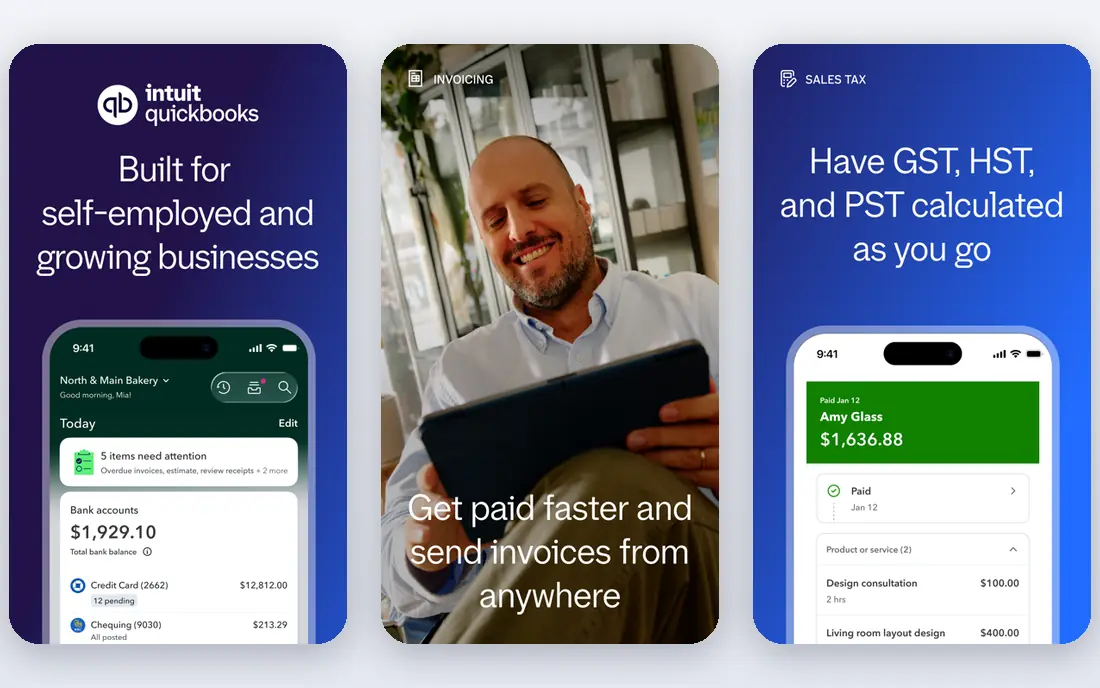
QuickBooks Online tops this comparison because invoicing connects directly to accounts receivable, the general ledger, bank reconciliation, and reporting. You can send an invoice, track when a client views it, record payment, and see the effect on profit and cash flow in one system. Simple Start starts at $38 per month in 2026 sources, with a 30-day trial in past listings and a limited free tier for basic income, expense, and invoice tracking in some listings.
The cost and complexity are real. QuickBooks is more expensive tier for tier than FreshBooks or Xero, and its full feature set can feel heavy if you only send a few invoices a month. For US businesses that work with an accountant, hire staff, track inventory, or need payroll, QuickBooks is usually the path of least resistance. Accountants know it, integrations are broad, and reporting scales as you grow.
- Deepest accounting and reporting
- Most accountants know it
- Strong app integrations
- Highest entry price in this list
- Learning curve is steeper than invoicing-only tools
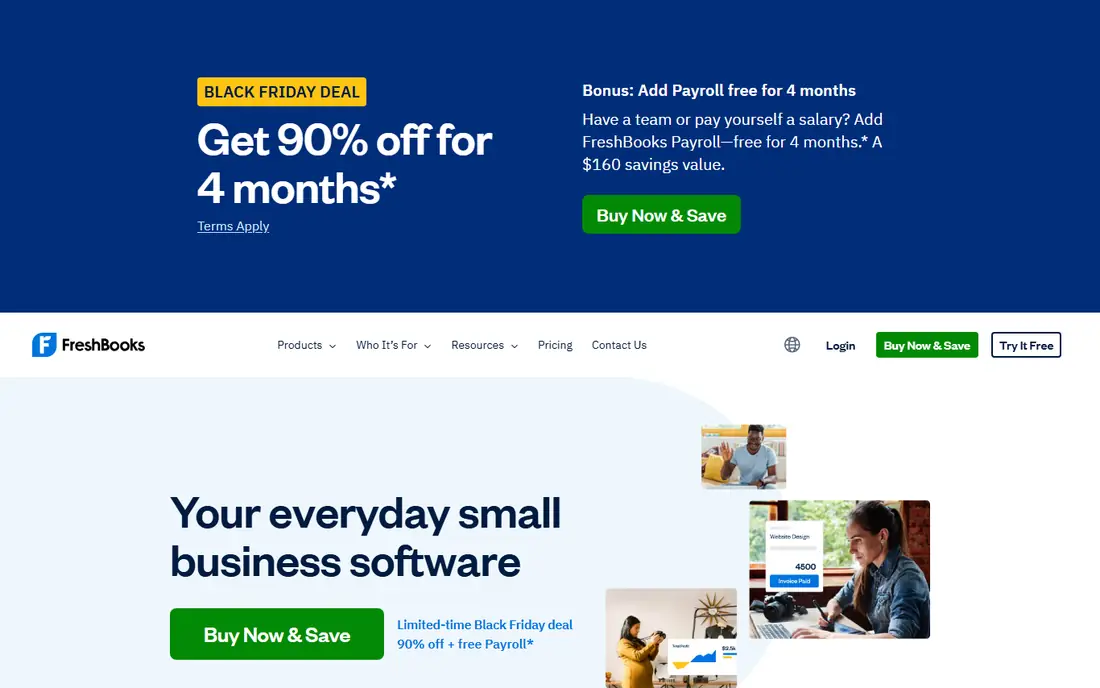
FreshBooks is the invoicing-first pick for service businesses. Its invoices look clean, payment reminders are automatic, and time tracking converts tracked hours into invoices in a few clicks. Lite starts at $23 per month, with unlimited invoices to up to 5 clients, while Plus at $43 per month covers up to 50 clients in 2026 sources. A 30-day free trial lets you test the full flow before paying.
The limit is depth. FreshBooks is not built for complex inventory or for large accounting teams, and lower tiers limit billable clients. If most of your revenue comes from billing time or projects, and you want invoices that clients pay quickly, FreshBooks is the best invoicing platform in this list for that job. If you need inventory or a large accountant network, compare QuickBooks first.
- Polished invoices and payment reminders
- Time tracking converts to invoices
- Easy client portal
- Client limits on lower tiers
- Lighter on inventory and deep accounting
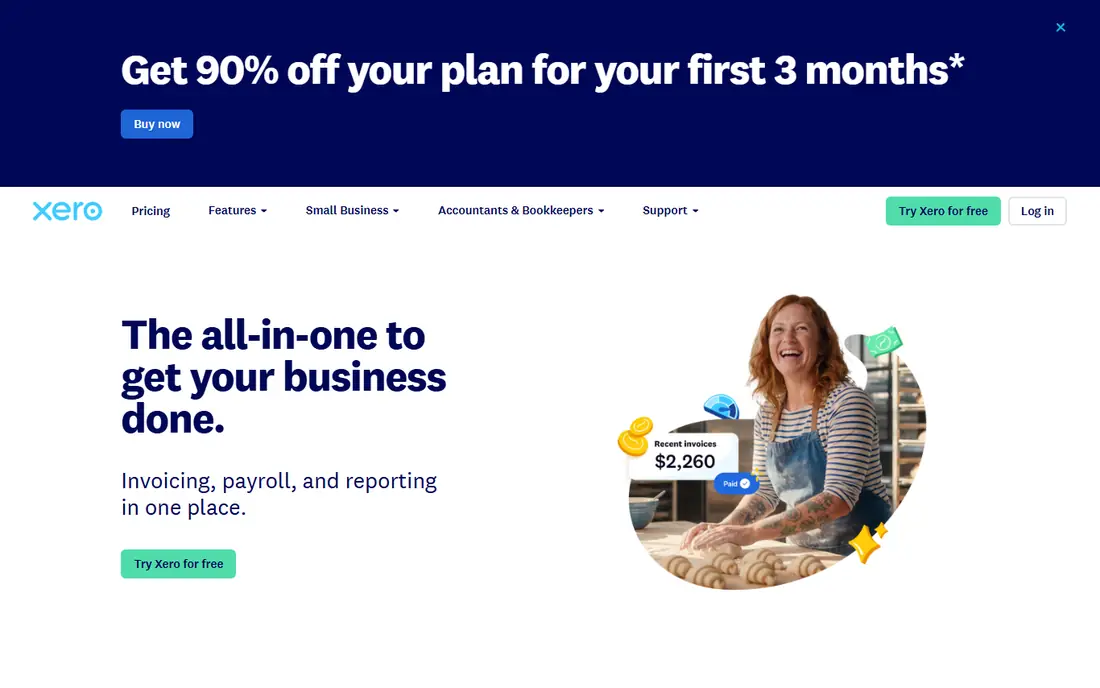
Xero suits growing teams because every plan includes unlimited users, unlike QuickBooks and FreshBooks, which charge per seat past the first user. That difference matters once two or three people need access to invoices and books. Xero also handles multi-currency billing well, which helps businesses with overseas clients. Early starts at $27 per month from October 2026 in 2026 sources, with a 30-day trial.
The lowest plan caps the number of invoices and bills you can send, so high-volume businesses need a higher tier. Xero also feels less US-centric than QuickBooks, which can matter for payroll and tax workflows. For multi-user, multi-currency teams that want clean accounting, Xero is a strong alternative to QuickBooks.
- Unlimited users on every plan
- Strong bank reconciliation
- Good multi-currency handling
- Lowest plan caps invoices and bills
- Entry price rose in October 2026 listings
Zoho Invoice is the best free invoicing tool for many freelancers. It offers professional invoices, estimates, recurring billing, payment reminders, and a client portal at no monthly cost, capped at 2 users and 500 invoices per year in past listings. That cap suits most solo businesses and small service firms. You can accept online payments through connected gateways, with gateway fees applying as with other tools.
The limit is accounting depth. Zoho Invoice is invoicing software, not a full accounting system, so businesses that need ledgers, inventory, and payroll should look at Zoho Books or QuickBooks. If your main need is sending and collecting invoices for free, Zoho Invoice is hard to beat.
- Free for up to 2 users and 500 invoices per year in past listings
- Recurring billing
- Client portal
- No full accounting depth
- Best value inside the Zoho ecosystem
Wave offers free accounting, invoicing, and receipt scanning, which makes it a strong starting point for freelancers and side businesses. You can create invoices, track income and expenses, and see basic reports without a monthly fee. Pro plans start around $19 per month in 2026 sources, adding features such as automated bank feeds and other paid tools. Payroll is a separate paid add-on where available.
The free tier has limits. Collaborators need Pro for fuller access, and some automation features sit behind paid plans. Wave also suits service businesses better than product businesses with inventory needs. For a solo operator who wants real double-entry books at zero cost, Wave is one of the best invoicing software comparison picks for value.
- Free accounting and invoicing
- Receipt scanning
- Easy for solo operators
- Bank feeds and Pro features need paid plans
- Limited multi-user access on free tier
Square Invoices suits businesses that already use Square for payments, or that want clients to pay by card quickly. You can create and send invoices for free, set deposits and milestones for larger projects, and let clients pay online. That speed helps trades, event vendors, and service providers who need payment before or during a job. Square also offers point-of-sale and appointment tools that pair with invoicing.
Square Invoices is not a full accounting system, so you will still need books, tax reports, and reconciliation elsewhere. Payment processing fees apply to card payments, as with other payment tools. If fast collection matters more than full accounting, Square Invoices is a practical, free starting point.
- Free invoice creation
- Fast card payments
- Deposits and milestones for projects
- Not a full accounting system
- Payment processing fees apply
Stripe Invoicing suits online businesses that need recurring billing, international payments, and flexible invoice workflows. There is no monthly fee for Stripe Invoicing itself in past listings, with pricing starting at 0.4 percent per paid invoice on some plans, plus payment processing fees. That model works well for businesses with variable invoice volume, since you pay more when you collect more.
The trade-off is ease of use. Stripe is built for online and developer-led businesses, and its dashboard feels more technical than FreshBooks or Wave. Small service businesses that send a few invoices a month may prefer a simpler tool. For subscription businesses, SaaS sellers, and online stores, Stripe Invoicing offers depth that invoicing-only tools cannot match.
- Strong online payments and recurring billing
- International payments
- Developer-friendly
- No monthly fee model can hide per-invoice costs
- Less friendly for non-technical users
Zoho Books is the full-accounting sibling of Zoho Invoice. It offers invoicing, bank reconciliation, expenses, inventory basics, and automation at a lower price than QuickBooks or Xero for many small businesses. Standard starts at $15 per organization per month billed annually in 2026 sources, with a free plan for businesses under $50,000 in annual revenue. That free tier is genuinely functional, not just a trial view.
The ecosystem point matters. Zoho Books works best when paired with Zoho CRM, Zoho Inventory, or other Zoho apps, and its interface takes time to learn. Businesses that already use Zoho apps will get the most value. For cost-conscious businesses that want full accounting without QuickBooks pricing, Zoho Books is a strong pick.
- Full double-entry accounting
- Free plan under $50,000 revenue
- Automation and workflows
- Best value inside Zoho apps
- Interface takes time to learn
Sage Accounting offers invoicing, expense tracking, bank reconciliation, and cash-flow insights in a straightforward package. It suits small businesses that want simple books without the full complexity of QuickBooks Advanced. Pricing varies by region and tier, with entry plans listed around $10 to $25 per month in 2026 comparison sources, so check the US pricing page for the current figure.
Sage is less US-focused than QuickBooks for payroll and tax workflows, and its app ecosystem is smaller. For simple invoicing and cash-flow tracking, especially for businesses with UK or international ties, Sage is a solid choice. For US businesses that need payroll and a large accountant network, QuickBooks usually fits better.
- Simple invoicing and cash-flow tracking
- Established accounting brand
- Good for small teams
- Pricing varies by region and tier
- Less strong for US payroll workflows
How we picked these
We compared official pricing pages, free plans, payment options, recurring billing, client limits, and accounting depth. We favored platforms that sell invoicing in the United States, publish clear pricing or free tiers, and support online payments. We balanced free tools, invoicing-first tools, and full accounting platforms, so different business sizes are covered. We did not claim hands-on testing of payment flows. Our findings rest on vendor pages and 2026 comparison sources.
How to choose invoicing software
Start with volume and clients. Count how many invoices you send per month, how many clients you bill, and how many people need access. A tool with a 5-client limit on its entry tier will force an upgrade fast if you bill 20 clients. A tool with unlimited users will save money if three people need access.
Payments, fees, and cash flow
Check which payment methods clients can use, how fast funds arrive, and what processing fees apply. Card fees are usually a percentage plus a fixed fee, while bank transfers may cost less but arrive slower. Automatic reminders, late fees where allowed, and recurring billing can improve cash flow more than a lower monthly subscription price.
Accounting depth and accountant access
If you work with an accountant, ask which system they prefer. QuickBooks and Xero have the largest accountant networks in the US, which can save time at tax season. If you only need invoices and basic income tracking, a free tool like Wave or Zoho Invoice may be enough, with an accountant reviewing exports at year end.
Migration and testing
Test invoicing with a real client workflow before you migrate your full history. Send a test invoice, record a payment, send a reminder, and export a report. Check how imports work for clients, products, and past invoices. A tool that is hard to leave can cost more than a tool that is easy to join.
Frequently asked questions
What is the best invoicing software comparison winner for small businesses?
QuickBooks Online wins for full accounting plus invoicing, while FreshBooks wins for service billing and Zoho Invoice wins for free invoicing. The right winner depends on whether you need full books, polished service invoices, or a free starting point.
What is the top invoicing software comparison pick for freelancers?
Zoho Invoice and Wave are the strongest free picks for freelancers, with FreshBooks as the best paid pick for service billing. Choose free tools if volume is low, and move to FreshBooks or QuickBooks when client limits or accounting needs grow.
Is free invoicing software really free?
Yes, for the core invoice features, but payment processing fees still apply when clients pay by card or bank transfer. Some free plans also cap users, invoices, or features, so check the cap against your monthly volume before you rely on a free tier.
How do invoicing platforms charge for payments?
Most platforms charge no monthly fee for invoice creation on free tiers, but card payments carry processing fees, and some platforms add a per-invoice fee for advanced billing. Read the payments pricing page for your gateway and region before you compare monthly prices alone.
Can invoicing software replace an accountant?
No. Invoicing software records income and payments, but an accountant helps with tax planning, deductions, payroll compliance, and year-end reports. Use software to keep clean records, and let an accountant review them, especially as revenue grows.
What is the best invoicing platforms comparison for recurring billing?
FreshBooks, Zoho Invoice, QuickBooks Online, and Stripe Invoicing all support recurring billing, with Stripe strongest for subscriptions and online payments. Choose based on whether you bill services, subscriptions, or one-off projects, and test reminders and failed-payment handling.
Sources
- https://quickbooks.intuit.com
- https://www.freshbooks.com
- https://www.xero.com
- https://www.zoho.com/invoice/
- https://www.waveapps.com
- https://squareup.com/us/en/invoices
- https://stripe.com/invoicing
- https://www.zoho.com/books/
- https://www.sage.com/en-us/sage-business-cloud-accounting/
- https://fitsmallbusiness.com/best-invoicing-software/
See where you really rank - block by block
ProMapRanker scans Google Maps across a grid of your service area. Simple monthly plans from $19, white-label on every plan.
Start freeKeep reading
 zscaler alternatives
Best Zscaler Alternatives in 2026
Looking for zscaler alternatives? We compare 9 SASE and zero trust platforms on architecture, data protection, pricing, and fit for your network and team.
Read → zapier alternatives free
Best Zapier Alternatives Free in 2026
Nine automation tools for zapier alternatives free in 2026, all with genuinely free tiers, plus free plan limits, starting prices and upgrade paths explained.
Read → which platform is best for online reputation
Which Platform Is Best for Online Reputation in 2026
Wondering which platform is best for online reputation? We compare 8 review, listing, and response tools for small and multi-location businesses and agencies.
Read →