 ProMapRanker
Best Invoicing Options in Accounting Software in 2026


Most US small businesses working with accountants · Pricing starts at: See website
Key takeaways
- QuickBooks and Xero lead on accounting depth, with different strengths on users and currency.
- FreshBooks leads on client-facing invoicing and time billing for service firms.
- Zoho Books and Wave give genuine free starting points, with different limits.
- Invoice-only tools are excluded here, since the topic is invoicing inside full accounting software.
Quick comparison
| Pick | Great for | Pricing starts at | Free tier | |
|---|---|---|---|---|
| QuickBooks Online | Most US small businesses working with accountants | See website | Free trial | Visit |
 Xero | Growing teams and multi-currency businesses | See website | Free trial | Visit |
 FreshBooks | Freelancers and service businesses billing time | See website | Free trial | Visit |
 Zoho Books | Cost-conscious businesses and Zoho users | Free | Yes | Visit |
 Wave | Solo operators and very small service businesses | Free | Yes | Visit |
 Sage Accounting | Small firms wanting simple invoicing and cash flow | See website | Free trial | Visit |
 FreeAgent | UK-focused freelancers and small businesses | See website | Free trial | Visit |
 Kashoo | Solo owners wanting simple double-entry books | See website | Free trial | Visit |
The best invoicing options in accounting software
This guide compares accounting tools by their invoicing features, not invoice-only apps. Each option here pairs invoicing with bookkeeping, so an invoice, a payment and a report share the same ledger.
This guide is general information only, not tax or accounting advice. Tax rules, invoice requirements and reporting duties vary by country and business type, so confirm them with a qualified accountant or tax adviser before changing systems.
QuickBooks Online
Great for: Most US small businesses working with accountants

QuickBooks Online suits small businesses that want invoicing inside full accounting, with accountant support. Invoices, payments, expenses, bank reconciliation and reports share one ledger, so an invoice is not a separate document from the books. That depth helps when an accountant or bookkeeper already works in QuickBooks, since handoffs need no conversion and year-end work stays in a familiar format.
Cost is higher than simpler rivals, and seat limits vary by tier, so teams should check the plan that covers their staff. The learning curve is also real for owners new to accounting, though templates and guided setup help. Choose QuickBooks when accountant familiarity and accounting depth matter most, and when invoicing must sit inside a complete bookkeeping system.
- Deep accounting with invoicing inside
- Wide accountant network
- Many integrations
- Higher cost than rivals
- Learning curve
- Per-seat limits vary by tier
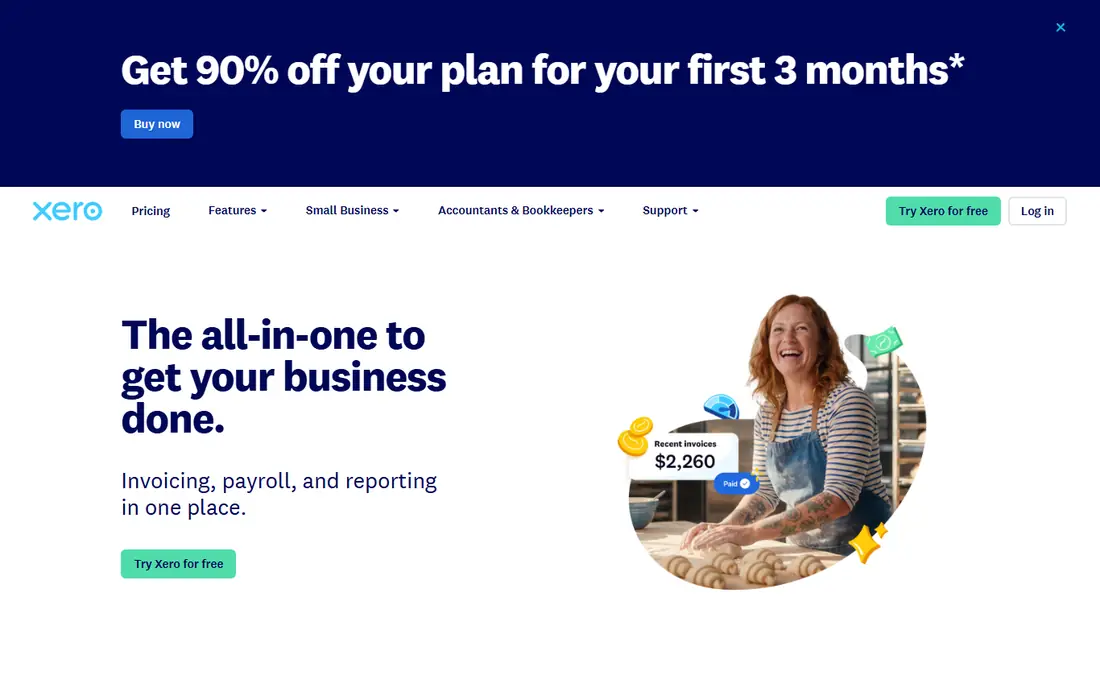
Xero suits growing teams that share the books and invoice in more than one currency. Unlimited users on every plan remove the per-seat maths that push QuickBooks costs up as teams grow. Invoicing covers recurring invoices, reminders and online payments, with multi-currency support that suits cross-border clients, and bank reconciliation keeps invoice payments tied to bank activity.
The lowest plan caps invoices and bills, and payroll sits as an add-on, so growing firms should check tier limits early. Price also varies by region, which makes a direct comparison harder without checking the local pricing page. Pick Xero when team access and multi-currency invoicing matter more than accountant familiarity, and when several staff need the books at once.
- Unlimited users on every plan
- Strong multi-currency invoicing
- Bank reconciliation
- Invoice and bill caps on the lowest plan
- Payroll is an add-on
- Price varies by region
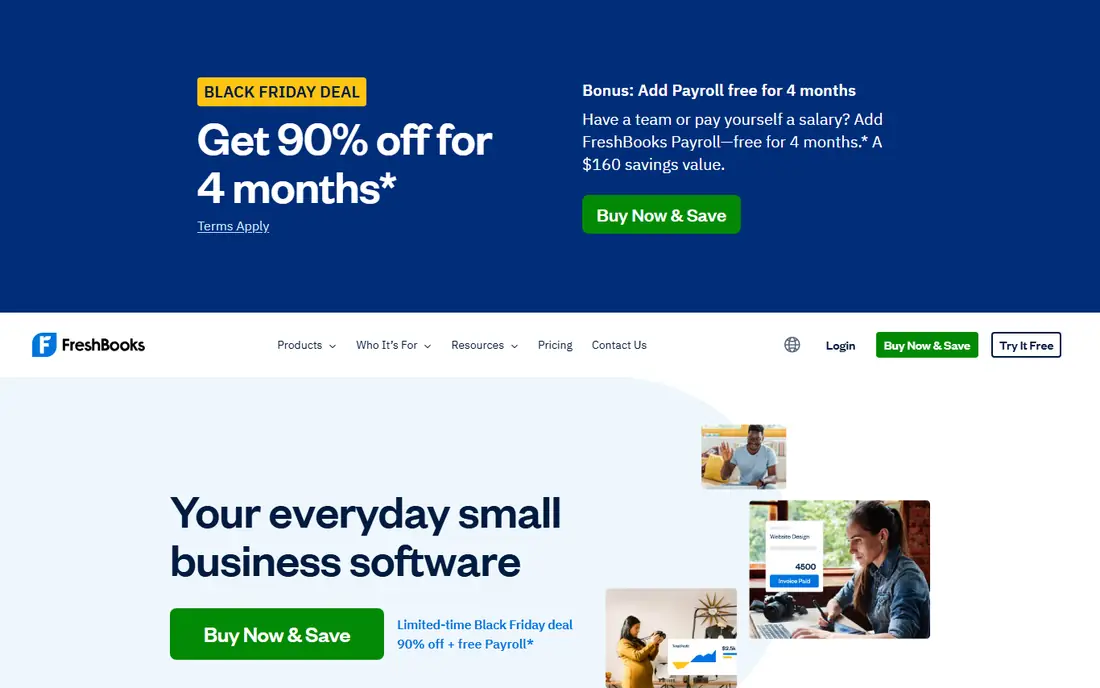
FreshBooks suits service businesses where the invoice itself is the main product. Invoicing is polished, with client portals, payment options, reminders and time tracking that turn hours into billable lines cleanly. Project billing helps consultants, designers and agencies that charge by project or retainer, not just by product, and clients see a professional invoice and payment page.
Pure accounting depth is lighter than QuickBooks or Xero, and extra seats cost more on lower tiers. Inventory is also limited, so product-heavy firms should look elsewhere. Choose FreshBooks when client-facing invoicing and time billing matter most, and when the business bills services rather than managing large stock.
- Polished invoicing and client portal
- Time tracking and project billing
- Payment reminders
- Lighter pure accounting depth
- Per-seat costs on lower tiers
- Inventory is limited
Zoho Books suits cost-conscious businesses that want full accounting without paying from day one. The free tier covers invoicing, expenses, bank reconciliation and reports for businesses under its revenue limit, which is rare among full accounting tools. Automation covers recurring invoices, reminders and payment follow-up, while Zoho links help teams that already use other Zoho apps keep customer and sales data together.
The free tier limits users, and the full benefit grows inside the Zoho suite, so standalone users should check integration needs. Support also varies by tier, which matters when an invoice or tax question is urgent. Pick Zoho Books when a genuine free tier plus full accounting matters most, and when automation will save time on recurring billing.
- Free tier for smaller businesses
- Full double-entry accounting
- Invoicing automation
- Free tier limits users and revenue scope
- Full value grows inside Zoho
- Support varies by tier
Wave suits solo operators that need invoicing inside simple accounting at no monthly cost. Free Starter covers invoicing, accounting and receipt handling, with payment processing available when clients pay online. The interface is simple enough for owners without accounting training, and invoices can be sent and tracked without a separate tool, which keeps admin time low for a one-person business.
Automatic bank feeds need a paid plan, and collaborators need Pro, so teams with several bookkeepers should check that step. Scope is also focused on the US and Canada, which matters for firms elsewhere. Choose Wave when zero monthly cost and simple invoicing matter more than advanced reporting, and when the business is small enough for one owner to run the books.
- Free Starter accounting and invoicing
- Simple interface
- Payment processing option
- Auto bank feeds need a paid plan
- Collaborators need Pro
- Scope is US and Canada focused
Sage Accounting suits small firms that want simple invoicing, expenses and cash-flow tracking in one place. Invoices, quotes, expenses and bank links cover the daily money work of a small business, without the weight of a full ERP. Cash-flow views help owners see who owes money and when, which matters more than complex reports for many small firms that live or die by timely payment.
Depth varies by tier, and pricing varies by region, so confirm which invoicing limits and features sit in the starting plan. Advanced features also sit higher, which can matter as the firm grows. Pick Sage Accounting when simple cash-flow control matters more than maximum accounting depth, and when a Sage path for later growth is useful.
- Simple invoicing and cash-flow tools
- Bank links
- Sage ecosystem path
- Depth varies by tier
- Pricing varies by region
- Advanced features sit higher
FreeAgent suits UK-focused freelancers and small businesses that want invoicing tied to tax timelines. Invoices, estimates, expenses and time tracking sit in one system, with tax timeline views that help UK users plan ahead. Bank feeds and payment links keep invoicing close to cash received, rather than in a separate spreadsheet, so owners can see overdue invoices and expected tax at a glance.
Its UK focus means US firms should check tax and payroll fit carefully, and pricing varies by plan and region. Accountant links are also region-specific, so a US accountant may prefer QuickBooks or Xero. Choose FreeAgent when UK tax timelines and simple invoicing matter most, and when the business operates mainly in the UK.
- Invoicing with time and expense tracking
- Tax timeline tools
- Bank feeds
- UK focus limits US fit
- Pricing varies
- Accountant links are region-specific
Kashoo suits solo owners that want simple double-entry books without a steep learning curve. Invoicing, expenses and bank reconciliation sit in a clean interface that owners can use without accounting training. Double-entry foundations still give a proper ledger, which helps at tax time compared with invoice-only tools, since income, expenses and balances stay consistent.
The integration range is smaller than QuickBooks or Xero, and advanced features are fewer, so growing teams may outgrow it. Support scope is also narrower, which matters if the business needs help during tax season. Pick Kashoo when simplicity and a proper ledger matter more than a large app ecosystem, and when the owner will run the books alone.
- Simple double-entry accounting
- Invoicing and expense tools
- Clean interface
- Smaller integration range
- Fewer advanced features
- Support scope is narrower
How we picked these
We compared official product pages, pricing pages, documentation and public reviews, and we kept only tools that are live and truly fit the topic in October 2026. We checked starting prices and free tiers against vendor pages where they were published, and we wrote See website where a price was quote-based, conflicting across sources, or not published. We did not claim hands-on testing, and we weighed one concrete strength against one honest weakness for every option.
Choosing invoicing inside accounting software
Start with invoice volume and type. Recurring retainers, hourly billing, product sales and multi-currency clients each need different invoice features, so test your real invoice types in a trial. A template that looks good for one product sale may fail for a retainer with several line items.
Next, check payment and chasing. Online payment options, automatic reminders and clear overdue views matter more than template variety, since late payment is the real cost for most small firms. Confirm payment processing fees separately from the subscription price.
Finally, check the ledger link. An invoice should update income, tax and customer balances without retyping, and reports should show who owes what at a glance. If invoicing and accounting sit apart, the business will pay for that gap in admin time.
Frequently asked questions
What are invoicing options in accounting software?
They are the invoice features inside full accounting tools, such as templates, recurring invoices, reminders, online payments and customer statements, paired with bookkeeping, expenses and reports.
Is invoicing software the same as accounting software?
No. Invoice-only tools focus on creating and chasing invoices, while accounting software adds expenses, bank reconciliation, tax reports and a full ledger, with invoicing as one feature.
Which accounting tool has the best invoicing for freelancers?
FreshBooks suits service freelancers that bill time, while Wave and Zoho Books suit freelancers that want a free starting point. QuickBooks and Xero suit firms that need deeper accounting beside invoicing.
Can I send unlimited invoices on a free plan?
It depends on the tool and tier. Wave and Zoho Books offer free tiers, but limits on users, collaborators and features apply, so check the current free plan terms before relying on them.
Do I need an accountant to use these tools?
No, but an accountant helps with tax setup, chart of accounts and year-end reporting. QuickBooks and Xero have the widest accountant networks, which can make handoffs easier.
Sources
See where you really rank - block by block
ProMapRanker scans Google Maps across a grid of your service area. Simple monthly plans from $19, white-label on every plan.
Start freeKeep reading
 what’s the best risk software for enterprises
What Is the Best Risk Software for Enterprises in 2026
We compared what’s the best risk software for enterprises on risk registers, controls, third-party risk, and reporting, with pricing notes for large teams.
Read → what's the best pam software for enterprises
What is the Best PAM Software for Enterprises in 2026
Find what's the best pam software for enterprises, with vaulting, session recording, just in time access and pricing compared for large enterprise IT teams.
Read → what’s the best grc software
What Is the Best GRC Software in 2026
We compared what’s the best grc software on risk, compliance, audit and vendor risk, so teams can pick a platform that fits their frameworks and budget.
Read →