 ProMapRanker
Best Invoice Management in Accounting Software in 2026


Broad invoicing plus full accounting · Pricing starts at: See website
Key takeaways
- QuickBooks Online and Xero give the broadest invoice and accounting coverage, with strong accountant support.
- FreshBooks suits service businesses that turn time and projects into invoices, while Zoho Books suits low-cost automation.
- Wave and Zoho Books offer free invoicing, but check limits on bank feeds, users and invoice counts.
- Recurring invoices, reminders and payment tracking matter more than templates for getting paid on time.
Quick comparison
| Pick | Great for | Pricing starts at | Free tier | |
|---|---|---|---|---|
| QuickBooks Online | Broad invoicing plus full accounting | See website | Free trial | Visit |
 Xero | Growing businesses with unlimited users | $27 per month | Free trial | Visit |
 FreshBooks | Service billing and time-based invoicing | $23 per month | Free trial | Visit |
 Zoho Books | Low-cost automated invoicing | Free | Yes | Visit |
 Wave | Free invoicing for very small businesses | Free | Yes | Visit |
 Sage Business Cloud Accounting | Small businesses that want Sage accounting depth | See website | Free trial | Visit |
 BILL | Accounts payable and receivable automation | See website | No | Visit |
 Square Invoices | Simple invoicing with Square payments | Free | Yes | Visit |
The best invoice management in accounting software
We compared official pricing pages, feature pages and public accounting guides for tools that create, send, track and reconcile invoices inside accounting software.
This article gives general information only and is not tax or accounting advice. Tax rules, invoice requirements and payment terms vary, so check the rules that apply to your business and customers.
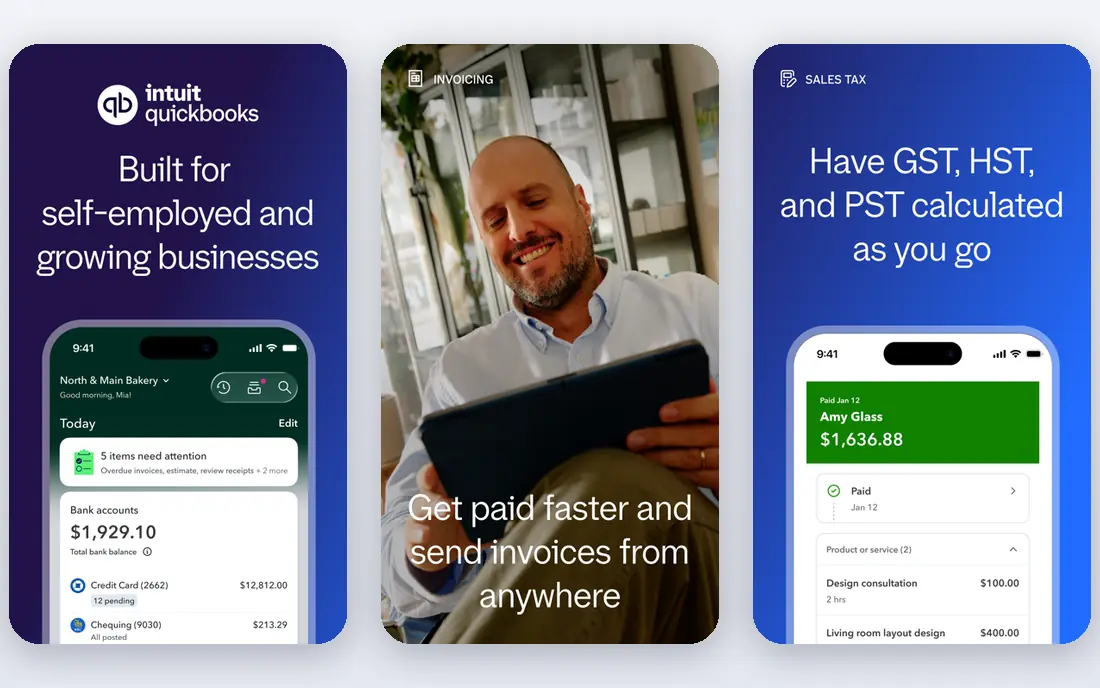
QuickBooks Online is the broadest pick for invoice management inside full accounting. Invoices can be branded, sent, tracked and chased with reminders, while payments, expenses and bank reconciliation sit in the same system, so an invoice does not need a separate tracker. Accountants already know it, which helps at year end and when a business grows.
Price is the reason to model carefully. Plans and user limits push growing teams up a tier, and payroll and payment processing cost extra. A business that only needs invoicing may find a cheaper tool, but a business that needs invoicing plus full books will use the breadth.
- Branded invoices, recurring billing and reminders
- Bank reconciliation
- Wide accountant network
- Price rises with plans and users
- Payroll and payments cost extra
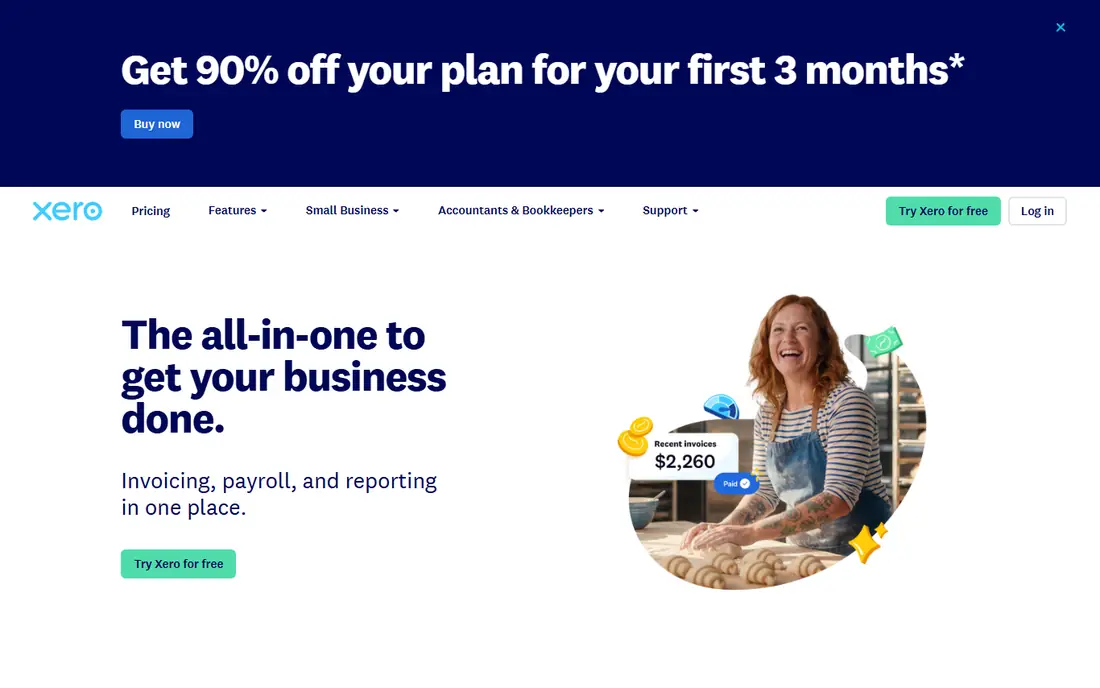
Xero gives a growing business a clean invoice workflow without per-user penalties. Unlimited users mean the owner, bookkeeper and staff can all work in the same books, and quotes can turn into invoices without re-keying. Bank reconciliation and reporting keep an invoice tied to the cash that follows it, which is where many small systems fail.
The entry plan is the catch. At $27 per month, the Early plan limits invoices and bills, so a business with regular billing will usually need the Growing plan. Teams that invoice often should price that tier from the start rather than treating the entry price as the working cost.
- Unlimited users
- Invoicing, quotes and bill tools
- Bank reconciliation and multi-currency on higher plans
- Entry plan limits invoices and bills
- Payroll is an add-on in the US
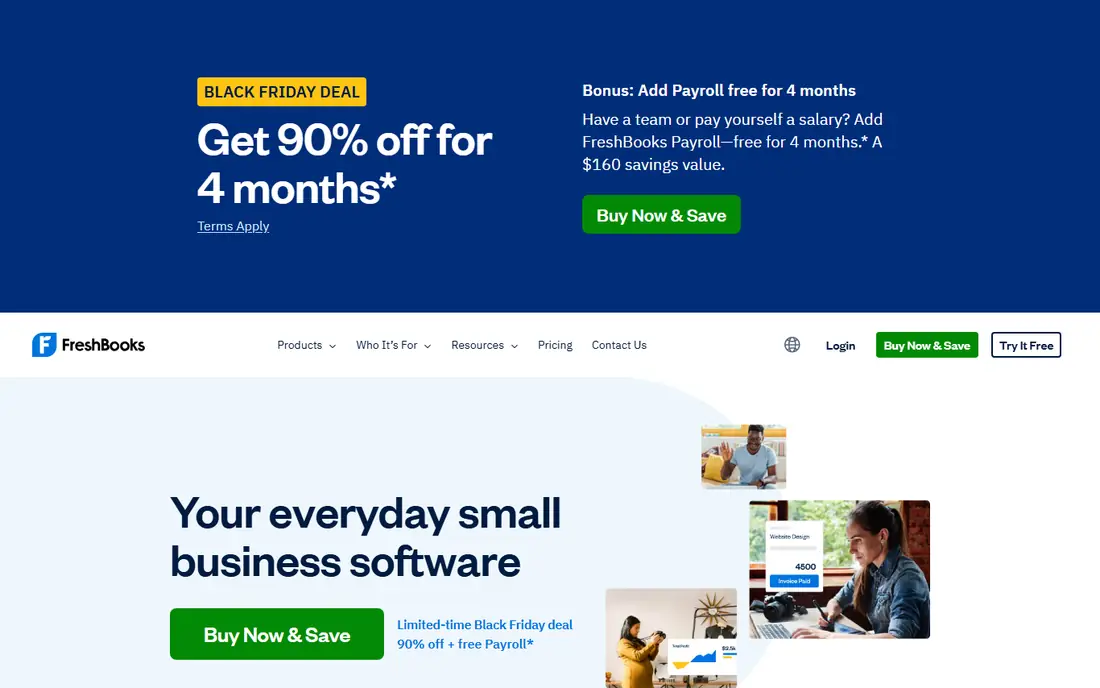
FreshBooks is built around the service workflow: track time, add expenses, send an invoice and chase payment, all from the client record. That flow suits freelancers, agencies and consultants whose income starts with hours or a project, not a product sale. Recurring billing and automated reminders also help a service business get paid without manual chasing each month.
Client limits are the trade-off. The Lite plan at $23 per month allows unlimited invoices but only for up to five clients, and extra users cost more. A service business with a small client list will find it ideal, while a business with many clients should price the Plus or Premium plan.
- Time tracking that turns into invoices
- Recurring billing and reminders
- Client-centric billing
- Client limits on lower plans
- One user on entry plans, with extra users paid
Zoho Books is the low-cost automation pick for invoice management. Recurring invoices, payment reminders, client portals and expense tracking are covered, and the free plan lets a very small business start without a monthly fee, as long as revenue and invoice counts stay within its limits. Paid plans from $20 per month add bank feeds and more capacity.
The free plan should be treated as a starter. Automatic bank imports need a paid plan, and the free limits on invoices and revenue mean a growing business will move to Standard fairly soon. Even at that price, Zoho Books remains one of the cheapest ways to automate invoicing well.
- Free plan for small volumes
- Automated reminders and recurring invoices
- Bank reconciliation
- Free plan has revenue and invoice limits
- Automatic bank feeds need a paid plan
Wave is the free invoicing pick for a very small business that mainly needs to send professional invoices and track basic income and expenses. The free plan allows unlimited invoices for the owner, and the layout is simple enough for a business owner without accounting training. Payment collection can be added, though processing fees apply.
Bank feeds are the limit, since automatic connections now need Wave Pro at $19 per month. A business that relies on bank feeds should price Pro from the start, and a business with many staff or complex books will outgrow Wave. For a solo business with simple invoicing, the free plan is genuinely useful.
- Free unlimited invoices for the owner
- Simple invoice templates
- Payment collection tools
- No bank connection on the free plan
- Payroll and payments cost extra
Sage Business Cloud Accounting
Great for: Small businesses that want Sage accounting depth
Sage Business Cloud Accounting, formerly Sage One, gives small businesses invoicing inside a Sage accounting system that many accountants recognise. Invoices, quotes, expenses and bank reconciliation are covered, and the accounting depth suits businesses that need more than a simple invoice app. That depth helps when a business grows into stock, projects or more complex reporting.
Pricing varies by plan and region, so the website price for one country may not match another, and some features need higher tiers. Businesses should confirm the exact plan price, invoice limits and accountant access for their region before comparing it with QuickBooks or Xero.
- Invoicing, expenses and VAT tools
- Sage accounting depth
- Bank reconciliation
- Pricing varies by plan and region
- Some features need higher tiers
BILL, formerly Bill.com, is the automation pick for businesses that already have accounting software but struggle with invoice approvals and payments. Invoices can be captured, routed for approval, paid and synced back to the accounting system, with an audit trail that shows who approved what and when. That control helps finance teams avoid duplicate payments and lost approvals.
It is not a replacement for QuickBooks or Xero on its own, since it focuses on payables and receivables workflows rather than full books. Pricing also needs a quote for full plans, so teams should price it as an add-on to their accounting system, not as a standalone substitute.
- Automates invoice approval and payment workflows
- Syncs with accounting systems
- Audit trail for approvals
- Not a full accounting system on its own
- Pricing needs a quote for full plans
Square Invoices suits a seller that already takes payments through Square and wants invoicing without a separate accounting subscription. Invoices can be sent, tracked and paid through Square, with reminders and simple templates that keep the workflow short. For a small shop, market stall or service seller, that simplicity is the point.
Full accounting depth is the limit. A business that needs detailed books, payroll or complex reporting will still need QuickBooks, Xero or a similar system alongside Square Invoices. As a payment-led invoicing tool, however, it is hard to beat for ease of use.
- Free invoicing with Square payments
- Simple templates and reminders
- Suits sellers already using Square
- Less full accounting depth than QuickBooks or Xero
- Payment processing fees apply
How we picked these
We compared official pricing and feature pages and public accounting guides, and we kept only tools that are sold today and handle invoicing inside or alongside accounting software. We marked pricing as "See website" where a vendor does not publish a firm list price for the relevant plan, and we used published prices only where recent vendor or comparison pages supported them. We did not claim hands-on testing.
What to check before you buy
Start with the invoice journey, not the template gallery. Test creating an invoice from a quote or time entry, sending it, tracking payment, sending a reminder and reconciling the cash, all in one flow. A tool that looks good on templates but fails on reminders will not help cash flow.
Next, check limits that affect real use: invoice counts, client counts, users and bank feeds on the entry plan. Confirm payment processing fees separately, since those are charged on top of the subscription and vary by payment method. A cheap subscription with high processing fees can cost more than a dearer plan.
Frequently asked questions
What is invoice management in accounting software?
It is the workflow that creates, sends, tracks, chases and reconciles invoices inside accounting software, so sales, payments and books stay linked. Good invoice management includes recurring billing, reminders, client portals and payment tracking, not just invoice templates.
Which accounting software has the best invoice management?
QuickBooks Online and Xero give the broadest invoice plus accounting coverage. FreshBooks leads for service and time-based billing, Zoho Books leads for low-cost automation, and Wave leads for free invoicing at very small scale. The best pick depends on client count, users and whether full books are needed.
Is there free invoice software that is actually useful?
Yes, with limits. Wave offers free unlimited invoices for the owner without bank feeds, Zoho Books offers a free plan for low volumes, and Square Invoices offers free invoicing with Square payments. All three charge payment processing fees when customers pay by card.
How do recurring invoices and reminders help?
Recurring invoices automate repeat billing, so a business does not need to recreate the same invoice each month. Automated reminders chase overdue invoices politely and on time, which usually shortens payment delays without extra staff time.
Should I use BILL if I already have QuickBooks or Xero?
BILL can help if invoice approvals, payables or receivables workflows are the bottleneck, since it automates capture, approval and payment sync. It is not a full accounting replacement, so price it as an add-on and confirm the sync with your accounting system first.
Sources
See where you really rank - block by block
ProMapRanker scans Google Maps across a grid of your service area. Simple monthly plans from $19, white-label on every plan.
Start freeKeep reading
 what’s the best risk software for enterprises
What Is the Best Risk Software for Enterprises in 2026
We compared what’s the best risk software for enterprises on risk registers, controls, third-party risk, and reporting, with pricing notes for large teams.
Read → what's the best pam software for enterprises
What is the Best PAM Software for Enterprises in 2026
Find what's the best pam software for enterprises, with vaulting, session recording, just in time access and pricing compared for large enterprise IT teams.
Read → what’s the best grc software
What Is the Best GRC Software in 2026
We compared what’s the best grc software on risk, compliance, audit and vendor risk, so teams can pick a platform that fits their frameworks and budget.
Read →