 ProMapRanker
Best Invoice Generator Software in 2026

Key takeaways
- Wave and Zoho Invoice are the strongest free starting points, with Wave offering unlimited invoices and Zoho offering a generous free tier.
- FreshBooks is our pick for service businesses that want polished invoices, time tracking, and payment reminders in one place.
- Invoice Ninja suits users who want control or self-hosting, while Square Invoices suits sellers who already take card payments in person.
- The real cost is free invoicing plus payment fees versus a paid plan with accounting depth, so compare both before you choose.
- This is general information, not financial or tax advice, and payment fees vary by gateway and card type.
Quick comparison
| Pick | Great for | Pricing starts at | Free tier | |
|---|---|---|---|---|
 Wave | Free invoicing with basic accounting | Free | Yes | Visit |
 Zoho Invoice | Free invoicing for small businesses | Free | Yes | Visit |
 FreshBooks | Service businesses and freelancers | $23 per month | Free trial | Visit |
 Invoice Ninja | Control and self-hosting | Free | Yes | Visit |
 Square Invoices | Sellers who also take cards in person | Free | Yes | Visit |
 PayPal Invoicing | Clients who already pay with PayPal | Free | Yes | Visit |
 QuickBooks Online | Full accounting with invoicing | $38 per month | Free trial | Visit |
 Xero | Teams that want unlimited users | $27 per month | Free trial | Visit |
 Stripe Invoicing | Online-first businesses on Stripe | See website | No | Visit |
 HoneyBook | Creative service businesses | $29 per month | Free trial | Visit |
The best invoice generator software
We compared invoice tools on template quality, recurring billing, payment options, reminders, and the true cost of getting paid. A good invoice generator does more than make a PDF: it tracks what is owed, reminds late payers, and connects payment to your books.
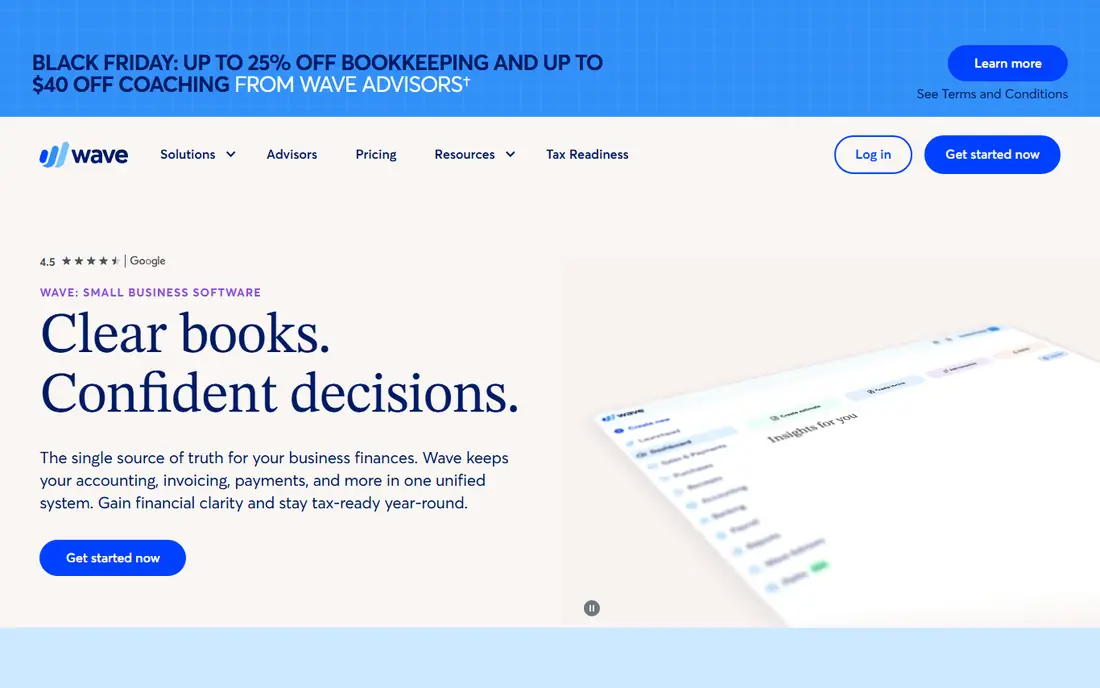
Wave is the best free invoice generator for a freelancer or a very small business that wants to start at no cost. You can send unlimited invoices, track payments, and keep basic books in the same account, which removes the need for a separate spreadsheet. Setup is quick, and the invoices look clean without design work.
Wave makes its money when clients pay by card, with card fees on top of the free software, and some automation such as reminders sits on the Pro plan at $19 per month. For a solo operator sending a handful of invoices a month, that trade is easy to accept. For a team that needs approvals and deeper accounting, QuickBooks or Xero will fit better.
- Unlimited free invoices
- Basic accounting included
- Simple setup for freelancers
- Card fees apply when clients pay online
- Pro features such as reminders need a paid plan
- Limited depth for larger teams
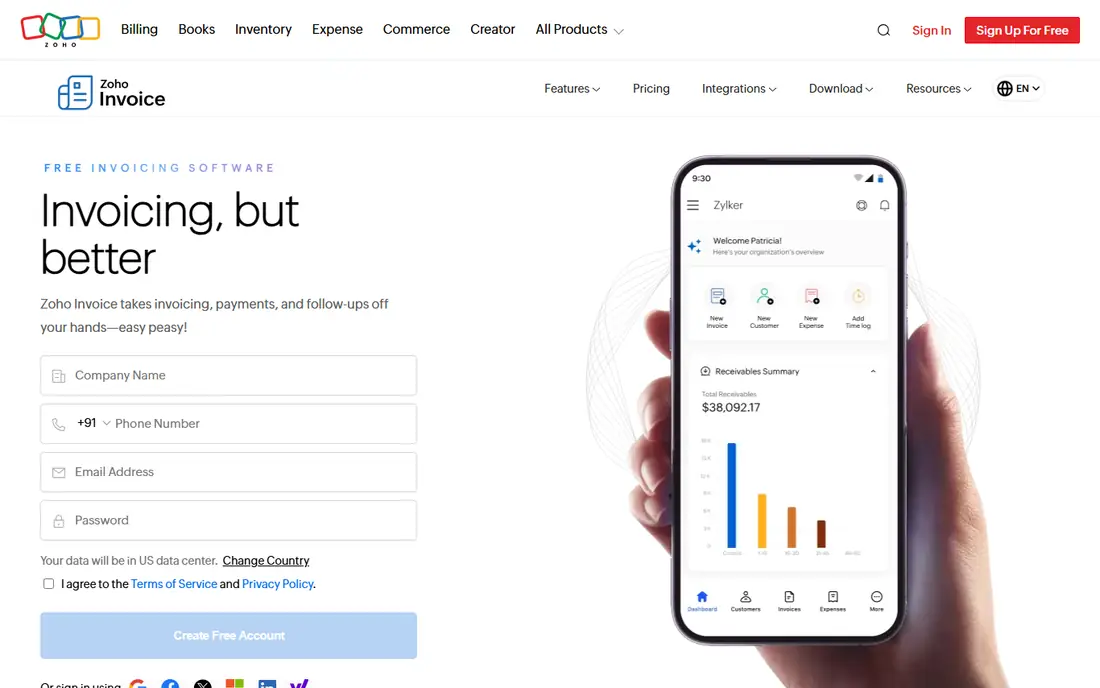
Zoho Invoice offers one of the most generous free tiers in this list, with recurring invoices, automated reminders, and a client portal at no software cost. That combination suits freelancers and small agencies that bill the same clients each month and want to stop chasing payments by hand. It also sits well beside other Zoho tools if you already use them.
The free tier caps the number of invoices per year, reported at up to 1,000, which is plenty for most small businesses but worth noting for high-volume billing. Payment processing still costs money through your chosen gateway, and full double-entry accounting lives in Zoho Books rather than in Invoice itself. For pure invoicing, though, Zoho is hard to beat for free.
- Free plan with recurring invoices and reminders
- Client portal included
- Connects to other Zoho apps
- Payment fees depend on your gateway
- Free tier has an annual invoice limit
- Accounting depth needs Zoho Books
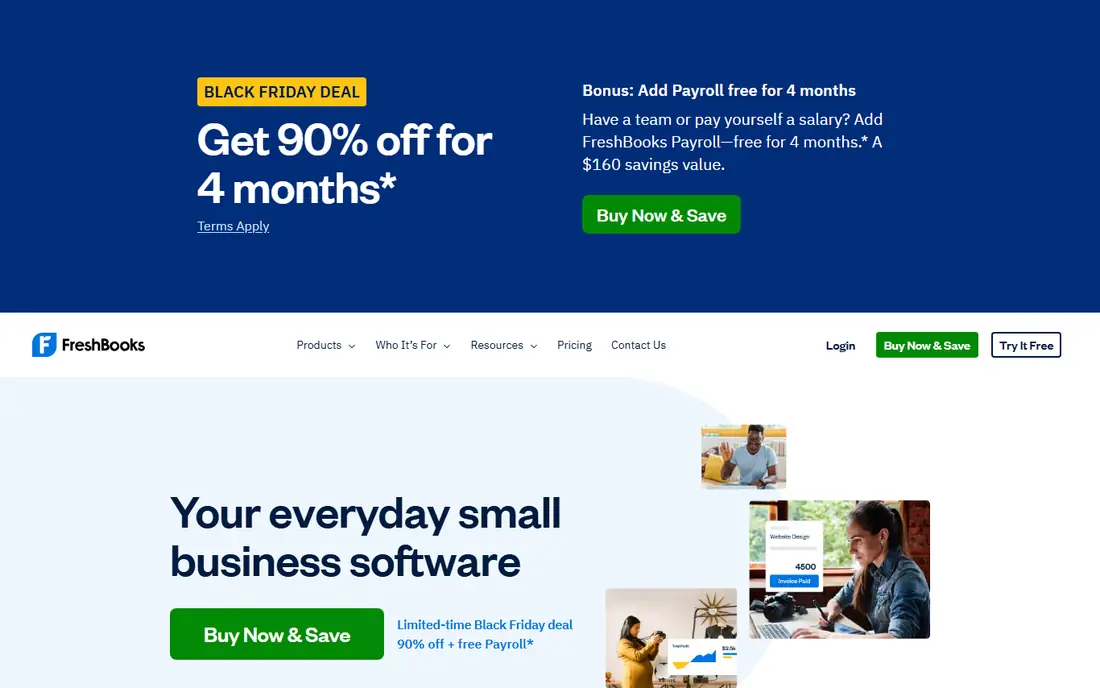
FreshBooks is our pick for service businesses that bill for their time. Billable hours and expenses flow straight into invoices, templates look professional without extra work, and automatic reminders and late fees help late payers pay sooner. The mobile app also makes it easy to invoice from a job site or a client meeting.
The Lite plan at $23 per month is a real cost for a freelancer who could invoice free elsewhere, and there is no permanent free plan, only a trial. Extra users cost more, so a growing team should price the full seat count before committing. If polished invoices and time billing are your daily work, FreshBooks earns its fee.
- Polished invoice templates
- Time tracking flows into invoices
- Automatic late fees and reminders
- No free plan, only a trial
- Per-seat costs add up for teams
- Accounting depth is lighter than QuickBooks
Invoice Ninja suits users who want control over their invoicing data. The free tier covers up to 5 clients, the paid Pro plan is listed at $14 per month, and the open-source version can be self-hosted for those who want to run it on their own server. Templates are customizable, and the client portal lets customers view and pay invoices online.
The free tier limit is the main catch: a freelancer with more than a few regular clients will need Pro quickly. Self-hosting also needs maintenance and backups, which is not a job for everyone. If you value control and are comfortable with software setup, Invoice Ninja is a strong, flexible choice.
- Free tier for up to 5 clients
- Open-source self-hosting option
- Customizable templates and client portal
- Self-hosting needs technical skill
- Free tier client limit is tight for larger lists
- Paid plan needed for full features
Square Invoices is the natural pick for a business already using Square at the counter. Invoices, in-person sales, and online payments share one account, so a shop or a service business can bill a client and take a card at the till without juggling two systems. The free plan covers basic invoicing, which is enough for occasional bills.
Card fees on the free plan are higher than on the Plus plan, and deeper invoice features sit behind that $49 per month tier. Square is not a full accounting system either, so a business that needs payroll and detailed books should pair it with accounting software. For a seller who already runs on Square, though, the shared system is a clear win.
- Free plan available
- Ties invoicing to in-person card sales
- Simple payment links for clients
- Card fees apply on paid invoices
- Plus plan at $49 per month needed for deeper features
- Accounting is lighter than dedicated tools
PayPal Invoicing is the simplest route when your clients already have PayPal accounts. Creating an invoice costs nothing, and clients can pay with a PayPal balance or a card through a checkout they already trust. That familiarity can speed up payment for low-volume or international work.
The limits are depth and fees. Recurring billing and accounting features are thinner than in FreshBooks or Zoho, and card fees, reported around 2.99 percent plus 49 cents for standard card payments, add up on larger invoices. For a freelancer with a few PayPal-friendly clients, it is a practical tool. For a business billing dozens of clients a month, a dedicated invoice tool will save time.
- Free to create invoices
- Clients can pay with PayPal or card
- Familiar checkout for many buyers
- Card and checkout fees apply
- Limited recurring and accounting depth
- Fees vary by payment type
QuickBooks Online is the pick when invoicing is one part of a full accounting job. Invoices feed directly into your books, expenses, and reports, and most US accountants already know the system, which makes year-end work simpler. The Simple Start plan at $38 per month covers invoicing, expense tracking, and basic reporting for a small business.
The price and the learning curve are the drawbacks. A freelancer who only needs invoices will find Wave or Zoho cheaper and simpler, and some payroll and inventory features need higher plans. If you already run your books in QuickBooks, or your accountant asks for it, invoicing inside the same system is the sensible choice.
- US accounting standard many accountants know
- Invoicing inside full books
- Payroll and tax tools available
- Higher starting price
- Learning curve for new users
- Some features need higher tiers
Xero suits teams that want everyone in the same books without paying per seat. Every plan includes unlimited users, which is a real saving for a business with several staff or an external bookkeeper. Invoicing is clean, bank feeds reconcile payments, and the app marketplace adds payroll, expenses, and industry tools.
The Early plan at $27 per month limits the number of invoices and bills, so a high-volume biller should check the tier limits before signing up. There is also no permanent free plan, only a trial, and US payroll needs an add-on. For a team that values shared access over a free tier, Xero is a strong alternative to QuickBooks.
- Unlimited users on every plan
- Clean invoicing and bank reconciliation
- Strong app marketplace
- No permanent free plan
- Early plan has invoice and bill limits
- US payroll needs add-ons
Stripe Invoicing fits online businesses that already take payments through Stripe. Invoices, subscriptions, and one-off payments share the same payment system, and customers can pay by card, bank, or wallet through a polished checkout. For SaaS companies and online service businesses, that integration removes a layer of reconciliation.
The cost model differs from the rest of this list: Stripe charges a fee per paid invoice on top of standard card processing, so high invoice volume needs a careful cost check. Stripe is also not a full accounting system, so you will still need books elsewhere. For a Stripe-led business, the clean payment flow is worth it.
- Invoices tied to Stripe payments and subscriptions
- Supports many payment methods
- Good for online and SaaS billing
- Per-paid-invoice fee applies
- Needs a Stripe account and some setup
- Not a full accounting system
HoneyBook is built for creative freelancers who sell packages, not just hours. Invoices sit beside proposals, contracts, and client messages, so a photographer, designer, or planner can move a client from inquiry to signed contract to paid invoice in one place. The Starter plan at $29 per month billed yearly reflects that wider workflow.
If you only need invoices, HoneyBook is overpriced compared with Wave or Zoho, and product sellers will find its project flow less useful. For a creative service business that loses time chasing contracts and payments across separate tools, the combined workflow can justify the fee.
- Invoices beside contracts, proposals, and client communication
- Good for package-based creative work
- Client portal included
- Higher price for invoicing alone
- Best for creative services, less so for product sellers
- Trial only, no free plan
How we picked these
We compared official pricing pages, feature lists, and public reviews for invoice tools live in October 2026. We favored tools with a real invoice workflow, including templates, payment options, and reminders, and we included free, paid, and accounting-led options so freelancers, agencies, and larger small businesses each have a fit.
How to choose the right invoice tool
Start with how you get paid. If clients pay by card, compare the card fee on each tool, since a free invoice tool with a high card fee can cost more than a paid tool with a lower rate. If clients pay by bank transfer, check ACH fees and whether your tool supports them, since bank payments are often cheaper on larger invoices.
Next, check recurring billing and reminders. A business with monthly retainers needs recurring invoices and automatic reminders more than it needs a large template library. Test the reminder flow on a sample invoice before you migrate, since a polite, automatic nudge is worth more than a pretty design.
Finally, think about your books. A freelancer can live happily in Wave or Zoho Invoice, while a business with payroll, inventory, or an accountant will save time with QuickBooks or Xero. Pick the tool that matches the books you actually keep, not the features you might use one day.
Frequently asked questions
What is the best invoice generator software for free?
Wave offers unlimited free invoices with basic accounting, while Zoho Invoice offers a generous free tier with recurring invoices and reminders. Both are strong free picks, with Wave best for simple books and Zoho best for recurring billing.
What is the best invoice generator app for freelancers?
FreshBooks suits freelancers who bill for time and want polished invoices with reminders, while Wave and Zoho Invoice suit freelancers who want a free start. Invoice Ninja is a good choice for freelancers who want control or self-hosting.
What do invoice generator software reviews usually miss?
Reviews often quote the software price but skip the payment fee, which is where the real cost sits. Check card and bank fees, reminder automation, and whether the tool connects to your accounting system before you judge the headline price.
What is the best invoice generator tool for a small team?
Xero suits teams that want unlimited users without per-seat fees, while QuickBooks Online suits teams whose accountant already uses QuickBooks. Both include invoicing inside full accounting, which saves reconciliation time.
Can I send invoices from my phone?
Yes. Wave, FreshBooks, Square Invoices, PayPal Invoicing, and Zoho Invoice all offer mobile apps for creating and sending invoices. Check that the mobile app supports your payment method and reminder settings, since some advanced options are desktop only.
Sources
- https://personalprofitability.com/best-invoice-app-for-freelancers/
- https://rankite.com/blog/best-online-invoicing-software
- https://www.waveapps.com
- https://www.zoho.com/invoice/
- https://www.freshbooks.com
- https://invoiceninja.com
- https://squareup.com/us/en/invoices
- https://www.paypal.com
- https://quickbooks.intuit.com
- https://www.xero.com
- https://stripe.com/invoicing
- https://www.honeybook.com
See where you really rank - block by block
ProMapRanker scans Google Maps across a grid of your service area. Simple monthly plans from $19, white-label on every plan.
Start freeKeep reading
 zoro.to alternatives
Best Zoro.to Alternatives in 2026
We compare the best zoro.to alternatives in 2026, listing only legal licensed anime streaming services, from Crunchyroll to free options for fans today.
Read → zip alternatives
Best Zip Alternatives in 2026
We compare the best zip alternatives for buy now, pay later in 2026, covering pay-in-4 plans, fees, spending limits, and credit reporting options today.
Read → yesware alternatives
Best Yesware Alternatives in 2026
Compare the best yesware alternatives for sales email tracking, templates, and sequences, with current pricing and honest tradeoffs for small sales teams.
Read →