 ProMapRanker
Best Invoice App for Contractors in 2026

Key takeaways
- Joist is our pick for solo contractors, with fast estimates, invoices and payments on a phone.
- Jobber and Housecall Pro suit service teams that need scheduling, dispatch and invoicing in one system.
- Wave and Zoho Invoice are the best free starting points for contractors with simple invoicing needs.
- FreshBooks and QuickBooks Online suit contractors who want invoicing inside bookkeeping and accounting.
- Check payment processing fees and per-user costs, since those often matter more than the monthly subscription.
Quick comparison
| Pick | Great for | Pricing starts at | Free tier | |
|---|---|---|---|---|
 Joist | Solo contractors on a phone | $10 per month | Free trial | Visit |
 Jobber | Service teams with scheduling | $49 per month | Free trial | Visit |
 Housecall Pro | Field service teams | $59 per month | Free trial | Visit |
 FreshBooks | Invoicing plus bookkeeping | $23 per month | Free trial | Visit |
 Wave | Free invoicing for small crews | Free | Yes | Visit |
 Zoho Invoice | Free invoicing with no subscription | Free | Yes | Visit |
 QuickBooks Online | Invoicing inside full accounting | $38 per month | Free trial | Visit |
 Invoice2go | Simple low-cost invoicing | $79.99 per year | Free trial | Visit |
 Square Invoices | Contractors who take card payments | Free | Yes | Visit |
The best invoice apps for contractors
Contractor invoicing is not just sending a bill. It starts with an estimate, turns into a job, and ends with a payment that matches the work done. This list covers apps that handle that full path, from a phone-first tool for a solo tradesperson to a full field service system for a crew.
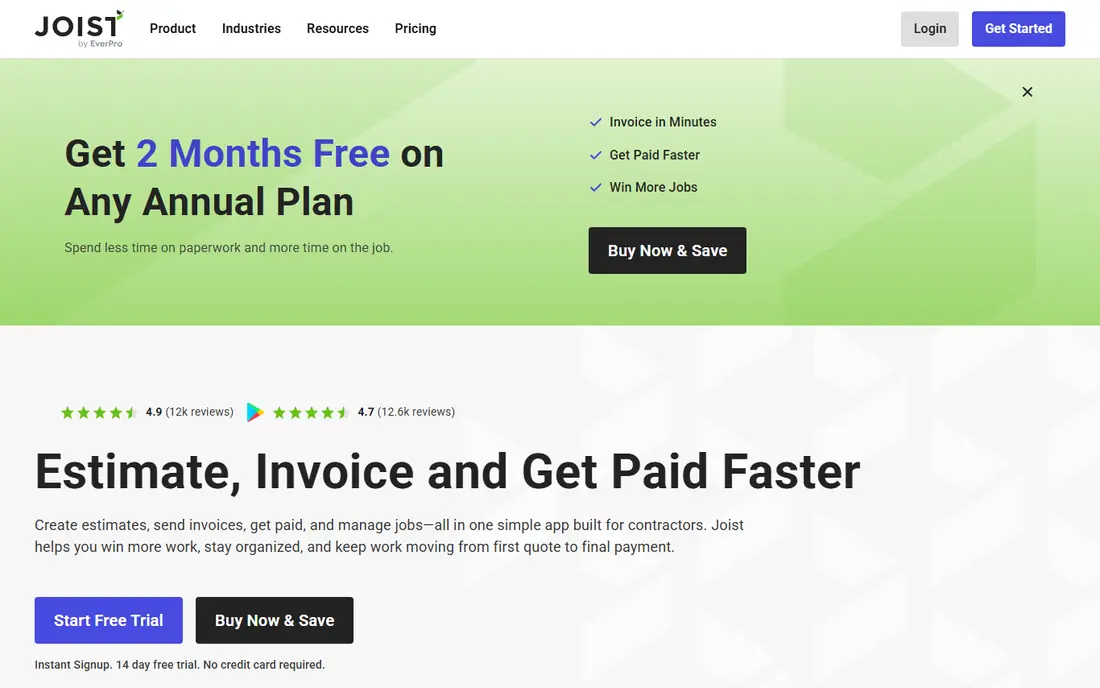
Joist is built for contractors who work from a phone. You can create an estimate on site, send it to the client, convert it to an invoice when the job is done, and collect payment through the app. Client records save addresses and job history, so repeat work takes far less typing.
The limit is scope. Joist is excellent for estimates, invoices and payments, but it is not a full scheduling and dispatch system for a large crew. Solo contractors and small crews will find it ideal, while larger teams may need Jobber or Housecall Pro. Basics starts at $10 per month, with a 14-day trial, which makes Joist a low-risk first choice.
- Fast estimates and invoices
- Client records and payments
- Built for contractors
- Limited scheduling and dispatch
- Accounting features are basic
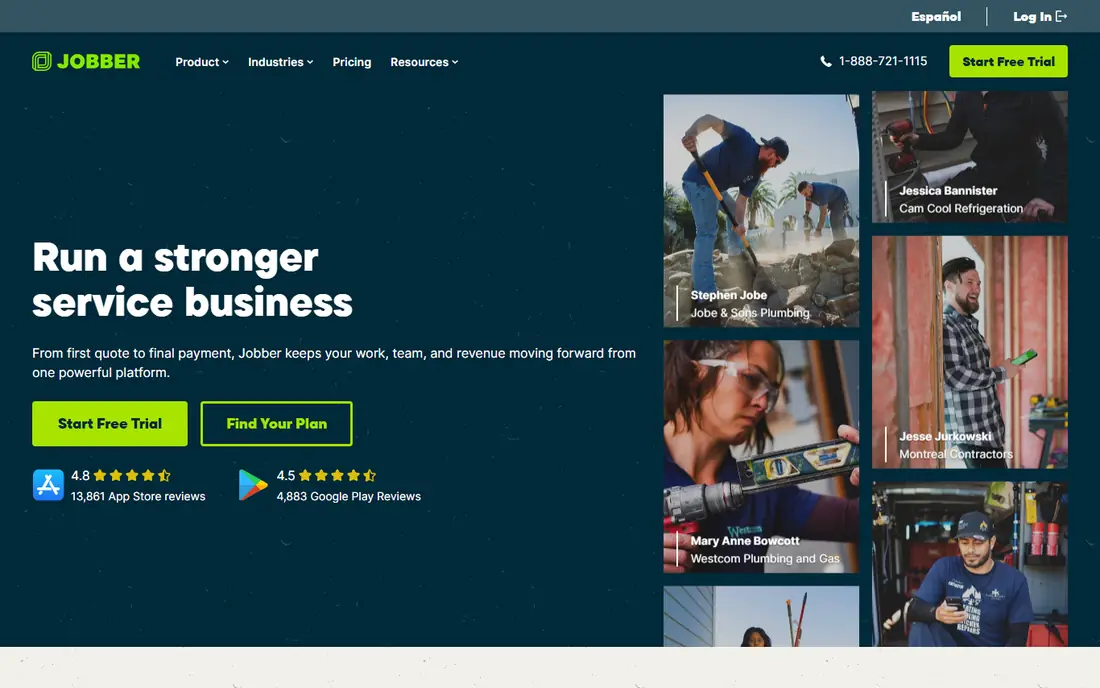
Jobber suits service businesses that need more than invoicing. It covers quotes, scheduling, dispatch, job tracking, invoicing and payments, with a client hub where customers can approve quotes and pay online. That full path reduces double entry, since a quote becomes a job and then an invoice without retyping details.
The downside is cost and setup. Core starts at $49 per month, with a 14-day trial, and larger teams will pay more as users and features grow. Jobber also takes time to configure for a crew, with scheduling rules and job forms to set up. For a growing service team, that investment pays off in fewer missed jobs and faster billing.
- Scheduling, dispatch and invoicing in one
- Client hub and quotes
- QuickBooks sync
- Higher starting price
- Setup takes time for a larger team
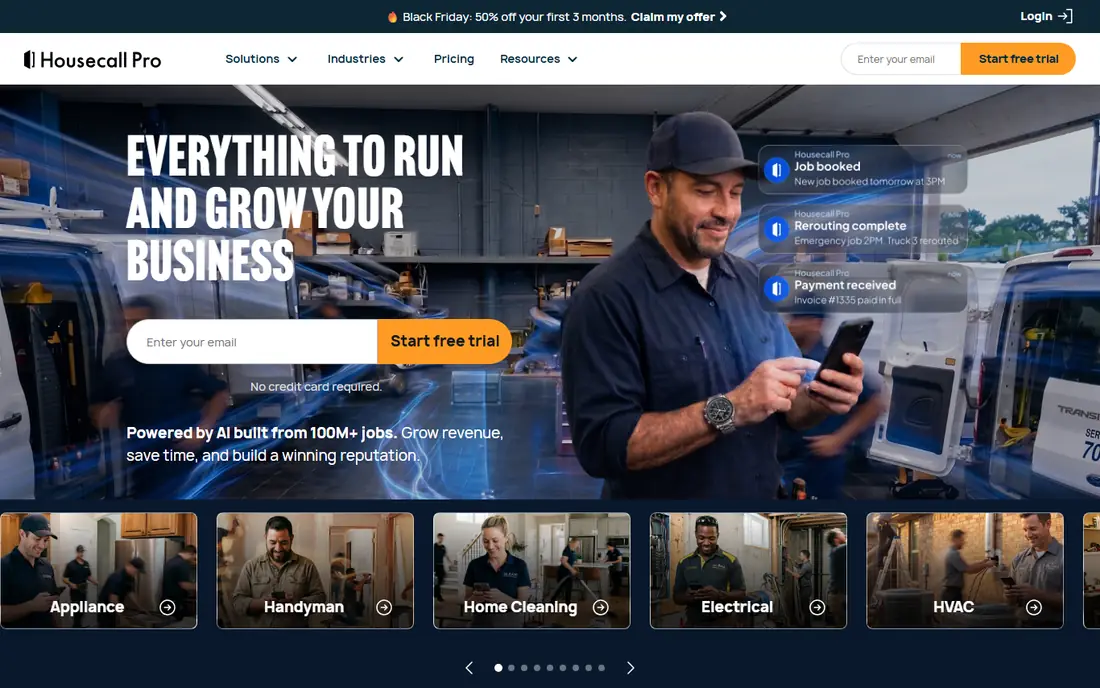
Housecall Pro is a field service platform with invoicing at its core. It handles scheduling, dispatch, estimates, invoices and payments, with customer notifications and a mobile app for technicians in the field. That combination suits HVAC, plumbing, electrical and cleaning teams that run multiple jobs per day.
The catch is price. Basic starts at $59 per month on annual billing, which is more than an invoice-only app, and some advanced features need higher plans. For a solo contractor, Joist or Wave will be cheaper. For a team that needs dispatch and job tracking alongside invoicing, Housecall Pro is one of the strongest options here.
- Scheduling, dispatch and payments
- Job tracking and customer notifications
- Strong field app
- Higher price than invoice-only tools
- Some features need higher plans
FreshBooks suits contractors who want invoicing and bookkeeping in one clean account. Invoices look professional, estimates convert to invoices easily, and expenses, time and payments sit in the same place. Clients can pay online, and late payment reminders help chase overdue bills without awkward calls.
The limit is client count on the entry plan. Lite at $23 per month covers five clients, and additional team members cost extra, so a contractor with many clients or a crew should check the Plus or Premium plan. For a freelancer or small firm with a steady client list, FreshBooks is a polished and reliable choice.
- Clean invoices and estimates
- Expense and time tracking
- Client payment options
- Lite plan covers only five clients
- Team members cost extra
Wave is the best free invoicing option for contractors who want to spend nothing to start. The free Starter plan covers unlimited invoices and estimates, with receipt scanning and basic accounting tools. Clients can pay by card or bank payment, with processing fees that are standard for the industry.
The trade is depth. Wave accounting is simpler than QuickBooks Online, and support is more limited on the free plan. For a solo contractor or small crew that mainly needs clean invoices and payment links, Wave is excellent. For a business that needs job costing, payroll or advanced accounting, QuickBooks or FreshBooks will fit better.
- Free unlimited invoices
- Estimates and receipts
- Payment collection available
- Accounting features are basic
- Support is limited on the free plan
Zoho Invoice is completely free, with estimates, invoices, expenses, time tracking and a client portal, and it allows up to 500 invoices per year on the free plan. That makes it a strong choice for a bootstrapped contractor who wants professional invoicing without a monthly fee.
The limit is field service depth. Zoho Invoice does not offer dispatch, scheduling or job tracking in the way Jobber and Housecall Pro do, so it suits office-based invoicing rather than field operations. Payment options also depend on the gateway you connect. For a contractor who mainly needs invoices and estimates, Zoho Invoice is hard to beat on value.
- Completely free invoicing
- Estimates, expenses and client portal
- Good for hourly billing
- Field service features are limited
- Payment options depend on gateway
QuickBooks Online suits contractors whose accountant already uses QuickBooks, or who want invoicing inside full accounting. Simple Start at $38 per month covers invoicing, estimates, expense tracking and basic reports, with progress invoicing for longer jobs. Payroll, inventory and advanced reporting sit on higher plans.
The downside is complexity and cost. QuickBooks takes longer to learn than Joist or Wave, and the monthly price is higher than an invoice-only tool. For a contractor who needs clean books for tax and growth, that depth is worth it. For a solo tradesperson who just needs invoices, a simpler tool will be faster.
- Full accounting with invoicing
- Progress invoicing
- Accountant-friendly reports
- Higher price and learning curve
- Progress invoicing is not true AIA billing
Invoice2go is a simple, low-cost invoicing app for contractors who want to send a professional invoice from a phone without a full business system. It covers estimates, invoices, payment links and basic client records, with a yearly price of $79.99 that works out to about $6.67 per month.
The trade is range. Invoice2go lacks the accounting depth of QuickBooks, the scheduling of Jobber and the free tier of Wave, so it suits simple invoicing rather than a full business platform. For a handyman, small crew or solo contractor with low invoice volume, it is a clean and affordable choice.
- Simple mobile invoicing
- Estimates and payment links
- Low yearly cost
- Limited accounting and scheduling
- Fewer integrations than larger tools
Square Invoices suits contractors who already take card payments with Square, or who want a simple way to accept cards on site and online. The free plan covers invoices and estimates, clients can pay by card, and the Plus plan at $49 per month adds more features such as recurring invoices and advanced tools.
The limit is scope on the free plan. Square Invoices is an invoicing and payments tool, not a full field service or accounting system, so larger teams may need Jobber or QuickBooks alongside it. For a contractor who values fast card payments and simple invoicing, Square is a practical and low-cost choice.
- Free invoicing
- Easy card payments
- Good for in-person and online jobs
- Full features need Plus at $49 per month
- Processing fees apply to card payments
How we picked these
We compared official pricing pages, feature pages and contractor guides for invoice apps that are live in October 2026, and we kept only apps that support estimates, invoices and payments for contractors. We favored a mix of phone-first tools, field service systems and accounting platforms, with free and paid options. Where pricing varied by plan, billing term or promotion, we wrote See website rather than guessing, except where a clear list price was available.
What to check before you choose
Start with the job path, not the invoice template. List the steps from estimate to payment for your typical job, and check that the app covers each step without extra tools. A solo contractor needs fast estimates and payments, while a crew needs scheduling, dispatch and job tracking as well.
Count the real cost
Add the subscription, per-user fees and payment processing fees together. Card fees are often around 2.9 percent plus a fixed fee per transaction, and bank payment fees are usually lower. A free app with high processing fees can cost more than a paid app with lower fees, depending on your invoice size and volume.
Test on a real job
Run the app on one real job before switching your whole business. Create the estimate on site, send it, convert it to an invoice, collect payment, and check the record in your accounting system. The app that survives a real workday with the least fixing is the right one, even when its feature list is shorter.
Frequently asked questions
What is the best invoice app for contractors?
Joist is our pick for solo contractors, with fast estimates, invoices and payments on a phone. Jobber and Housecall Pro are best for service teams that need scheduling and dispatch. Wave and Zoho Invoice are the best free options for simple invoicing.
What is the best contractor invoice app for small businesses?
Wave and Zoho Invoice are best for small businesses that want free invoicing, while FreshBooks suits small firms that want invoicing plus bookkeeping. Jobber suits small service teams that need scheduling as well as invoicing. Choose by job path, not by price alone.
Can contractors invoice for free?
Yes. Wave offers free unlimited invoices, Zoho Invoice offers free invoicing up to 500 invoices per year, and Square Invoices offers a free plan. Payment processing fees still apply when clients pay by card, so check those fees before you send your first invoice.
Does Joist work for general contractors?
Joist works well for solo and small general contractors who need estimates, invoices and payments, especially for residential work. Larger general contractors who need AIA billing, retainage tracking or full project management will need a specialist tool such as Procore or Buildertrend alongside an invoicing app.
What is the best invoicing app for contractors who take card payments?
Square Invoices is best for card payments, with a free plan and easy in-person and online card acceptance. Joist, Jobber, Housecall Pro and FreshBooks also accept card payments, with processing fees that vary by provider. Compare the fee for your typical invoice size before choosing.
How much does contractor invoicing software cost?
Prices on this list range from free for Wave and Zoho Invoice, to $10 per month for Joist, $23 for FreshBooks, $38 for QuickBooks Online, $49 for Jobber and $59 for Housecall Pro. Invoice2go costs $79.99 per year. Add payment processing fees and per-user costs to get the true monthly total.
Sources
- https://www.joist.com/pricing
- https://getjobber.com/pricing
- https://www.housecallpro.com/pricing
- https://www.freshbooks.com/pricing
- https://www.waveapps.com/pricing
- https://www.zoho.com/invoice/pricing
- https://quickbooks.intuit.com/pricing
- https://invoice2go.com/pricing
- https://squareup.com/us/en/invoices/pricing
See where you really rank - block by block
ProMapRanker scans Google Maps across a grid of your service area. Simple monthly plans from $19, white-label on every plan.
Start freeKeep reading
 zscaler alternatives
Best Zscaler Alternatives in 2026
Looking for zscaler alternatives? We compare 9 SASE and zero trust platforms on architecture, data protection, pricing, and fit for your network and team.
Read → zapier alternatives free
Best Zapier Alternatives Free in 2026
Nine automation tools for zapier alternatives free in 2026, all with genuinely free tiers, plus free plan limits, starting prices and upgrade paths explained.
Read → which platform is best for online reputation
Which Platform Is Best for Online Reputation in 2026
Wondering which platform is best for online reputation? We compare 8 review, listing, and response tools for small and multi-location businesses and agencies.
Read →