 ProMapRanker
Best Investment Tracking Software in 2026

Key takeaways
- Empower gives most US investors a free starting point, with account linking, allocation views, and retirement planning in one dashboard.
- Kubera and Sharesight suit investors with property, private holdings, or detailed tax records, while Monarch Money fits households that want budgeting beside investing.
- Stock Rover and Morningstar Investor focus on research, so they fit readers who pick stocks rather than readers who only want a net worth total.
- Delta and Yahoo Finance work well for people who track stocks and crypto together, but free tiers limit how much history and analysis you get.
- This is not financial advice. Tracking software shows what you own and how it has performed, and it does not predict future returns.
Quick comparison
| Pick | Great for | Pricing starts at | Free tier | |
|---|---|---|---|---|
 Empower | Free all-in-one tracking | Free | Yes | Visit |
 Monarch Money | Households and budgeting | See website | Free trial | Visit |
 Kubera | Net worth and alternative assets | See website | Free trial | Visit |
 Sharesight | Dividends and tax records | Free | Yes | Visit |
 Stock Rover | Research and screening | Free | Yes | Visit |
 Delta | Stocks and crypto together | Free | Yes | Visit |
 Quicken Premier | Desktop tracking and tax planning | See website | Free trial | Visit |
 Morningstar Investor | Research and portfolio checks | See website | Free trial | Visit |
 Yahoo Finance | News beside portfolios | Free | Yes | Visit |
The best investment tracking software
We compared tools that link accounts, show allocation, and track performance over time, rather than tools that only show a single stock price. The picks below cover free dashboards, paid research tools, and trackers for complex holdings.

Empower, formerly Personal Capital, is our pick for most people who want a clear picture without paying a subscription. You link brokerage, retirement, and bank accounts, and the dashboard shows net worth, allocation, and performance in one place. The retirement planner and fee analyzer add context that a simple balance total cannot give.
The trade-off is that Empower is also a wealth management firm, so advisory offers appear in the product. That does not stop the free dashboard from working, but readers who want a tracker with no sales pitch may prefer a paid tool. Account linking can also need occasional reconnection, which is common across aggregators.
- Free account linking
- Retirement planner and fee checker
- Broad brokerage and bank coverage
- Optional advisory service is promoted inside the product
- Some smaller institutions sync less cleanly
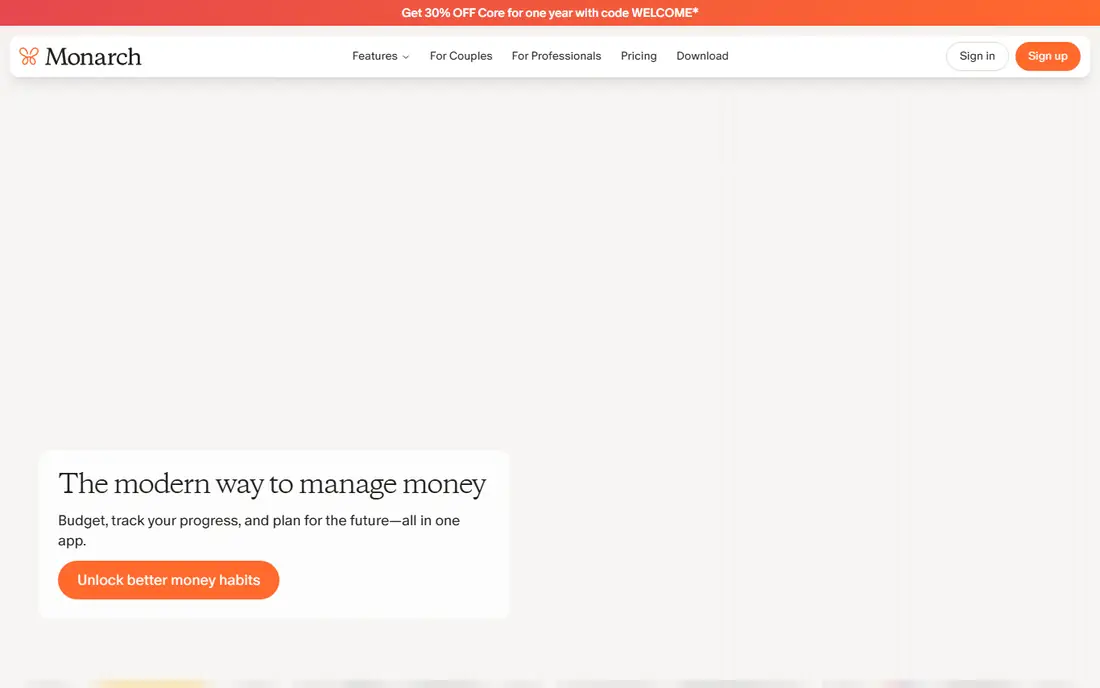
Monarch Money suits couples and households that want spending, goals, and investments in the same place. The budgeting tools are stronger than those in most pure portfolio trackers, and shared access makes it easier for two people to see the same plan. Cash flow views help explain where money goes between paychecks and investment contributions.
Investors who want deep screening or factor analysis will find Monarch lighter than Stock Rover or Morningstar. The value here is clarity across a household budget, not stock selection. Check the current trial length and annual price before you commit, since pricing has changed over time.
- Budgeting and investing in one app
- Shared household access
- Clear cash flow views
- No permanent free plan
- Investment analysis is lighter than research-first tools
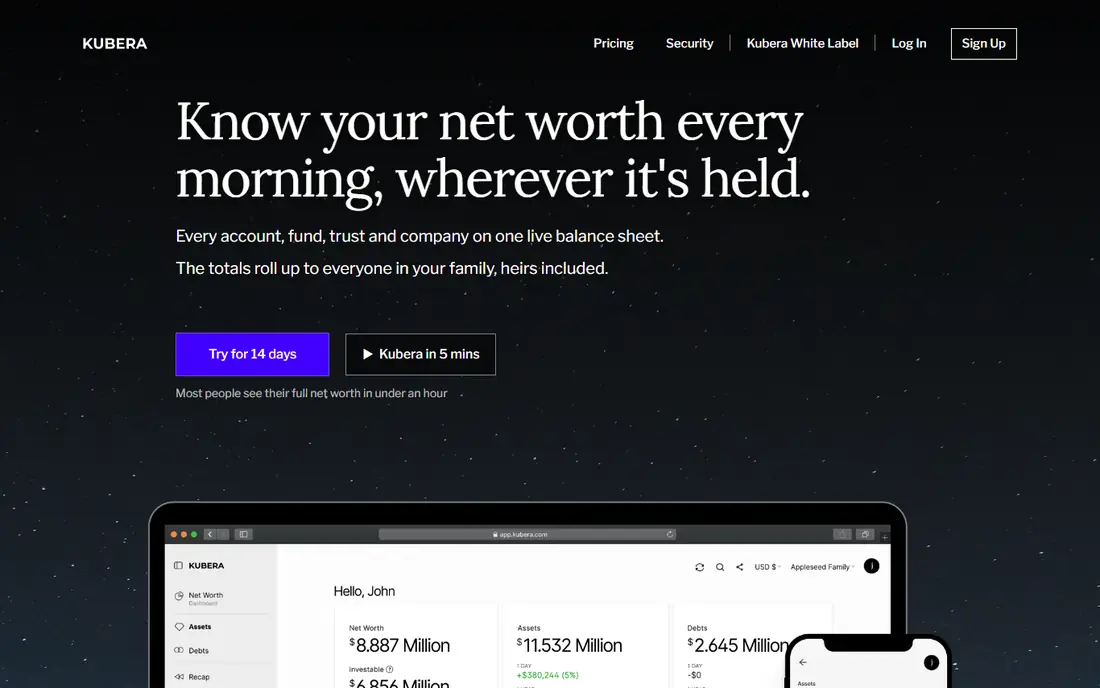
Kubera stands out when a portfolio is more than a brokerage account. It tracks stocks, crypto, bank accounts, real estate, vehicles, and other assets on one balance sheet, which makes it useful for investors with property or private holdings. Multi-currency support helps readers with accounts in more than one country.
That breadth comes with setup work. Manual assets need values entered and updated, and the subscription is a commitment for someone who only holds one index fund. For a simple portfolio, a free tracker is enough. For a complex balance sheet, Kubera earns its price by keeping everything visible.
- Tracks property, crypto, and private holdings
- Multi-currency support
- Clean balance sheet view
- Paid only after the trial
- Setup takes longer for complex holdings
Sharesight is built for buy-and-hold investors who care about dividends and tax time. It records corporate actions, tracks dividend income, and produces tax reports on paid plans, which saves time at year end. Performance views by holding make it easy to see which positions pulled their weight and which did not.
The free plan works for a small portfolio, but investors with many holdings will need a paid plan. Sharesight is also less focused on budgeting or retirement planning than Empower or Monarch. Pick it when clean records matter more than a full household finance app.
- Dividend tracking and tax reports
- Broad broker support
- Performance by holding
- Free plan limits the number of holdings
- Tax reports sit on paid plans
Stock Rover fits investors who build their own portfolios and want to test ideas before buying. Screening covers fundamentals, valuation, and technical measures, and portfolio analytics show risk, correlation, and allocation in detail. Brokerage linking lets you check a real portfolio against those screens rather than typing holdings by hand.
Beginners may find the range of tables and charts heavy at first. The free tier gives a useful taste, but the stronger analytics sit behind paid plans that cost far more than a basic tracker. That price makes sense for active stock pickers and less sense for index investors who rarely trade.
- Deep screening and portfolio analytics
- Brokerage linking
- Rebalancing views
- Paid tiers are costly
- Interface takes time to learn
Delta is a good fit for investors who hold both stocks and crypto and are tired of checking two apps. The mobile design is clear, and you can connect exchanges and brokers or add holdings by hand. Allocation views show how much sits in each asset class, which matters when crypto moves faster than the rest of a portfolio.
The free plan covers basic tracking well, but deeper analytics and extra connections need the paid plan. Crypto users should also check that their exchange connects cleanly before relying on automatic sync. For a mixed portfolio, Delta is one of the simplest ways to see the whole picture on a phone.
- Stocks, ETFs, and crypto in one app
- Clean mobile design
- Manual and connected tracking
- Advanced analytics sit on the paid plan
- Crypto coverage varies by exchange
Quicken Premier suits investors who want transaction-level detail and a desktop record they control. It tracks investments, budgets, and bills together, and its tax views help at planning time. Long-time users value the depth of reports and the ability to keep years of history in one file.
The catch is the model itself. Quicken needs a paid subscription, and the desktop design feels older than cloud-first rivals. Mobile access is a companion to the desktop product, not a replacement. Pick Quicken when detailed records matter most, and pick a cloud tracker when you mainly want a quick phone check.
- Detailed transaction records
- Tax planning views
- Offline desktop access
- Subscription required
- Desktop focus feels dated beside modern mobile apps
Morningstar Investor is a research tool first and a tracker second, which is exactly why some investors prefer it. Portfolio diagnostics check allocation, fees, and overlap across funds, and the research library covers stocks, ETFs, and mutual funds in depth. That combination helps investors who want to understand what they own, not just watch a balance move.
If you only want a net worth total, the price is hard to justify when free trackers exist. Morningstar earns its place for readers who read fund analysis, compare holdings, and review a portfolio on a regular schedule. Use the trial to check whether you actually open the research, since that is where the value sits.
- Fund and stock research
- Portfolio diagnostics
- Educational content
- Subscription cost is high for tracking alone
- Best value needs active research use
Yahoo Finance works as a low-friction starting point for casual investors. You can build portfolios and watchlists by hand, follow quotes and news, and check basic performance without linking bank accounts. That manual approach suits readers who do not want to share account logins with an aggregator.
The limit is clear. Yahoo Finance does not replace a full account aggregator, and its stronger portfolio analytics sit behind paid tiers. It is best as a companion for news and price checks, or as a first tracker for a small portfolio. Investors with many accounts will outgrow it and move to Empower, Monarch, or Kubera.
- Free portfolio tracking
- News and quotes in one place
- Simple watchlists
- Account linking is limited
- Advanced analytics need a paid tier
How we picked these
We compared official feature pages, pricing pages, and app store listings for trackers that are live in October 2026, and we kept only products that truly track investments rather than tools that only publish stock news. We favored account linking, allocation and performance views, dividend and tax support, and honest pricing, and we left out products with unclear current availability. We did not claim hands-on testing, and we used vendor pages and public reviews to check what each tool actually does.
What to check before you pick a tracker
Start with the accounts you actually hold. A tracker that links your broker and retirement accounts saves hours of manual entry, while a manual tracker suits readers who prefer not to share logins. Check whether crypto, property, or private holdings need tracking too, since that single question rules out several free tools at once.
Next, decide what you will do with the data. A net worth total needs only a dashboard, while tax reporting needs dividend records and year-end reports. Research needs screening and fund analysis, and budgeting needs cash flow tools beside investing. Paying for research you never open is wasteful, and a free dashboard that cannot produce a tax report can cost time later.
Finally, test syncing before you commit. Link one account first, check that balances and holdings match your broker statement, and watch how the tool handles dividends and splits. Review the price, the trial terms, and whether your data can be exported if you leave. A tracker should make your finances clearer, not lock your history inside one app.
Frequently asked questions
What is the best investment tracking app for most people?
Empower is our pick for most people because the core dashboard is free, it links many US accounts, and it adds retirement planning and a fee checker. Readers who want budgeting beside investing should look at Monarch Money, while readers with property or private holdings should look at Kubera.
What is the best software for tracking investments across brokers?
Empower, Monarch Money, and Kubera all link multiple brokers, banks, and retirement accounts into one view, so you do not need to add up balances by hand. Delta is a strong choice when crypto sits beside stocks, while Sharesight is better when dividend and tax records matter most.
Is there a good free investment tracking app?
Yes. Empower and Yahoo Finance both offer free tracking, and Sharesight, Stock Rover, and Delta offer free tiers with limits on holdings or features. Free plans suit small portfolios, but larger portfolios often need a paid plan for full history, tax reports, or deeper analysis.
What is the best investment tracking software for tax reporting?
Sharesight stands out for dividend tracking and tax reports, and Quicken Premier suits investors who want detailed transaction records and tax planning views. Check that the tool supports your country and broker, since tax report formats differ by market.
Do these tools give financial advice?
No. These tools track holdings, show allocation and past performance, and help with planning, but they do not recommend what to buy or sell. This is not financial advice, and past performance does not guarantee future results. Talk to a qualified adviser before making large investment decisions.
Can I track crypto and stocks in the same app?
Yes, with limits. Delta and Kubera both track stocks and crypto in one place, and Empower covers crypto accounts linked through supported institutions. Check exchange support before you rely on automatic sync, since coverage varies by exchange and region.
Sources
See where you really rank - block by block
ProMapRanker scans Google Maps across a grid of your service area. Simple monthly plans from $19, white-label on every plan.
Start freeKeep reading
 zscaler alternatives
Best Zscaler Alternatives in 2026
Looking for zscaler alternatives? We compare 9 SASE and zero trust platforms on architecture, data protection, pricing, and fit for your network and team.
Read → zapier alternatives free
Best Zapier Alternatives Free in 2026
Nine automation tools for zapier alternatives free in 2026, all with genuinely free tiers, plus free plan limits, starting prices and upgrade paths explained.
Read → which platform is best for online reputation
Which Platform Is Best for Online Reputation in 2026
Wondering which platform is best for online reputation? We compare 8 review, listing, and response tools for small and multi-location businesses and agencies.
Read →