 ProMapRanker
Best Investment Portfolio Management Software in 2026

Key takeaways
- Empower is our pick for a free household view, while Sharesight is the strongest choice for dividend and tax reporting.
- Kubera fits investors with property, private holdings, and crypto next to stocks, but it costs $250 per year with no free plan.
- Stock Rover suits research-heavy investors, while Snowball Analytics suits dividend investors who want a lower annual price.
- This is not financial advice. Past performance does not promise future returns, and investing carries risk, including loss of money.
Quick comparison
| Pick | Great for | Pricing starts at | Free tier | |
|---|---|---|---|---|
 Empower | Free household tracking | Free | Yes | Visit |
 Kubera | Wealth across many asset types | $250 per year | No | Visit |
 Sharesight | Dividends and tax reports | $7 per month | Yes | Visit |
 Stock Rover | Deep stock research | $348 per year | Free trial | Visit |
 Morningstar Investor | Research and portfolio analysis | $249 per year | Free trial | Visit |
 Snowball Analytics | Dividend tracking on a budget | Free | Yes | Visit |
 Simply Wall St | Visual stock summaries | Free | Yes | Visit |
 Koyfin | Portfolios inside a data platform | Free | Yes | Visit |
 Ziggma | Portfolio scoring and risk checks | See website | Free trial | Visit |
The best investment portfolio management software
Here are the portfolio tools we shortlisted for investors who want one clear view of holdings, income, and performance, without juggling a spreadsheet for every account.
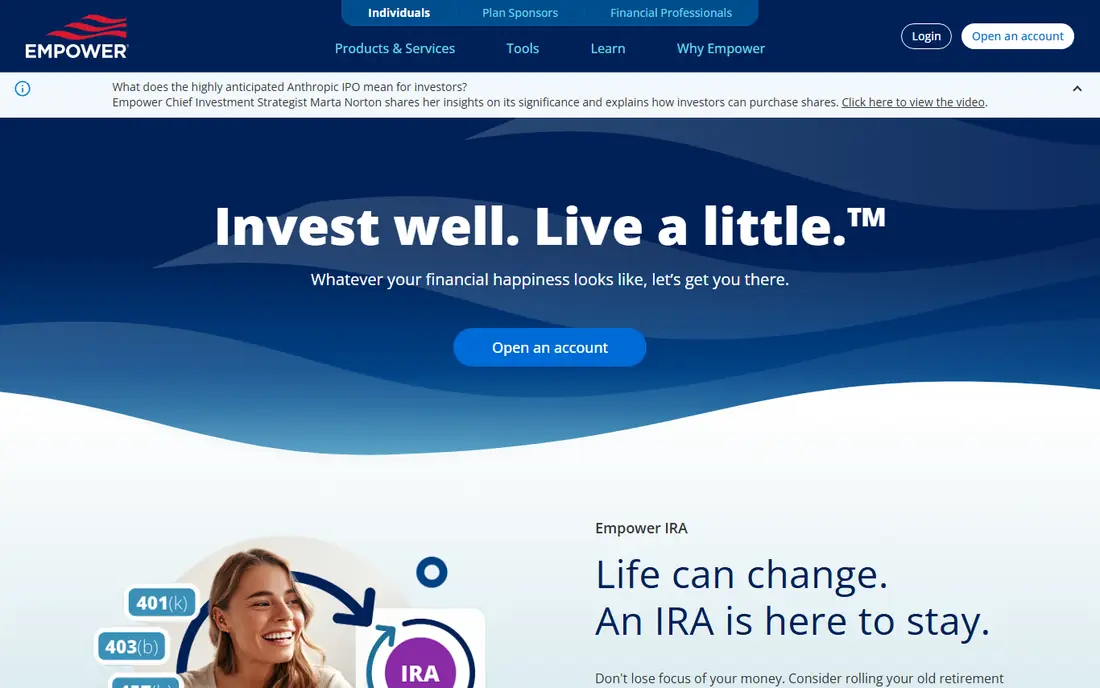
Empower, formerly Personal Capital, is our pick for most people who want a free, joined-up view. It links brokerage, retirement, and bank accounts, then shows allocation, performance against benchmarks, and net worth in one dashboard. The retirement planner and fee analyzer add real value at no cost, which is rare in this category.
The catch is scope. Empower tracks and plans well, but it does not replace a dividend and tax reporting tool. Expect prompts for its paid advisory service, and ignore them if you only want tracking. For a household that wants to see everything in one place for free, it is still the easiest starting point.
- Free account aggregation
- Retirement planner and fee analyzer included
- Covers brokerage, retirement, and bank accounts
- No detailed tax reporting like Sharesight
- Paid advisory upsells sit beside the free tools
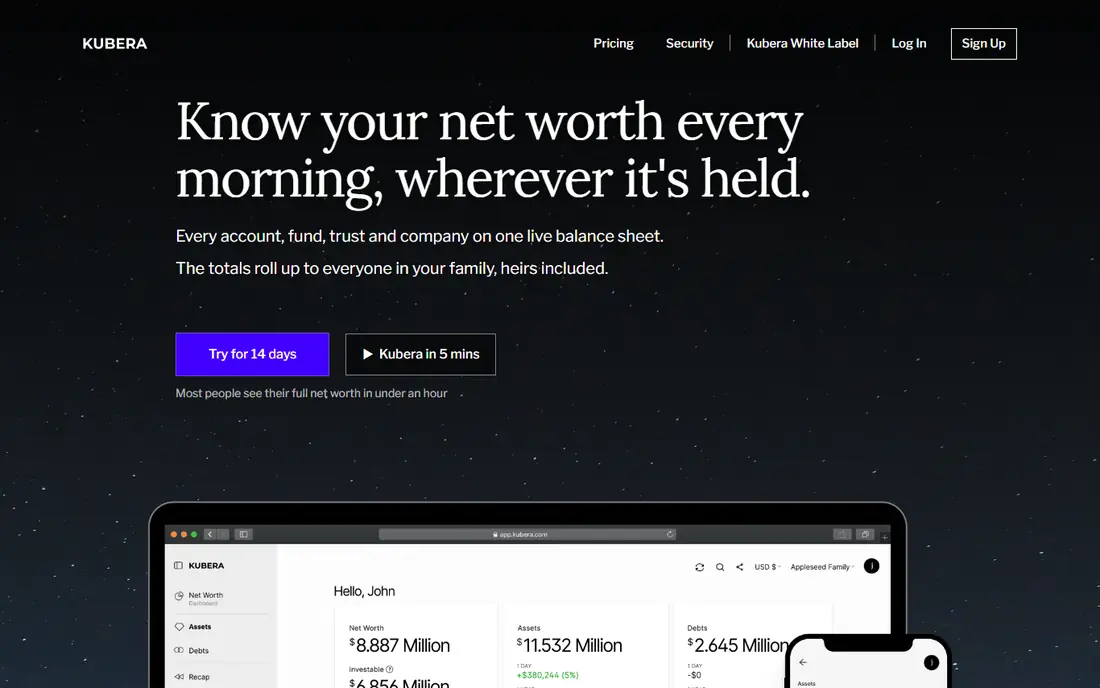
Kubera fits investors whose wealth does not sit in one brokerage account. It brings public stocks, crypto, DeFi positions, real estate, vehicles, and private fund positions onto one balance sheet, with capital calls, distributions, and IRR for private holdings. Multiple entities help families and small firms keep separate books in one place.
The price is the filter. At $250 per year with a 14-day trial and no free plan, Kubera is hard to justify for a single stock portfolio. It earns its price when you hold many asset types across countries and you are tired of updating a spreadsheet by hand. This is not financial advice, and a tracker alone does not make an investment good.
- Stocks, crypto, property, and private holdings in one balance sheet
- Multiple entities
- Estate planning features
- No free plan
- Pricey for a stocks-only portfolio
- No buy or sell guidance
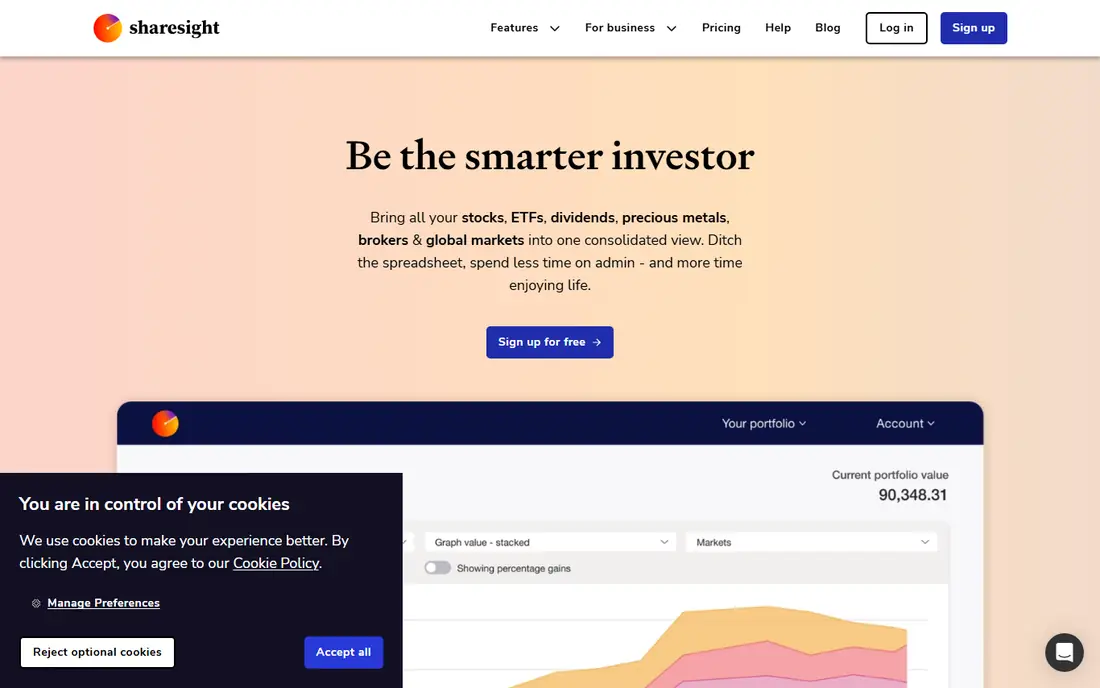
Sharesight is our pick for dividend investors and for anyone who dreads tax time. It handles splits, consolidations, bonus shares, and special dividends automatically, and paid plans produce tax reports that save hours at year end. The free plan covers up to 10 holdings, which suits a small portfolio or a trial run.
The honest limit is that the best reports sit behind paid plans, starting at $7 per month billed annually on Starter, with Standard and Premium above it. If you hold more than 10 positions or you need full tax output, budget for a paid tier. For a buy-and-hold dividend portfolio, that cost is easy to compare with an accountant bill.
- Automatic corporate actions
- Dividend and tax reports on paid plans
- Free plan up to 10 holdings
- Full tax reports need a paid plan
- Performance views take setup for multi-currency portfolios
Stock Rover suits investors who research before they buy and want their portfolio inside that research. It links brokerage accounts, then adds screening, risk metrics, correlation views, and rebalancing help. Alerts on price moves, fundamentals, and earnings keep a research workflow in one place instead of spread across news sites and spreadsheets.
The price and density are the trade-offs. Premium starts at $348 per year, with higher tiers up to $1,788 per year for the top plan, and a 14-day trial lets you test it first. A casual investor who only wants a balance and a dividend total will find it too much. A research-heavy investor will use enough of it to justify the cost.
- Brokerage linking
- Screening, correlation, and rebalancing tools
- Alerts on price, fundamentals, and earnings
- Premium starts at $348 per year
- Interface feels dense for casual tracking
- Overkill for a simple watchlist
Morningstar Investor fits investors who want research quality first and tracking second. Portfolio X-Ray breaks a portfolio down by asset class, sector, and overlap, which helps spot hidden concentration, such as two funds holding the same stocks. The fund research depth is the reason many long-term investors keep it.
At $249 per year, or $34.95 per month, with a 7-day trial, it is a research subscription, not a cheap tracker. If you mainly need balances and dividends, Sharesight or Empower will serve you better for less. If you pick funds and want to understand what you actually own inside them, Morningstar earns its place.
- Portfolio X-Ray analysis
- Fund and stock research depth
- Independent analyst material
- $249 per year with no free plan
- Tracking features are thinner than dedicated trackers
Snowball Analytics is a good budget pick for dividend investors. The free tier covers basic tracking, while paid plans from $79.99 per year add deeper analytics. Earnings, dividend, and split calendars help income investors see what is due and when, and broker links cut manual entry.
The limit is research depth. Snowball tracks and calendars well, but it does not match Stock Rover or Morningstar for screening and fund analysis. Use it when dividends and income are the main question, and pair it with a research source when you need to judge a new buy. Remember that a high dividend yield alone does not make a stock safe.
- Free tier
- Dividend and event calendars
- Links to many brokers
- Multi-currency support
- Best features sit on paid plans from $79.99 per year
- Smaller research depth than Stock Rover
Simply Wall St suits investors who want a fast, visual read on a stock or a portfolio. Snowflake-style summaries, dividend analysis, and a weekly portfolio email make it easy to spot weak spots without reading a full annual report first. Notes and alerts help keep a watchlist tidy.
The risk is oversimplification. A visual score is a starting point, not a verdict, and it cannot capture debt terms, management quality, or a changing market. Use Simply Wall St to shortlist and to review what you own, then read company filings before acting. The free plan is a fair way to test that workflow.
- Clear visual summaries
- Dividend analysis
- Stock notes and alerts
- Weekly portfolio update email
- Paid plans needed for full depth
- Visual scores can oversimplify a complex company
Koyfin fits investors who want portfolios next to serious market data. You can build portfolios on the free plan, then use charting, financials, and market breadth tools in the same workspace. That matters when you want to check a holding against its sector or the wider market in the same session.
Paid plans start higher, with Plus at $39 per month billed annually and Premium at $79 per month billed annually, and the advanced portfolio analytics sit on those tiers. A new investor may find the data depth distracting at first. An investor who already follows markets daily will feel at home quickly.
- Portfolios on the free plan
- Strong market data and charting
- Advanced analytics on paid plans
- Advanced portfolio analytics need Premium
- Data depth can overwhelm a new investor
Ziggma suits investors who want a quick health check on a portfolio. It scores stocks from 0 to 100 and rates a portfolio on quality, risk, allocation, and income, flagging imbalances in real time. That kind of summary helps a busy investor see, in minutes, where a portfolio leans too far in one direction.
The limit matters. A score tells you what looks strong or weak, not when to act, and it is not a buy or sell recommendation. Treat Ziggma as a review tool, not an adviser. Check the current price on the vendor site before buying, since published prices for Ziggma differ across sources, and confirm the free trial terms.
- Portfolio scoring across quality, risk, allocation, and income
- Flags imbalances
- Simple 0 to 100 stock scores
- Pricing varies by source, so confirm it on the vendor site
- Scores do not tell you when to buy or sell
How we picked these
We compared vendor pricing pages, product documentation, and public reviews, and we kept only tools that track or analyze a real investment portfolio. We favored tools with account linking or solid manual entry, dividend handling, and clear pricing. We left out tools that only show news or prices with no portfolio view. Prices in this guide were checked against vendor and recent comparison pages in October 2026, and where sources differed we wrote See website.
What to check before you buy
Match the tool to the job you actually do each month. If you check balances weekly and rebalance yearly, a free tracker plus a tax tool may cover you. If you research new buys weekly, pay for research depth. If dividends fund spending, pay for dividend and tax reporting. Do not pay for all three jobs in three tools when one tool covers your main job well.
Keep costs and taxes in view
A tracker should show fees, dividends, and allocation, not just a total balance. Check that your broker links work for every account you hold, including retirement accounts, since a missing account makes every total wrong. At tax time, export a full year of dividends and trades early, and check the figures against your broker statements before filing.
A plain warning on risk
This guide is not financial advice, and none of these tools can promise returns. Stock prices fall, dividends get cut, and a high score or a clean chart does not remove risk. Diversify, keep cash you need soon out of stocks, and speak to a licensed adviser before making a large or irreversible decision.
Frequently asked questions
What is the best investment portfolio management software for most people?
Empower for a free household view, plus Sharesight if you need dividend and tax reports. Together they cover tracking and tax output for less than a single premium research plan.
What are the best investment portfolio management tools for dividend investors?
Sharesight and Snowball Analytics. Sharesight leads on tax reports and corporate actions, while Snowball offers a lower-cost route with dividend calendars and broker links.
Is there a free portfolio tracker that actually works?
Yes. Empower is free for account aggregation and planning, and Sharesight, Simply Wall St, Koyfin, and Snowball Analytics all offer free tiers. Free tiers limit holdings or features, so check the limit against your portfolio size.
Does portfolio software give financial advice?
No. These tools track, score, and report what you own. They do not know your goals, tax position, or risk tolerance. Treat scores and alerts as information, not instructions, and get licensed advice for major decisions.
Can I track crypto and property in the same tool?
Kubera is built for that mix, covering stocks, crypto, property, and private holdings in one balance sheet. Most stock-first trackers handle crypto weakly or not at all, so check asset coverage before paying.
How much should portfolio software cost?
Free to $348 per year covers most individual investors in this guide, with Kubera and Morningstar at $249 to $250 per year in the middle. Pay more only when you use the research, tax, or multi-asset features every month.
Sources
See where you really rank - block by block
ProMapRanker scans Google Maps across a grid of your service area. Simple monthly plans from $19, white-label on every plan.
Start freeKeep reading
 zscaler alternatives
Best Zscaler Alternatives in 2026
Looking for zscaler alternatives? We compare 9 SASE and zero trust platforms on architecture, data protection, pricing, and fit for your network and team.
Read → zapier alternatives free
Best Zapier Alternatives Free in 2026
Nine automation tools for zapier alternatives free in 2026, all with genuinely free tiers, plus free plan limits, starting prices and upgrade paths explained.
Read → which platform is best for online reputation
Which Platform Is Best for Online Reputation in 2026
Wondering which platform is best for online reputation? We compare 8 review, listing, and response tools for small and multi-location businesses and agencies.
Read →