 ProMapRanker
Best Inventory Management Software With Barcode Scanner in 2026

Key takeaways
- Barcode scanning pays fastest above a few hundred SKUs, where manual counts create errors, and every tool here includes scanning, but hardware and mobile depth differ.
- Zoho Inventory is the value benchmark, with a free plan and paid tiers from $29 per month, while Sortly is the simplest visual tracker from $49 per month.
- inFlow, Cin7 and Fishbowl suit sellers and warehouses with order, manufacturing or multi channel depth, at $129 to $349 per month or more.
- Check scanner type before buying: phone camera scanning suits small teams, while dedicated handheld scanners suit high volume warehouses.
- Test scanning on your actual barcodes and labels, since a tool that scans clean retail barcodes may struggle with small, damaged or custom labels.
Quick comparison
| Pick | Great for | Pricing starts at | Free tier | |
|---|---|---|---|---|
 Zoho Inventory | Small sellers wanting value | $29 per month | Yes | Visit |
 Sortly | Visual tracking for teams | $49 per month | Yes | Visit |
 inFlow Inventory | Small and mid size sellers | $129 per month | Free trial | Visit |
 Cin7 | Multichannel brands | $349 per month | Free trial | Visit |
 Fishbowl | Manufacturers on QuickBooks | $229 per month | No | Visit |
 Finale Inventory | Warehouse barcode workflows | $99 per month | Free trial | Visit |
 BarCloud | Barcode first asset tracking | See website | Free trial | Visit |
 Katana | Makers needing production control | $179 per month | Free trial | Visit |
The best inventory management software with barcode scanner
We compared official product pages and recent inventory comparisons for eight tools, focusing on barcode and QR scanning, stock counts, order handling, label printing and the real cost for a growing operation.
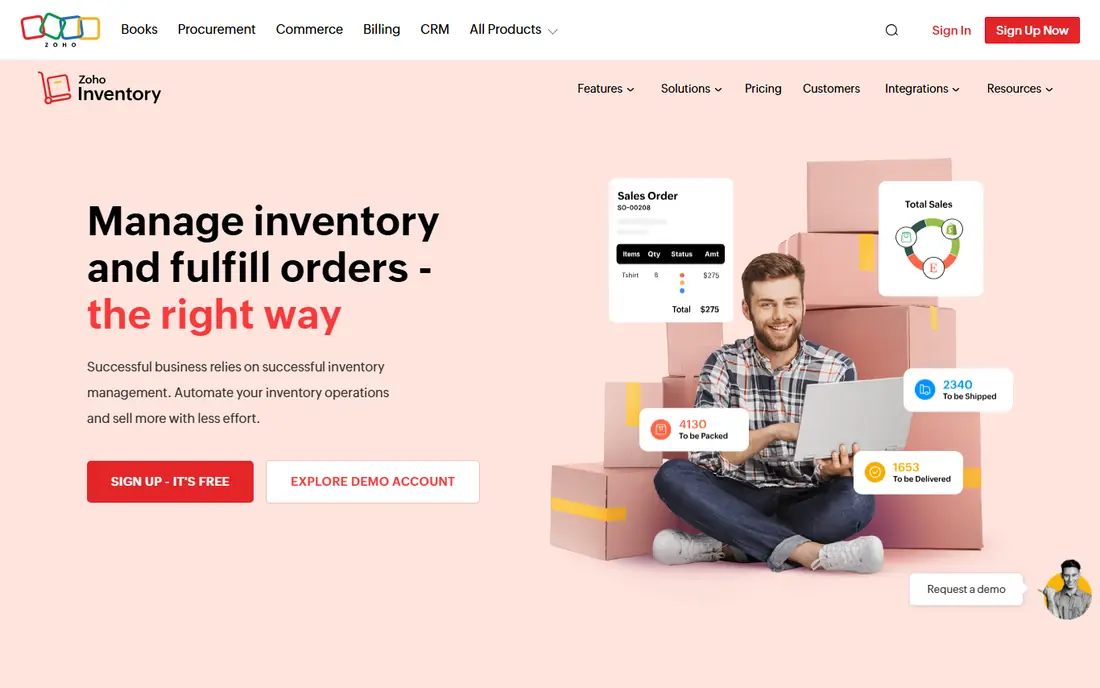
Zoho Inventory is the value pick for a small seller that needs barcode scanning without a large subscription. The mobile app handles barcode scanning and order updates on the warehouse floor, and the system manages sales orders, purchase orders, packaging and shipping across major channels, with native sync to Zoho Books. The free plan covers up to 50 orders a month, and Standard starts at $29 per month on annual billing in recent comparisons.
The limits are the free plan cap, which disappears fast in a busy season, and a mobile app that some users find weaker than the desktop version. Shipping integrations also vary by market, so test the carriers you actually use. For a budget conscious multichannel seller, though, Zoho gives the most scanning and order depth per dollar.
- Free plan for small sellers
- Barcode scanning in the mobile app
- Multichannel orders across Shopify, Amazon, eBay and Etsy
- Free plan caps orders
- Mobile app trails the desktop version
- Advanced analytics need paid add-ons
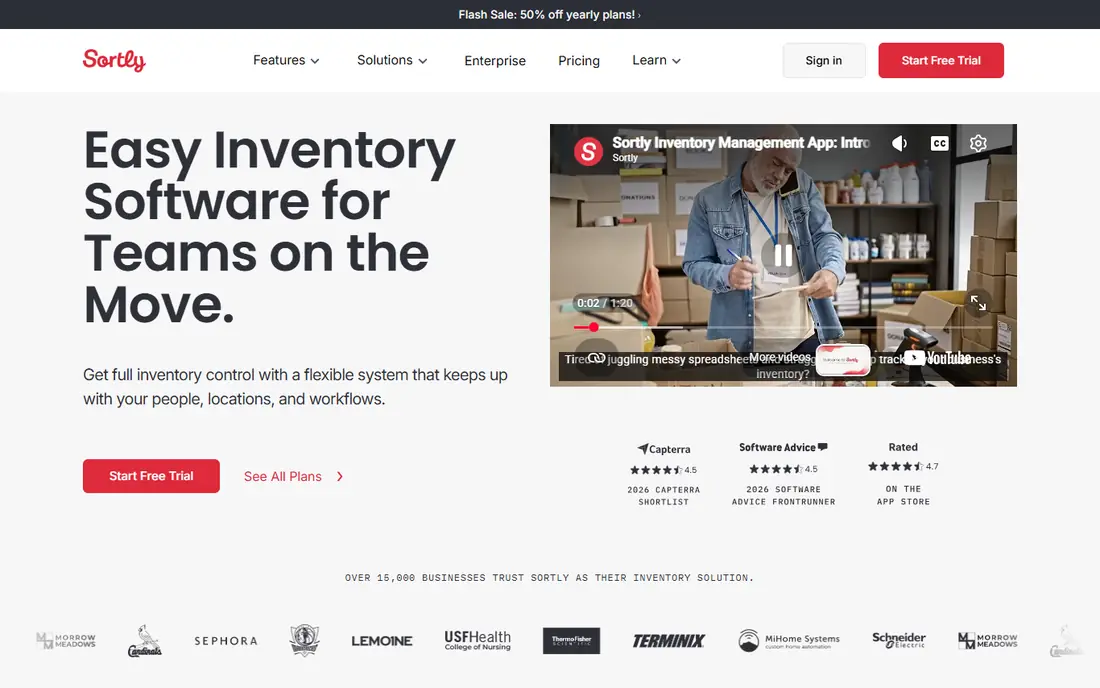
Sortly is the simplest visual tracker in this list, and it suits teams tracking equipment, supplies, tools or stock without a full order system. Items are easy to spot by photo, the mobile app scans barcodes and QR codes from anywhere, and custom fields, tags and categories shape the system around a team's workflow. Starting at $49 per month with a freemium tier, it is a low friction way to go paperless.
The trade-off is depth. Reporting covers the basics and exports cleanly, but forecasting and richer analytics are thinner, and some advanced plan limits surprise buyers who expect purchase orders and counts at every tier. Choose Sortly when visual, mobile first tracking matters more than order automation, and check the plan table for purchase orders before you buy.
- Clean visual interface with photos
- Barcode and QR scanning in the mobile app, including on the free plan
- Easy setup without training
- Reports are basic for deep analytics
- Advanced plan omits purchase orders and stock counts in some comparisons
- Custom folders are limited
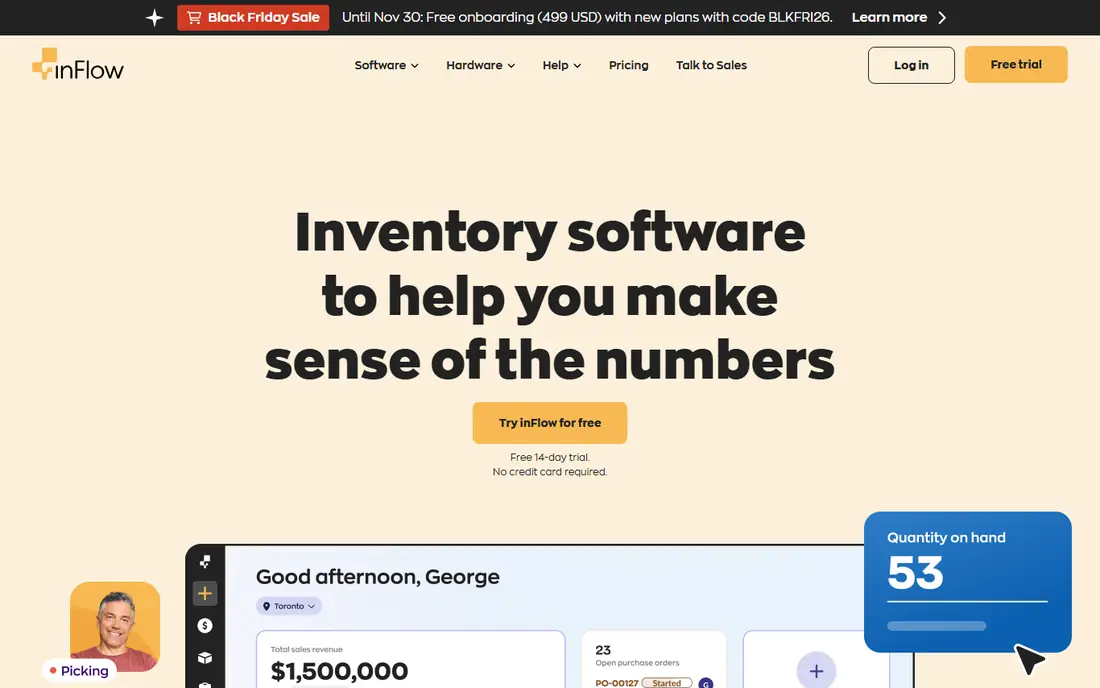
inFlow Inventory balances ease of use with structure for small and mid size sellers. Stock adjustments, transfers and counts run beside sales and purchase orders, barcodes can be added and updated for products, and scanning supports picking and receiving workflows. Reporting on stock levels, reordering, forecasting and audit logs is a particular strength for a team that needs to justify reorder decisions.
The price is the catch. Starting at $129 per month for two users in recent comparisons, inFlow costs more than Zoho or Sortly, and lower plans cap orders, so a growing seller should price the tier that fits actual order volume. For a wholesale or B2B seller that values clear order structure over multichannel breadth, inFlow earns that premium.
- Easy to learn order and stock system
- Barcode handling for picking, receiving and transfers
- Strong reporting for stock and reordering
- Entry price is above Zoho and Sortly
- Order caps bind on lower plans
- Integrations are thinner than Zoho Inventory
Cin7 is the multichannel pick for brands that have outgrown basic inventory tools. Order management automates routing, picking, packing and shipping across channels, warehouses and sales platforms, with built-in EDI, B2B eCommerce and manufacturing tools in the wider platform. Mobile scanning supports warehouse work, and dashboards give a clear view of stock across locations.
The drawbacks are cost and complexity. Starting at $349 per month in recent comparisons, Cin7 is a serious investment, and teams report a cluttered interface that takes time to master, plus occasional mobile sync issues. Choose Cin7 when channel, warehouse and order complexity already overwhelm a simpler tool, not as a first inventory system.
- Broad multichannel order, stock and manufacturing coverage
- Built-in EDI and B2B tools
- Connections to Shopify, Amazon, QuickBooks and Xero
- High entry price for smaller operations
- Learning curve is steep
- Mobile app lacks some desktop features and bulk actions
Fishbowl suits manufacturers and distributors that run on QuickBooks and need warehouse depth. Part tracking by lot, serial and revision, barcode printing, reorder points and manufacturing workflows sit beside order and stock control, with QuickBooks sync keeping accounting and stock movements aligned. That combination is why many QuickBooks based operations choose Fishbowl over a cloud only seller tool.
The trade-offs are implementation time and price, starting at $229 per month in recent comparisons, with licence costs varying by users and support plan. The interface also feels dated to some users. For a QuickBooks manufacturer with complex warehouse needs, Fishbowl is worth the setup effort, while a simple seller will find Zoho or Sortly faster and cheaper.
- Deep warehouse controls with lot, serial and revision tracking
- Barcode printing and scanning
- Tight QuickBooks integration
- Higher entry price and longer implementation
- Interface feels older than newer rivals
- Mobile app misses some desktop features
Finale Inventory is the warehouse barcode pick for operations that care about purchasing depth. Purchase orders can be imported and exported, restock forecasts draw on sales history, and barcode scanning covers picking, transferring and receiving, which cuts the manual work of warehouse counts. Per unit margin and regional demand analysis help a team see which products actually earn their shelf space.
The limits are platform and plan caps. Finale does not support Mac or iOS browsers in recent comparisons, so Apple first teams should pass, and the entry plan at $99 per month covers one user with up to 500 orders. For a Windows based warehouse team with strong purchasing needs, Finale offers barcode depth at a mid range price.
- Strong purchasing and reorder forecasting
- Barcode scanning for picking, transferring and receiving
- Interactive sales map and cost analysis
- No Mac or iOS browser support in some comparisons
- Entry plan covers one user and up to 500 orders
- Interface is functional rather than modern
BarCloud is the barcode first pick for teams tracking assets, equipment and inventory where the barcode is the system, not an add-on. Mobile scanning, label printing and flexible item fields help a team tag, count and move assets quickly, whether in a warehouse, a hospital store or a field service operation. That barcode focus makes counts faster and reduces the manual entry errors that plague spreadsheet tracking.
The trade-off is breadth. BarCloud does not match Cin7 for multichannel orders or Zoho for accounting sync depth, and pricing is quoted, so a buyer should get a written total for users and locations. Choose BarCloud when asset and barcode tracking is the core job, and pair it with your accounting system rather than expecting it to replace one.
- Built around barcode and asset tracking from the start
- Label printing and mobile scanning
- Flexible fields for assets and inventory
- Pricing is quoted, not published as a single figure
- Order and accounting depth is thinner than Cin7 or Zoho
- Setup needs label planning
Katana, now Katana MRP, is the maker pick for product businesses that also manufacture. Production planning, scheduling, shop floor control and multi level bills of materials sit beside inventory and sales, with automatic batch barcodes helping track raw materials through production. That link between making and stock is what separates Katana from a pure seller tool.
The price, from $179 per month in recent comparisons, is steep for a simple tracker, and teams that only sell finished goods may not need production depth. Broader software compatibility is also more limited than Zoho or Cin7. For a maker whose day revolves around production runs, Katana earns its price in fewer stockouts and clearer material costs.
- Production planning with bills of materials
- Automatic batch barcodes for materials
- Real time stock for makers and sellers
- Higher price than simple trackers
- Manufacturing focus means thinner pure retail tools
- Broader integrations are limited
How we picked these
We compared official product pages and recent inventory comparisons for each tool, and checked that every product is still sold in October 2026. We favoured tools with real barcode or QR scanning in a mobile app or handheld workflow, not just a barcode field, and we included value, visual, warehouse, multichannel and manufacturing options so readers can match the tool to their operation. Prices are starting prices where published, and See website where pricing is quoted.
How to choose barcode inventory software that survives the warehouse
Start with your labels and scanners, not the software demo. List your barcode types, label sizes, print needs and whether staff will scan with a phone camera or a dedicated handheld scanner, then test each shortlisted tool on your actual labels, including small, damaged and custom printed ones. A tool that scans clean retail codes in a demo may fail on the labels your warehouse actually prints.
Test a full count, not just one scan
Run a stock count, a receiving job and a picking job through the trial, with the people who will do that work daily. Check offline behaviour when warehouse signal drops, how the app handles a wrong scan, and how long it takes to correct a count error. Also confirm label printing, since a scanning system without a matching label workflow will drift back to manual entry.
Price by users, orders and locations together
A $29 plan for a small seller and a $349 plan for a multichannel brand are not like for like, since order caps, user counts, warehouse counts and integrations all change the total. Price the tier that fits your actual orders, users and locations for a year, including scanner hardware if you need dedicated devices, since a cheap subscription with a $2,000 hardware requirement is not the cheapest option.
Plan the label and data cleanup first
Barcode scanning only helps if item data is clean. Before rollout, standardise SKUs, remove duplicates, agree who creates new items, and print a test batch of labels for your highest volume products. Train staff on scan discipline, such as scanning at receipt and at pick, not just at count time, since partial scanning leaves the same errors manual counts had.
Frequently asked questions
Do I need a dedicated barcode scanner, or will a phone work?
A phone camera works well for small teams, low volumes and QR codes, and every mobile app in this list supports it. High volume warehouses, small labels and harsh conditions usually need a dedicated handheld scanner for speed, range and durability, so test both on your actual labels.
What is the cheapest inventory software with barcode scanning?
Zoho Inventory offers a free plan with scanning, and Sortly includes barcode and QR scanning on its free plan, while paid plans start at $29 per month for Zoho and $49 per month for Sortly. Check order and user caps on free plans before relying on them for a busy operation.
Can barcode software print its own labels?
Most tools here support label printing, including Fishbowl and BarCloud, though printer compatibility and label formats vary. Confirm your printer model and label size in the trial, and print a test batch before committing to a full rollout.
Does inventory software sync with QuickBooks, Xero or Shopify?
Yes, most tools sync with at least one of QuickBooks, Xero or Shopify, with Zoho syncing natively to Zoho Books and Fishbowl offering tight QuickBooks integration. Check whether your plan includes the integration you need, since some syncs sit on higher tiers.
How many SKUs do I need before barcode scanning pays off?
Scanning usually pays off above a few hundred SKUs, where manual counts and typing errors cost real time and stock accuracy. Below that, a visual tool like Sortly may be enough, but even small teams benefit from scanning at receipt and dispatch to prevent errors early.
Sources
See where you really rank - block by block
ProMapRanker scans Google Maps across a grid of your service area. Simple monthly plans from $19, white-label on every plan.
Start freeKeep reading
 worlds best local seo company
8 Worlds Best Local SEO Companies for Map Pack Growth in 2026
Compare the worlds best local seo company options for Google Business Profile work, citations, reviews, and multi-location rankings and reporting in 2026.
Read → world's best web hosting company
World's Best Web Hosting Company in 2026
Searching for the world's best web hosting company? We compared 10 hosts on price, renewal rates, speed, and support to help you choose well today in 2026.
Read → who's got the best nanny tax services
Who's Got the Best Nanny Tax Services in 2026
We answer who's got the best nanny tax services, comparing full filing, back taxes, software, and pricing so families can handle nanny taxes correctly.
Read →